10.1 Adding Captions
What you're creating: Downloadable SRT captions — manually corrected for key terms, product names, and shortcuts — treated as part of the learning experience.
Always provide a downloadable SRT file instead of relying solely on auto-captions
Fix errors manually, especially with key terms, product names, and shortcut keys
Treat captions as part of the learning experience, not just compliance
- Captions also help with search indexing and viewer retention — even for native speakers
10.2 Caption Style & Placement
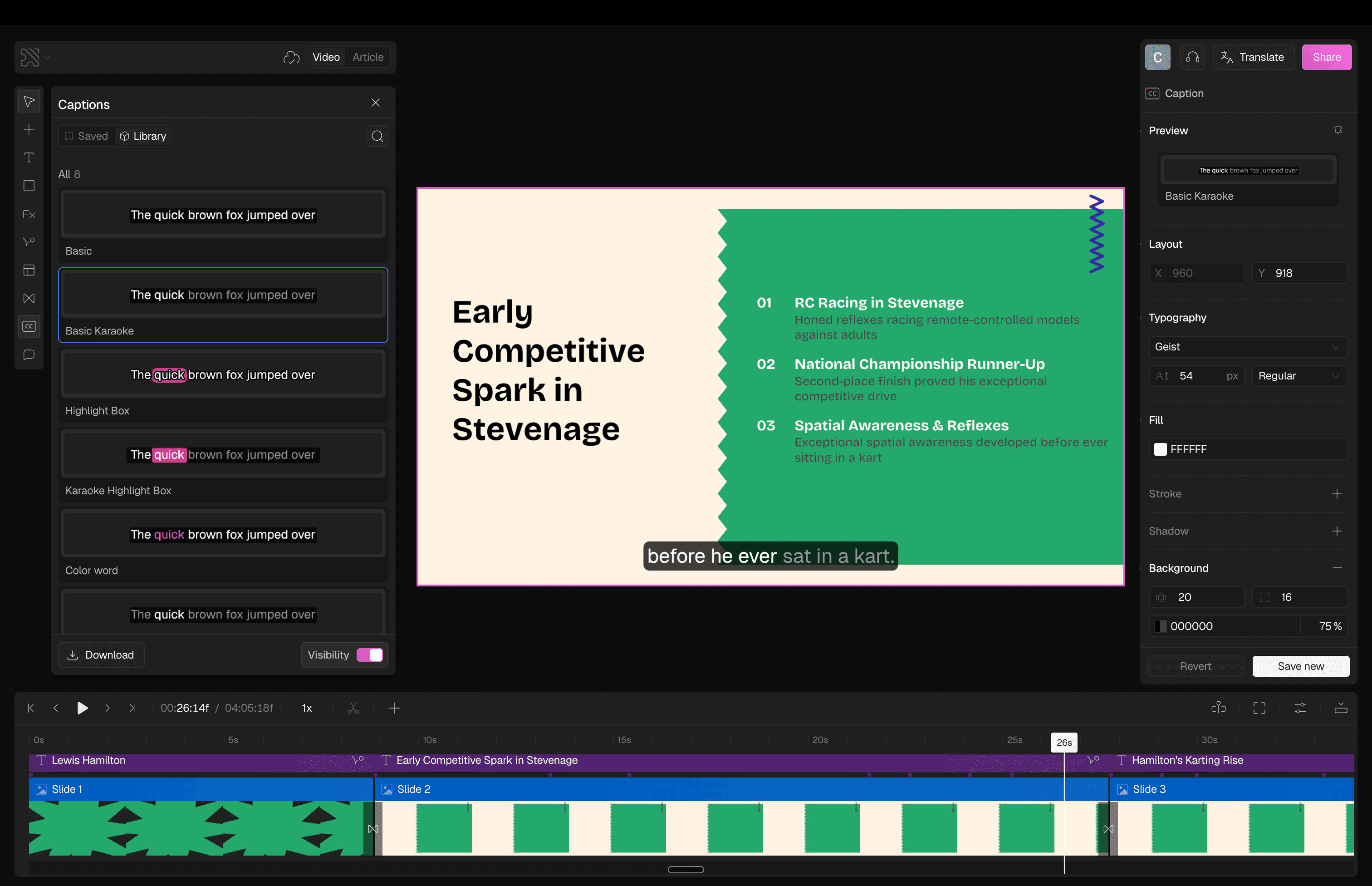
What you're creating: Legible, consistently styled captions — high contrast, sentence case, placed in the lower third or center middle.
Position: safe space in the lower third or center middle of the frame
Lines: 1–2 at a time
Font: clean, legible, consistent placement throughout
Style: high contrast and bold for readability — same positioning on every frame
10.3 Contrast & Visual Cues
What you're creating: High-contrast labels and redundant visual cues that work for viewers with color blindness or low vision.
Use high-contrast labels and callouts
Avoid red/green-only indicators — use icons, outlines, or text labels to reinforce meaning
Don't rush demo-critical steps — insert a freeze frame for 0.5–1.0 seconds when showing key values, form inputs, or export settings
10.4 Pacing & Comprehension
What you're creating: An accessible pace that shows both mouse and keyboard paths — supporting viewers who rely on keyboard navigation.
When demonstrating a UI action, also show the keyboard shortcut if one exists
Where possible, include both mouse and keyboard paths — especially for accessibility-focused users
- This reinforces learning and ensures the video is usable for those who rely on keyboard navigation
10.5 Localization with AI
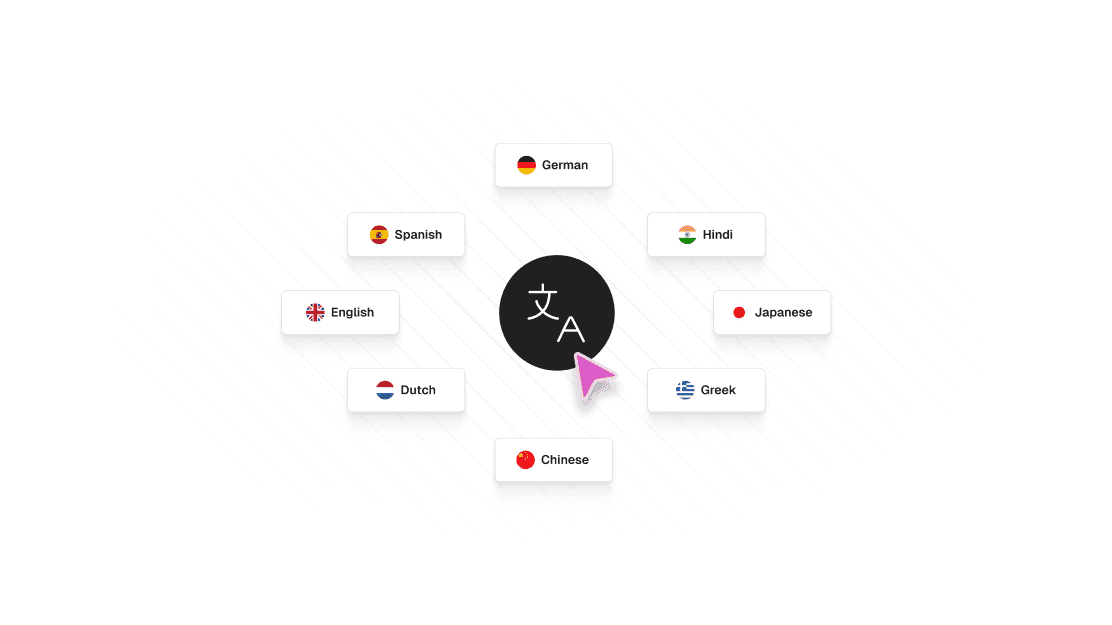
What you're creating: Scalable accessibility for global audiences — AI-translated captions with a human review pass, and region-specific voiceovers for top geographies.
Captions-first: auto-translate captions using AI tools, then run a human review pass to correct idioms and tone, cultural phrasing, and technical terminology (e.g., keyboard shortcuts or UI terms)
Region-specific voiceovers: for your top geographies, consider AI-generated voiceovers in local accents or languages — always QC with a native speaker before publishing
Design-aware localization: avoid embedding too much copy into visuals — keep critical text in voiceover or captions so you can translate it dynamically