
Tutorials
Learn how to use any feature, on all your favorite products.
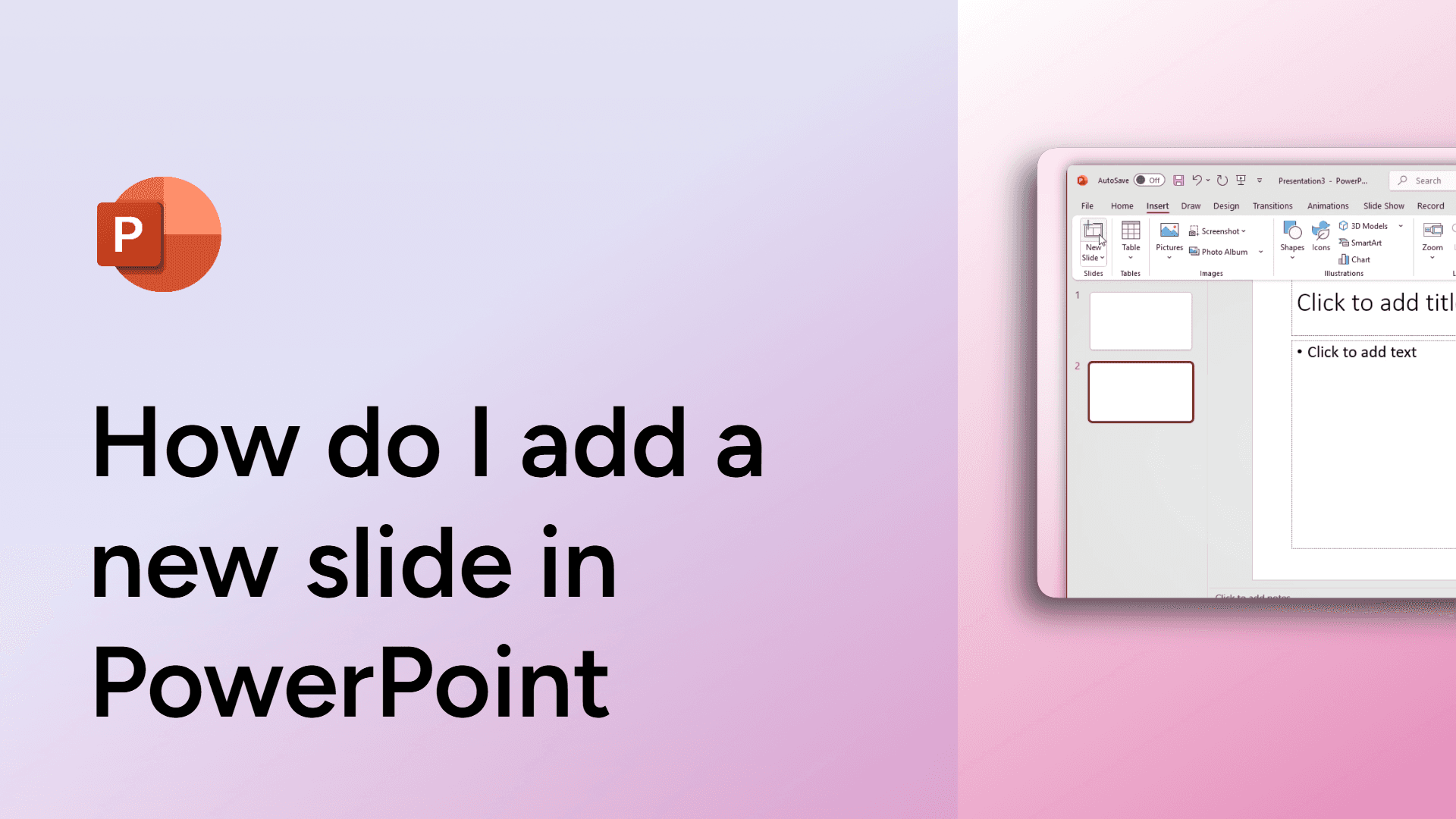
How do I add a new slide in PowerPoint
Learn how to add a new slide in PowerPoint quickly and easily. Step-by-step instructions with FAQs on layout options and troubleshooting tips.

How to access version history in Google Docs
Learn how to access version history in Google Docs to track changes and restore past edits. Watch now!
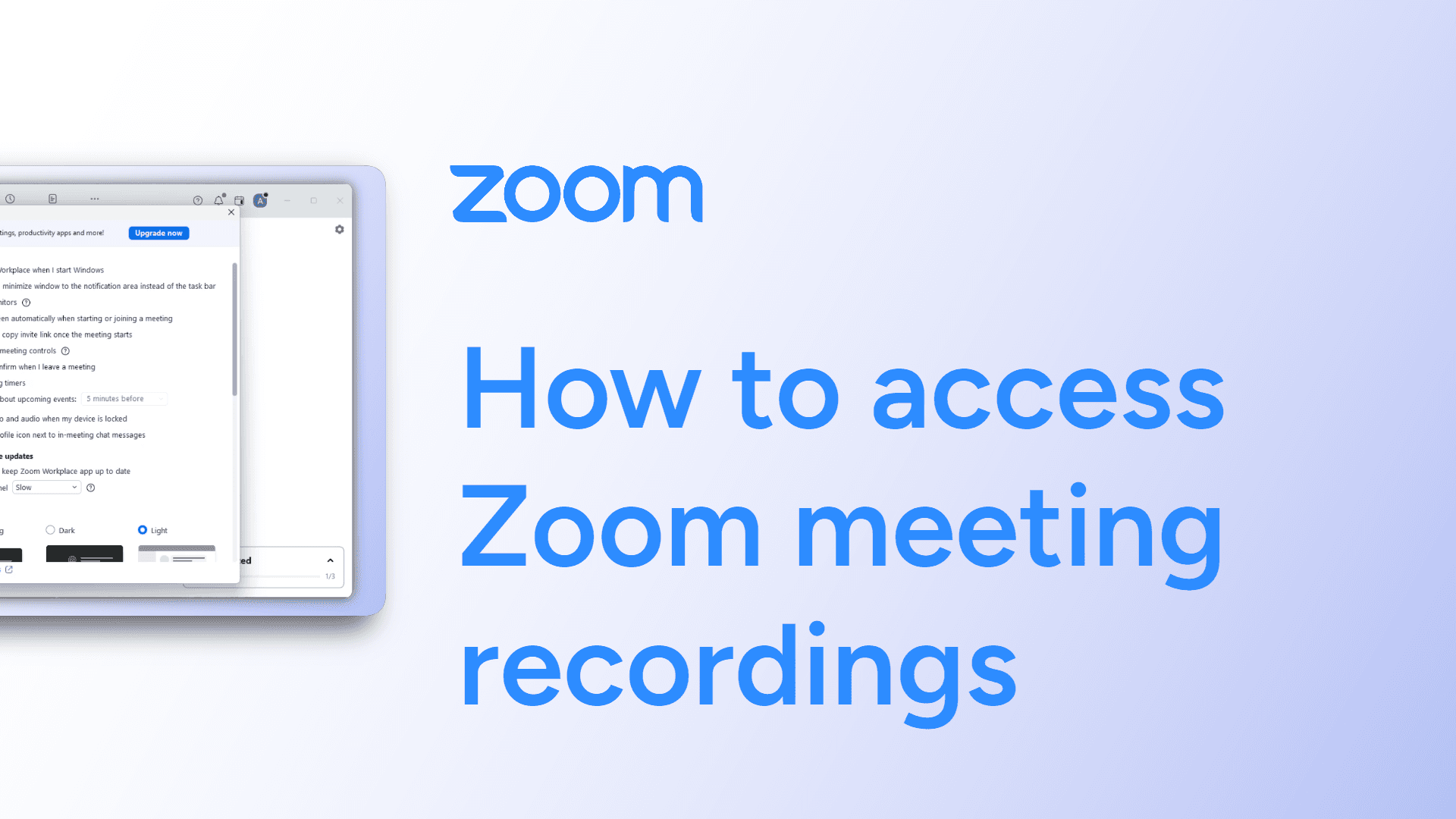
How to access Zoom meeting recordings
Easily access Zoom meeting recordings with this simple guide. Find and review saved sessions in just a few clicks. Learn how now!
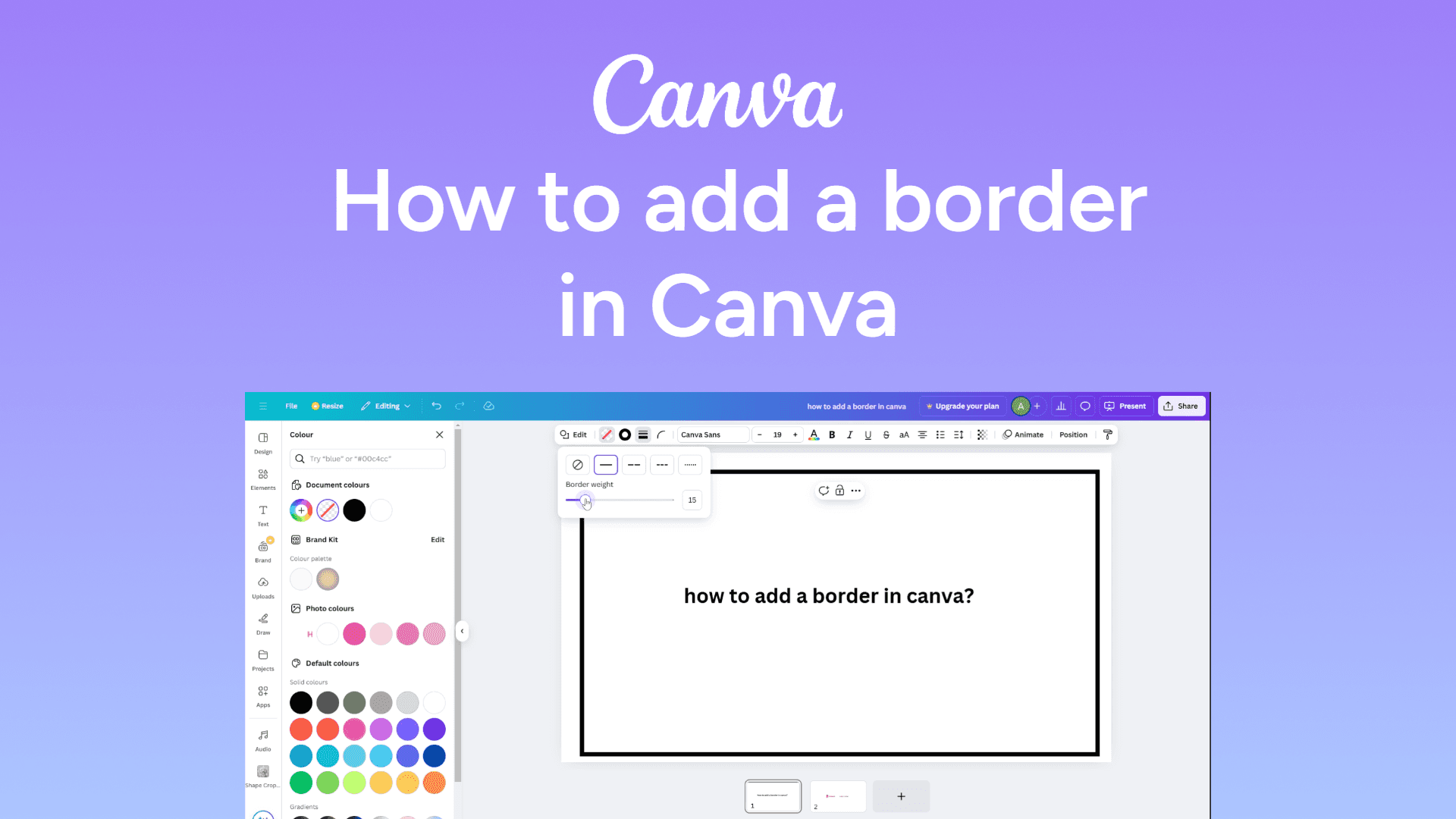
How to add a border in Canva
Easily add a border in Canva with this simple guide. Frame your designs for a polished look. Learn how now!
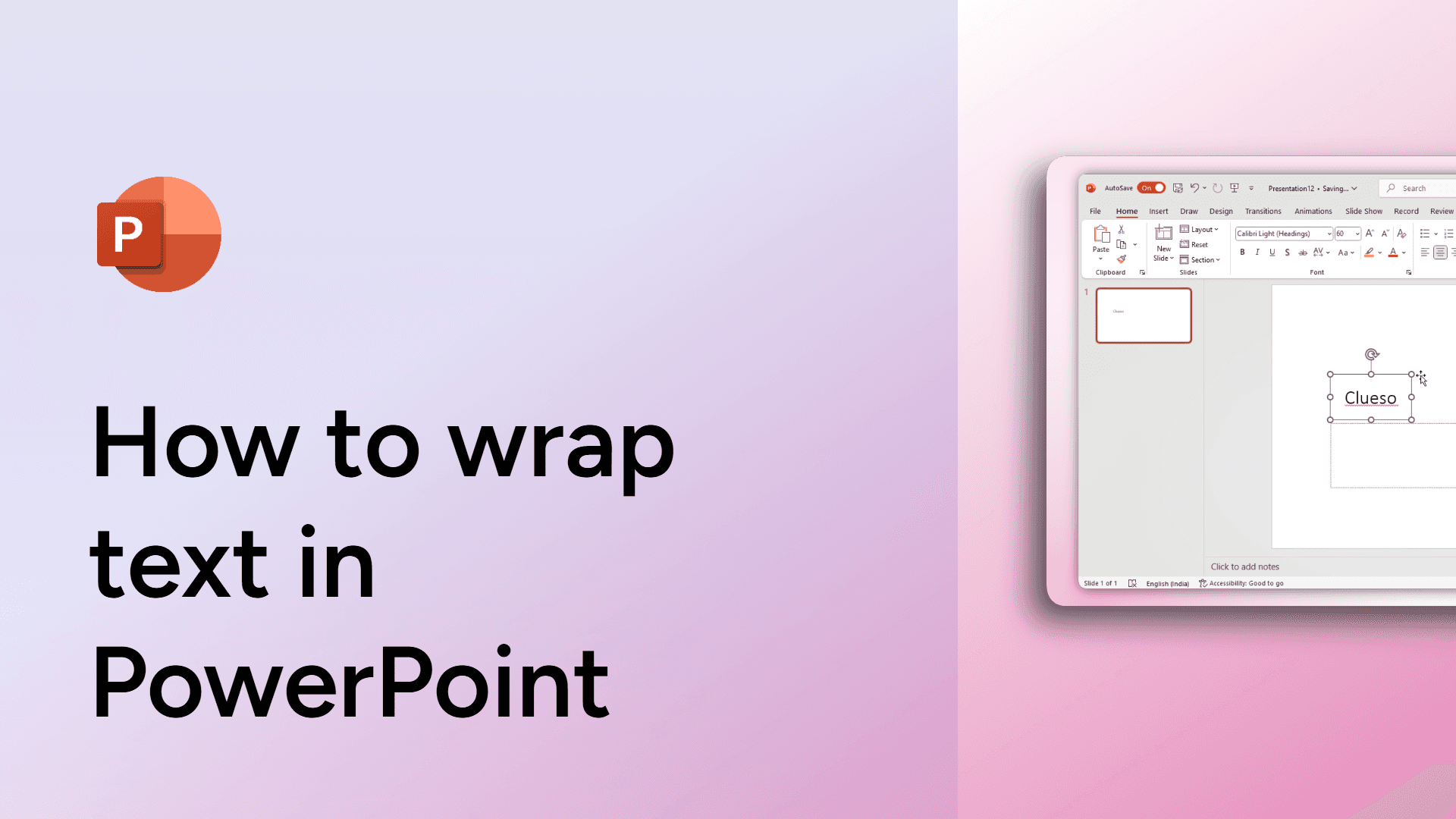
How to wrap text in PowerPoint
Learn how to wrap text in PowerPoint for better formatting and design. Improve text alignment in shapes and text boxes easily.
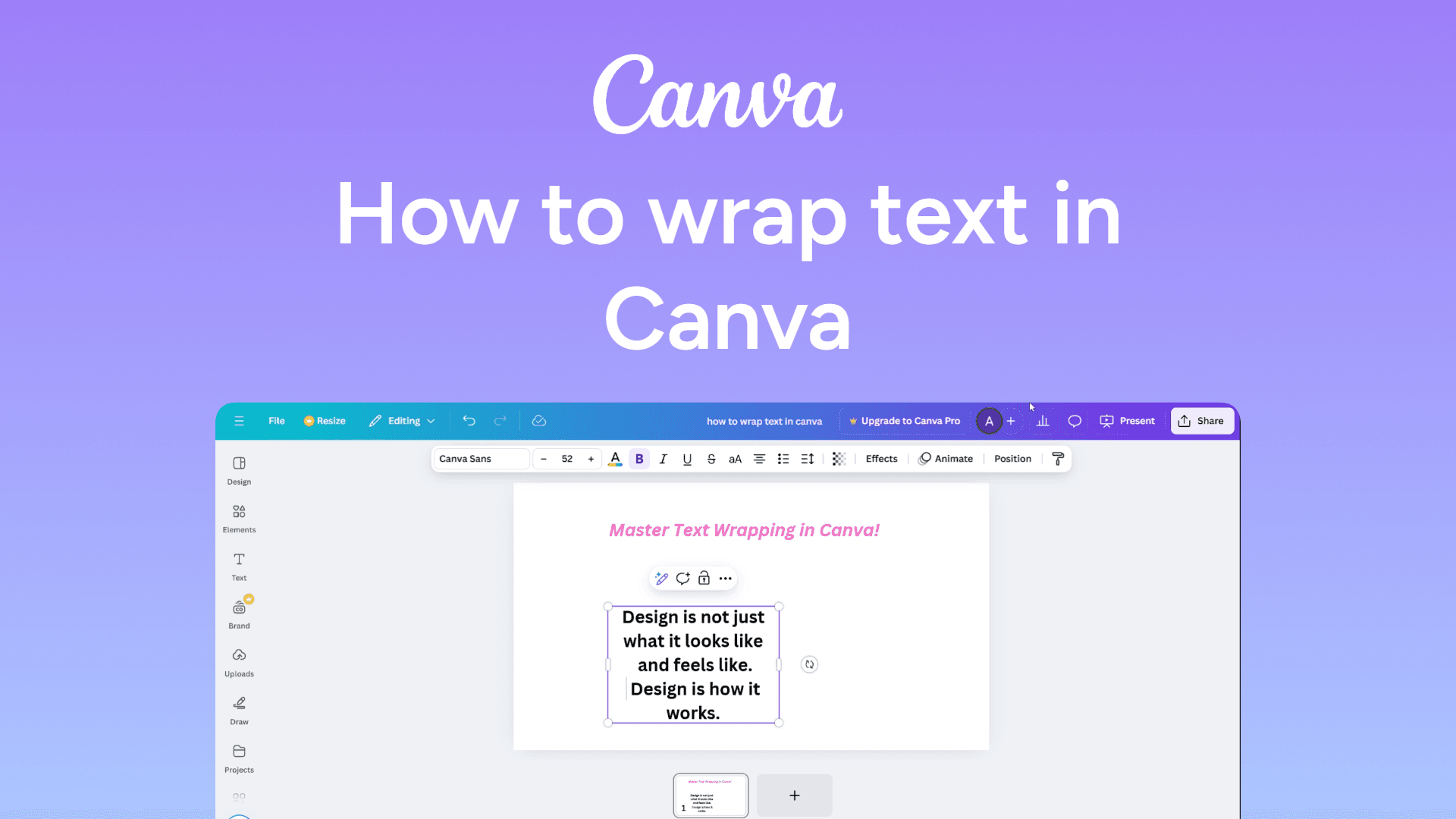
How to wrap text in Canva
Easily wrap text in Canva with this simple guide. Format your text to fit designs perfectly. Learn how now!
How to view the word count in Google Docs
Quickly check the word count in Google Docs with this simple guide. See the total words, characters, and pages in just a few clicks. Learn how now!

How to view edit history in Google Docs
Learn how to view the edit history in Google Docs to track changes, see who made edits, and restore previous versions. Simple step-by-step guide with FAQs.

How to view Google Doc access and ownership
View Google Doc access and ownership by clicking Share > Gear icon or File > Document details. Check permissions and ownership easily.
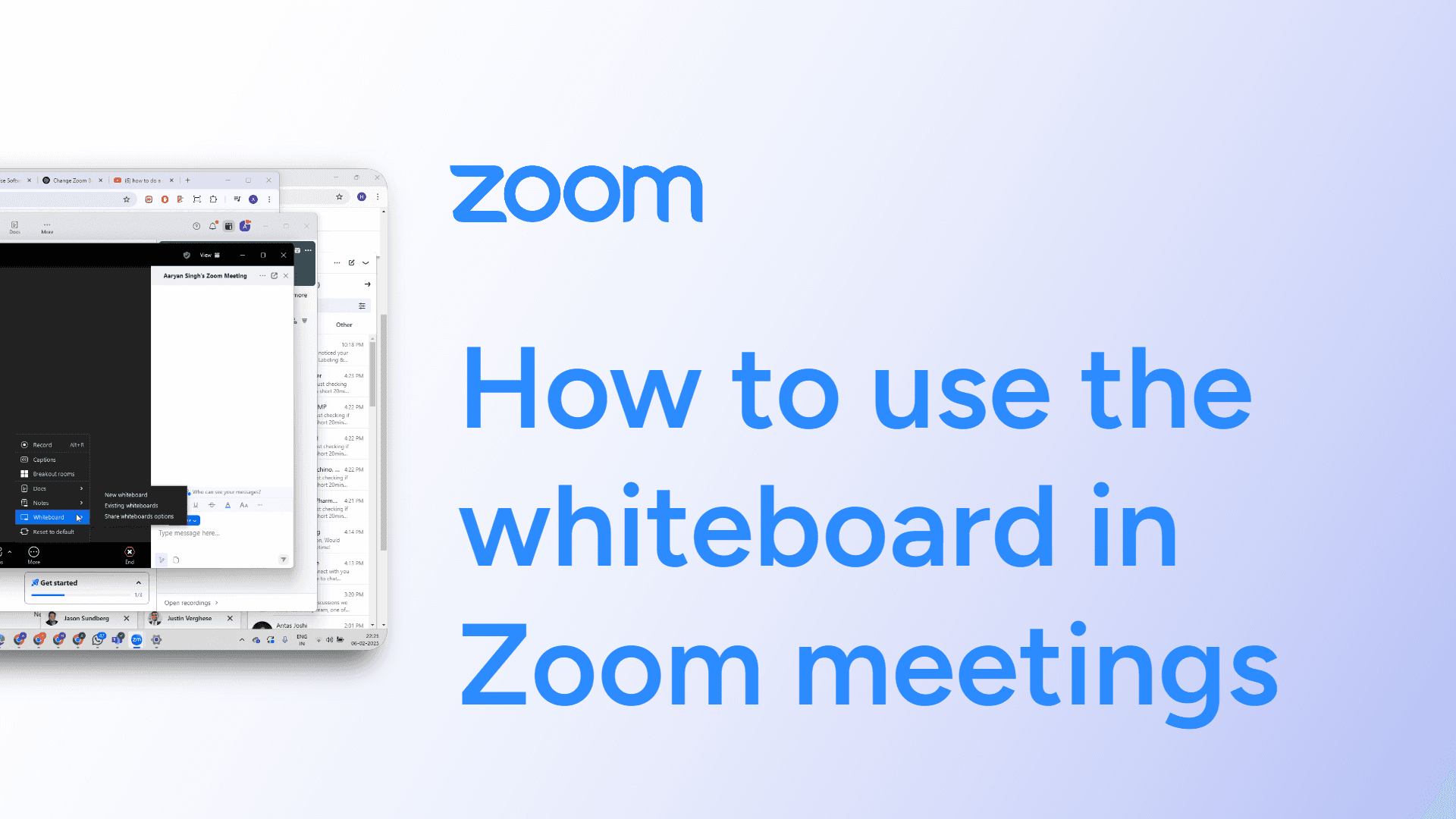
How to use the whiteboard in Zoom meetings
Easily use the whiteboard in Zoom meetings with this simple guide. Collaborate visually by drawing and annotating in real time. Learn how now!
How to use the annotate feature on Zoom
Learn how to use the Whiteboard feature in Zoom to make live annotations during presentations. Follow our step-by-step guide and get answers to common questions.
How to use custom virtual backgrounds in Zoom meetings
Easily use custom virtual backgrounds in Zoom meetings with this simple guide. Personalize your backdrop for a professional or fun look. Learn how now!