The video pipeline
that runs without you.
Connect your product, and let Clueso handle the rest. It writes your script, records the
screen, edits, and updates the video as you ship. You get full control, every step of the way.

How it works
We turn a prompt
into a finished product video.
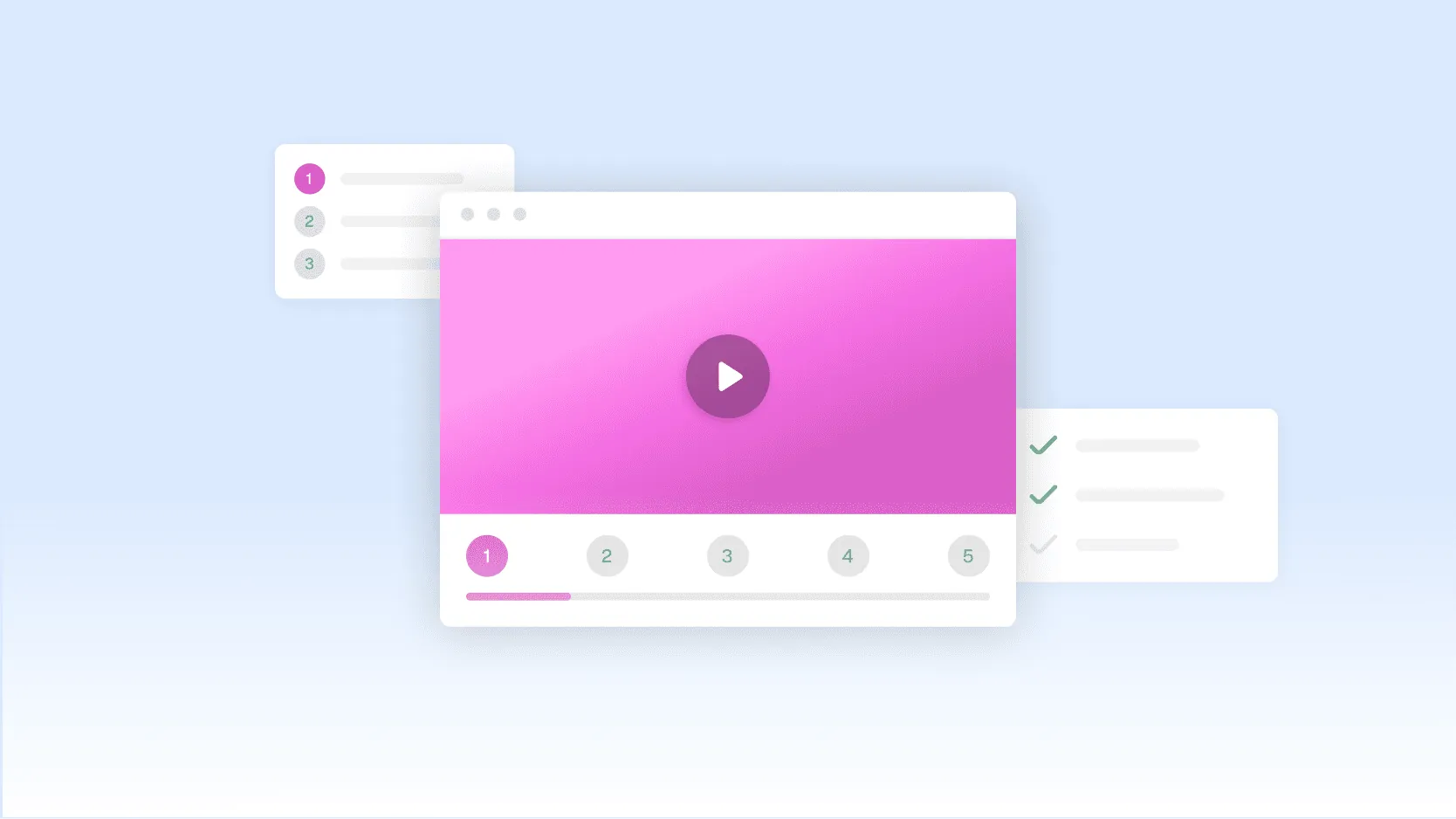
From connecting your product to a finished, editable video, here’s what happens at each step.
01
Choose how you'd like to start
Share login access to your product or connect your codebase. Then, type a prompt for a video our let our agent suggest one.
02
Your script gets written for you
Clueso Agent studies your product and drafts a script and production plan for you.
03
Screen recordings are made automatically
Our browser agent navigates through your product and captures a polished screen recording. Completely autonomously.
04
AI handles the entire edit
The voiceover, zooms, callouts, motion graphics, visual effects and brand styling are all added automatically.


01
Choose how you'd like to start
Share login access to your product or connect your codebase. Then, type a prompt for a video our let our agent suggest one.

02
Your script gets written for you
Clueso Agent studies your product and drafts a script and production plan for you.

03
Screen recordings are made automatically
Our browser agent navigates through your product and captures a polished screen recording. Completely autonomously.

04
AI handles the entire edit
The voiceover, zooms, callouts, motion graphics, visual effects and brand styling are all added automatically.

01
Choose how you'd like to start
Share login access to your product or connect your codebase. Then, type a prompt for a video our let our agent suggest one.
02
Your script gets written for you
Clueso Agent studies your product and drafts a script and production plan for you.
03
Screen recordings are made automatically
Our browser agent navigates through your product and captures a polished screen recording. Completely autonomously.
04
AI handles the entire edit
The voiceover, zooms, callouts, motion graphics, visual effects and brand styling are all added automatically.


01
Choose how you'd like to start
Share login access to your product or connect your codebase. Then, type a prompt for a video our let our agent suggest one.

02
Your script gets written for you
Clueso Agent studies your product and drafts a script and production plan for you.

03
Screen recordings are made automatically
Our browser agent navigates through your product and captures a polished screen recording. Completely autonomously.

04
AI handles the entire edit
The voiceover, zooms, callouts, motion graphics, visual effects and brand styling are all added automatically.

01
Choose how you'd like to start
Share login access to your product or connect your codebase. Then, type a prompt for a video our let our agent suggest one.
02
Your script gets written for you
Clueso Agent studies your product and drafts a script and production plan for you.
03
Screen recordings are made automatically
Our browser agent navigates through your product and captures a polished screen recording. Completely autonomously.
04
AI handles the entire edit
The voiceover, zooms, callouts, motion graphics, visual effects and brand styling are all added automatically.


Benefits
Everything you’d expect from a video team.
Minus the team, the tools, and the meeting.

Keep videos up-to-date with every release
Connect GitHub, and Clueso updates your videos the moment you ship.

Built for every team
Marketing, customer education, support, and sales, all from one pipeline.
Built for every team
Marketing, customer education, support, and sales, all from one pipeline.

Full control, always:
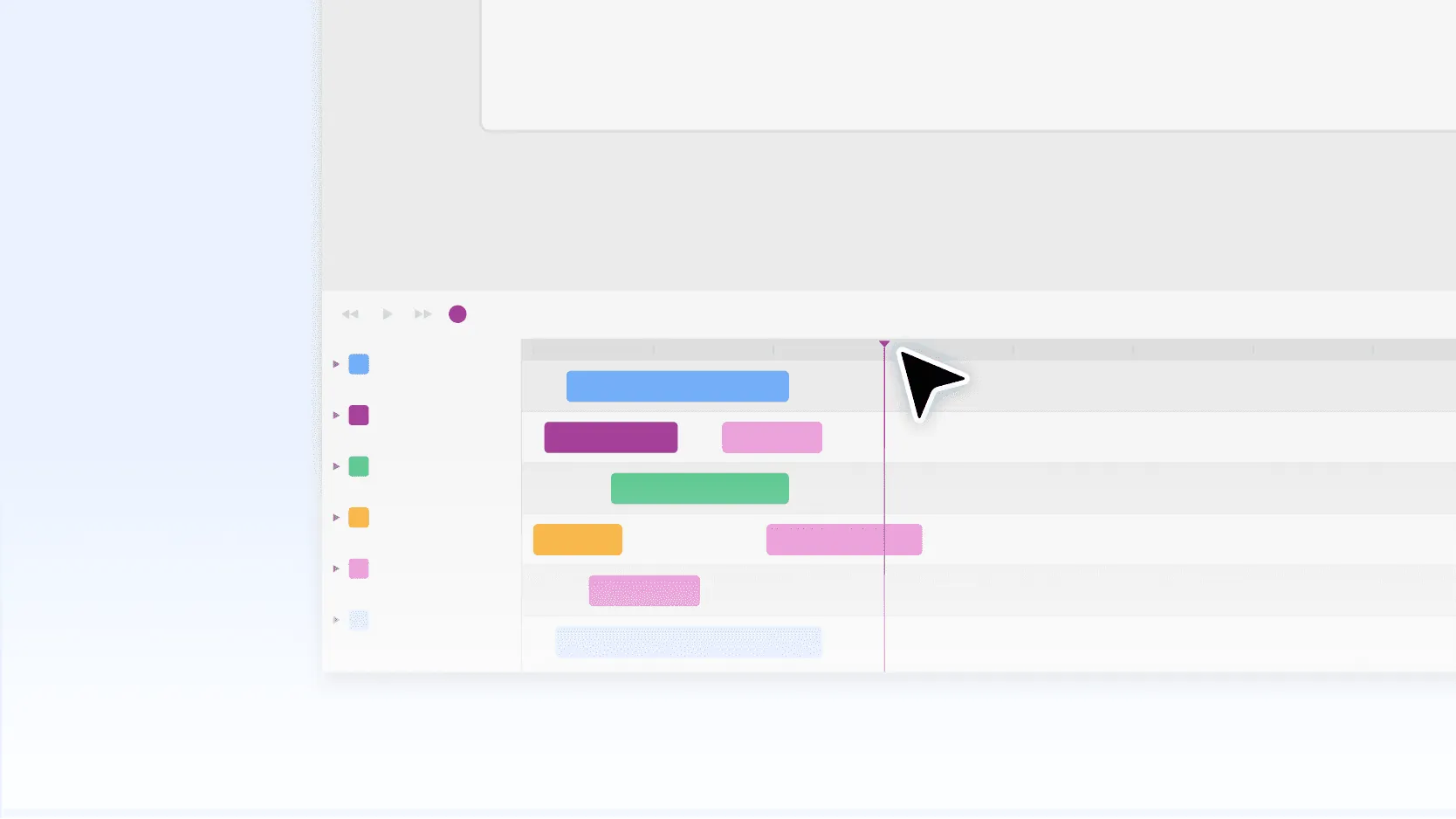
You get an editable draft in a video editor, never a locked output.
Full control, always:
You get an editable draft in a video editor, never a locked output.

Speaks every language your product does
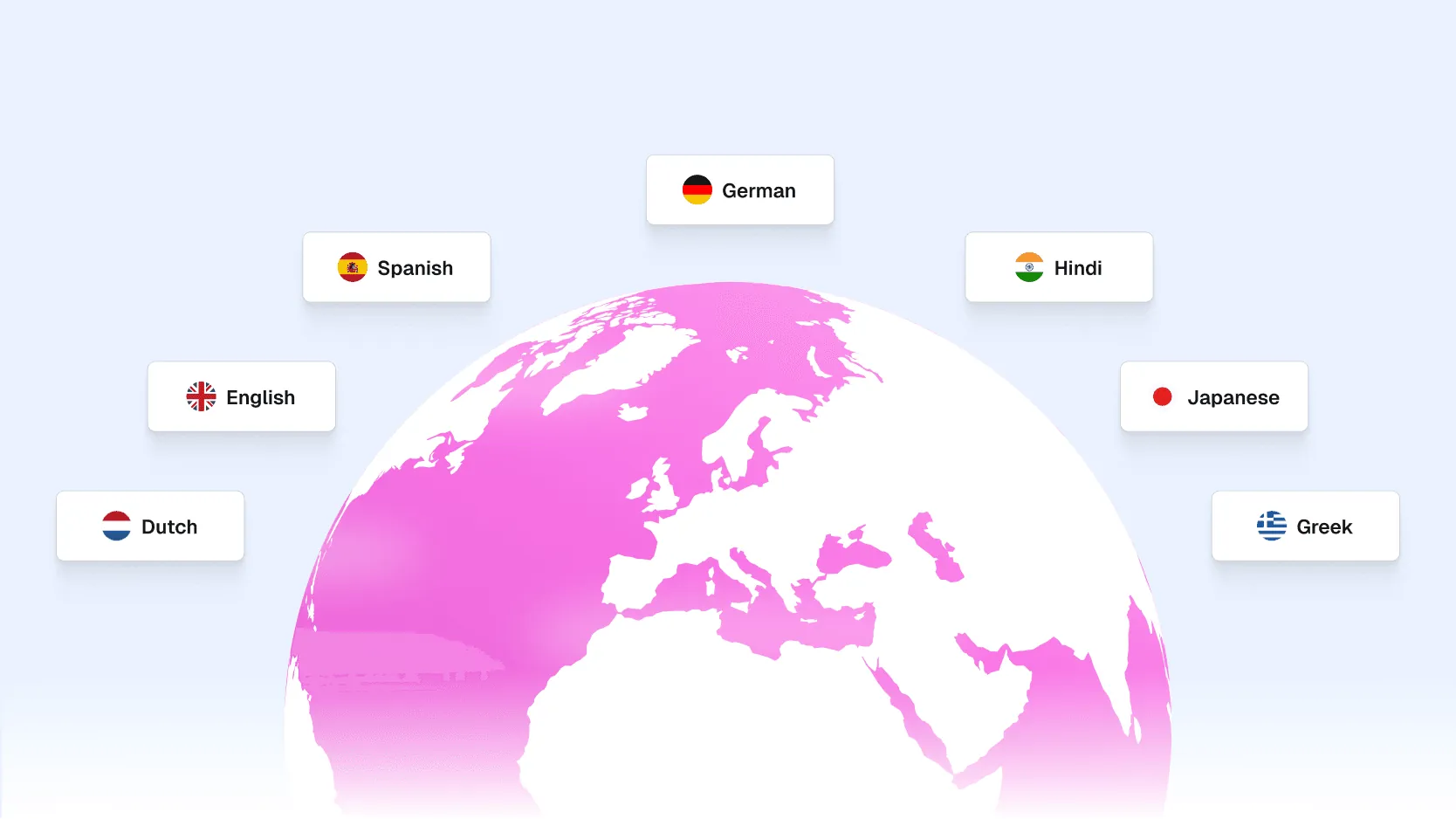
Product videos in every language that your UI ships in.
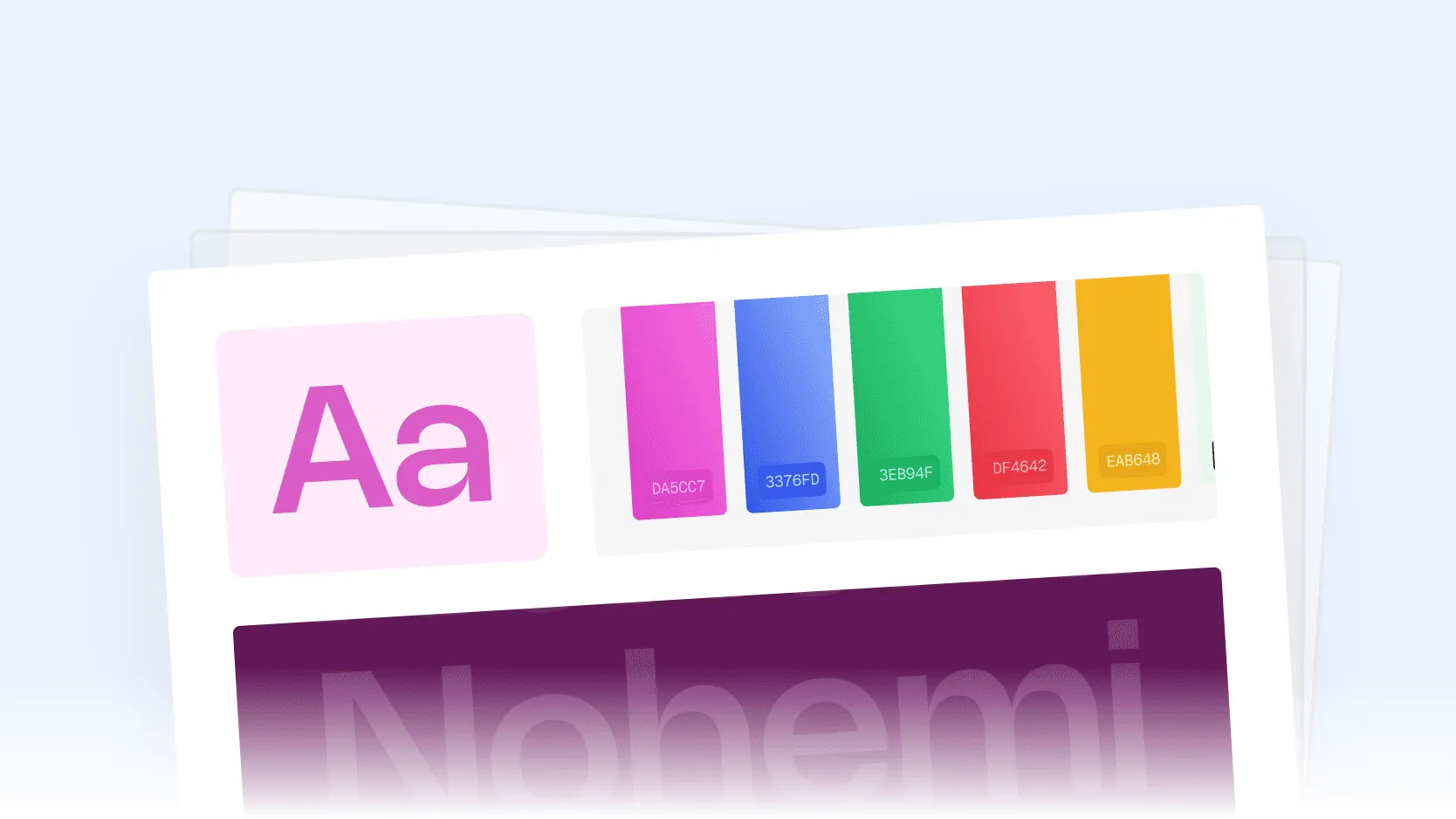
Speaks every language your product does
Product videos in every language that your UI ships in.

On brand, every time:
Every video gets perfectly generated to match your brand guidelines.

On brand, every time:
Every video gets perfectly generated to match your brand guidelines.
Always Create Securely
We don’t use your data to train our models. Each feature is designed to be privacy-first,
so you can be assured that you only focus on creating and not worrying.
We don’t use your data to train our models. Each feature is designed to be privacy-first, so you can be assured that you only focus on creating and not worrying.


SOC 2 Type II certified
ISO 27001 certified
See it before you commit
Book a demo and watch Clueso make a video, live.
See it before you commit
Book a demo and watch Clueso make a video, live.
See it before you commit
Book a demo and watch Clueso make a video, live.
Frequently
Asked
Questions
How do I connect my product?
Clueso needs login credentials to a demo or staging account in your product. Our browser agent uses this account to navigate your application and capture screen recordings automatically.
Does Clueso record inside my actual product?
Yes. The browser agent logs into your product, navigates the workflows, and records the UI just like a human would.
Can I upload my own script?
Yes. You can either write a prompt, upload a complete script, or let Clueso generate one for you.
Can I review the video before publishing?
Absolutely. Every video is delivered as a fully editable draft inside Clueso. You can change the script, timing, motion graphics, voiceover, captions, or screen recordings before publishing.
Can Clueso match our brand?
Yes. Upload a reference video once, and Clueso learns your visual style—including motion graphics, layouts, branding, fonts, and overall editing style.
Can Clueso generate videos in multiple languages?
Yes. Videos can be generated in every language your product supports, including translated voiceovers, captions, and localized UI recordings where applicable.
What kinds of videos can Clueso create?
Launch videos, product demos, help center tutorials, customer education content, changelog videos, onboarding videos, release announcements, and sales demos.
Do I need to connect GitHub?
Connecting GitHub is not required, but it is highly recommended. You can still use Clueso Agent with just a demo account if you choose not to connect it. However, connecting GitHub unlocks additional capabilities such as automatic script generation based on code changes, a more accurate understanding of your product, automatic video updates when new features ship, the ability to trigger videos directly from your release workflow, and better demo data generation during recordings.
What does the GitHub integration access?
Clueso only needs access to your frontend repository. We use the code to understand your UI, identify product changes, and generate more accurate recordings and scripts. We don’t modify your code.
Can Clueso keep existing videos up to date?
Yes. When connected to GitHub, Clueso can detect product changes, identify videos that are now outdated, and regenerate them automatically.
Do I have to use Claude?
No. You can use Clueso directly through the web app. If you already use Claude, you can also trigger video creation through the Clueso MCP as part of your existing workflows.
© 2025 Desklamp, Inc. All rights reserved
2810 N Church St, Wilmington, DE 19802, USA
Frequently Asked Questions
How do I connect my product?
Clueso needs login credentials to a demo or staging account in your product. Our browser agent uses this account to navigate your application and capture screen recordings automatically.
Does Clueso record inside my actual product?
Yes. The browser agent logs into your product, navigates the workflows, and records the UI just like a human would.
Can I upload my own script?
Yes. You can either write a prompt, upload a complete script, or let Clueso generate one for you.
Can I review the video before publishing?
Absolutely. Every video is delivered as a fully editable draft inside Clueso. You can change the script, timing, motion graphics, voiceover, captions, or screen recordings before publishing.
Can Clueso match our brand?
Yes. Upload a reference video once, and Clueso learns your visual style—including motion graphics, layouts, branding, fonts, and overall editing style.
Can Clueso generate videos in multiple languages?
Yes. Videos can be generated in every language your product supports, including translated voiceovers, captions, and localized UI recordings where applicable.
What kinds of videos can Clueso create?
Launch videos, product demos, help center tutorials, customer education content, changelog videos, onboarding videos, release announcements, and sales demos.
Do I need to connect GitHub?
Connecting GitHub is not required, but it is highly recommended. You can still use Clueso Agent with just a demo account if you choose not to connect it. However, connecting GitHub unlocks additional capabilities such as automatic script generation based on code changes, a more accurate understanding of your product, automatic video updates when new features ship, the ability to trigger videos directly from your release workflow, and better demo data generation during recordings.
What does the GitHub integration access?
Clueso only needs access to your frontend repository. We use the code to understand your UI, identify product changes, and generate more accurate recordings and scripts. We don’t modify your code.
Can Clueso keep existing videos up to date?
Yes. When connected to GitHub, Clueso can detect product changes, identify videos that are now outdated, and regenerate them automatically.
Do I have to use Claude?
No. You can use Clueso directly through the web app. If you already use Claude, you can also trigger video creation through the Clueso MCP as part of your existing workflows.
© 2025 Desklamp, Inc. All rights reserved
2810 N Church St, Wilmington, DE 19802, USA
Frequently Asked Questions
How do I connect my product?
Clueso needs login credentials to a demo or staging account in your product. Our browser agent uses this account to navigate your application and capture screen recordings automatically.
Does Clueso record inside my actual product?
Yes. The browser agent logs into your product, navigates the workflows, and records the UI just like a human would.
Can I upload my own script?
Yes. You can either write a prompt, upload a complete script, or let Clueso generate one for you.
Can I review the video before publishing?
Absolutely. Every video is delivered as a fully editable draft inside Clueso. You can change the script, timing, motion graphics, voiceover, captions, or screen recordings before publishing.
Can Clueso match our brand?
Yes. Upload a reference video once, and Clueso learns your visual style—including motion graphics, layouts, branding, fonts, and overall editing style.
Can Clueso generate videos in multiple languages?
Yes. Videos can be generated in every language your product supports, including translated voiceovers, captions, and localized UI recordings where applicable.
What kinds of videos can Clueso create?
Launch videos, product demos, help center tutorials, customer education content, changelog videos, onboarding videos, release announcements, and sales demos.
Do I need to connect GitHub?
Connecting GitHub is not required, but it is highly recommended. You can still use Clueso Agent with just a demo account if you choose not to connect it. However, connecting GitHub unlocks additional capabilities such as automatic script generation based on code changes, a more accurate understanding of your product, automatic video updates when new features ship, the ability to trigger videos directly from your release workflow, and better demo data generation during recordings.
What does the GitHub integration access?
Clueso only needs access to your frontend repository. We use the code to understand your UI, identify product changes, and generate more accurate recordings and scripts. We don’t modify your code.
Can Clueso keep existing videos up to date?
Yes. When connected to GitHub, Clueso can detect product changes, identify videos that are now outdated, and regenerate them automatically.
Do I have to use Claude?
No. You can use Clueso directly through the web app. If you already use Claude, you can also trigger video creation through the Clueso MCP as part of your existing workflows.
© 2025 Desklamp, Inc. All rights reserved
2810 N Church St, Wilmington, DE 19802, USA