What a Video MCP Server Actually Does (And What to Check Before You Connect One)
Two video tools can both ship an MCP server and hand your AI agent completely different amounts of control. What separates them is whether the server exposes generation or the edit, and the published tool list tells you which before you connect anything.
TL;DR
- An MCP server lets an AI assistant call a video tool's functions directly, so you describe the video in chat instead of clicking through an editor.
- Most video MCP servers expose generation: a prompt goes in, a rendered file comes out, and changing one detail means re-rolling the whole thing.
- The servers worth connecting expose the edit: individual clips and the elements layered onto them, which an agent can adjust after the first pass.
- Read the published tool list before connecting anything. Verbs like update, reorder, and split tell you more than the product page does.
- Teamworks cut production from four to five hours per video to 20 to 30 minutes, and now starts most videos in Claude through the Clueso MCP.
Over the past four weeks, we noticed something interesting. People arrived at clueso.io searching "video mcp," "AI video mcp," and "mcp for video editing." None of them searched for how to make a video. They wanted to know whether there were video editing tools that had shipped an MCP server yet.
Ever since Anthropic launched MCP servers in 2024, MCP usage has blasted through the roof . Businesses all across the world are seeing users demanding the ability to use software without having to leave their Claude code or Codex sessions.
Video editing isn't too far behind. However, Two video tools can both ship an MCP server and give your assistant completely different amounts of control. One kind returns a rendered file, so fixing a single detail means running the whole job again and taking new narration and new pacing with it. A server built on the project itself changes that detail and leaves everything else alone. This guide helps you understand the possibilities of using an MCP video server to create videos.
What is an MCP server for video?
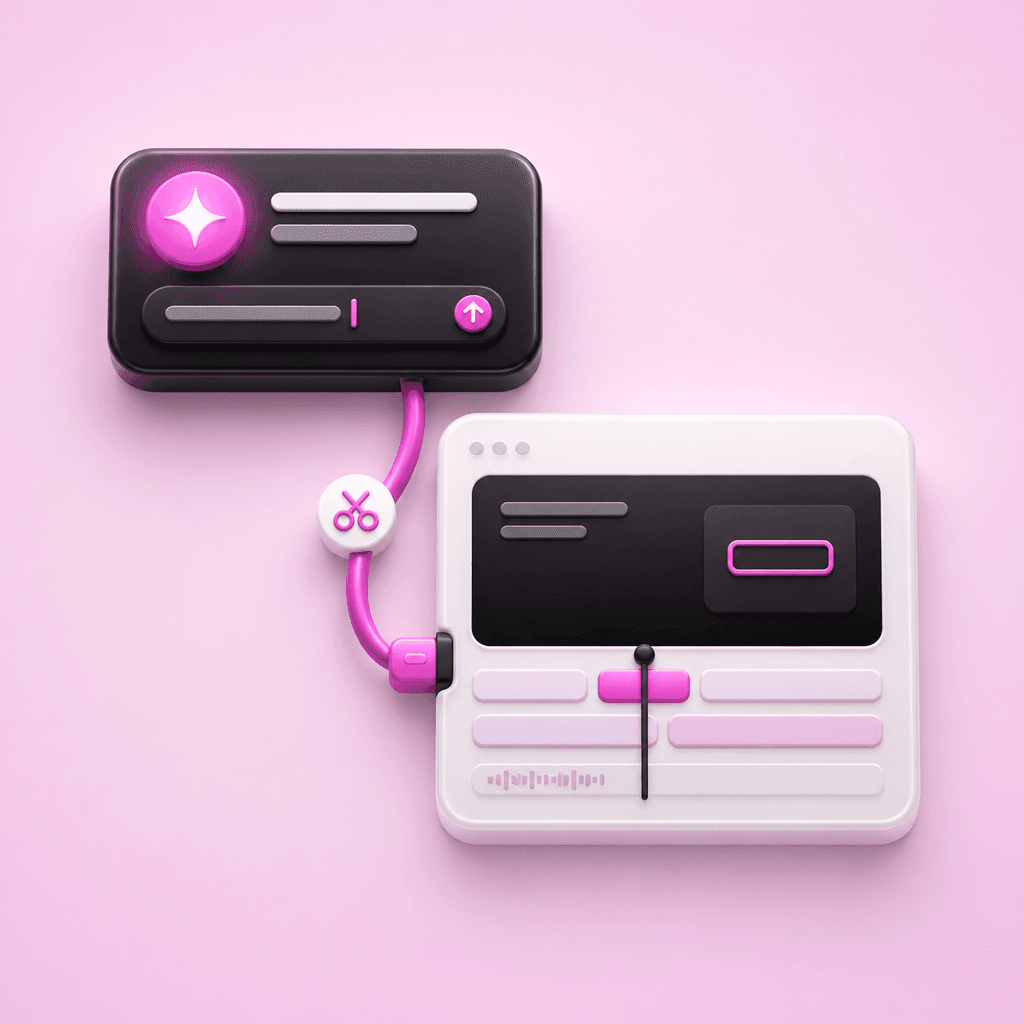
An MCP server for video is a connector that lets an AI assistant call a video tool's functions directly, creating a project, adding clips, placing a callout, exporting a file, over the Model Context Protocol, the open standard Anthropic published in November 2024. Your assistant makes the calls; you describe the result you want.
The protocol is deliberately unopinionated. It defines how an assistant discovers a tool's capabilities and calls them, and says nothing about what those capabilities ought to be. Each vendor decides that part, which is why two servers can both be MCP-compatible and behave nothing alike.
In practice they fall into two groups. One exposes a single generation call: you pass a prompt or a script, and some minutes later a rendered file appears. The other exposes the workspace itself, meaning projects, clips, and the elements layered onto them, so the assistant can read what already exists and change it.
Why isn't generating the video the hard part?
Anyone who has shipped product video knows the first version is rarely what costs you the afternoon. The Teamworks customer education team, which supports more than 20 products with three people, hit this precisely. Early in their MCP work, zooms landed wherever the clicks happened to fall and didn't reliably match the narration, so someone went in afterwards and repaired them.
A generation-only server has no answer to that. The mistimed zoom is baked into a rendered file, and the one instruction available to you is "make it again," which re-rolls the narration and the pacing along with the thing you wanted fixed. A server like Clueso's MCP that exposes elements, keyframes, and narration lets the assistant fix such zoom and sync issues without affecting the rest of the video.
The same distinction decides whether a library survives a product change. When a screen gets redesigned, the useful operation is replacing the two clips that show it, not regenerating every video that mentions the feature and not re-recording a screen recording that was fine in every other respect. The same logic applies to turning release notes into launch videos, where the script changes far more often than the footage does.
What should you ask before connecting a video MCP server?
A vendor's MCP page will tell you what the server can make. It rarely tells you what the server can change, and that gap is worth closing before you wire an agent into a workflow your team depends on every week.
Five questions separate a server you can build on from one you'll demo once:
- Can the assistant read an existing project, or only create new ones?
- Can it change one element without re-rendering the whole video?
- Does it reach your brand settings, or does styling get applied by hand afterwards?
- Can it export, and does export sit behind a different plan than the server itself?
- Which clients are supported, chat only or terminal and editor clients as well?
The last one catches more teams than it should. An agent that can only be driven from a chat window can't be triggered by a build step or a release, which rules out most of the automation people connect an MCP server hoping to get.
How can you tell whether a server exposes the edit or only the output?
Read the tool list. Every MCP server publishes one, and the verbs give the answer away. A server built around generation offers a handful of calls named something like create and export. A server built around the edit offers reads and writes against the pieces: get_project, update_clips, split_clip, reorder_elements.
At Clueso we publish the whole list. Alongside the project-level calls, the Clueso MCP server exposes add_elements, update_elements, and reorder_elements against ten element types: text, callout, rectangle, arrow, image, video, animation, and three built for demo footage, which are zoom, spotlight, and blur for masking sensitive data on screen.
That granularity is what lets an assistant fix a zoom or a callout without disturbing the AI voiceover underneath it. It's also why the output stays workable afterwards: the calls write into the same project you'd open in the editor yourself, rather than into a separate render pipeline that hands back a finished file.
What does the workflow look like once it's connected?
Teamworks runs this in production, and the order they settled on is genuinely worth copying. They built a Clueprint for each product first, so brand and format get decided once per product instead of once per video. Most videos now begin in Claude: name the Clueprint, hand it the title and the text that should appear at specific moments, upload the raw recording, and specify the edits, callouts, and format.
Sequencing the Clueprint first is what keeps the prompt short. Without one, every instruction about color, font, and layout would need to be restated in chat on every run, and the agent would get a slightly different input each time.
For Teamworks, one video used to take four to five hours across four separate tools, and now takes 20 to 30 minutes. Monthly output went from three to five videos to 10 to 15. If you'd rather the agent drive the recording as well as the edit, that's a different product surface, covered on Clueso Agents.
Frequently asked questions
Is there a video editor with MCP support?
Several video tools now publish MCP servers. The distinction that matters is whether the server reaches the editor's own objects or only triggers a render. Clueso's operates on projects in your workspace, so the assistant edits the same document you would open by hand.
Which AI assistants can connect to a video MCP server?
For Clueso: ChatGPT, Claude, Claude Code, OpenAI Codex CLI, Gemini CLI, Cursor, and VS Code with GitHub Copilot or a compatible MCP extension. Client support varies by vendor, so check the setup docs for whichever server you're evaluating.
Do I need a paid plan to use the Clueso MCP server?
The server is available on all Clueso plans. Some tools, video export and advanced branding among them, require a paid plan. Current tiers are on Clueso pricing.
Can an MCP server keep existing videos up to date?
Only if it can read and modify projects that already exist. A generation-only server has to rebuild from scratch, which is a different job with a different failure mode, and the reason the tool list is worth reading before you commit a library to it.
Open the setup docs for whichever video tool you already pay for and find its tool list. Count how many of the calls change something that already exists. If the answer is none, the server will write your first draft and nothing after that.
Ashish is a Senior Content Marketing Manager at Clueso with 7+ years of experience across content, product, and brand marketing. Now his mission is to help product and customer education teams realize the value of video-based learning. Outside of work, Ashish sketches, sings, plays the guitar, cooks, and does all things LLMs can't yet.
First published September 2026 - Last substantively refreshed September 2026
Senior Content Marketing Manager
Ashish is a Senior Content Marketing Manager at Clueso with 7+ years of experience across content, product, brand marketing. Now his mission is to help product and customer education teams realize the value of video-based learning. Outside of work, Ashish sketches, sings, plays the guitar, cooks, and does all things LLMs can't yet.