AI Screen Recorder

Screen recordings that don't need editing

Capture product walkthroughs, tutorials, and demos with built-in zooms, highlights, AI narration, branding, and captions. Skip the editing grind and ship polished videos in minutes.

Backed by

Rated 4.9

on

G2.com

Screen recording, supercharged

Record anything, instantly

Hit record and capture any product flow, tutorial, or demo with our browser extension or desktop app.

Auto-highlights every key moment

Clueso adds zooms, spotlights, and cursor highlights automatically as you record — so viewers always know exactly where to look without you editing a single frame.

Record in any language

Set your language once and Clueso handles narration, transcription, and captions accurately.

Built for software demos

Designed for product demos, tutorials, and training videos, so every recording comes out structured, clear, and easy for viewers to follow.

Everything a screen recorder should do, but never did

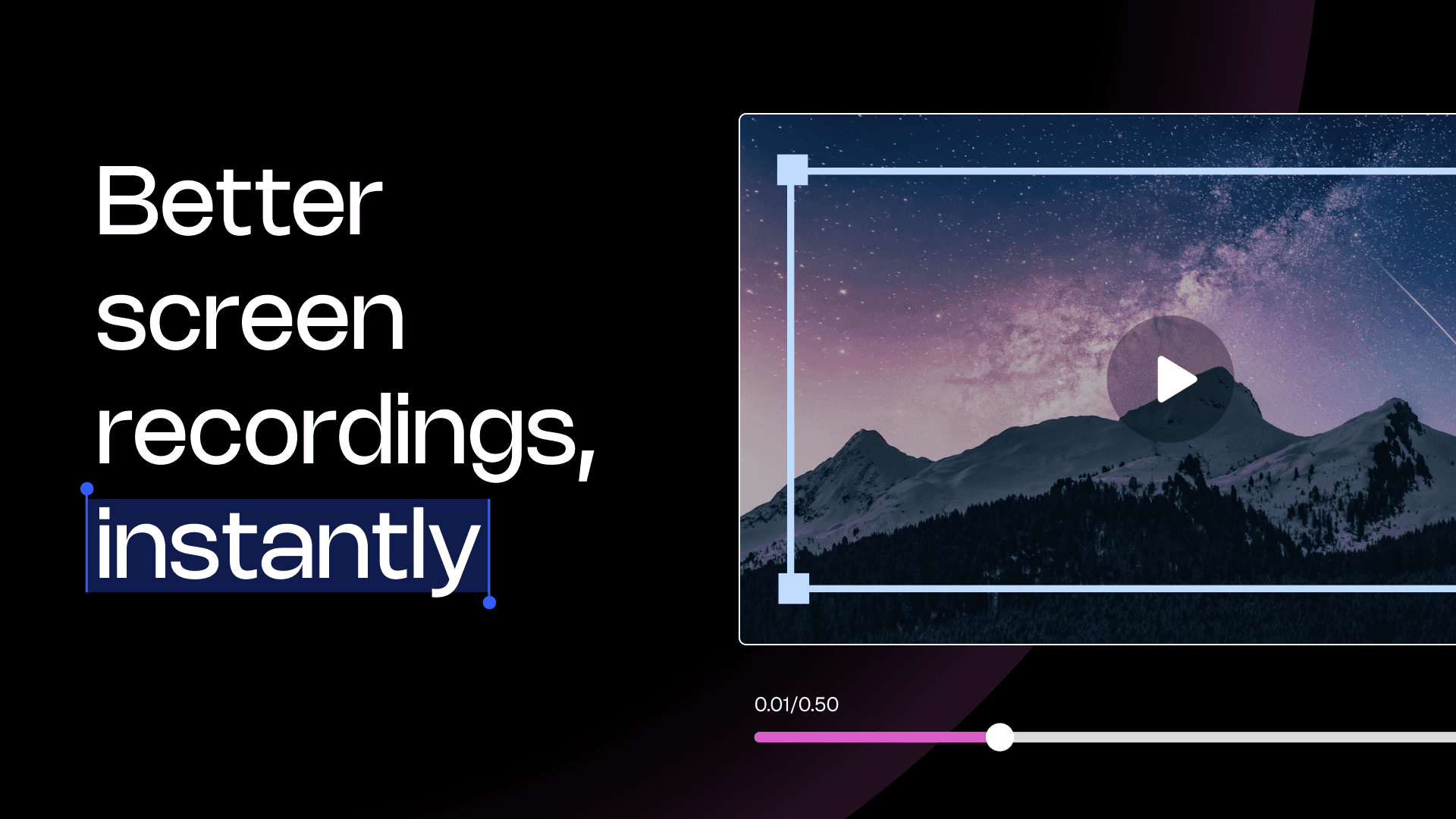
Auto-zooms and spotlights

Clueso automatically zooms into key actions and spotlights the right parts of your screen so viewers always know exactly where to look.

Auto-zooms and spotlights

Clueso automatically zooms into key actions and spotlights the right parts of your screen so viewers always know exactly where to look.

Auto-zooms and spotlights

Clueso automatically zooms into key actions and spotlights the right parts of your screen so viewers always know exactly where to look.

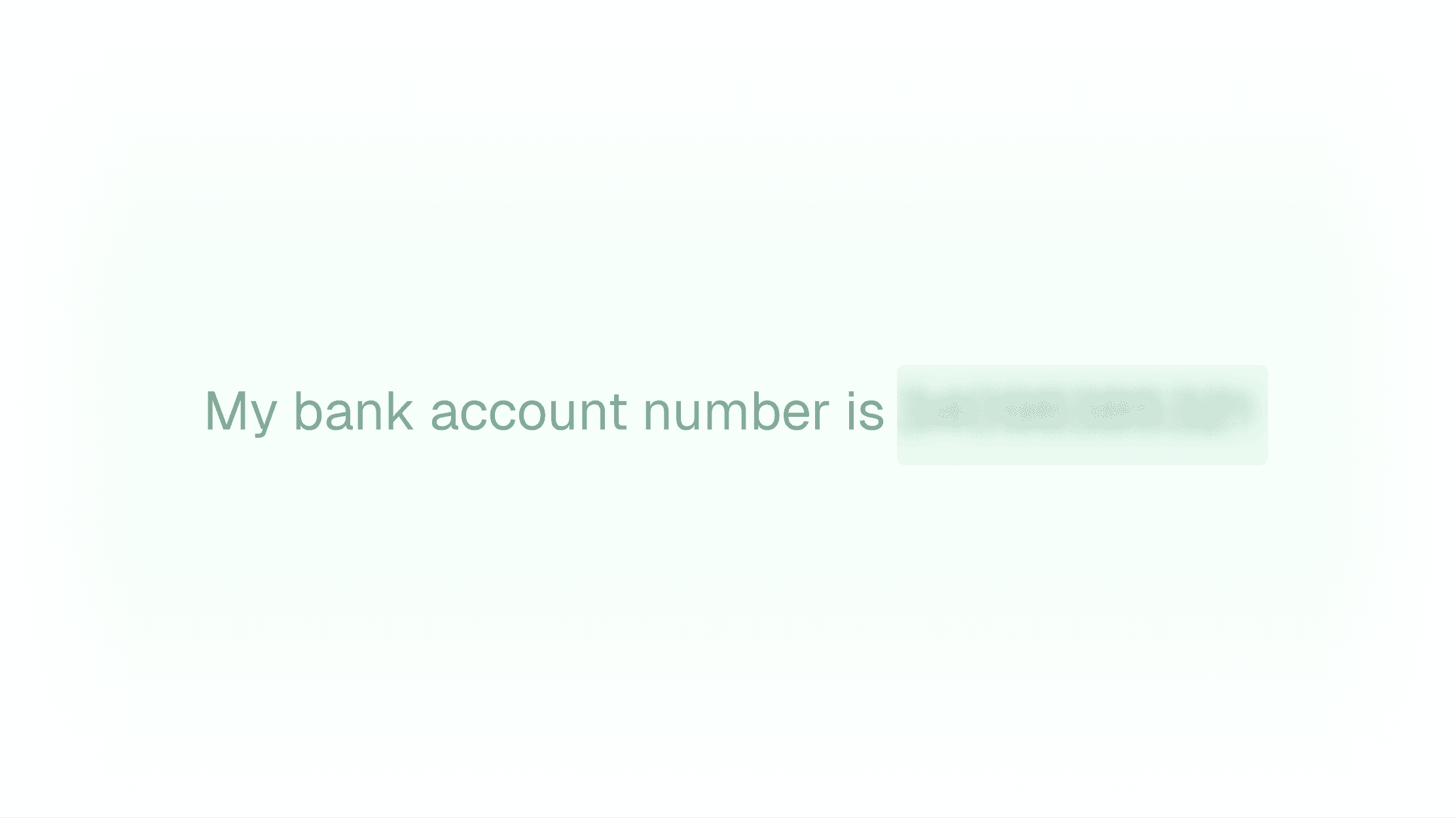
Blur sensitive information

Hide confidential data before you start recording so your videos are safe to share from the first take.

Blur sensitive information

Hide confidential data before you start recording so your videos are safe to share from the first take.

Blur sensitive information

Hide confidential data before you start recording so your videos are safe to share from the first take.

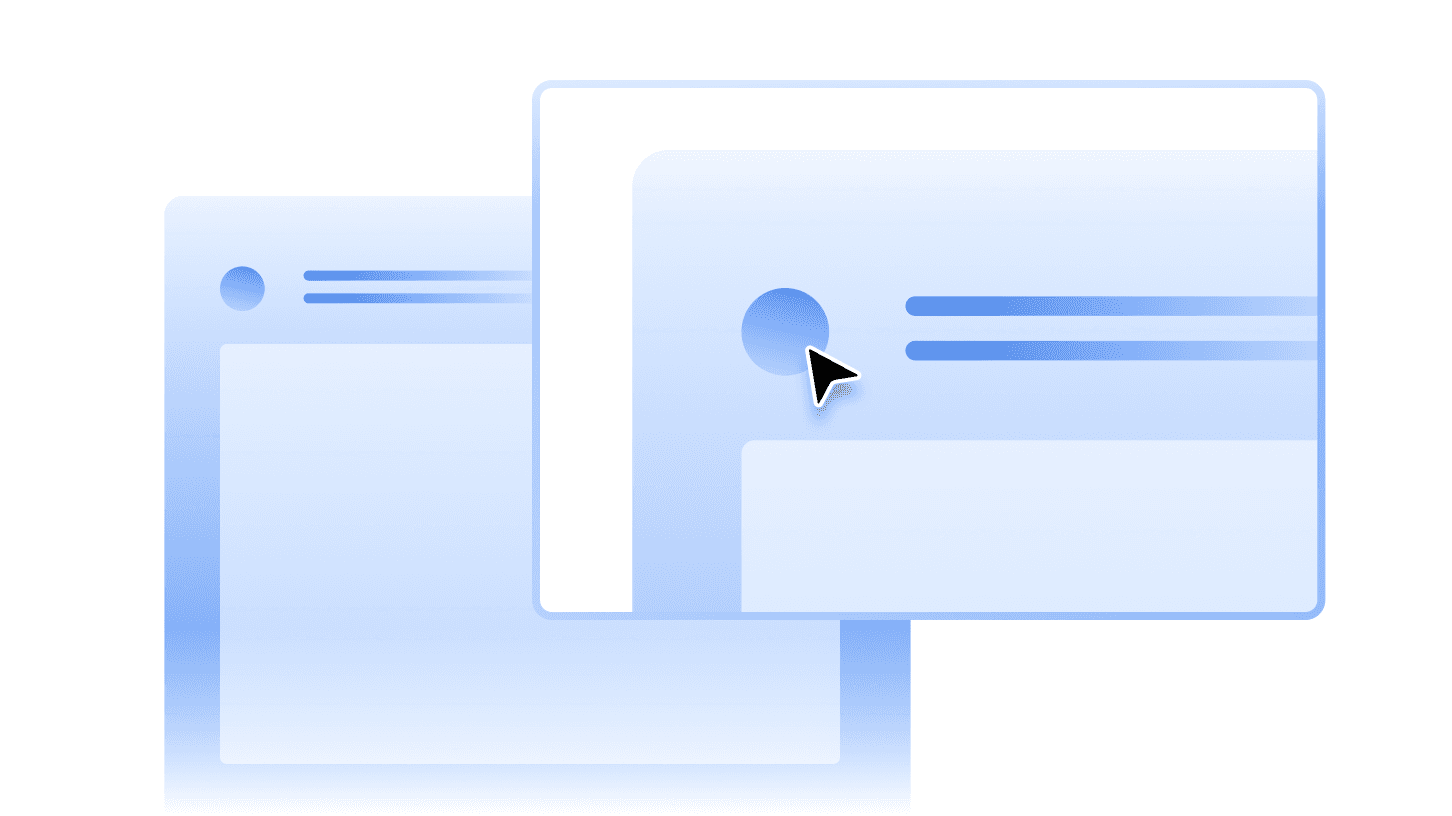
Customise your cursor

Adjust cursor size, colour, and animation to make interactions clearer and more visible in your recordings.
Customise your cursor

Adjust cursor size, colour, and animation to make interactions clearer and more visible in your recordings.

Customise your cursor

Adjust cursor size, colour, and animation to make interactions clearer and more visible in your recordings.

Step-by-step guides

Convert any recording into structured written guides with screenshots and GIFs without any manual effort.
Step-by-step guides

Convert any recording into structured written guides with screenshots and GIFs without any manual effort.

Step-by-step guides

Convert any recording into structured written guides with screenshots and GIFs without any manual effort.

AI voiceovers that stay in sync

Add natural sounding AI narration that syncs perfectly with your recording.

AI voiceovers that stay in sync

Add natural sounding AI narration that syncs perfectly with your recording.

AI voiceovers that stay in sync

Add natural sounding AI narration that syncs perfectly with your recording.

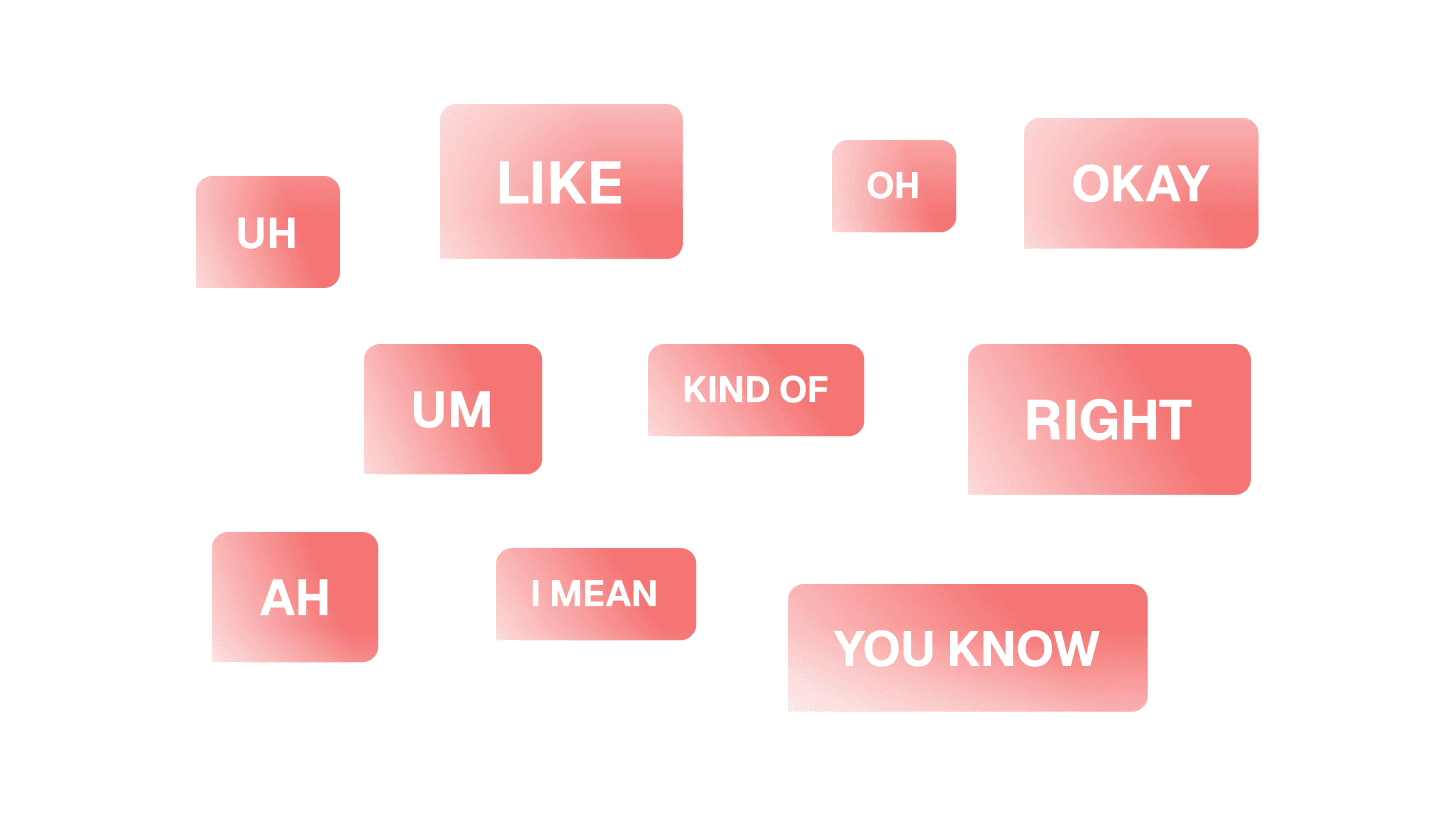
Clean up filler words automatically

Remove ums, pauses, and filler words while generating a clean script for your video.

Clean up filler words automatically

Remove ums, pauses, and filler words while generating a clean script for your video.

Clean up filler words automatically

Remove ums, pauses, and filler words while generating a clean script for your video.

See it for yourself

Start shipping better screen recordings today

Get started for free and have your first recording ready in minutes.

See it for yourself

Start shipping better screen recordings today

Get started for free and have your first recording ready in minutes.

See it for yourself

Start shipping better screen recordings today

Get started for free and have your first recording ready in minutes.

Frequently
Asked
Questions

Is the Clueso screen recorder a Chrome extension or a desktop app?

Clueso is available as both a Chrome extension and a desktop app. Use whichever fits your workflow — they both give you all of Clueso's recording features.

Is Clueso suitable for product demos and walkthrough videos?

Yes. Clueso is perfect for creating product demos, walkthroughs, and training videos that are engaging and easy to follow.

Can I use Clueso for onboarding, training, or support content?

Absolutely. You can create tutorials, onboarding guides, and support articles from a single screen recording.

How is Clueso’s screen recorder different from Loom or other tools?

Clueso goes beyond recording by combining AI editing, enhancements, and branding so that you can turn recordings into polished content instantly.

Does Clueso combine screen recording with editing and documentation?

Yes. Clueso connects recording, editing, and guide creation in one workflow, eliminating the need for multiple tools or manual effort.

Frequently Asked Questions

Is the Clueso screen recorder a Chrome extension or a desktop app?

Clueso is available as both a Chrome extension and a desktop app. Use whichever fits your workflow — they both give you all of Clueso's recording features.

Is Clueso suitable for product demos and walkthrough videos?

Yes. Clueso is perfect for creating product demos, walkthroughs, and training videos that are engaging and easy to follow.

Can I use Clueso for onboarding, training, or support content?

Absolutely. You can create tutorials, onboarding guides, and support articles from a single screen recording.

How is Clueso’s screen recorder different from Loom or other tools?

Clueso goes beyond recording by combining AI editing, enhancements, and branding so that you can turn recordings into polished content instantly.

Does Clueso combine screen recording with editing and documentation?

Yes. Clueso connects recording, editing, and guide creation in one workflow, eliminating the need for multiple tools or manual effort.

Frequently Asked Questions

Is the Clueso screen recorder a Chrome extension or a desktop app?

Clueso is available as both a Chrome extension and a desktop app. Use whichever fits your workflow — they both give you all of Clueso's recording features.

Is Clueso suitable for product demos and walkthrough videos?

Yes. Clueso is perfect for creating product demos, walkthroughs, and training videos that are engaging and easy to follow.

Can I use Clueso for onboarding, training, or support content?

Absolutely. You can create tutorials, onboarding guides, and support articles from a single screen recording.

How is Clueso’s screen recorder different from Loom or other tools?

Clueso goes beyond recording by combining AI editing, enhancements, and branding so that you can turn recordings into polished content instantly.

Does Clueso combine screen recording with editing and documentation?

Yes. Clueso connects recording, editing, and guide creation in one workflow, eliminating the need for multiple tools or manual effort.