Visual Effects

Visual effects that do the explaining for you

Add zooms, spotlights, and visual callouts so your viewers never have to guess where to look or what to do.

Backed by

Rated 4.9

on

G2.com

Keep your viewers focused from start to finish

Keep viewers engaged

Add on-screen effects that guide attention to the right place at the right time, so nothing important gets missed.

Guide attention exactly where it matters

Use spotlights, callouts, and zoom to direct your viewer's eye to exactly what you want them to see.

Super easy to add

Every effect is pre-built to look polished. Anyone can add engaging effects with just a click. No video editing or design experience needed.

Works on any video

Drop effects onto any existing video in seconds. No need to re-record, reformat, or start from scratch.

Visual effects that do the explaining

Animated callouts

Draw instant attention to any part of your video by making it scale up on screen.
Animated callouts

Draw instant attention to any part of your video by making it scale up on screen.

Animated callouts

Draw instant attention to any part of your video by making it scale up on screen.

Zoom into any screen detail

Zoom into any part of your screen to make small details easier to see.

Zoom into any screen detail

Zoom into any part of your screen to make small details easier to see.

Zoom into any screen detail

Zoom into any part of your screen to make small details easier to see.

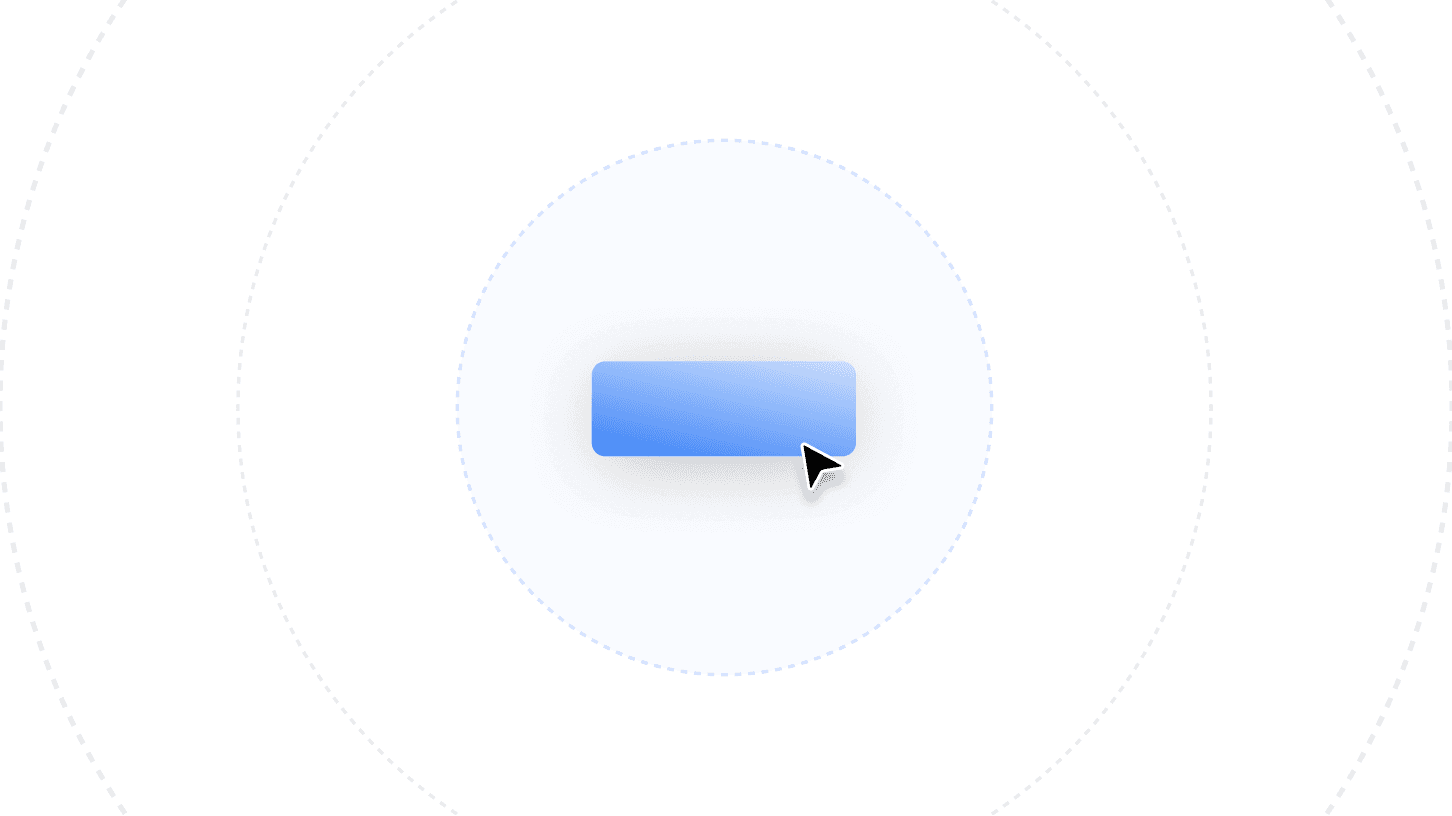
Spotlight any part of your screen

Draw viewer attention to exactly the right spot. Dim everything else.
Spotlight any part of your screen

Draw viewer attention to exactly the right spot. Dim everything else.

Spotlight any part of your screen

Draw viewer attention to exactly the right spot. Dim everything else.

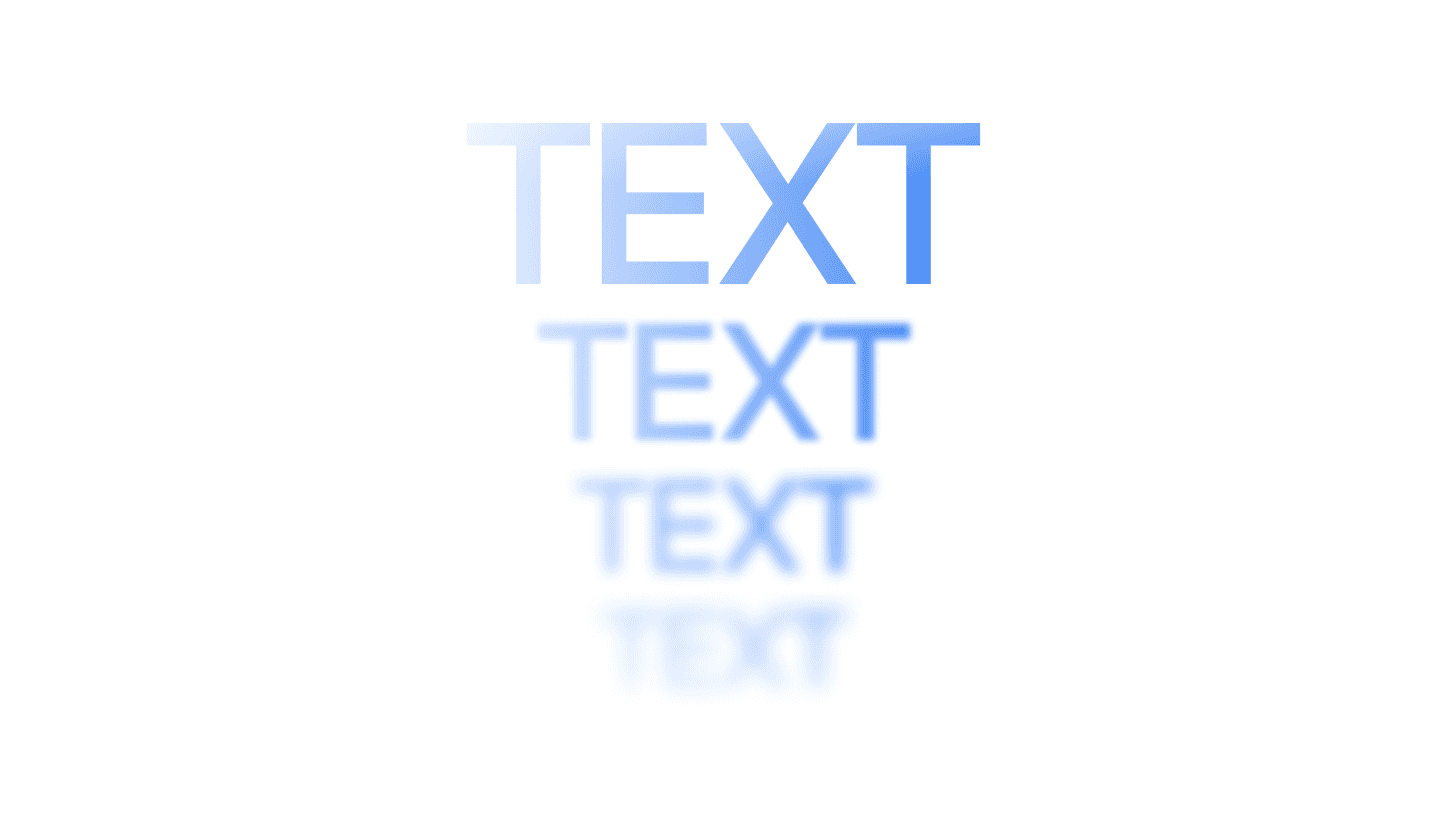
Text Animations

Create animated titles, captions, and callouts that keep viewers engaged.

Text Animations

Create animated titles, captions, and callouts that keep viewers engaged.

Text Animations

Create animated titles, captions, and callouts that keep viewers engaged.

Borders and frames

Add a clean visual border and shadow around your video to make it look stunning.
Borders and frames

Add a clean visual border and shadow around your video to make it look stunning.

Borders and frames

Add a clean visual border and shadow around your video to make it look stunning.

Shapes and annotations

Drop rectangles, arrows, or shapes onto any part of your screen.

Shapes and annotations

Drop rectangles, arrows, or shapes onto any part of your screen.

Shapes and annotations

Drop rectangles, arrows, or shapes onto any part of your screen.

Try it today

Add stunning visual effects with just a click

Start for free and add professional effects to your recordings in minutes.

Try it today

Add stunning visual effects with just a click

Start for free and add professional effects to your recordings in minutes.

Try it today

Add stunning visual effects with just a click

Start for free and add professional effects to your recordings in minutes.

Frequently
Asked
Questions

What visual effects does Clueso offer for product and training videos?

Clueso offers visual effects like zoom, spotlight, callouts, arrows, blur, borders, shapes, and image animations for product and training videos.

How do zoom effects work in Clueso, and are they added automatically?

Zoom effects can be added automatically or customized manually to focus on specific areas and actions in your video.

Can I use blur effects to hide sensitive or confidential information in a screen recording?

Yes. You can apply blur to hide sensitive details or confidential information in you screen recorded video. You can also use it to reduce distractions in any part of your video.

What spotlight and highlight effects are available to draw attention to key UI elements?

You can use spotlight to focus on specific areas, along with borders, shapes, and arrows to draw attention to key UI elements.

How do visual effects in Clueso compare to those in tools like Camtasia or Descript?

Clueso simplifies visual effects with built-in, easy-to-use controls, while tools like Camtasia or Descript often require more manual editing.

Are visual effects customizable, or are they applied as one-size-fits-all presets?

All the visual effects on Clueso are fully customizable. You can adjust size, position, timing, and other parameters to fit your video.

Can I stack or combine multiple visual effects on the same clip?

Yes. You can layer multiple visual effects together to create more detailed and polished video experiences.

Frequently Asked Questions

What visual effects does Clueso offer for product and training videos?

Clueso offers visual effects like zoom, spotlight, callouts, arrows, blur, borders, shapes, and image animations for product and training videos.

How do zoom effects work in Clueso, and are they added automatically?

Zoom effects can be added automatically or customized manually to focus on specific areas and actions in your video.

Can I use blur effects to hide sensitive or confidential information in a screen recording?

Yes. You can apply blur to hide sensitive details or confidential information in you screen recorded video. You can also use it to reduce distractions in any part of your video.

What spotlight and highlight effects are available to draw attention to key UI elements?

You can use spotlight to focus on specific areas, along with borders, shapes, and arrows to draw attention to key UI elements.

How do visual effects in Clueso compare to those in tools like Camtasia or Descript?

Clueso simplifies visual effects with built-in, easy-to-use controls, while tools like Camtasia or Descript often require more manual editing.

Are visual effects customizable, or are they applied as one-size-fits-all presets?

All the visual effects on Clueso are fully customizable. You can adjust size, position, timing, and other parameters to fit your video.

Can I stack or combine multiple visual effects on the same clip?

Yes. You can layer multiple visual effects together to create more detailed and polished video experiences.

Frequently Asked Questions

What visual effects does Clueso offer for product and training videos?

Clueso offers visual effects like zoom, spotlight, callouts, arrows, blur, borders, shapes, and image animations for product and training videos.

How do zoom effects work in Clueso, and are they added automatically?

Zoom effects can be added automatically or customized manually to focus on specific areas and actions in your video.

Can I use blur effects to hide sensitive or confidential information in a screen recording?

Yes. You can apply blur to hide sensitive details or confidential information in you screen recorded video. You can also use it to reduce distractions in any part of your video.

What spotlight and highlight effects are available to draw attention to key UI elements?

You can use spotlight to focus on specific areas, along with borders, shapes, and arrows to draw attention to key UI elements.

How do visual effects in Clueso compare to those in tools like Camtasia or Descript?

Clueso simplifies visual effects with built-in, easy-to-use controls, while tools like Camtasia or Descript often require more manual editing.

Are visual effects customizable, or are they applied as one-size-fits-all presets?

All the visual effects on Clueso are fully customizable. You can adjust size, position, timing, and other parameters to fit your video.

Can I stack or combine multiple visual effects on the same clip?

Yes. You can layer multiple visual effects together to create more detailed and polished video experiences.