
Tutorials
Learn how to use any feature, on all your favorite products.
How to insert a GIF in Google Slides
Easily insert a GIF in Google Slides with this quick guide. Add animated visuals to make your presentation stand out. Learn how now!
How to insert GIF in PowerPoint
Learn how to insert a GIF in PowerPoint to make your presentations more engaging. Simple steps to add animation!
How to highlight text in Google Docs
Highlight text in Google Docs by selecting the text, clicking the Highlight color icon in the toolbar, and choosing a color.
How to hide profile pictures on Zoom
Learn how to hide profile pictures in Zoom meetings with a quick step-by-step guide. Includes FAQs on un-hiding and how it affects video display.
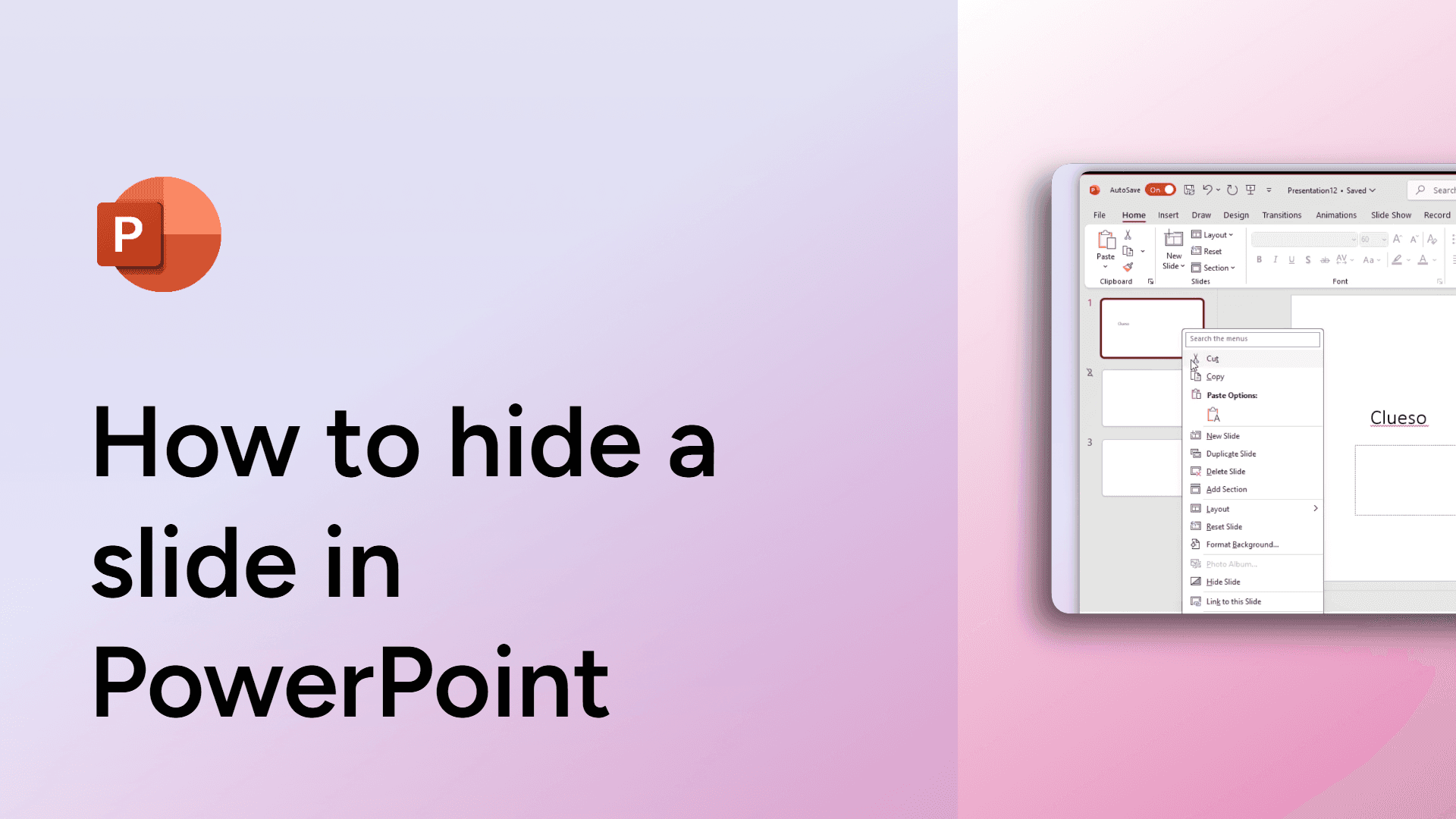
How to hide a slide in PowerPoint
Learn how to hide a slide in PowerPoint without deleting it. Keep slides for future use while maintaining a smooth presentation flow.
How to group elements in Google Slides
Easily group elements in Google Slides with this simple guide. Move and edit multiple objects together effortlessly. Learn how now!
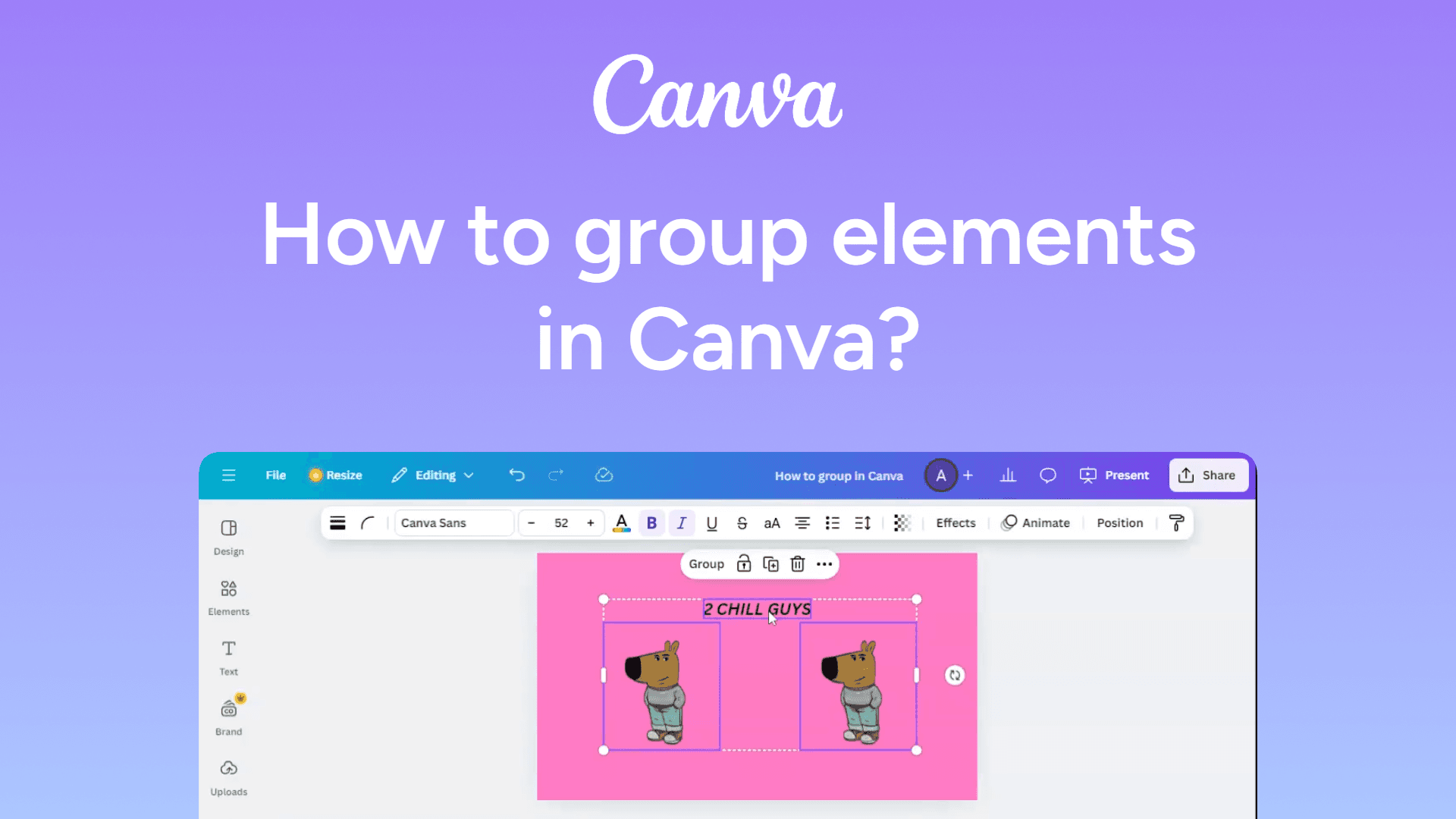
How to group elements in Canva
Easily group elements in Canva with this quick guide. Organize and move multiple items effortlessly. Learn how now!
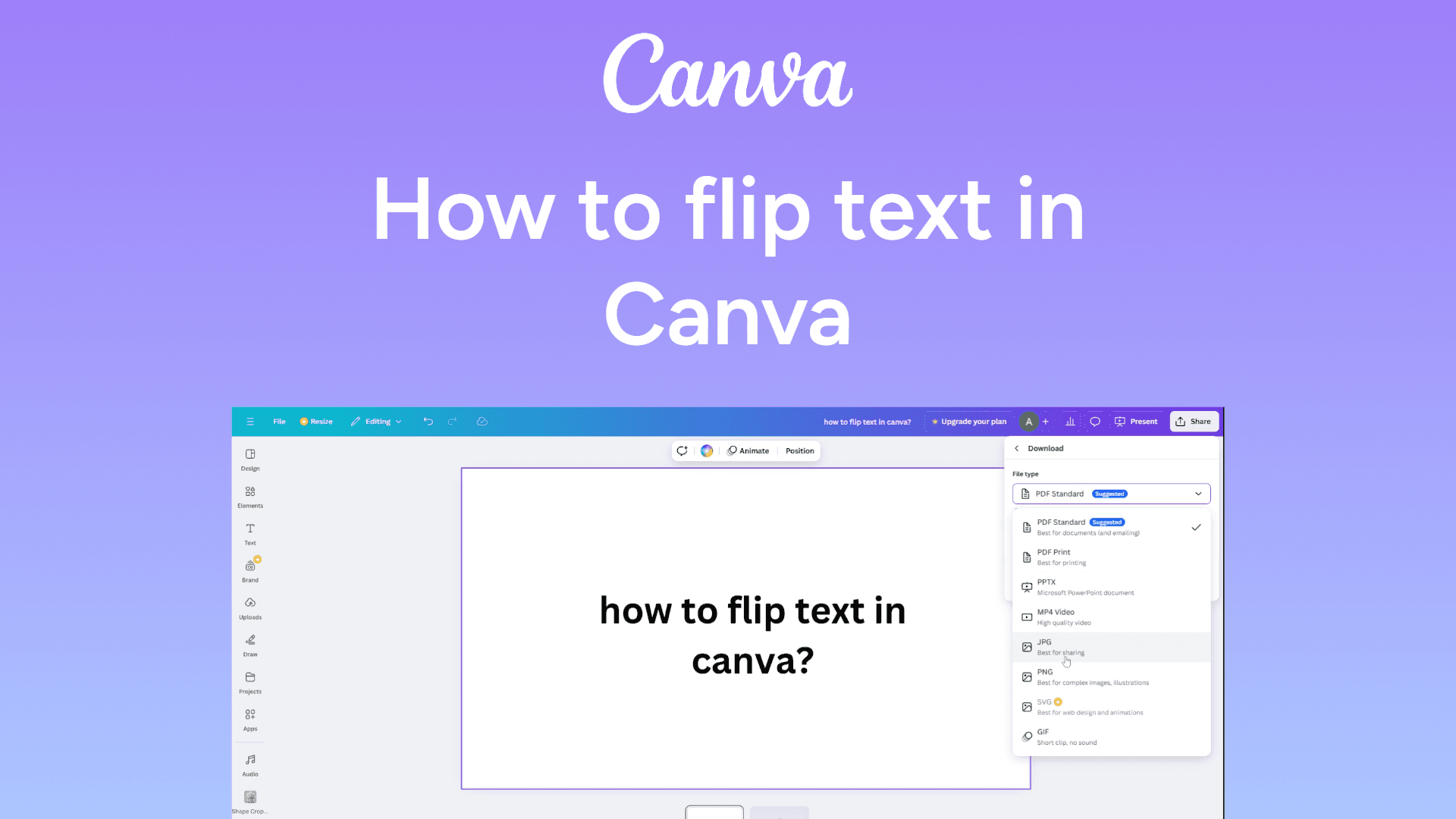
How to flip text in Canva
Easily flip text in Canva with this quick guide. Rotate or mirror your text for creative designs. Learn how now!
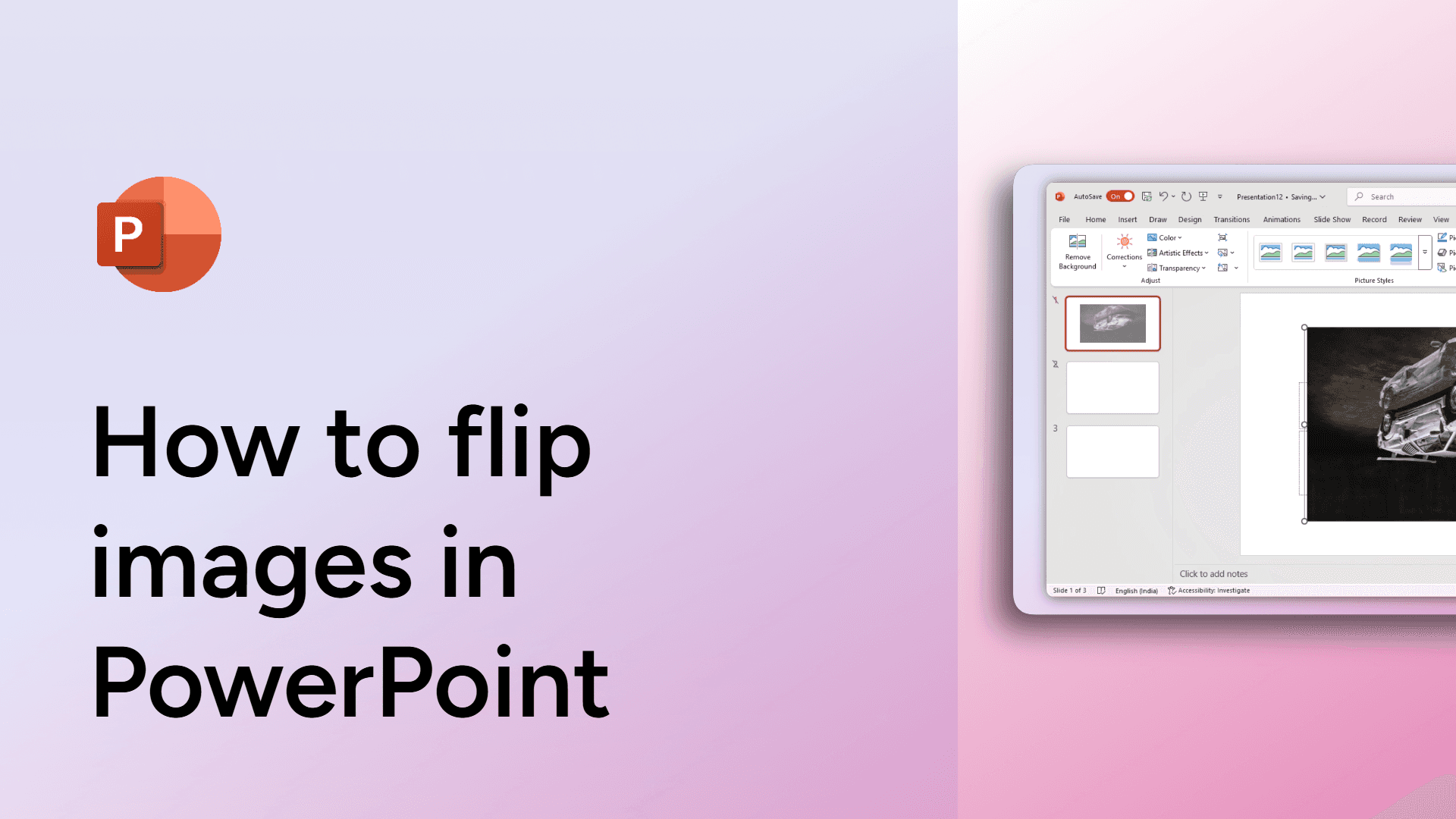
How to flip images in PowerPoint
Learn how to flip images in PowerPoint with ease. Rotate or mirror pictures for better design!
How to flip an image in Google Slides
Easily flip an image in Google Slides with this quick guide. Rotate or mirror visuals for creative designs. Learn how now!
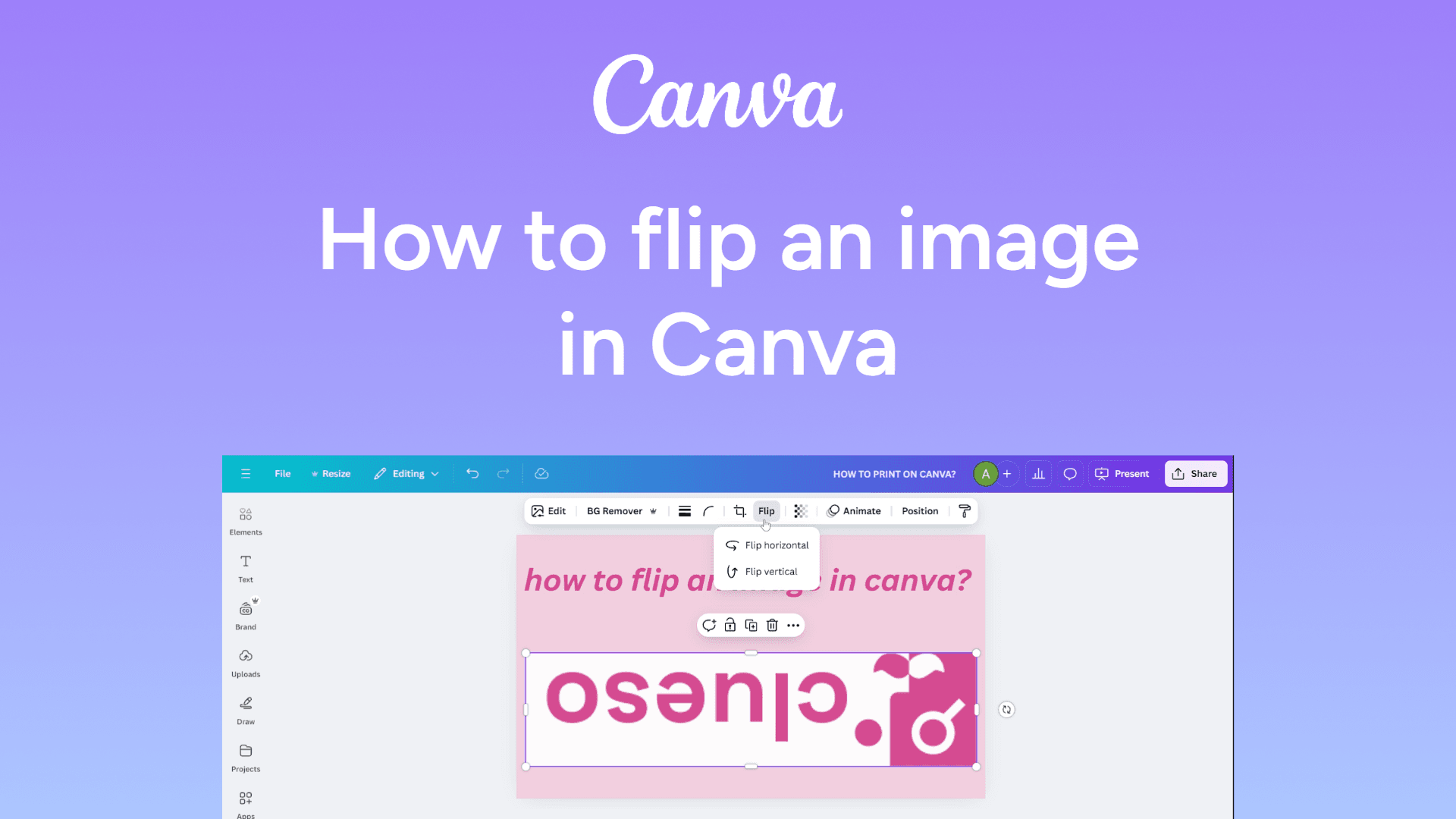
How to flip an image in Canva
Easily flip images in Canva with this quick guide. Rotate or mirror your visuals for perfect designs. Learn how to do it now!
How to find words in Google Docs
Easily find words in Google Docs using the Find and Replace tool. Press Ctrl + F (Windows) or Cmd + F (Mac) and type the word you need.