
Tutorials
Learn how to use any feature, on all your favorite products.
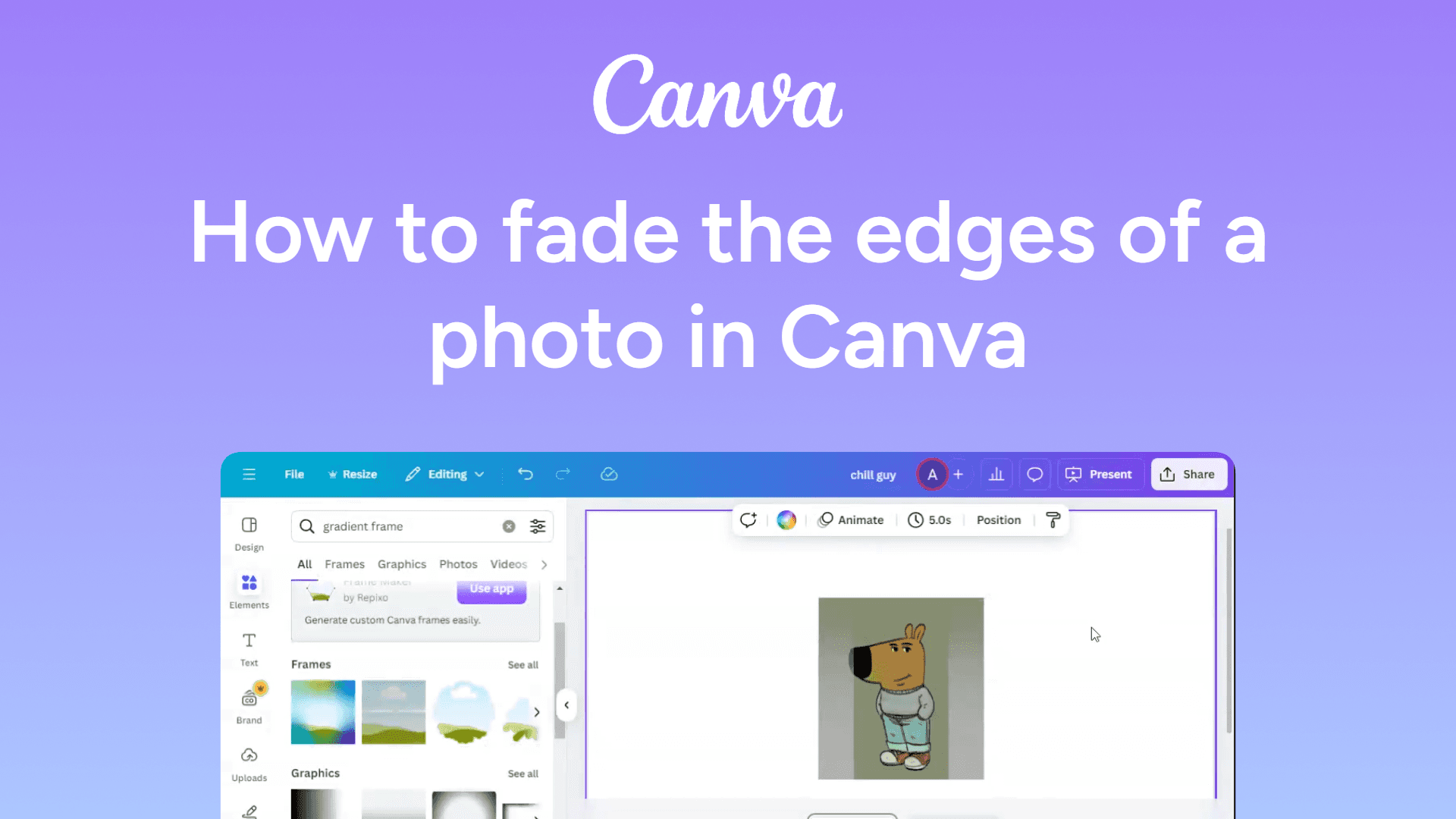
How to fade the edges of a photo in Canva
Easily fade the edges of a photo in Canva with this simple guide. Create smooth, professional designs in minutes. Learn how now!
How to enable screen sharing in Zoom
Easily enable screen sharing in Zoom with this simple guide. Allow participants to share their screens seamlessly. Learn how now!
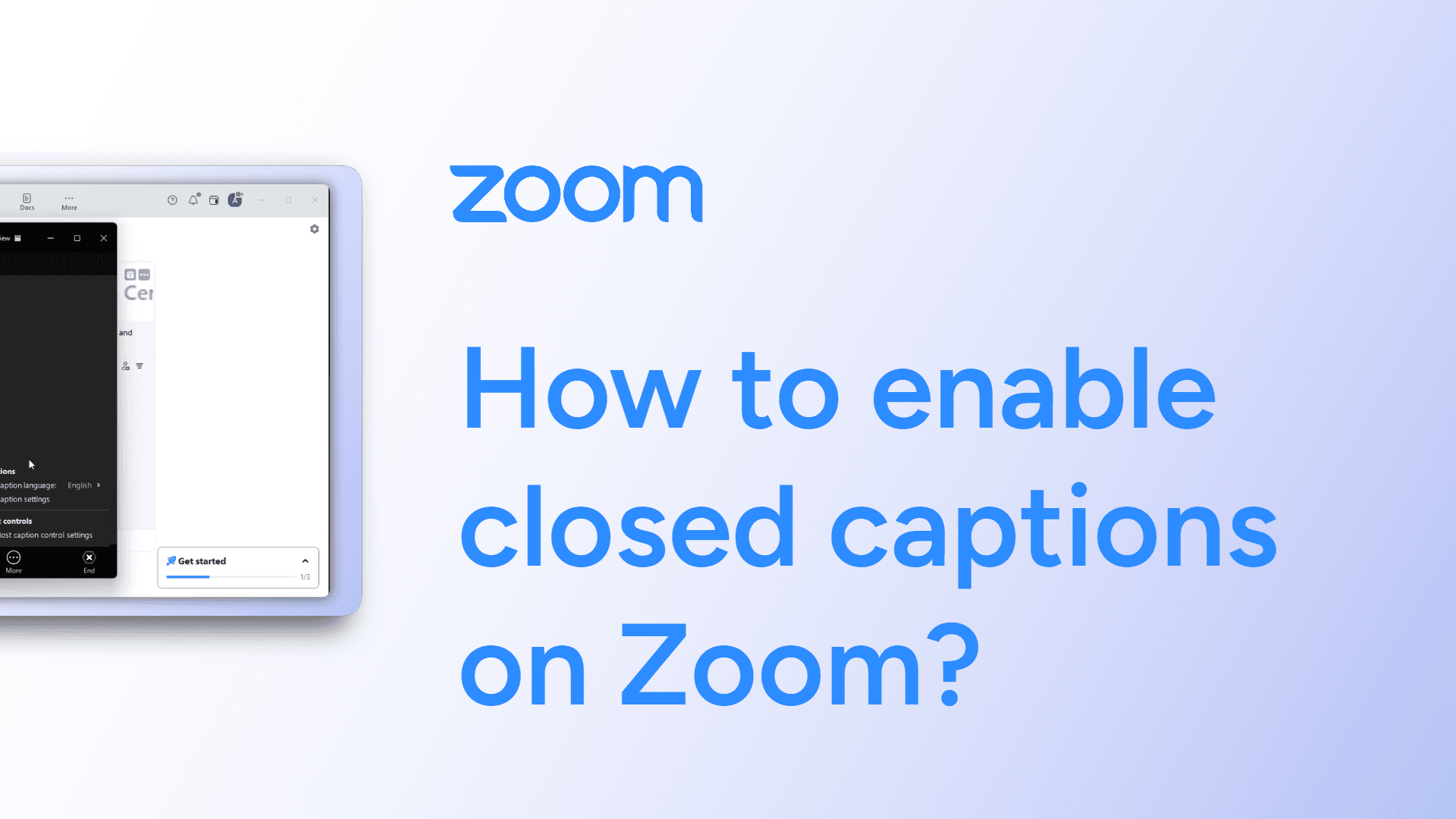
How to enable closed captions on Zoom?
Learn how to activate closed captions in Zoom with this quick guide. Includes steps for selecting your preferred language and helpful FAQs.
How to embed videos in Google Docs
Embed videos in Google Docs easily! Add video links to your document for quick access. Learn how to do it in a few simple steps. Watch now!
How to embed YouTube videos in Google Slides
Easily embed YouTube videos in Google Slides with this simple guide. Enhance your presentation with engaging content. Learn how now!
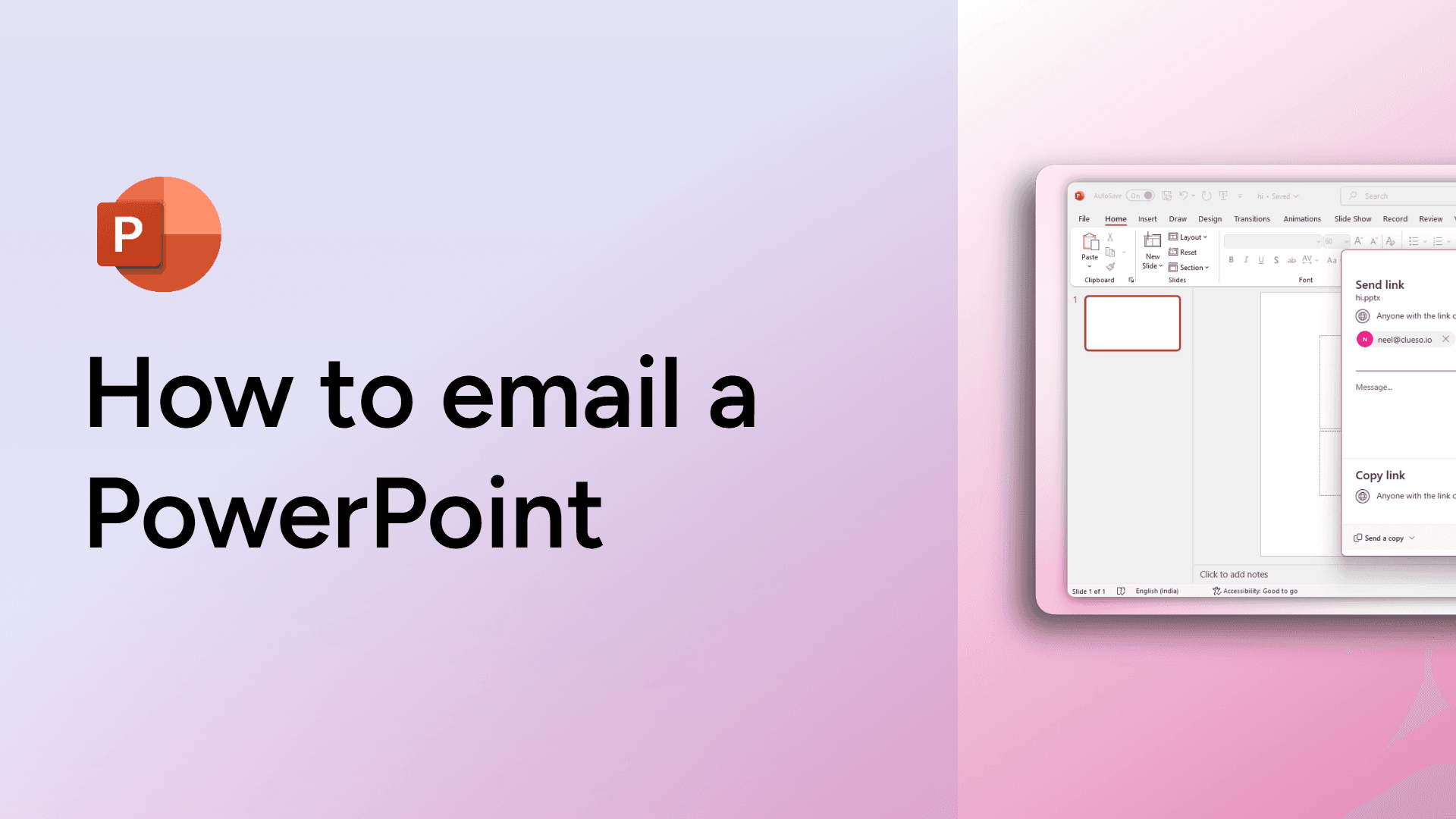
How to email a PowerPoint
Learn how to email your PowerPoint presentation directly from the app in just a few steps. Quick, simple, and perfect for sharing with colleagues or clients.

How to duplicate slides in Google Slides
Easily duplicate slides in Google Slides with this quick guide. Save time by copying slides for consistent designs. Learn how now!
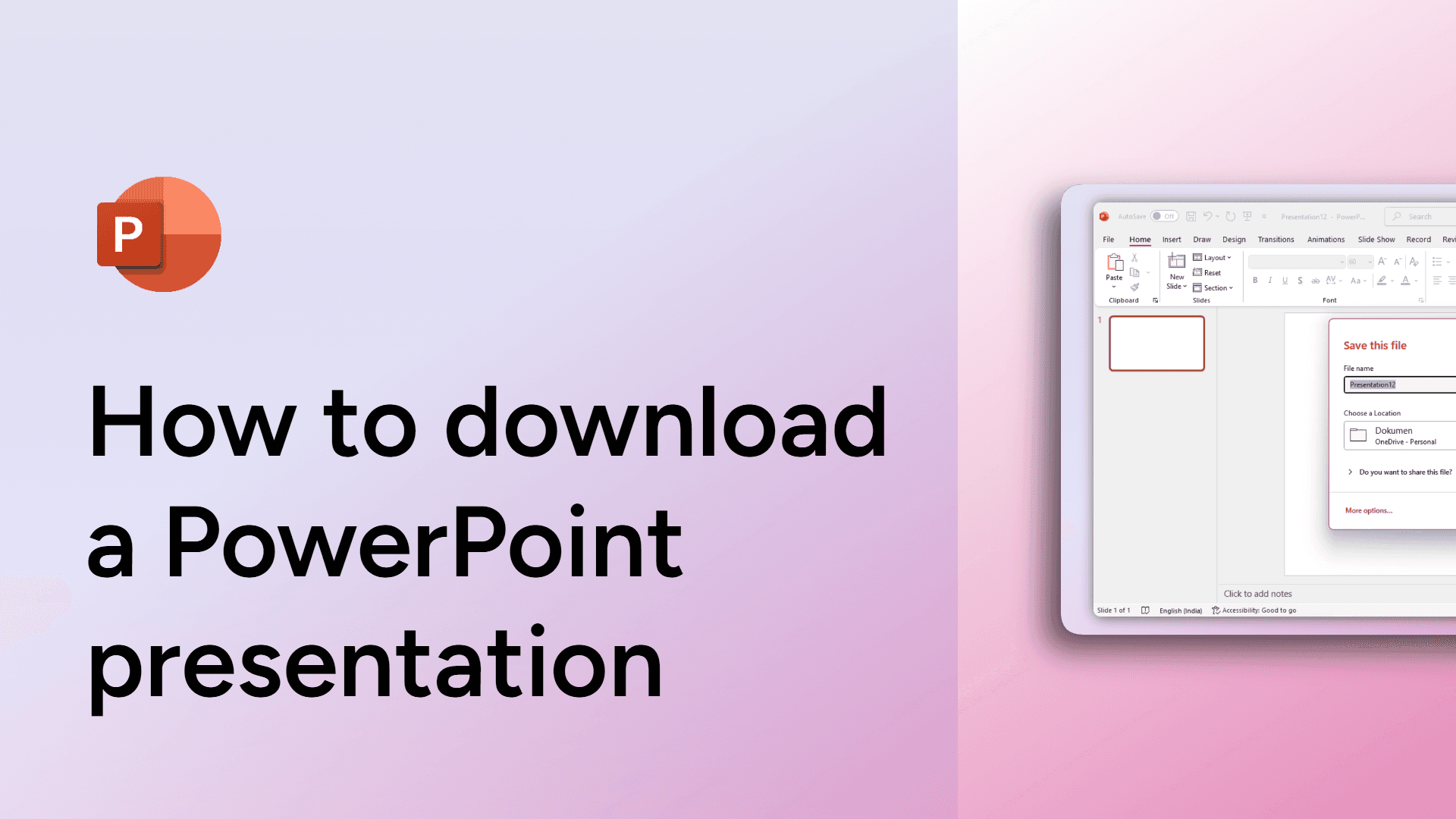
How to download a PowerPoint presentation
Learn how to download a PowerPoint presentation in just a few clicks. Save your file as PPTX, PDF, or other formats.
How to download a Google Doc as a Word document
Download a Google Doc as a Word document by clicking File : Download : Microsoft Word (.docx). Your file will be saved instantly.
How to download a Google Doc as a PDF
Save your Google Doc as a PDF in just a few clicks! Follow this simple guide to quickly download and share your document in PDF format. Learn how now!
How to download a Google Doc as HTML
Download a Google Doc as HTML by clicking File > Download > Web Page (.html, zipped). Your document will be saved as a zipped HTML file.
How to disable the Zoom waiting room
Easily disable the Zoom waiting room with this simple guide. Allow participants to join your meeting instantly. Learn how now!