
Tutorials
Learn how to use any feature, on all your favorite products.
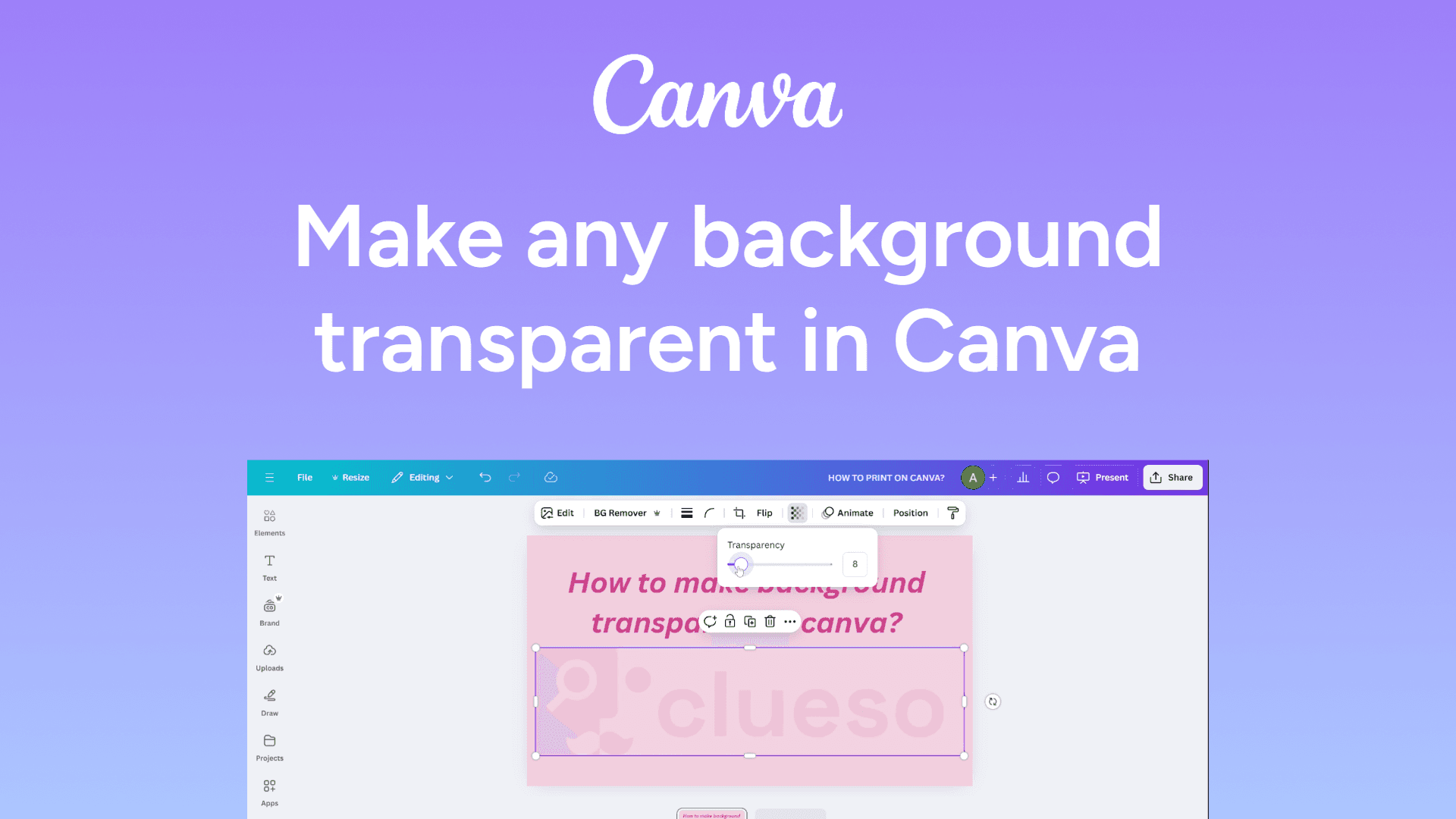
How to make background transparent in Canva
Remove backgrounds easily in Canva with this quick guide. Make your designs pop with a transparent background. Learn how in minutes!
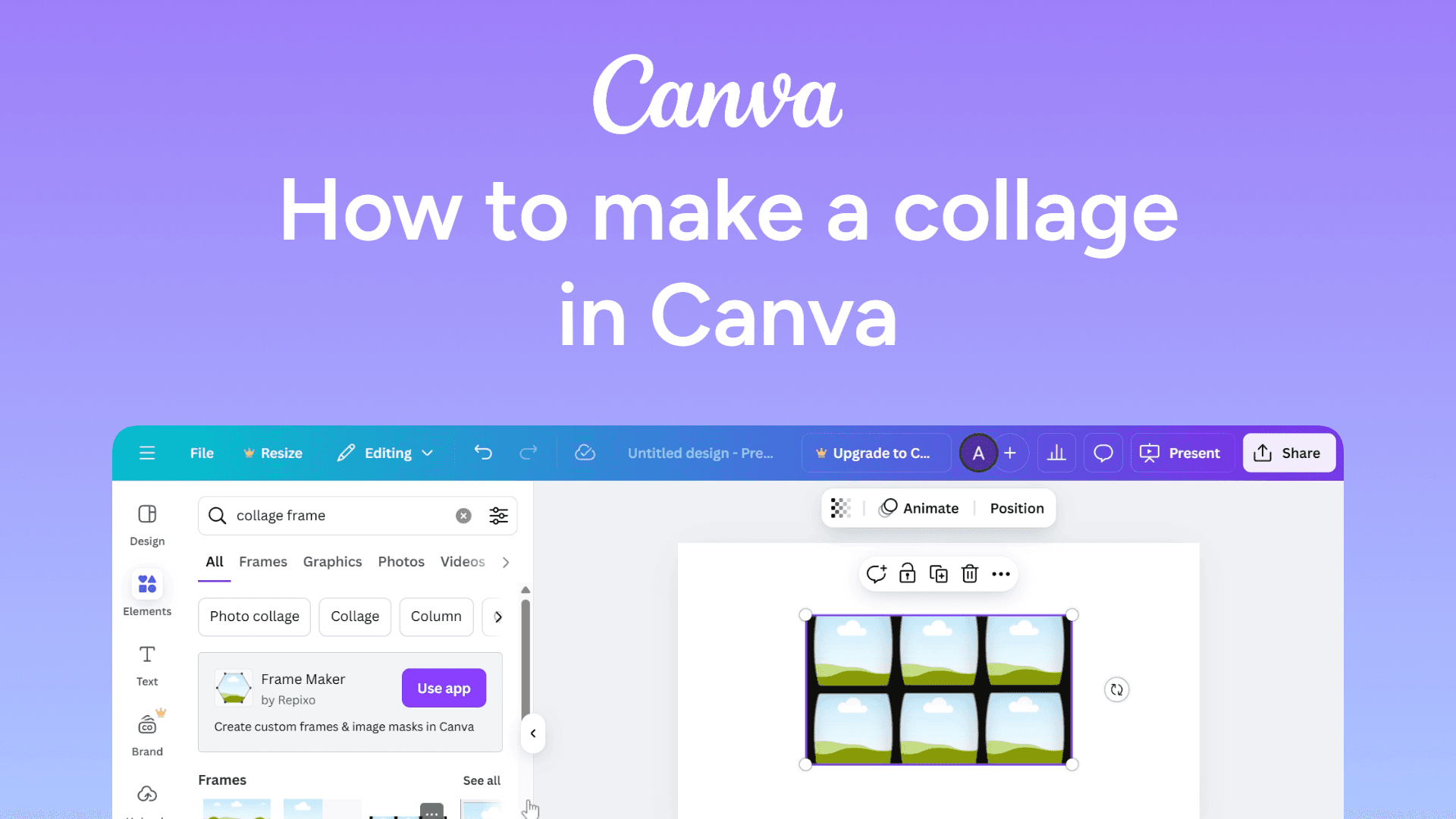
How to make a collage in Canva
Easily make a collage in Canva with this quick guide. Combine multiple images into stunning layouts in minutes. Learn how now!
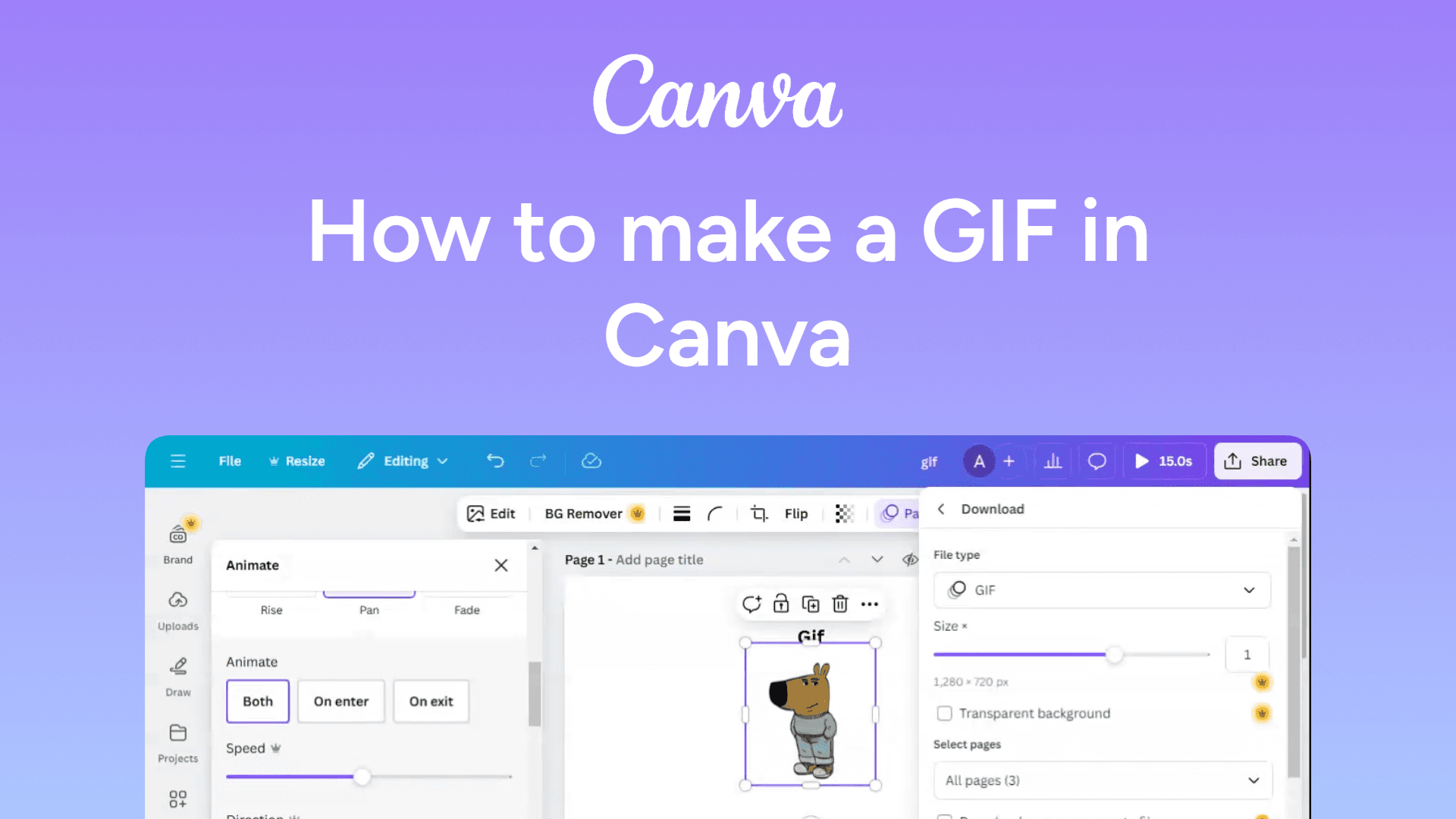
How to make a GIF in Canva
Easily make a GIF in Canva with this quick guide. Create engaging animations for social media in seconds. Learn how now!
How to make Google Docs accessible to everyone
Make Google Docs accessible to everyone by clicking Share, selecting Anyone with the link, and setting the desired permissions. Now anyone can view or edit.
How to lock an image in Google Slides
Easily lock an image in Google Slides with this simple guide. Prevent accidental changes and keep your design intact. Learn how now!

How to join a Zoom meeting
Easily join a Zoom meeting with this simple guide. Connect instantly using a meeting link or ID. Learn how now!

How to integrate ChatGPT with Google Slides
Easily integrate ChatGPT with Google Slides with this simple guide. Enhance your presentations using AI-powered assistance. Learn how now!

How to integrate ChatGPT with Google Docs
Integrate ChatGPT with Google Docs to enhance your writing with AI-powered assistance. Follow this step-by-step guide to install and use ChatGPT seamlessly.
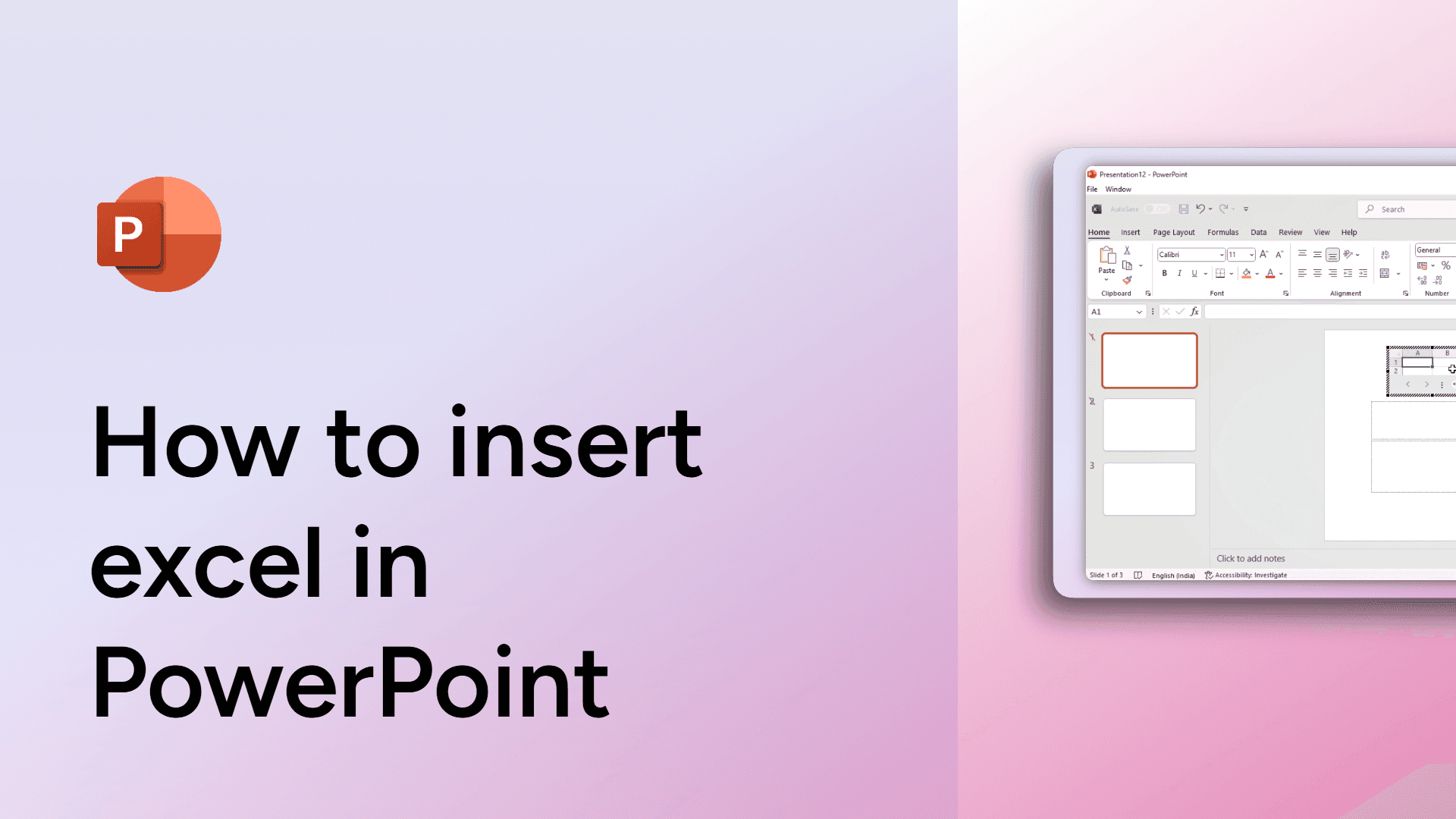
How to insert excel in PowerPoint
Learn how to insert an Excel spreadsheet into PowerPoint seamlessly. Enhance your presentation with live data!

How to insert a signature in Google Docs
Easily insert a signature in Google Docs with this quick guide. Use the drawing tool or upload an image to sign your document effortlessly. Learn how now!
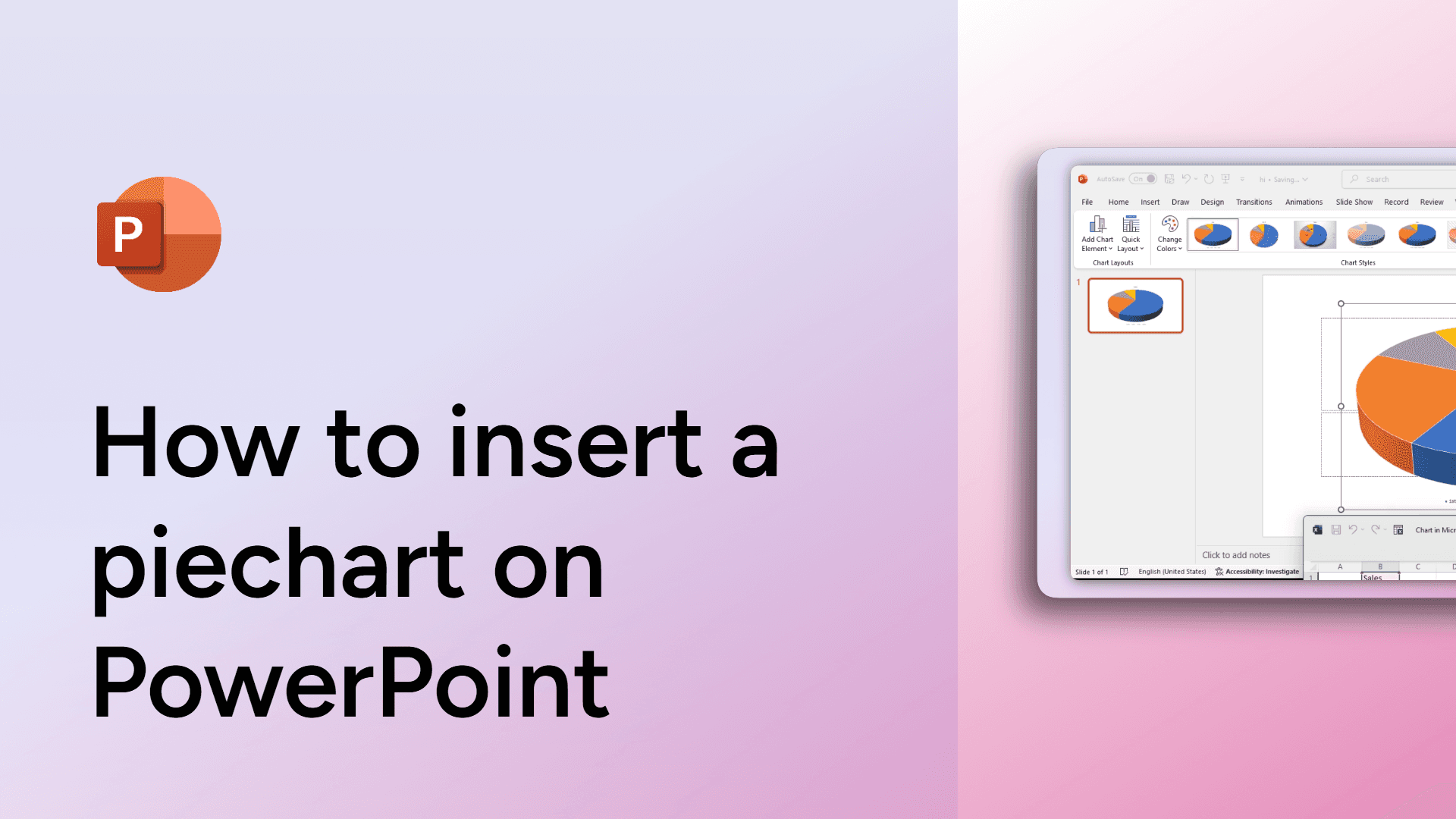
How to insert a piechart on PowerPoint
Learn how to insert a pie chart in PowerPoint to visualize data effectively.

How to insert a PDF into a Google Doc
Easily insert a PDF into a Google Doc with this simple guide. Add content by linking, embedding, or converting the file. Learn how now!