
Tutorials
Learn how to use any feature, on all your favorite products.
How to change the background on Zoom
Easily change the background on Zoom with this simple guide. Customize your meeting space with virtual or blurred backgrounds. Learn how now!
How to change the background color in Google Docs
Easily change the background color in Google Docs! Customize your document by selecting a new page color in just a few clicks. Learn how now!
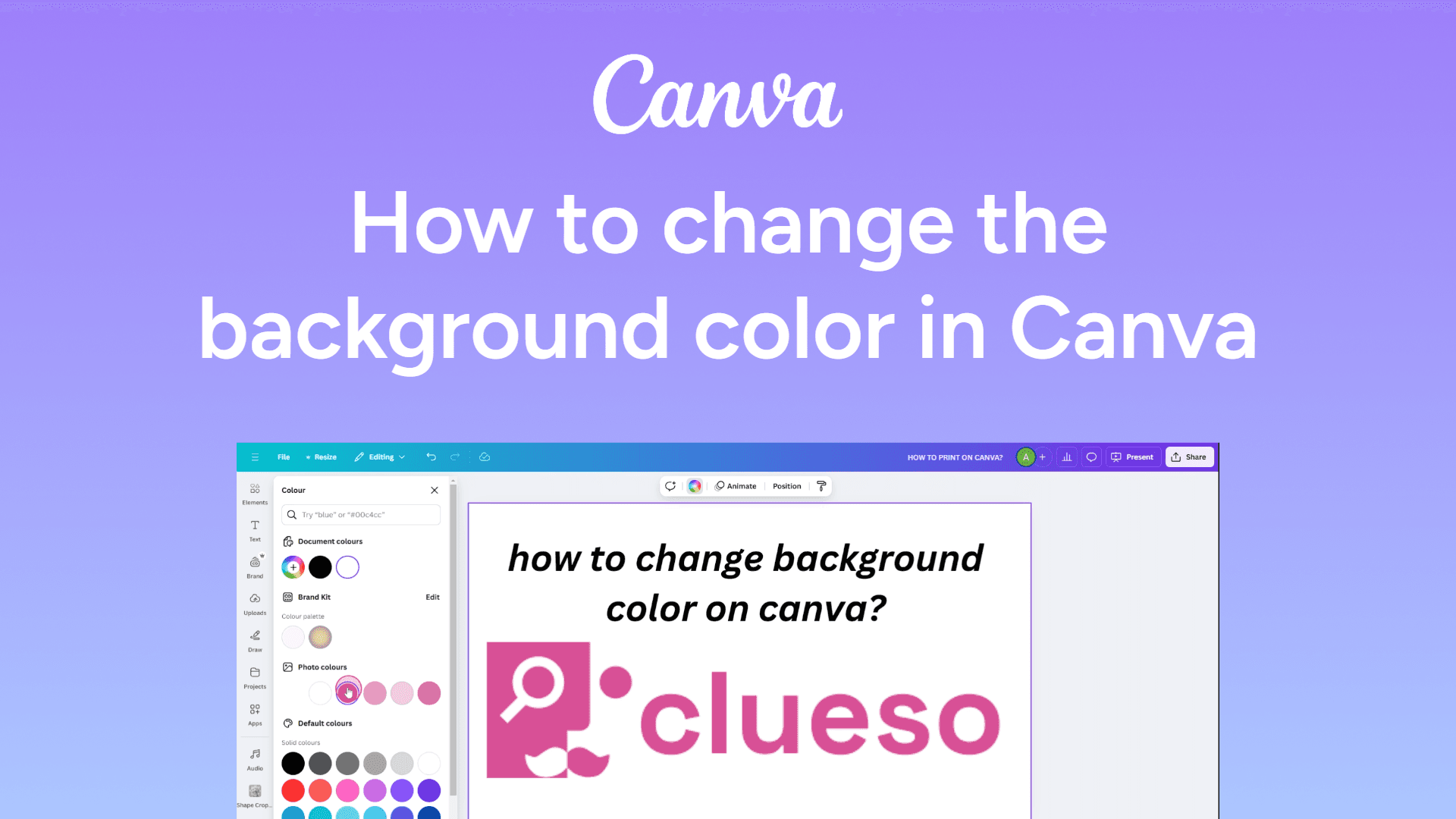
How to change the background color in Canva
Easily change background colors in Canva with this simple guide. Customize your designs with the perfect shade. Learn how now!
How to change text color in Google Slides
Easily change text color in Google Slides with this simple guide. Customize your text for better visibility and design. Learn how now!
How to change slide size in Google Slides
Easily change the slide size in Google Slides with this quick guide. Customize dimensions for perfect presentations. Learn how now!
How to change orientation to portrait in PowerPoint
Learn how to change slide orientation to portrait in PowerPoint with simple steps. Perfect for posters and print-friendly slides!
How to change a Google Doc page to landscape format
Change a Google Doc to landscape by clicking File > Page setup > Landscape > OK. Your document will switch to a wider format instantly.
How to change PowerPoint slide size
Learn how to change the slide size in PowerPoint to fit your presentation needs. Adjust dimensions for widescreen or standard layouts easily.
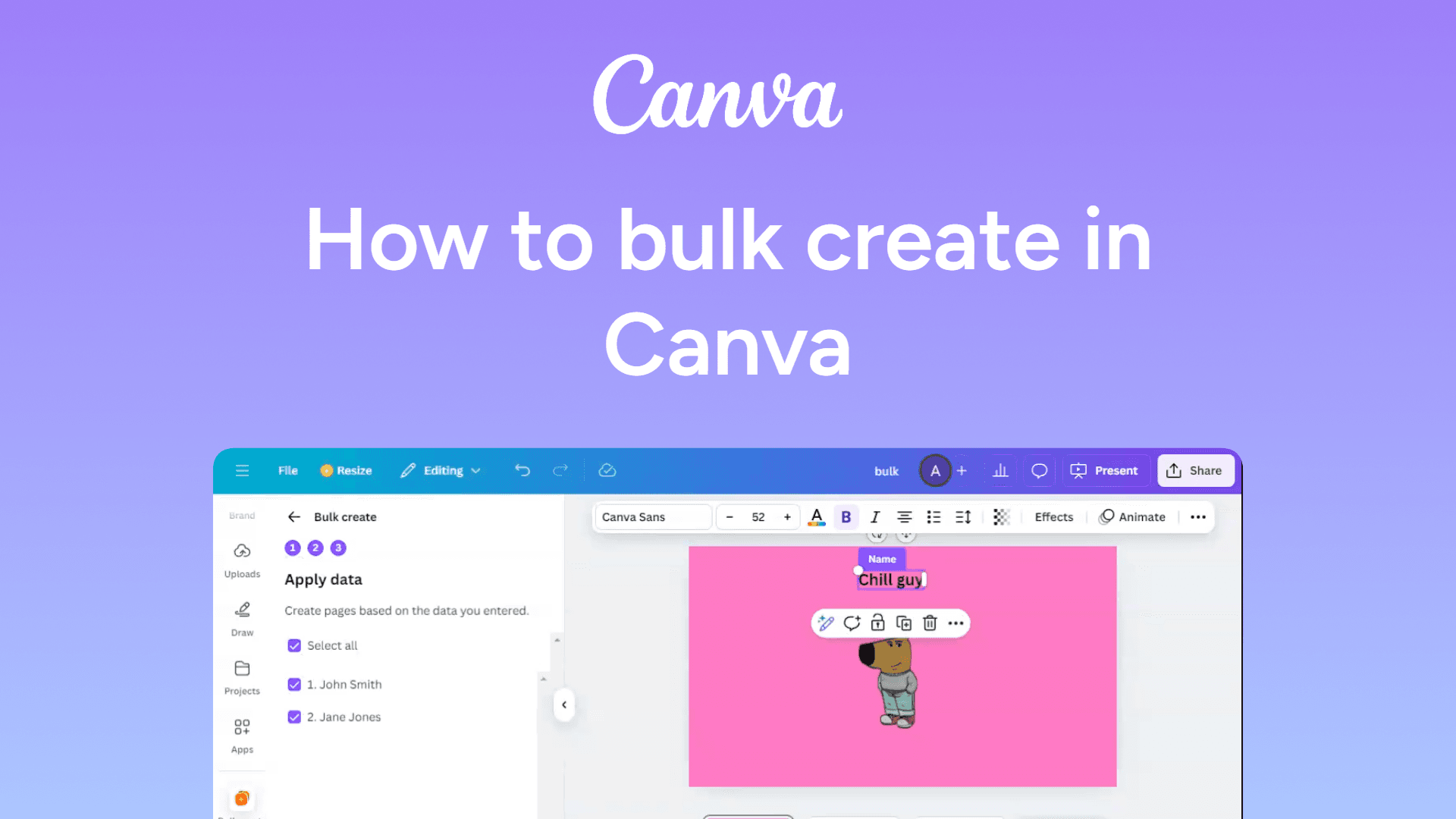
How to bulk create in Canva
Easily bulk create designs in Canva with this simple guide. Save time by generating multiple designs at once. Learn how now!
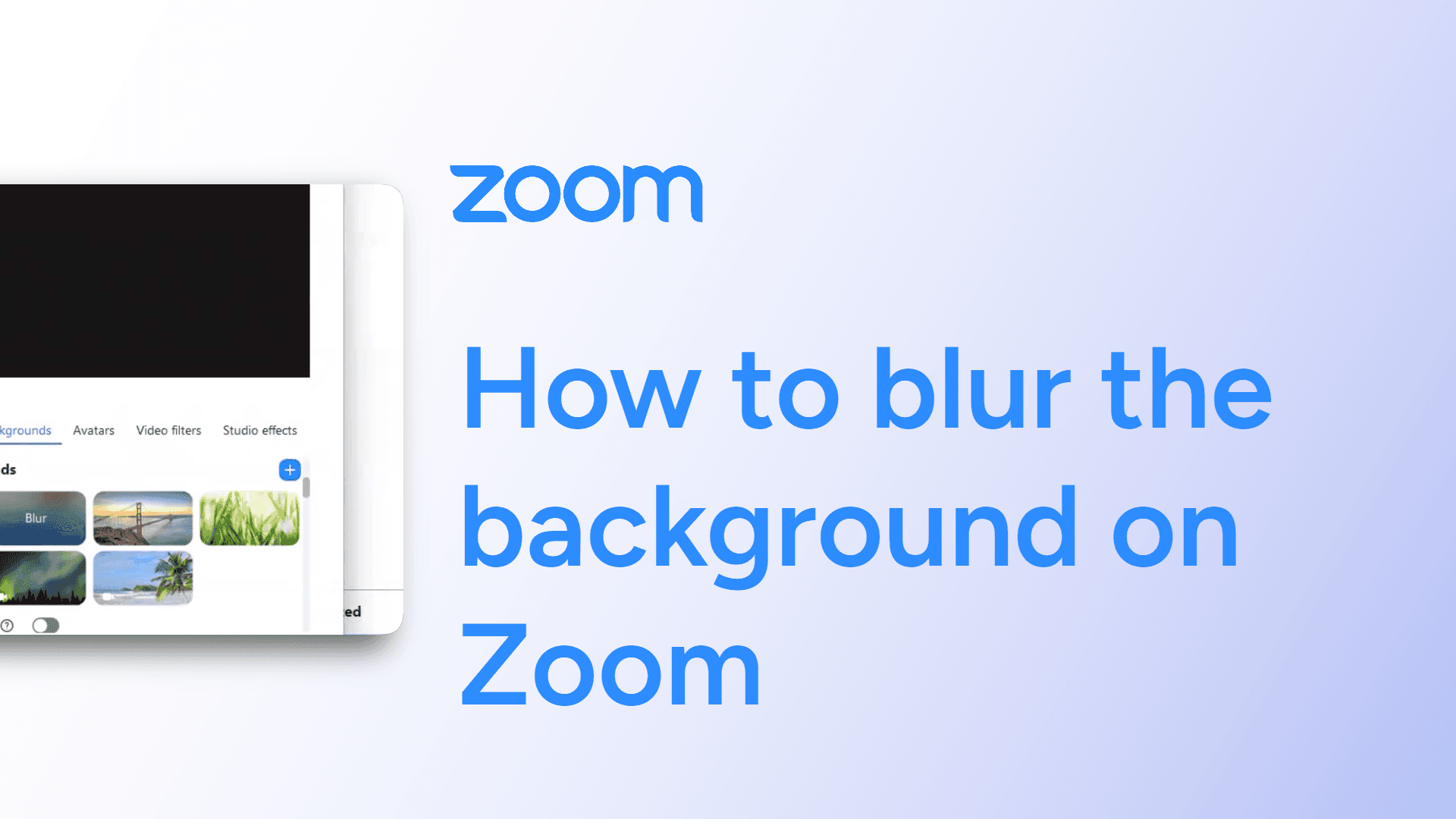
How to blur the background on Zoom
Easily blur the background on Zoom with this simple guide. Enhance privacy and reduce distractions during meetings. Learn how now!
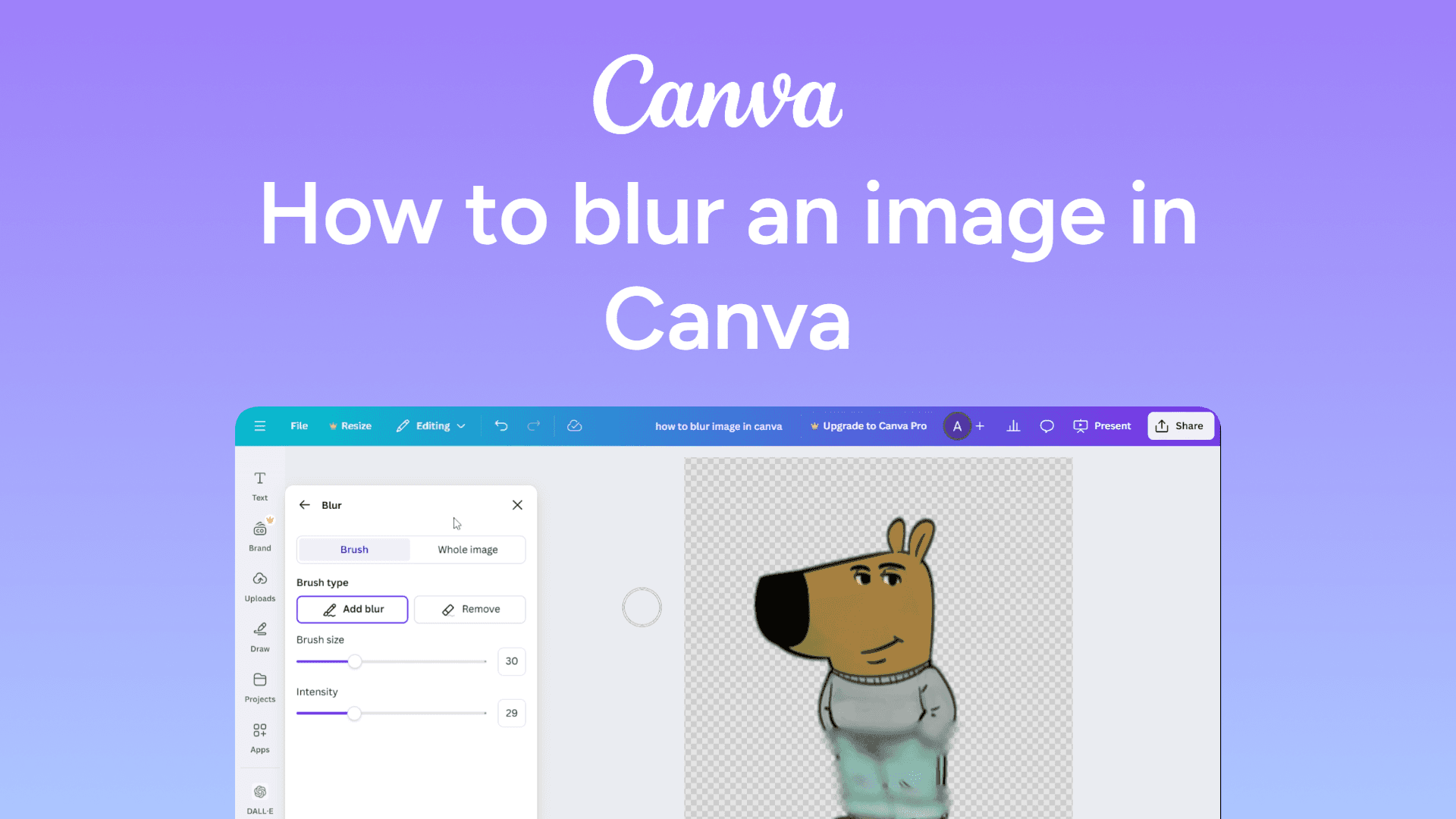
How to blur an image in Canva
Easily blur images in Canva with this quick guide. Add soft effects for stunning designs in seconds. Learn how now!
How to attach a Google Doc to an email
Easily attach a Google Doc to an email in just a few clicks. Share your document as a link or a file for seamless collaboration. Learn how now!