
Tutorials
Learn how to use any feature, on all your favorite products.
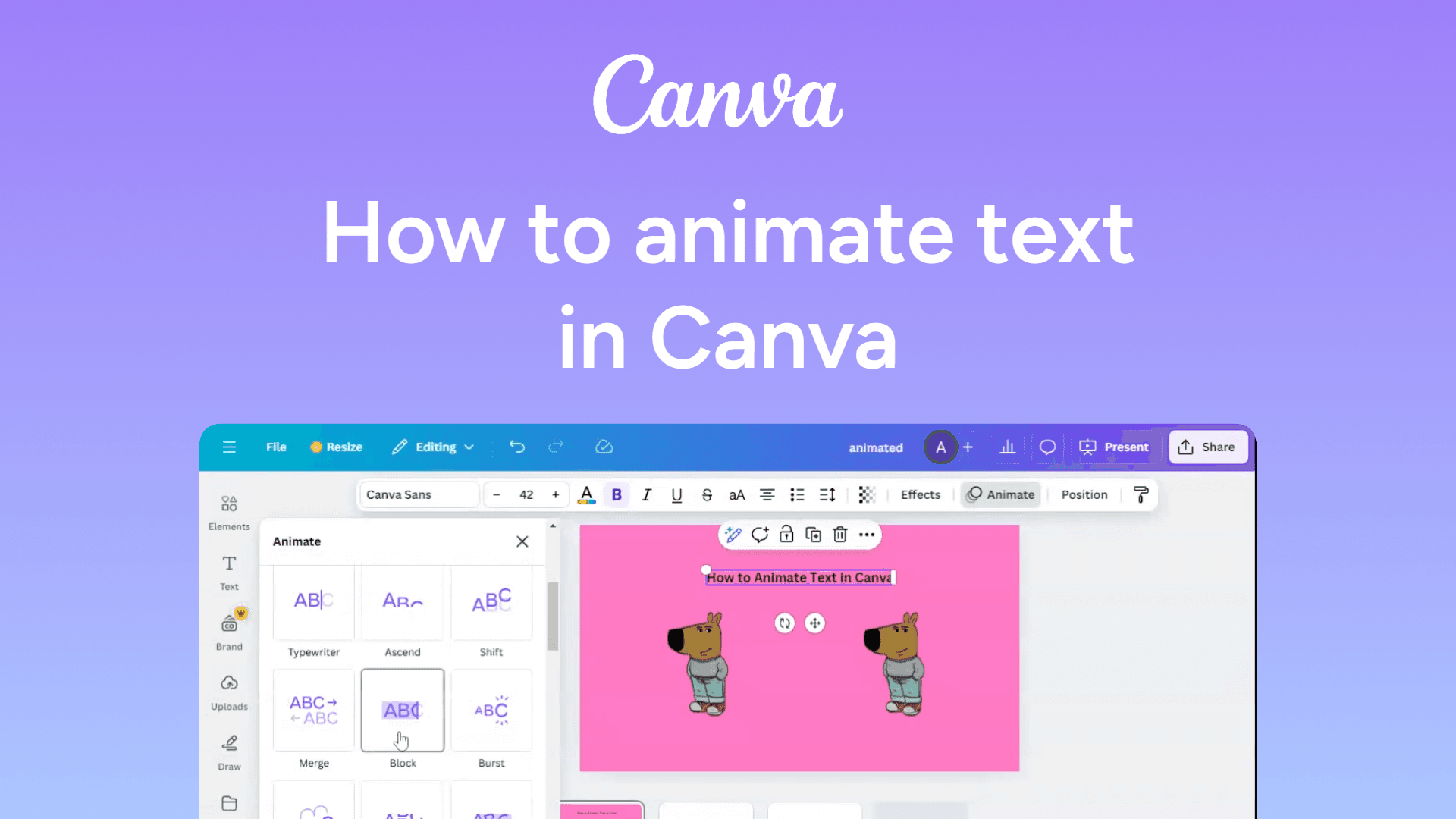
How to animate text in Canva
Easily animate text in Canva with this quick guide. Add motion effects to make your designs stand out. Learn how now!
How to adjust image transparency in Google Slides
Easily adjust image transparency in Google Slides with this simple guide. Control visibility for better design effects. Learn how now!
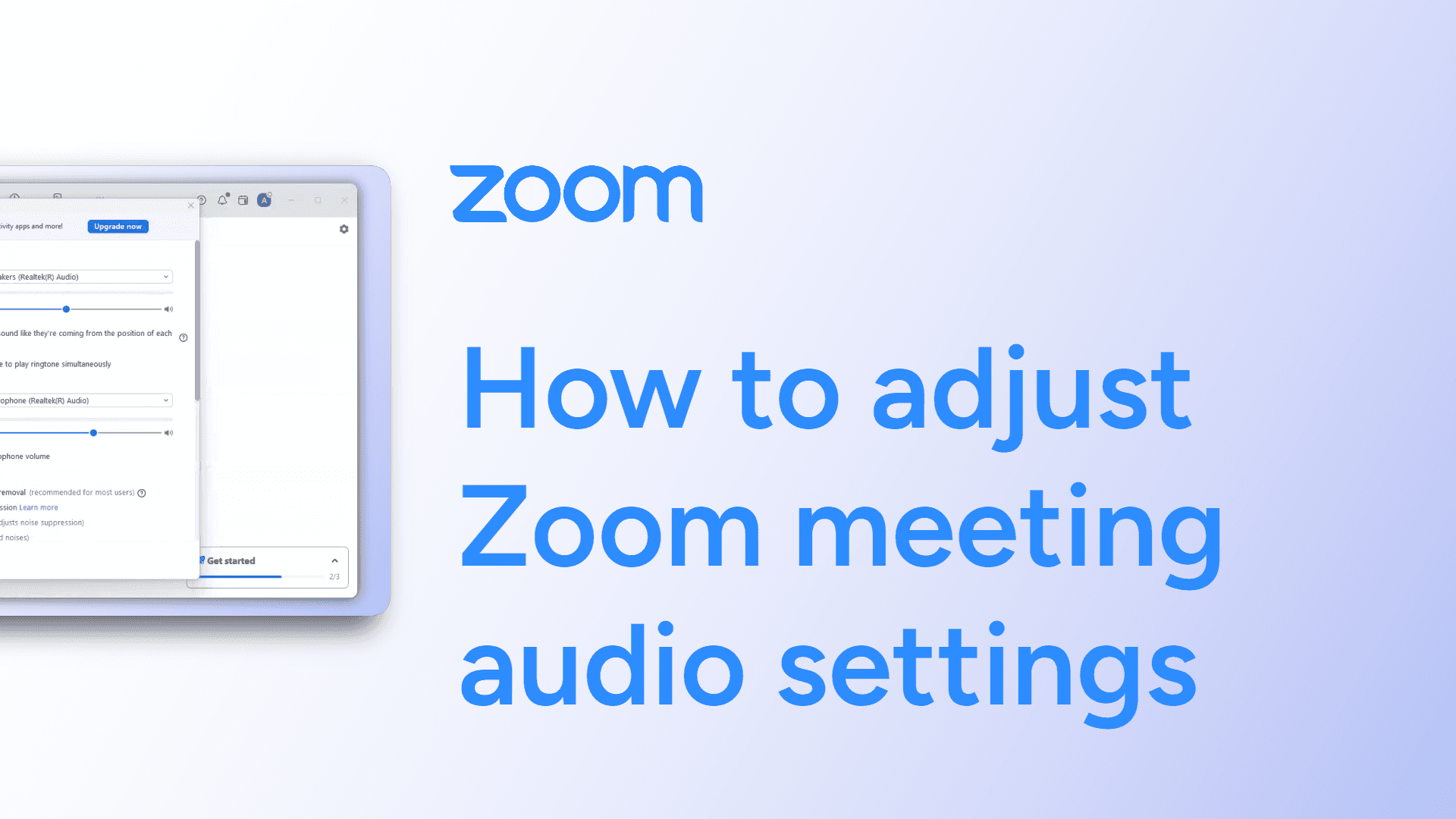
How to adjust Zoom meeting audio settings
Easily adjust Zoom meeting audio settings with this simple guide. Optimize sound quality for a better meeting experience. Learn how now!
How to add transitions in Google Slides
Easily add transitions in Google Slides with this simple guide. Enhance your presentation with smooth slide effects. Learn how now!
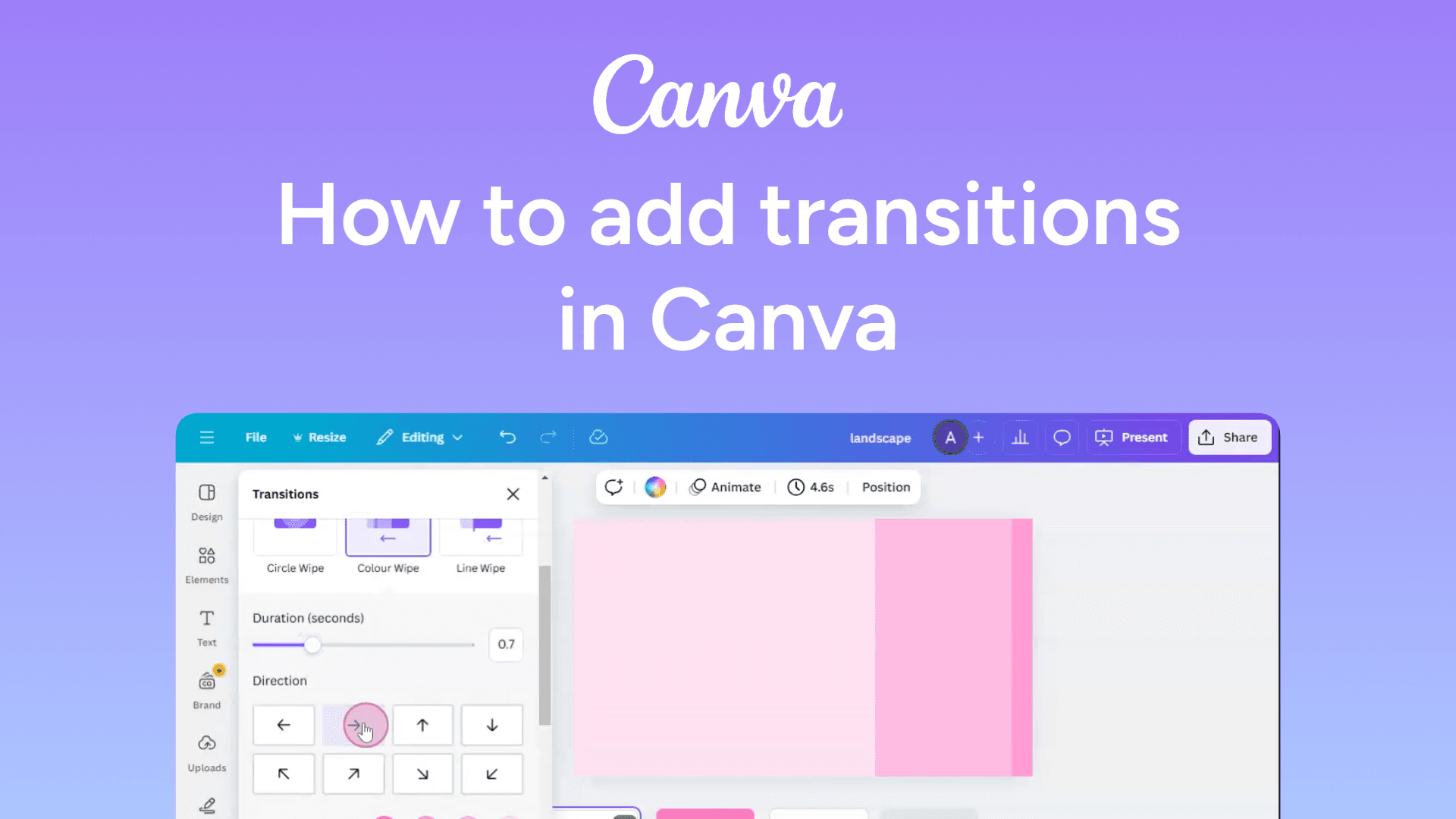
How to add transitions in Canva
Easily add transitions in Canva with this quick guide. Enhance your presentations with smooth effects. Learn how now!
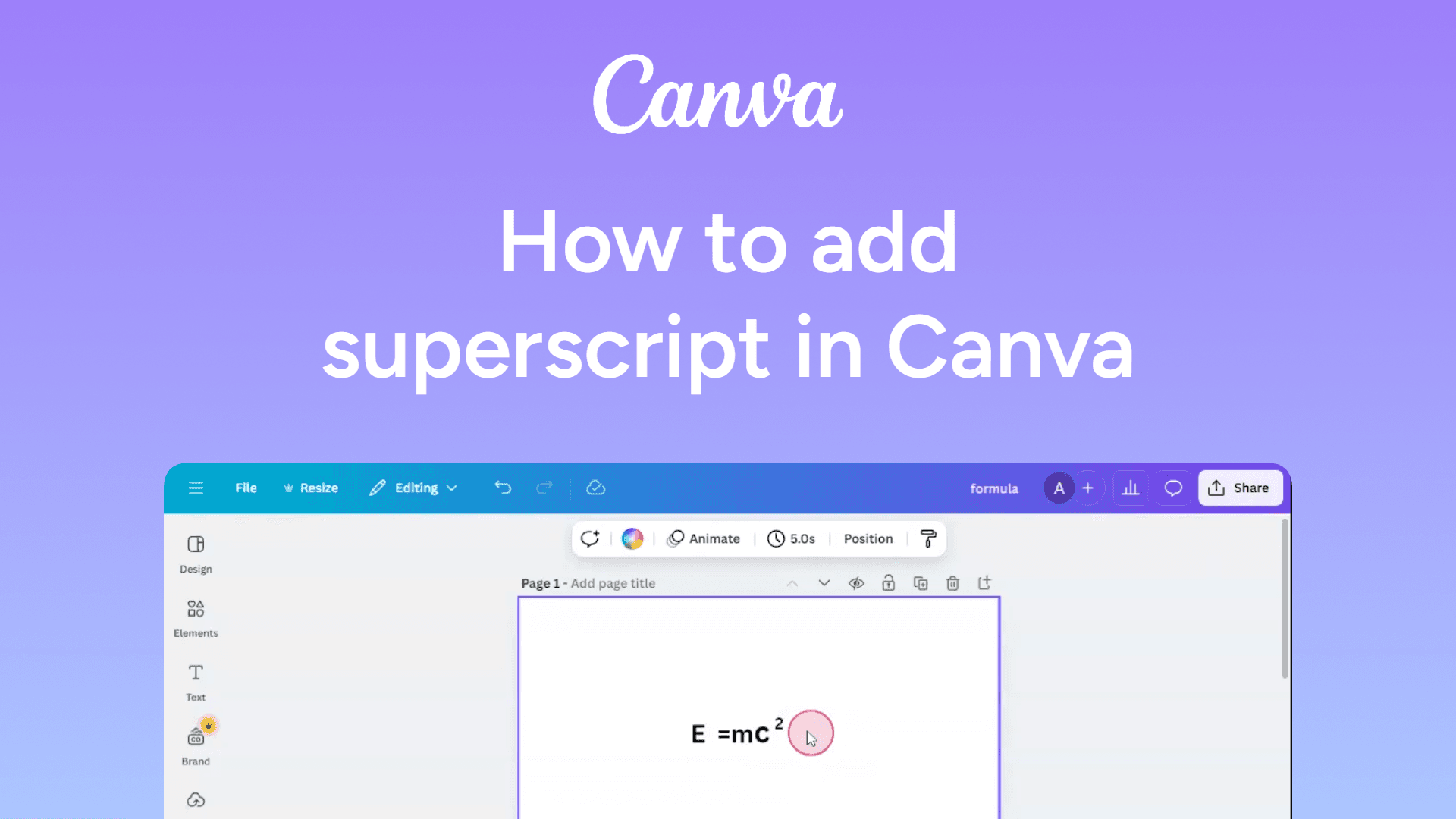
How to add superscript in Canva
Easily add superscript in Canva with this simple guide. Format text for equations, trademarks, and more. Learn how now!
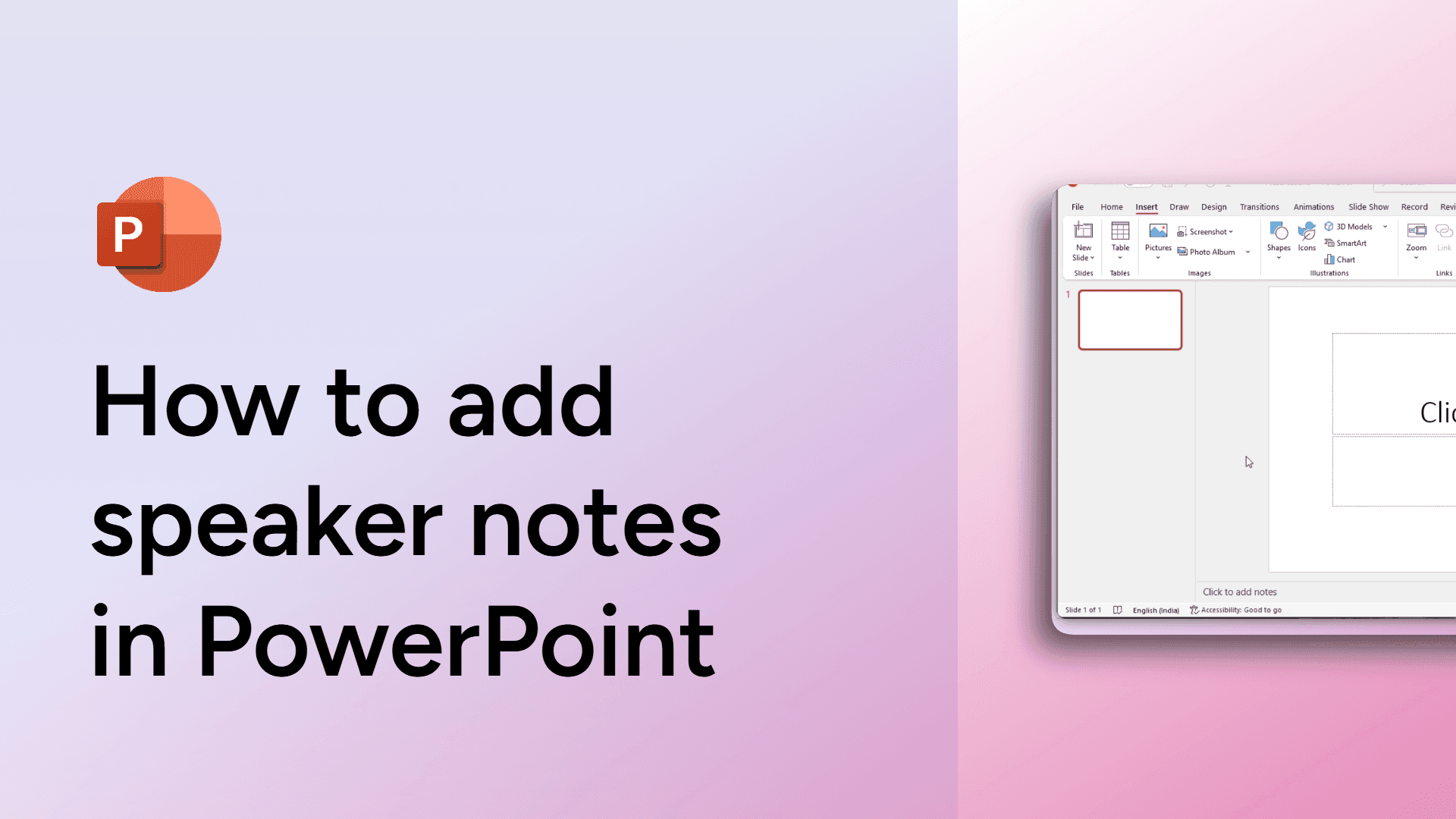
How to add speaker notes in PowerPoint
Learn how to add speaker notes in PowerPoint to guide your presentation seamlessly.
How to add speaker notes in Google Slides
Easily add speaker notes in Google Slides with this simple guide. Keep key points handy for smooth presentations. Learn how now!
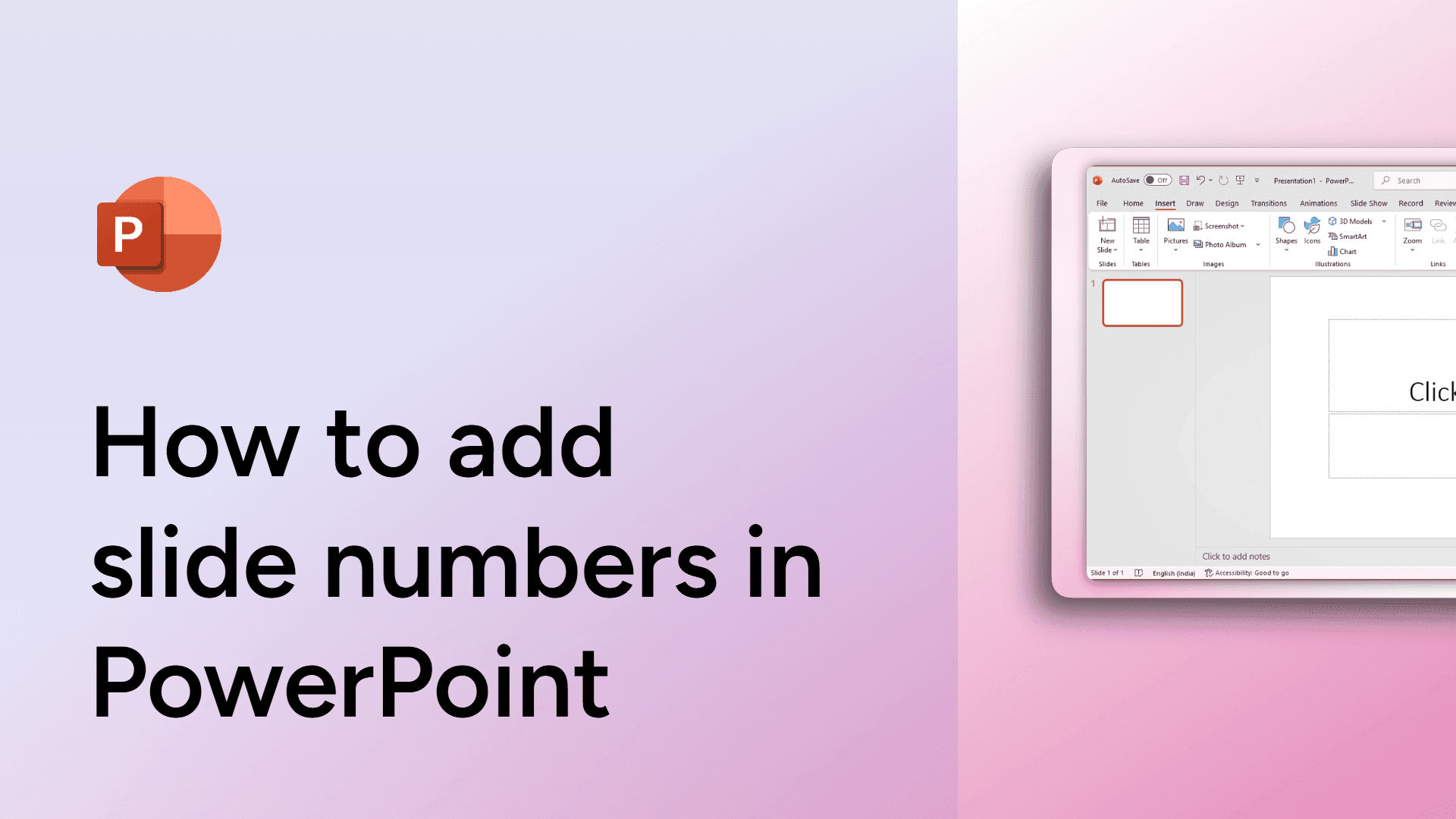
How to add slide numbers in PowerPoint
Learn how to add slide numbers in PowerPoint to keep your presentation organized
How to add page numbers in Google Docs
Learn how to easily add, customize, or remove page numbers in Google Docs. Step-by-step guide with FAQs on formatting and automatic updates.
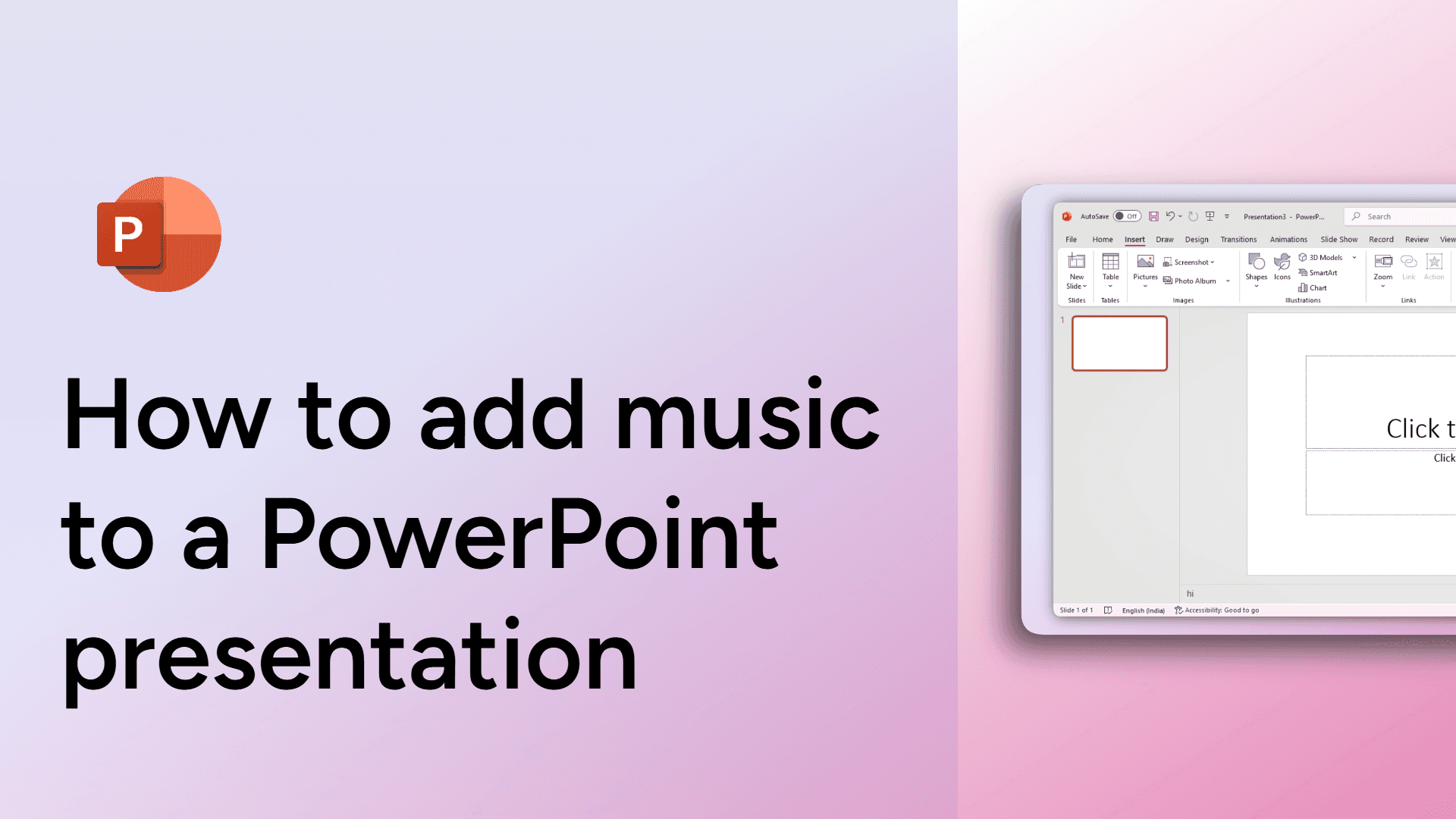
How to add music to a PowerPoint presentation
Learn how to add music to your PowerPoint presentation in a few simple steps to enhance your slides.
How to add music to Google Slides
Easily add music to Google Slides with this simple guide. Enhance your presentations with background audio. Learn how now!