
Tutorials
Learn how to use any feature, on all your favorite products.
How to add links in Google Slides
Easily add links in Google Slides with this simple guide. Make your presentation interactive with clickable URLs. Learn how now!
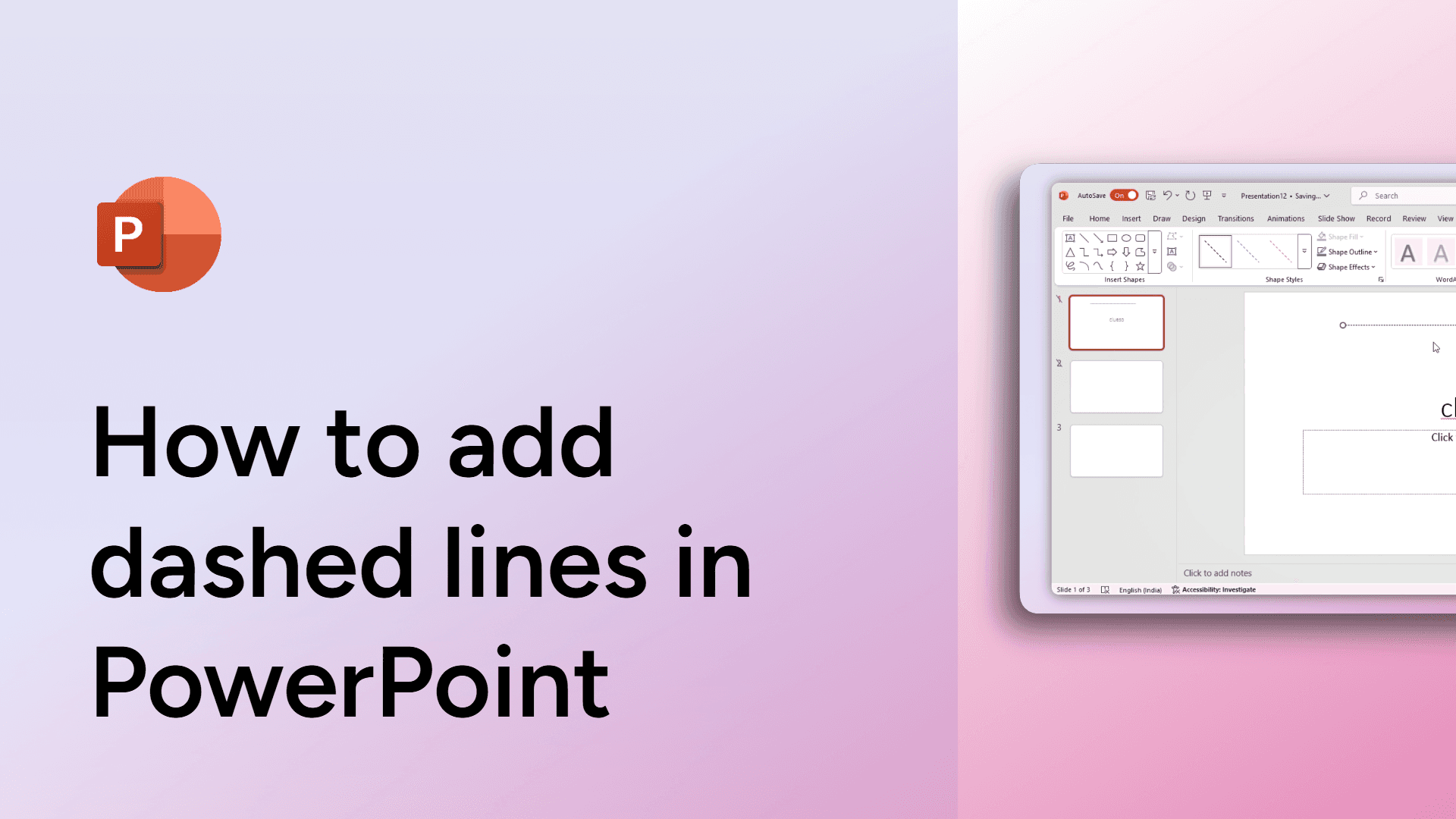
How to add dashed lines in PowerPoint
Learn how to insert and customize dashed lines in PowerPoint. This step-by-step guide covers formatting, color, thickness, and applying styles to other shapes.

How to add comments in Google Docs
Add comments in Google Docs by highlighting text, clicking the comment icon, and typing your note. Perfect for collaboration! Try it now.
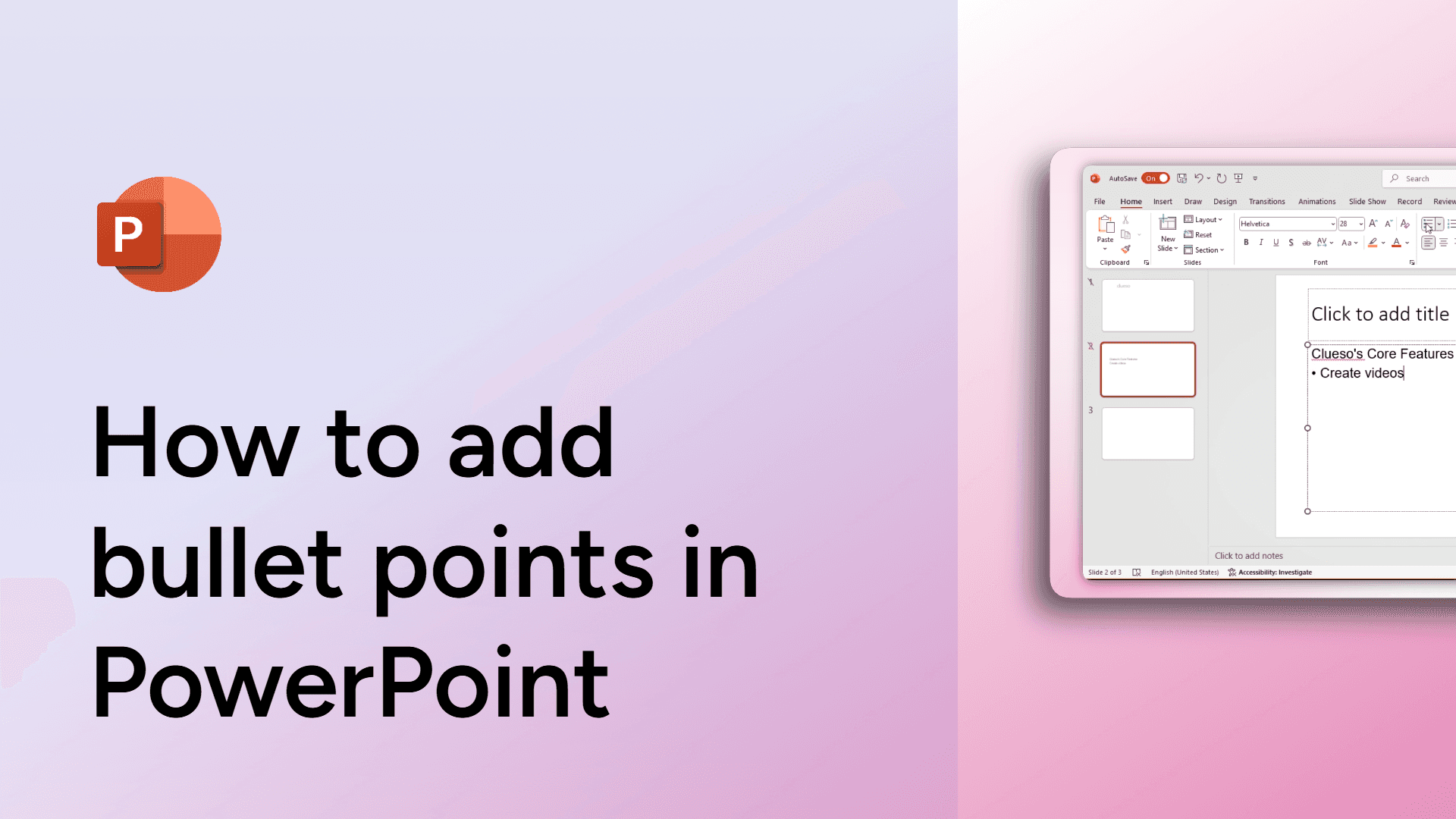
How to add bullet points in PowerPoint
Learn how to add bullet points in PowerPoint to organize your content effectively.
How to add bullet points in Google Slides
Easily add bullet points in Google Slides with this simple guide. Organize your content clearly and effectively. Learn how now!

How to add bookmarks in Google Docs
Easily add bookmarks in Google Docs to navigate your document quickly. Mark important sections and link to them effortlessly. Learn how now!
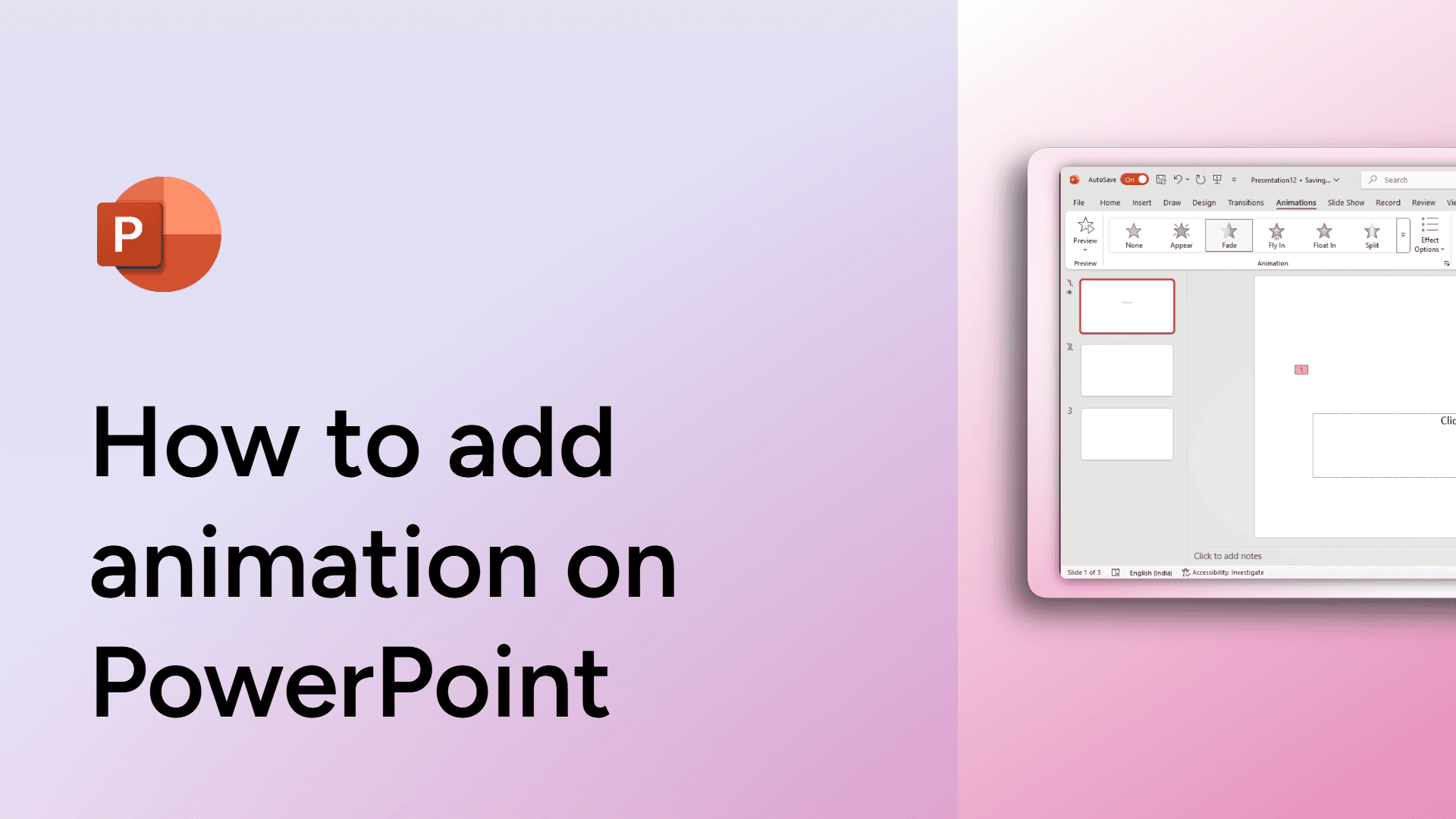
How to add animation on PowerPoint
Learn how to add and customize animations in PowerPoint. Step-by-step guide with tips on using the Advanced Animation section for more control.
How to add an emoji in Slack
Learn how to add an emoji in Slack to make your messages more fun and expressive. Follow these easy steps! This
How to add a watermark to Google Docs
Easily add a watermark to your Google Docs for branding or security. Follow this step-by-step guide to insert text or image watermarks. Learn how now!
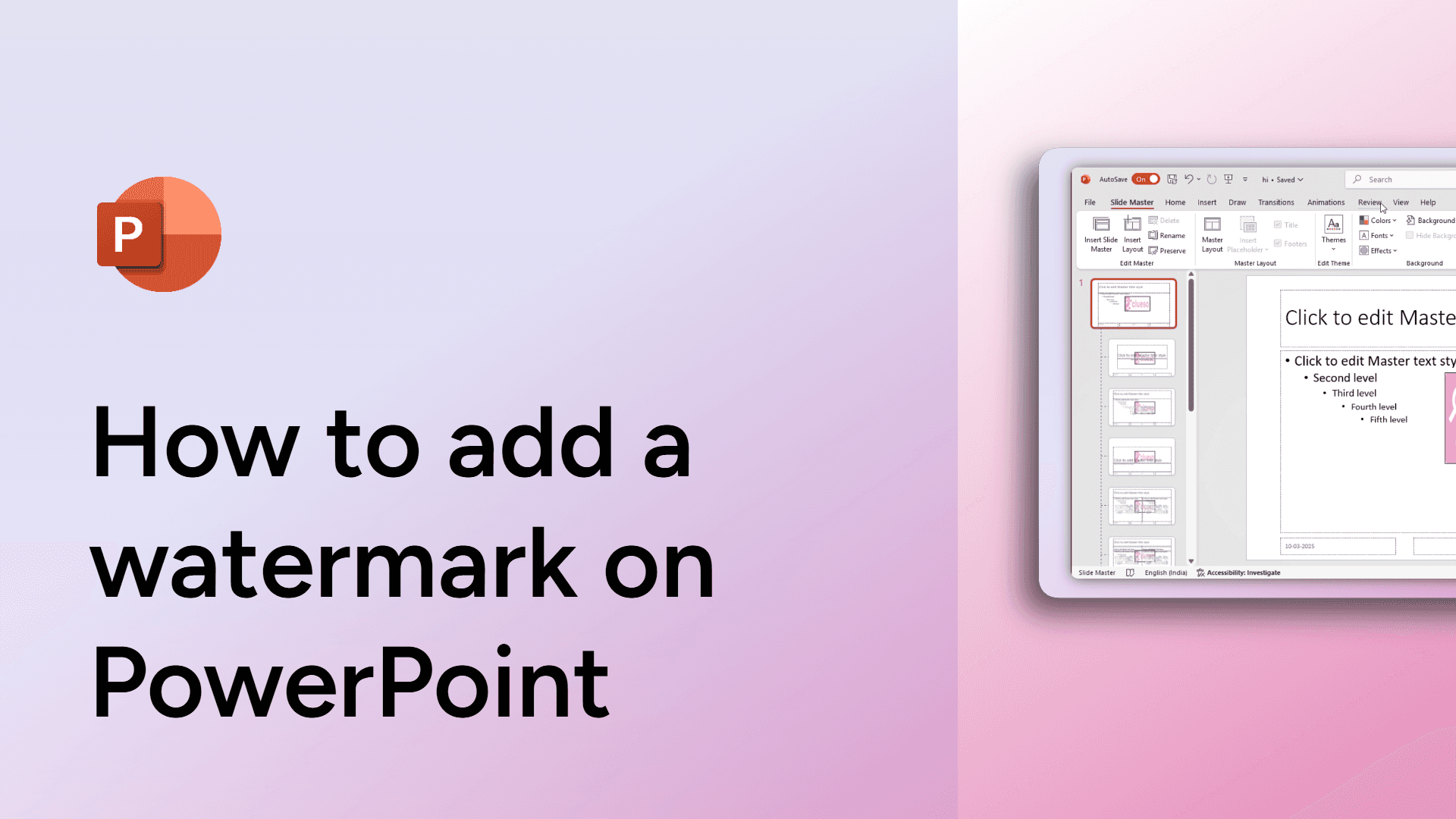
How to add a watermark on PowerPoint
Learn how to add a watermark in PowerPoint to brand or protect your slides. Follow these quick steps to customize your presentation.
How to add a theme to Google Slides
Easily add a theme to Google Slides with this simple guide. Customize your presentation with professional designs in seconds. Learn how now!
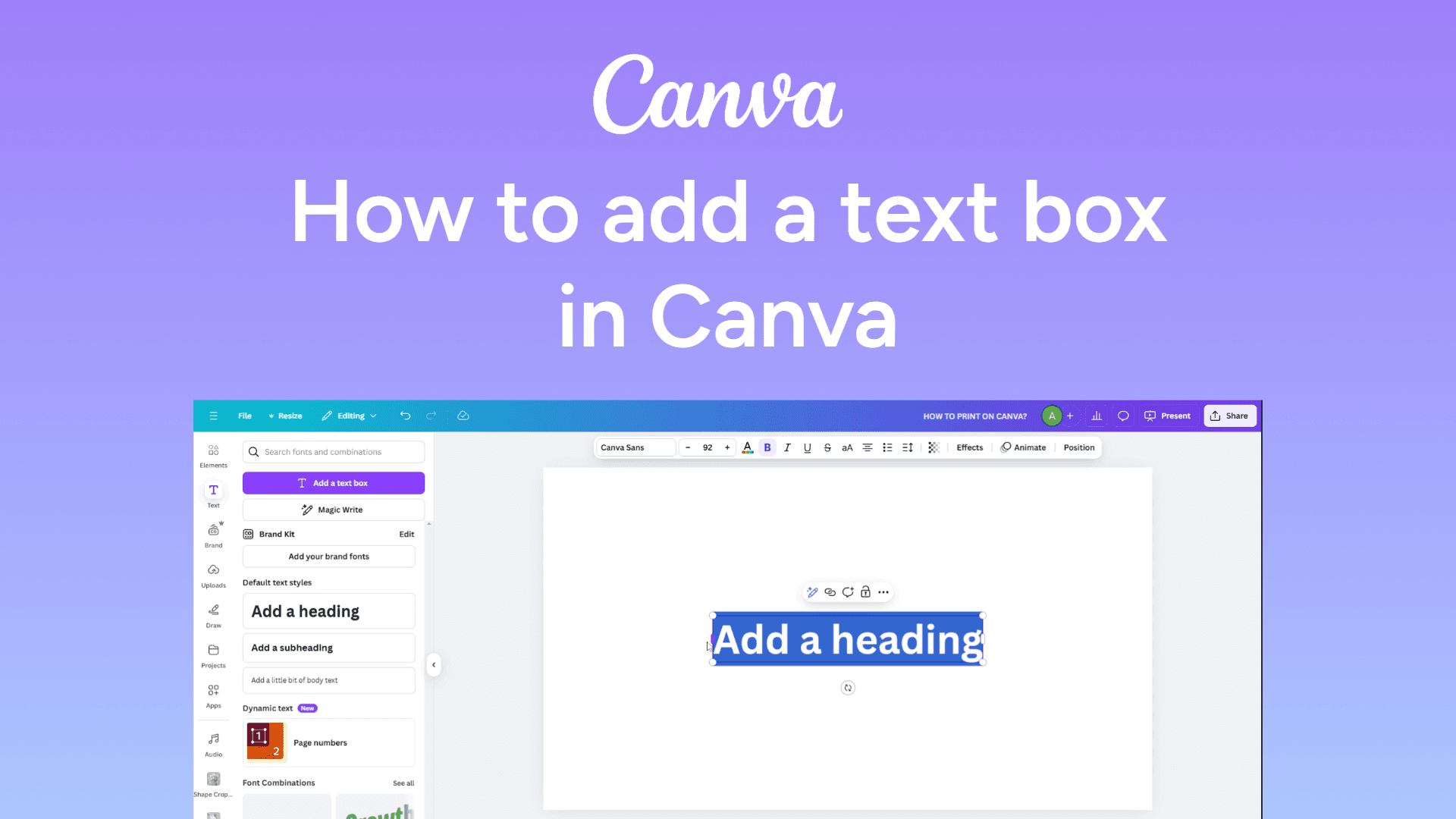
How to add a text box in Canva
Quickly add a text box in Canva with this simple guide. Customize your text to enhance your design. Learn how now!