
Tutorials
Learn how to use any feature, on all your favorite products.
How to add a slide in Google Slides
Easily add a slide in Google Slides with this simple guide. Expand your presentation with new content in seconds. Learn how now!
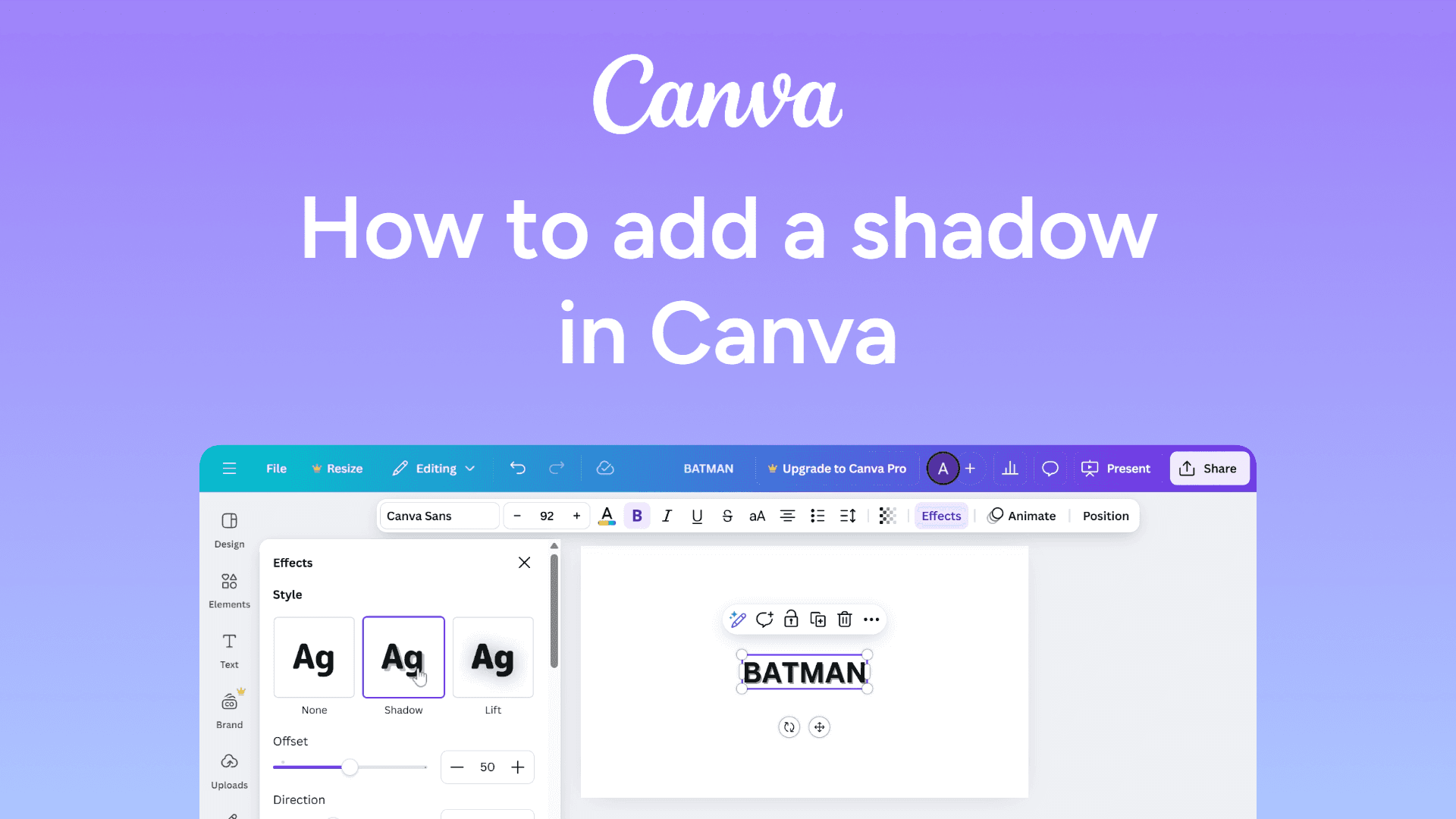
How to add a shadow in Canva
Easily add shadows in Canva with this simple guide. Create depth and make your designs pop. Learn how now!
How to add a person on slack
Learn how to add a person on Slack in a few simple steps. Easily invite team members to collaborate!
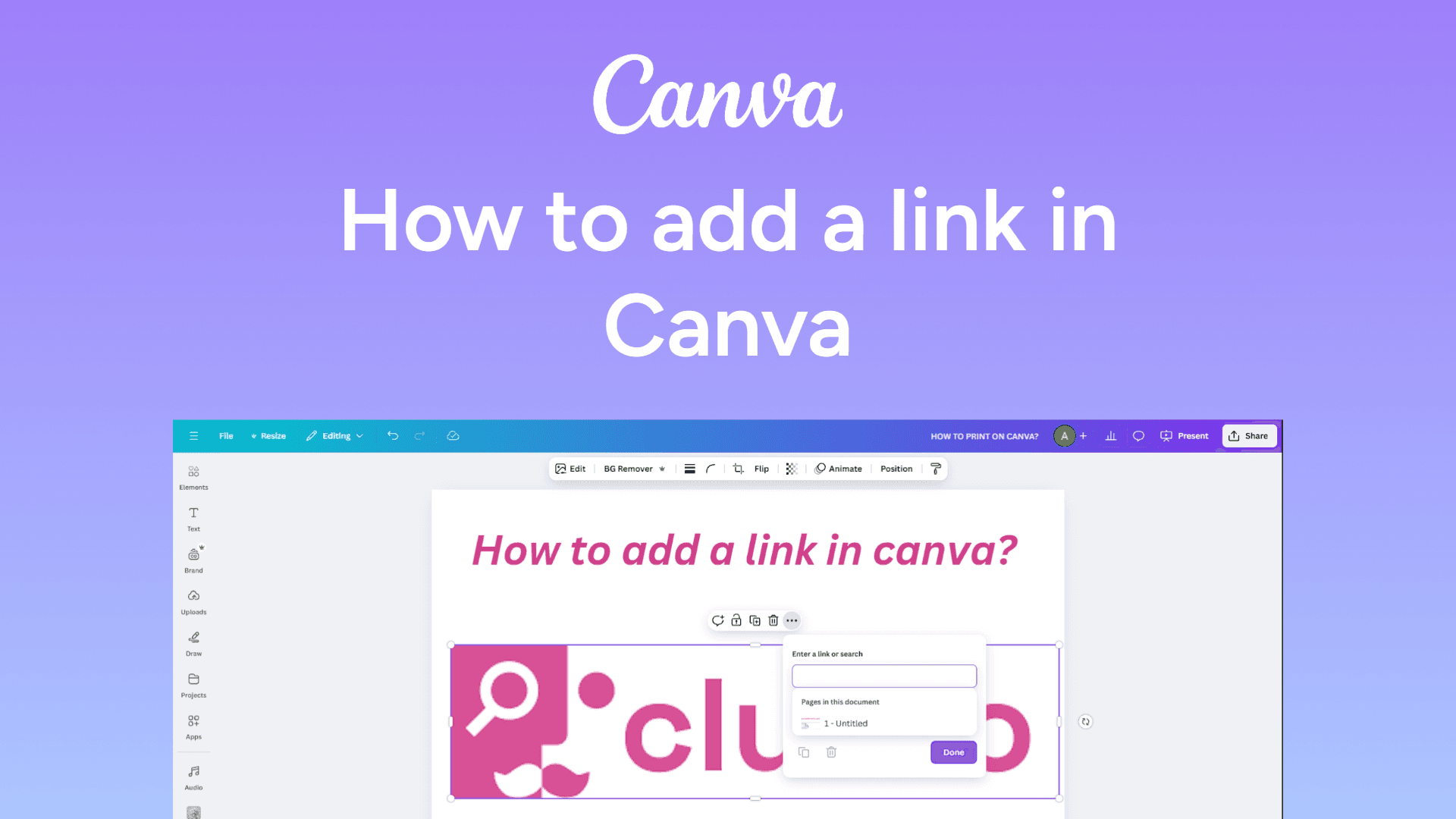
How to add a link in Canva
Add clickable links in Canva with this easy guide. Enhance your designs with interactive elements. Learn how to do it now!
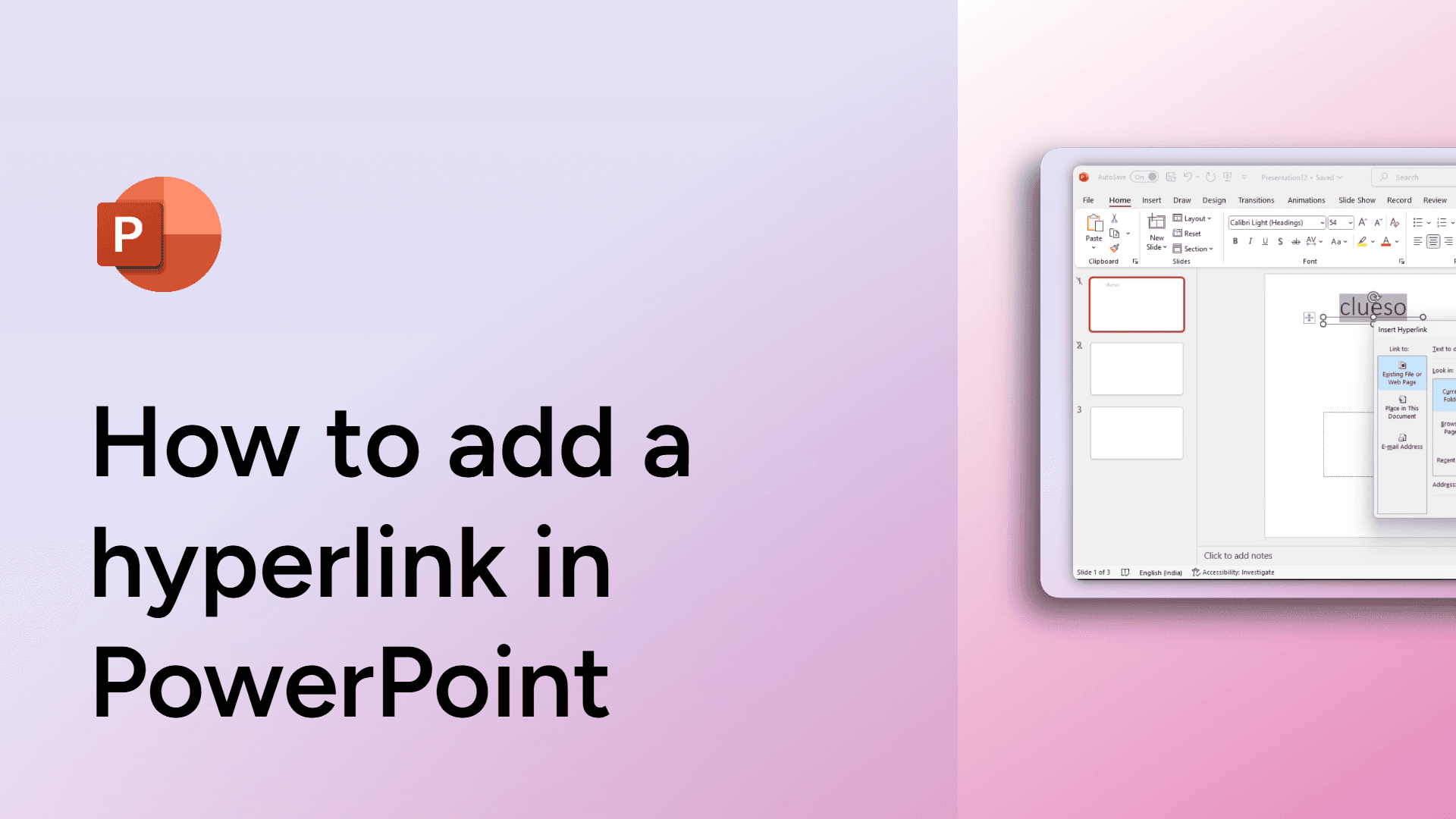
How to add a hyperlink in PowerPoint
Learn how to add a hyperlink in PowerPoint to link slides, websites, and files seamlessly.
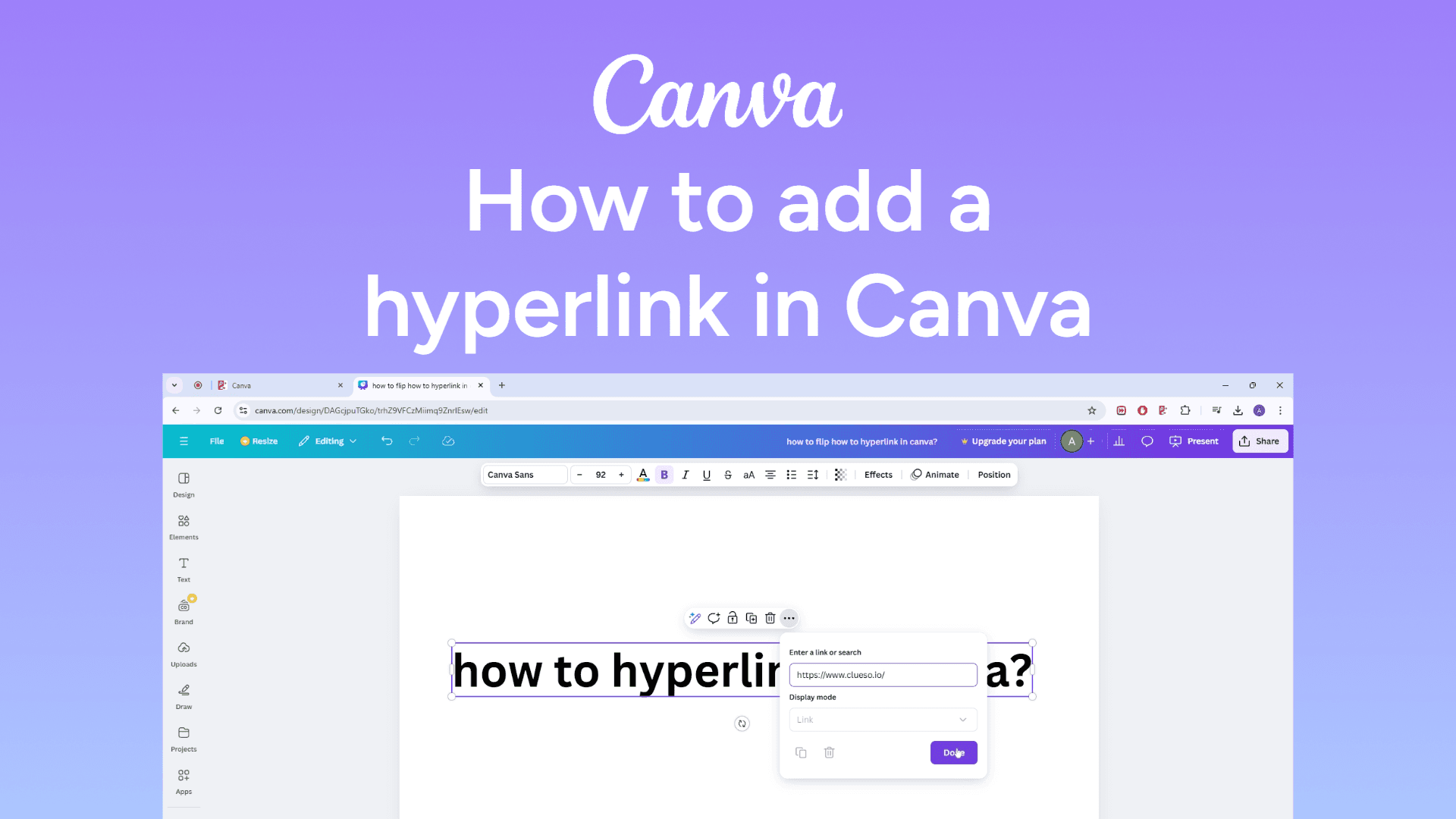
How to add a hyperlink in Canva
Easily add hyperlinks in Canva with this quick guide. Make your designs interactive with clickable links. Learn how now!
How to add a header in Google Docs
Add a header in Google Docs by clicking Insert > Headers & footers > Header, then type your text. It will appear on every page.
How to add a font on PowerPoint
Discover how to add new fonts to PowerPoint to enhance your presentations.

How to add a checkbox in Google Docs
Add a checkbox in Google Docs by selecting Insert > Checkbox from the menu. This lets you create interactive checklists easily.

How to add a border in Google Docs
Easily add a border in Google Docs with this simple guide. Customize your document with a stylish frame in seconds. Learn how now!
How to mute yourself on Zoom
Easily mute yourself on Zoom with this simple guide. Avoid background noise and stay professional in meetings. Learn how now!
How to lock a Zoom meeting
Easily lock a Zoom meeting with this simple guide. Prevent unwanted participants and keep your meeting secure. Learn how now!