
Tutorials
Learn how to use any feature, on all your favorite products.
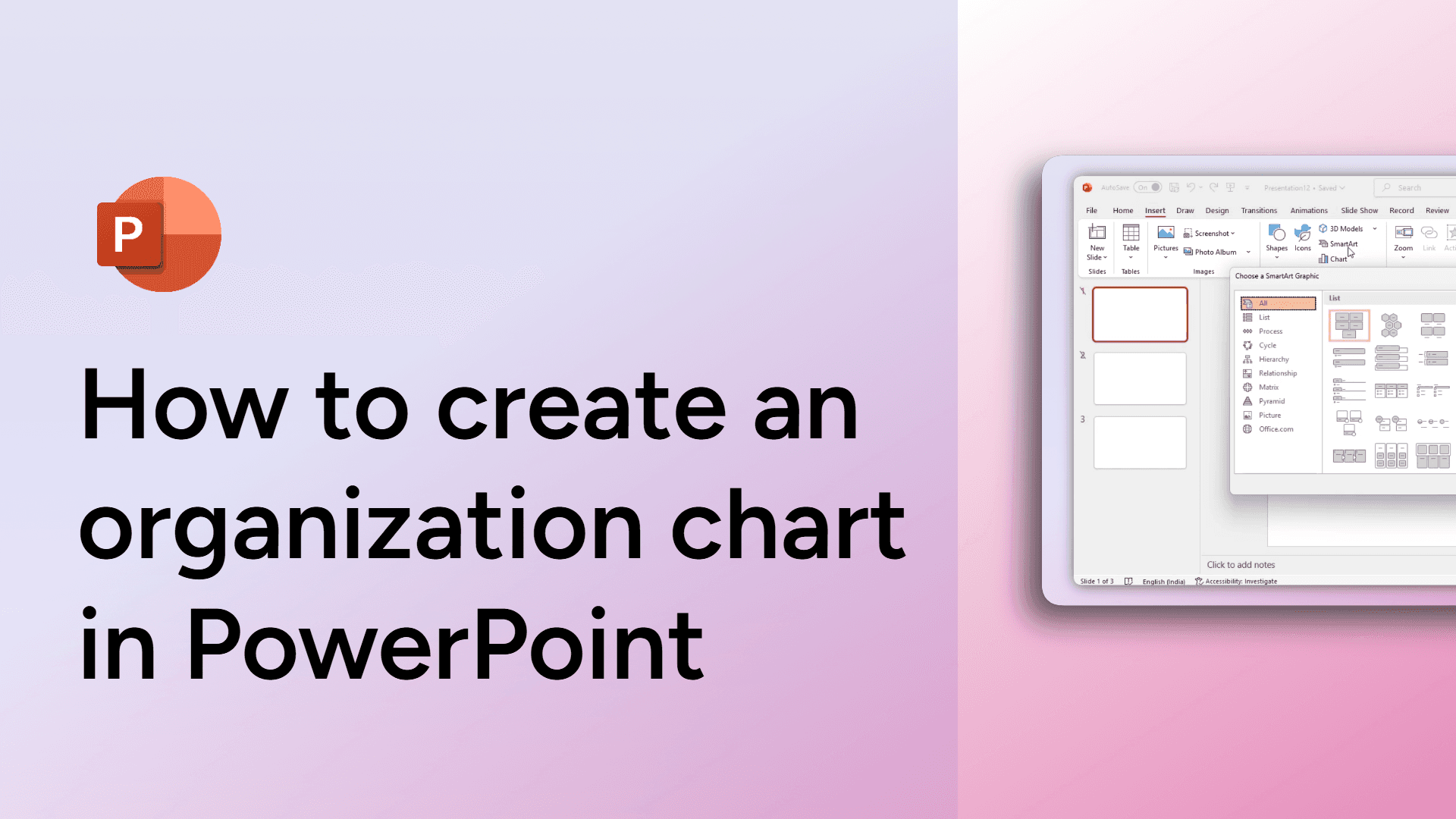
How to create an organization chart in PowerPoint
Easily create an organization chart in PowerPoint using SmartArt. Follow these steps to structure your team visually!
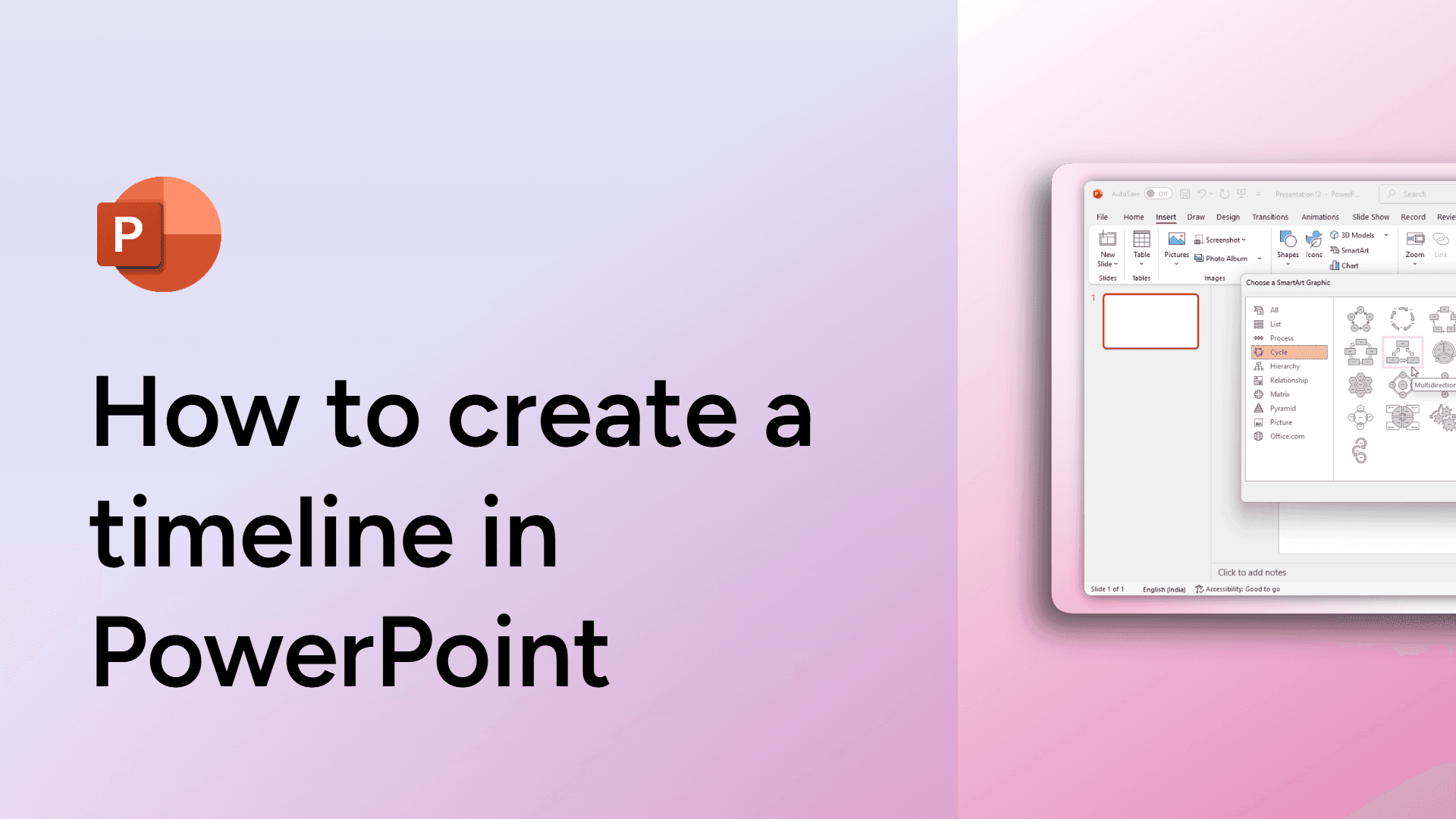
How to create a timeline in PowerPoint
Learn how to create a timeline in PowerPoint with simple steps to visualize your project or events.
How to create a project tracker on Slack
Learn how to create a project tracker on Slack to streamline team collaboration and stay organized.

How to create a channel in Slack
Learn how to create a channel in Slack for better team collaboration and communication. Organize conversations efficiently!
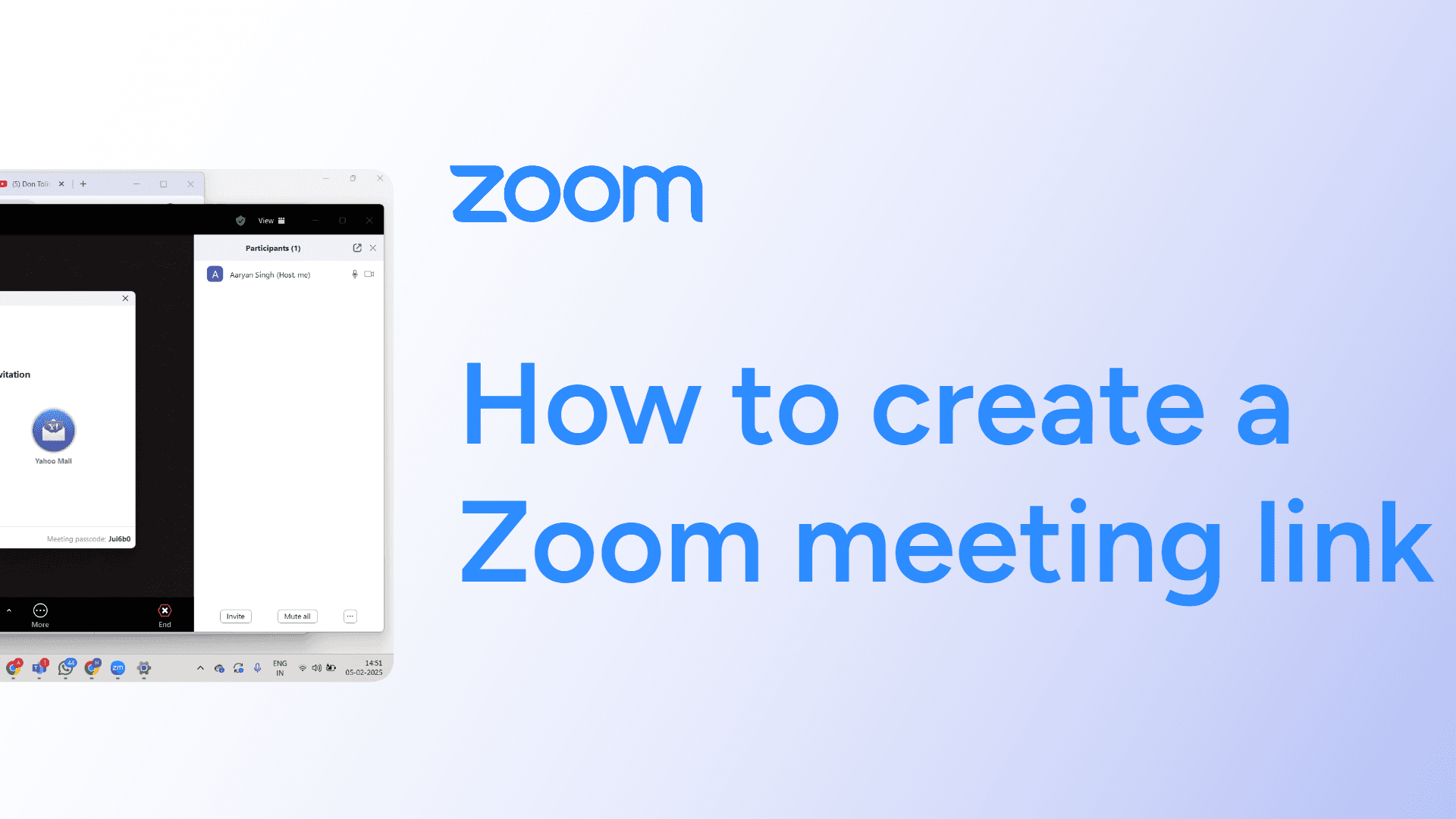
How to create a Zoom meeting link
Easily create a Zoom meeting link with this simple guide. Share invitations effortlessly for seamless virtual meetings. Learn how now!
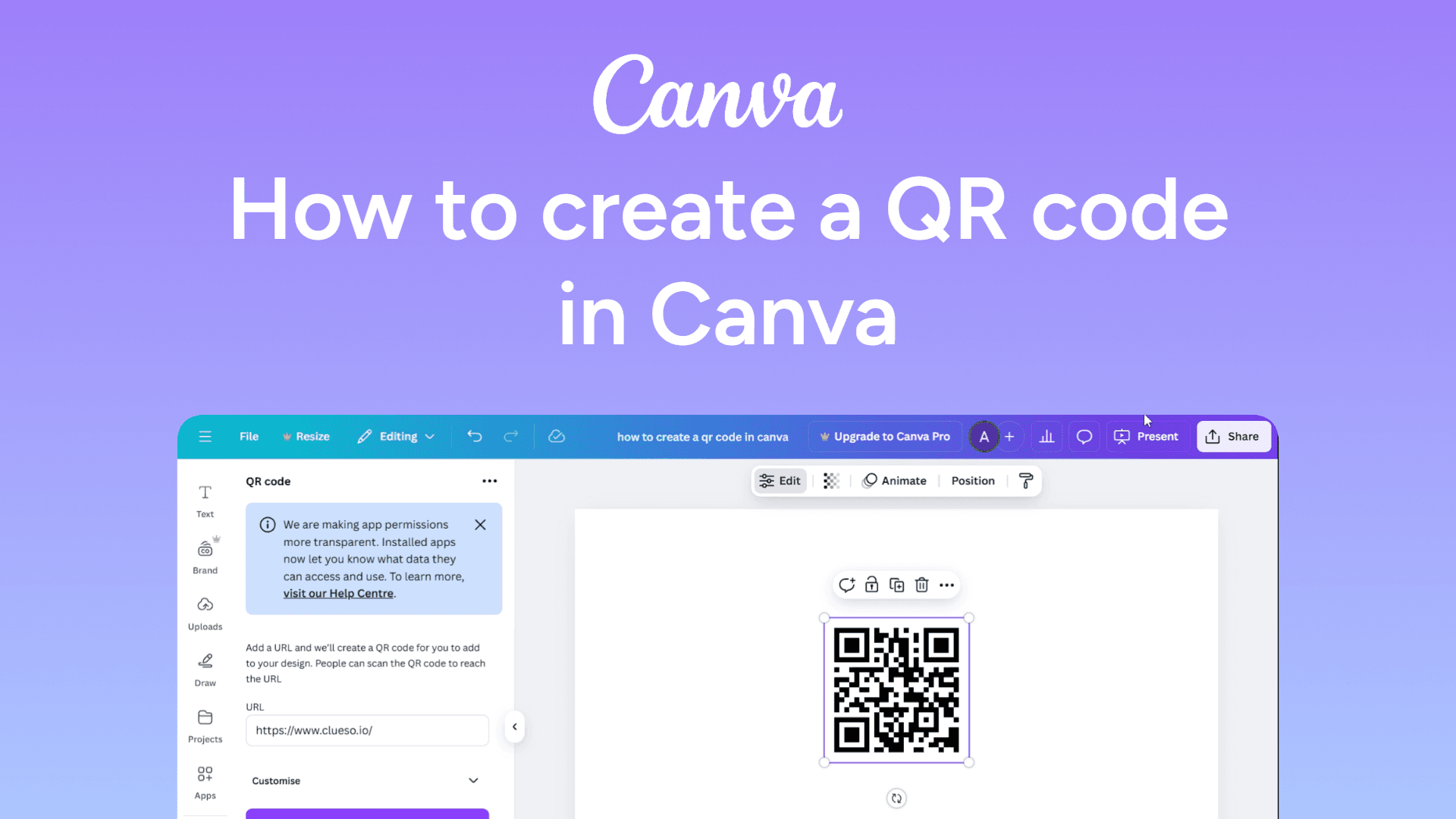
How to create a QR code in Canva
Easily create a QR code in Canva with this quick guide. Add scannable links to your designs in seconds. Learn how now!
How to copy a Google Doc
Quickly make a copy of a Google Doc for easy editing and sharing. Follow this simple guide to duplicate your document in seconds. Learn how now!
How to convert a Google Doc to a PDF
Easily convert a Google Doc to a PDF by clicking File > Download > PDF Document (.pdf). Your file will be saved as a PDF instantly.
How to circle crop images in Google Slides
Easily circle crop images in Google Slides with this simple guide. Create polished, professional designs in seconds. Learn how now!
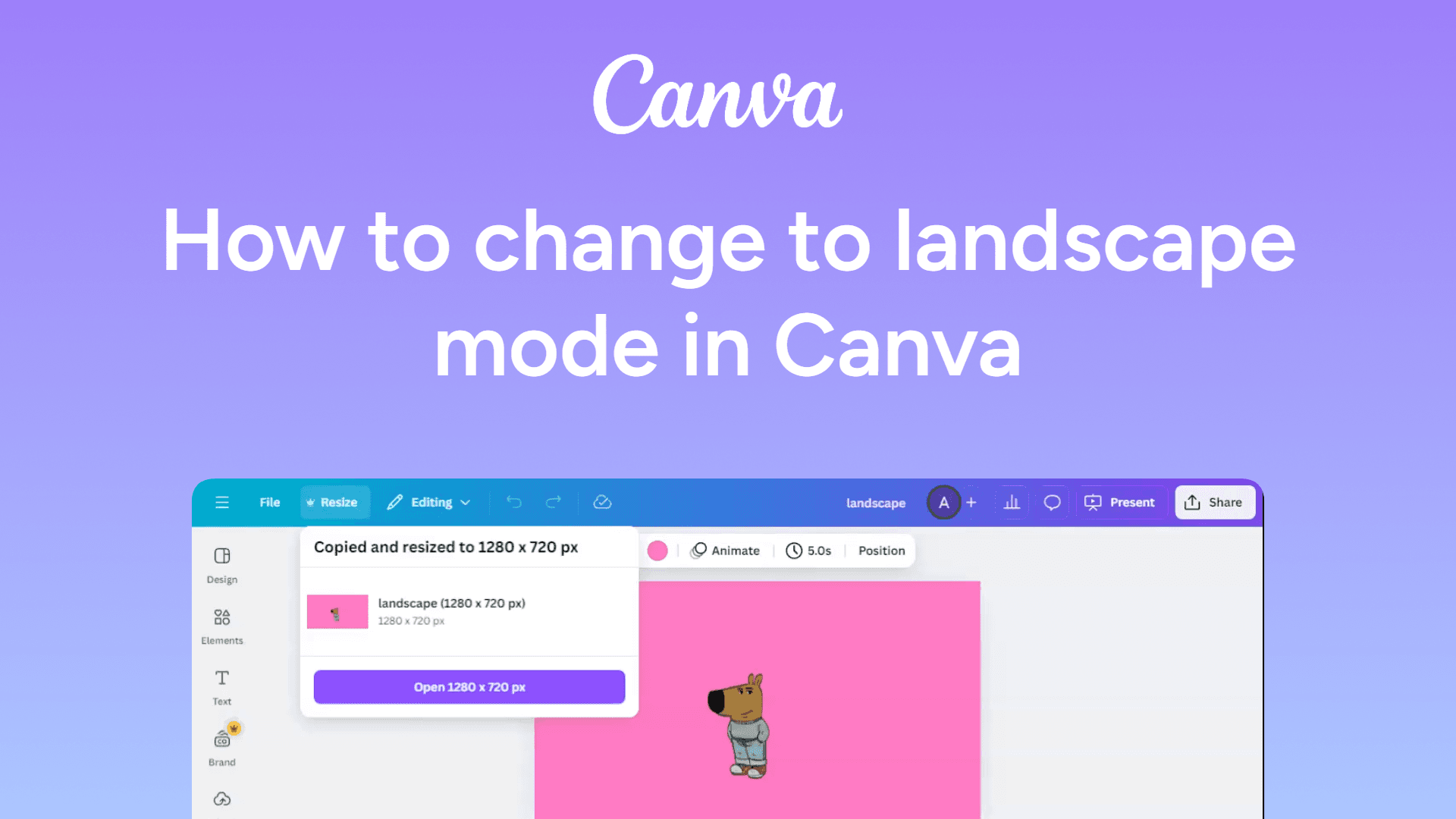
How to change to landscape mode in Canva
Easily change your Canva design to landscape with this simple guide. Adjust your layout for wider designs in seconds. Learn how now!

How to change the page color in Google Docs
Easily change the page color in Google Docs with this simple guide. Customize your document's background in just a few clicks. Learn how now!
How to change the orientation in Google Docs
Easily change the orientation in Google Docs to portrait or landscape through Page Setup. Watch now!