A no-nonsense guide to microlearning for employees
If training doesn’t help in the moment, it doesn’t work. Microlearning turns training from a chore into something employees actually use, fast, focused, and built for real work.
Traditional employee training fails because it’s long, generic, and disconnected from real work
Microlearning delivers short, actionable lessons employees can use immediately—improving retention and performance
It works best when tied to real tasks, structured into clear paths, and embedded into everyday workflows
Most workplace training still follows an outdated playbook: long modules, passive content, and low engagement.
Employees start courses on your employee training software, but rarely finish them. And even when they do, retention is low. The result? Online employee training becomes a checkbox exercise; not something that actually improves performance.
The problem is the mismatch between how people naturally learn today and how corporate learning is still designed. Today’s employees are used to learning in quick, on-demand bursts - Googling answers, watching short videos, solving problems in real time. But employee training still relies on time-heavy, one-size-fits-all formats that don’t match how people work.
It’s easy to blame disengaged employees or shrinking attention spans, but that misses the point. People engage deeply with content that respects their time and helps them solve real problems quickly. When training doesn’t do that, it gets ignored; no matter how important it is.
That’s where microlearning comes in.
Microlearning for employee training is easy to consume content that employees can apply immediately. Instead of overwhelming them, it meets them in the flow of work. It makes workplace training faster, more relevant, and far more effective.
What Is Microlearning?
What is microlearning? At its core, it is exactly what it sounds like: bite-sized, focused learning designed to achieve a specific outcome. Instead of long, generic courses, microlearning breaks training into small, standalone lessons that help employees solve one problem, learn one skill, or complete one task.
Employees log into training platforms thinking “I need to get better at my job.” Microlearning meets that need by delivering the right information, at the right time, in the right format, making corporate learning feel less like training, and more like getting work done.
What microlearning is NOT
Microlearning isn’t just cutting a 60-minute training into 10 smaller training videos. That’s just shorter content, not better learning. If the content is still generic, overloaded with information, or detached from real work, it’s not microlearning.
What makes microlearning different
What actually defines microlearning is intent and design:
One goal per lesson → no fluff, no overload
Contextual → delivered when the employee needs it
Actionable → directly tied to a task or decision
Easy to revisit → works as a quick reference, not just a one-time course
This is why microlearning for employee training works so well in modern workplaces. It fits into real workflows instead of interrupting them.
📌 Create Bite-Sized, Actionable Clips with Clueso
Clueso Cuts helps you turn long recordings into short, focused videos that align perfectly with microlearning. Instead of overwhelming employees with lengthy walkthroughs, you can use this feature to create smaller clips, each centered around a single task or outcome. These clips are organized into individual projects for easy editing and reuse, making it simple to deliver 2–3 minute lessons that are easier to consume, revisit, and apply on the job.
Microlearning vs eLearning vs Nanolearning
Not all digital learning is created equal. Terms like eLearning, microlearning, and nanolearning are often used interchangeably, but they serve very different purposes in employee training.
Let’s break it down.
eLearning
Microlearning
Nanolearning
Definition
Traditional online employee training delivered through structured courses; often via an LMS or employee training software.
Bite-sized, focused learning designed to achieve a specific outcome
ultra-short form of learning that delivers a single idea, tip, or concept
Length
30 minutes to several hours
2–10 minutes
30 seconds to 2 minutes
Depth
High (comprehensive topics, certifications)
Focused but meaningful
Very low (single concept or tip)
Format
Modules, quizzes, assessments
Videos, walkthroughs, scenarios, short guides
Quick videos, flashcards, snippets
When is it useful
foundational knowledge or formal training
short enough to fit into the flow of work, but deep enough to actually teach something useful.
for reinforcing knowledge
Use case
Use eLearning when you need structured, end-to-end training (e.g., compliance, onboarding)
Use microlearning for everyday skill-building, task-based training, just-in-time learning
Use nanolearning for quick refreshers or reminders
Why microlearning wins for modern teams
In fast-paced work environment, employees don’t have the time or patience for long courses. But they still need to learn continuously. Microlearning bridges that gap. It delivers relevant, actionable knowledge without overwhelming the learner, making it the most practical and scalable approach to corporate learning.
Benefits of Microlearning for Employee Training
One of the biggest microlearning benefits is that it works better for both employees and the business. Here’s how.
1. Faster completion
Short, focused lessons are easier to start and finish. Instead of blocking off an hour for training, employees can complete a module in a few minutes between tasks. This leads to higher completion rates and more consistent learning habits
Business impact: Training actually gets done, which means faster onboarding and quicker time-to-productivity.
2. Better retention
Microlearning focuses on one concept at a time, making it easier to understand and remember. Additionally, it’s often revisited in the moment of need, which reinforces learning naturally.
Business impact: Employees don’t just complete training, they apply it. This leads to fewer mistakes, better customer interactions, and stronger performance.
3. Lower training costs
Traditional eLearning courses are expensive and time-consuming to produce. Microlearning, on the other hand, requires less production time. It is easier to create and iterate.
Business impact: You can scale online employee training across teams without blowing up budgets.
4. Easier updates
In fast-moving teams, processes, tools, and policies change constantly. It’s easier to update a 3-minute microlearning module over a 60-minute course.
Business impact: Your employee training software stays current, reducing confusion and ensuring employees always have the latest information.
5. Fits into the flow of work
Microlearning doesn’t pull employees away from their work. Whether it’s a quick refresher before a task or a just-in-time guide during it, learning becomes part of the workflow.
Business impact: Corporate learning becomes ongoing and practical, not a one-time event—leading to continuous improvement across the organization.
In short, microlearning benefits go beyond engagement. They directly impact productivity, performance, and scalability. That’s why it’s quickly becoming the default approach to modern workplace training.
Microlearning Videos: The Format That Does the Most Work
Microlearning videos are short, single-topic training videos — usually two to five minutes — that teach one task or concept and then get out of the way. For anything an employee does on a screen, video is the most effective microlearning format, because it shows the action instead of describing it. A written step like "open Settings, then Integrations" makes the reader translate words back into clicks; a screen recording just shows them, which is why video-based microlearning tends to stick.
What Makes a Good Microlearning Video
One outcome. The viewer should finish able to do a single, specific thing.
Two to five minutes. Long enough to teach the task, short enough to watch between other work.
Real screens, not slides. Show the actual product or process; narration over stock footage loses people.
Findable and current. It only helps if someone can search for it later and trust it still matches the product.
Microlearning Video Examples
The use cases above map cleanly to short video:
A 90-second walkthrough of one workflow in your product, for onboarding.
A troubleshooting clip that answers a single recurring support ticket.
A "what changed" clip for a feature release, so nobody has to read a changelog they'll skip.
A single-scenario role-play for a sales objection or a support conversation.
The pattern is the same as the rest of microlearning: one outcome, kept short, delivered where the work happens.
How to Create Microlearning Videos
Pick one outcome. Name the single task the viewer should be able to do afterward.
Script from the real workflow. Do the task once and narrate it; that transcript is a tighter script than anything written cold.
Record the screen in one pass. Don't stop for mistakes — you'll cut them.
Trim to the one outcome. Remove dead air and anything off-topic.
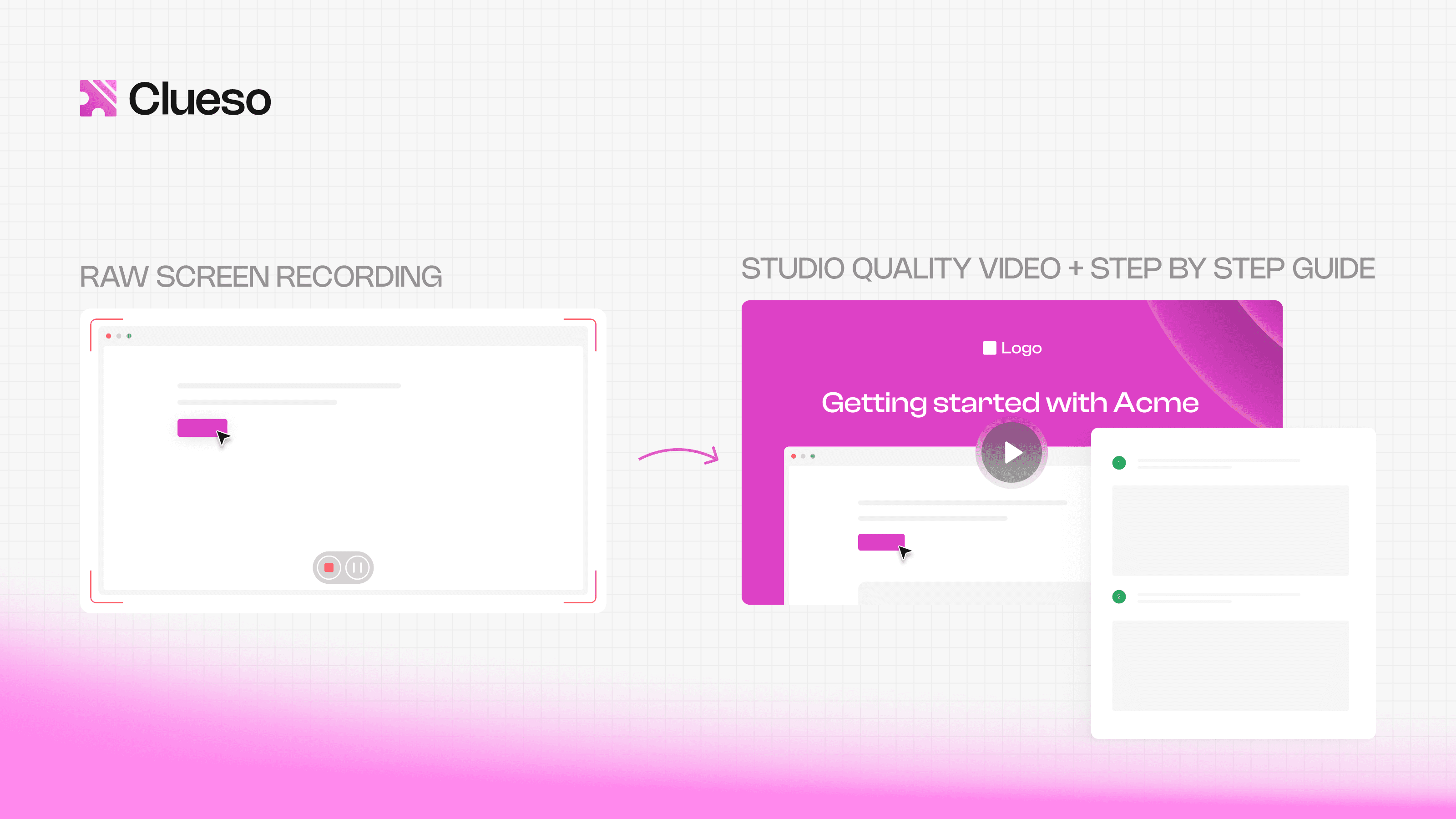
Add a voiceover, captions, and branding. This is the step that used to need an editor. A content creation platform like Clueso does it from the transcript and generates a written step-by-step guide from the same recording, so each lesson ships as a video and a doc at once — and updates by editing text when the product changes.
Publish where work happens and revisit on a schedule, so a three-minute clip doesn't quietly go out of date.
Get Started with Clueso
Start building smarter microlearning workflows today
Microlearning is a practical way to embed learning into everyday work. Here’s how teams actually use microlearning for employee training across different functions:
1. Onboarding new hires
Instead of overwhelming new employees with hours of training on day one, companies can use microlearning examples to break onboarding into small, role-specific lessons.
Short videos on key workflows
Bite-sized introductions to tools and processes
Quick “how things work here” explainers
How it fits into work: Employees can revisit modules when they hit a task for the first time, instead of trying to remember everything from day one.
2. Product and tool training
Whether it’s a CRM, internal dashboard, or new feature rollout, microlearning examples make tool adoption faster.
2–5 minute walkthroughs
Step-by-step task guides
Feature-specific tutorials
Instead of sitting through a full product training session, employees learn exactly what they need, when they need it.
How it fits into work: Stuck on a task? Open a quick guide, fix it, move on.
3. Sales enablement
Sales teams don’t have time for long training modules. They need quick, actionable insights.
Objection-handling scenarios
Product pitch breakdowns
Competitive positioning snippets
Microlearning examples are easy to consume before calls or between meetings.
How it fits into work: Reps can refresh key talking points from a sales training video minutes before a demo or client conversation.
4. Customer support training
Support teams rely heavily on speed and accuracy, making microlearning examples a perfect fit.
Short videos on handling specific ticket types
Troubleshooting walkthroughs
Communication best practices
How it fits into work: Agents can quickly reference solutions while responding to tickets, improving both speed and quality.
5. Compliance and policy training
Compliance training doesn’t have to be long and painful.
Short modules focused on one policy at a time
Scenario-based examples
Periodic refreshers instead of annual overload
How it fits into work: Microlearning examples help employees retain key rules better because they’re delivered in smaller, repeatable chunks.
Across all these use cases, the pattern is clear: microlearning works because it’s embedded into real tasks, not separated from them. It turns workplace training from a one-time event into an ongoing, on-demand resource; making corporate learning actually useful in day-to-day work.
Get Started with Clueso
Start building smarter microlearning workflows today
Best Practices for Designing Effective Microlearning
Microlearning only works if it’s designed intentionally. Shorter content alone isn’t enough; clarity, relevance, and usability are what make it effective. Here’s how to get it right:
1. Focus on one clear outcome per module
Every microlearning module should answer one question:
“What should the employee be able to do after this?”
Avoid cramming multiple concepts into a single lesson. Keep it tight and focused. This makes learning easier to absorb and apply.
2. Keep it actionable
Good microlearning doesn’t just explain, it helps employees do something.
Rule of thumb: If the content can’t be applied immediately, it’s not effective microlearning.
3. Design for real-world scenarios
The best workplace training mirrors actual situations employees face. Use real examples, common mistakes, or walk through actual workflows. This makes learning feel relevant and increases the chances it’ll be used on the job.
4. Choose formats that match the task
Different formats work better for different types of learning. Strong employee training software supports a mix of formats like:
Short videos → for walkthroughs and demonstrations
Interactive guides → for step-by-step processes
Checklists → for repeatable tasks
Quizzes/scenarios → for reinforcement and decision-making
5. Make it easy to access and revisit
Microlearning is a reference tool. Design content so employees can find it quickly, skim it easily,, and revisit it when needed. This is what makes online employee training truly useful in day-to-day work.
Common Microlearning Challenges (and How to Solve Them)
When done poorly, microlearning can feel fragmented, shallow, or easy to ignore. But most challenges come down to design and are fixable.
1. “Content feels too shallow”
The problem: In trying to keep things short, teams oversimplify content. Employees get quick tips but not enough depth to build real skills.
The fix: Build learning sequences Instead of standalone pieces, connect modules into a progressive series:
Start with basics
Layer in complexity
Reinforce with real scenarios
2. “There’s no clear learning path”
The problem: Employees don’t know what to learn next. Content exists but feels scattered.
The fix: Add structure Organize microlearning into:
Microlearning is only as effective as the platform delivering it.
If your tools are slow, rigid, or hard to update, even the best-designed content won’t get used. That’s why choosing the right employee training software is critical, especially for modern, fast-moving teams.
Why traditional LMS platforms fall short
Most legacy LMS platforms were built for a different era of learning. That model doesn’t hold up today. Here’s where they struggle:
Too slow to update → Content becomes outdated quickly
Hard to navigate → Employees can’t find what they need
Designed for courses, not moments → Doesn’t support just-in-time learning
Low engagement by default → Feels like a compliance tool, not a performance tool
What modern training tools should offer
1. Fast content creation and updates
Training shouldn’t take weeks to produce.
Easy video creation and editing
Quick updates when processes change
No heavy production workflows
Why it matters: Keeps your training relevant and scalable.
📌 Create and Update Videos in Minutes
Clueso makes video creation and updates fast and frictionless. You can record your screen once and generate a polished video fast. You can easily edit scripts, swap out steps, or update specific sections without starting over. When processes change, Clueso regenerates your video and documentation in sync, so your training stays up to date without any extra effort.
2. Frictionless access
If it’s hard to find, it won’t be used.
Searchable content
Easy navigation
Access within existing workflows (not buried in a portal)
Why it matters: Employees can learn in the moment they need help.
3. Built-in analytics
You need visibility into what’s working.
Completion rates
Engagement metrics
Drop-off points
Why it matters: Helps you improve training continuously—not guess.
4. Support for multiple formats
Modern workplace training isn’t one-size-fits-all.
Short videos
Interactive walkthroughs
Checklists and guides
Why it matters: Different tasks require different learning formats.
How to Roll Out Microlearning in Your Organization
Rolling out microlearning doesn’t require a massive overhaul. In fact, the most successful implementations start small and scale with proof. Here’s how to do it:
1. Start with high-impact use cases
Don’t try to convert all your corporate learning at once. Instead, pick areas where training is frequent, repetitive, or directly tied to performance. Great starting points are onboarding workflows, customer support scenarios, and sales enablement.
Why this works: You’ll see faster, measurable impact. This makes it easier to build momentum.
2. Run small pilots
Before rolling out company-wide, test microlearning with a specific team or function. Launch a few modules, track usage, gather feedback, and iterate quickly.
Why this works: You reduce risk and refine your approach before scaling.
3. Get stakeholder buy-in early
For microlearning to succeed, you need alignment across teams. Show them how it saves time, improves performance, and fits into daily workflows.
Why this works: Adoption increases when leaders actively support and reinforce it.
4. Measure what actually matters
One of the biggest mistakes in employee training is relying on vanity metrics like completion rates.
Completion ≠ effectiveness.
Instead, focus on:
Time-to-productivity (especially for new hires)
Reduction in errors or support escalations
Improvement in task completion speed
Real usage of training in the workflow
Why this works: You tie learning directly to business outcomes—not just activity.
From Courses to Continuous Learning
For years, corporate learning has been built around events: scheduled sessions, long modules, and one-time completion. But that model no longer matches how work actually happens. Work is continuous, fast-moving, and context-driven, and learning needs to evolve in the same direction.
That’s the real shift microlearning brings. Instead of treating training as something separate, microlearning embeds it into everyday workflows. It moves organizations from long, infrequent courses to small, continuous improvements, from one-time training to ongoing support, and from passive consumption to active, on-the-job application.
When done right, microlearning for employee training doesn’t feel like training at all. It feels like having the right answer, right when you need it. And that’s what modern workplace training should aim for.
Frequently Asked Questions About Microlearning
What are microlearning videos? Short, focused training videos — typically two to five minutes — that teach a single task or concept. They're the video form of microlearning, best suited to anything an employee needs to see done rather than read about.
How do you create microlearning videos? Pick one outcome, record the screen or task while narrating it, trim to that single outcome, then add a voiceover and captions. Screen-based tools automate the editing, so a subject-matter expert can produce one without a video team.
Is microlearning effective for corporate training?
Yes, microlearning is highly effective for corporate training because it delivers focused, actionable content that employees can apply immediately. It improves completion rates, boosts engagement, and leads to better on-the-job performance compared to traditional long-form training.
What is the ideal length of microlearning content?
The ideal length is typically 2 to 10 minutes. It should be long enough to cover one clear outcome, but short enough to be consumed quickly without disrupting work.
What types of content work best for microlearning?
The most effective formats include:
Short videos (walkthroughs, demos)
Step-by-step guides
Checklists
Scenario-based learning
Quick quizzes for reinforcement
The key is choosing formats that are easy to consume and directly tied to real tasks.
How does microlearning improve knowledge retention?
Microlearning improves retention by focusing on one concept at a time and delivering it in a concise, easy-to-digest format. It’s also often accessed at the moment of need, which reinforces learning through real-world application.
Is microlearning suitable for complex topics?
Yes, with the right approach. Complex topics can be broken down into a series of connected microlearning modules, allowing employees to learn progressively without feeling overwhelmed.
Can microlearning be used for remote employee training?
Absolutely. Microlearning is ideal for remote teams because it’s flexible, on-demand, and easy to access from anywhere. It enables consistent online employee training without requiring scheduled sessions or live instruction.
AU
Ashish Upadhyay
Senior Content Marketing Manager
Ashish is a Senior Content Marketing Manager at Clueso with 7+ years of experience across content, product, brand marketing. Now his mission is to help product and customer education teams realize the value of video-based learning. Outside of work, Ashish sketches, sings, plays the guitar, cooks, and does all things LLMs can't yet.