
Tutorials
Learn how to use any feature, on all your favorite products.
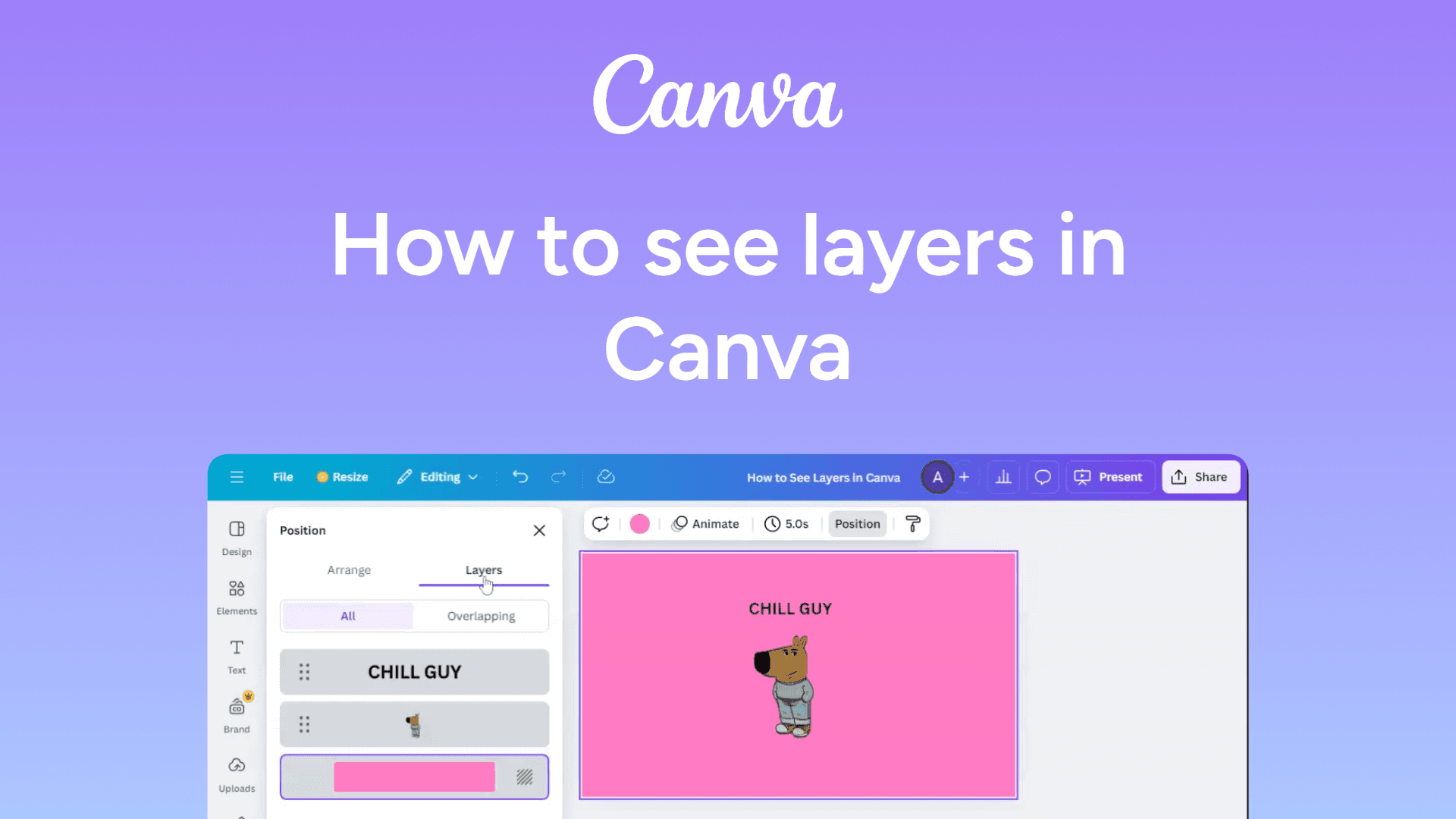
How to see layers in Canva
Easily see layers in Canva with this quick guide. Manage and organize design elements for better editing. Learn how now!

How to schedule a message on Slack
Learn how to schedule messages on Slack for later delivery. Perfect for sending updates at the right time!
How to schedule a Zoom meeting
Easily schedule a Zoom meeting with this simple guide. Set up future calls and send invites in just a few clicks. Learn how now!

How to save a Google Doc
Google Docs saves automatically, but you can manually save a copy. Learn how to save your document for offline access or as a different file type.
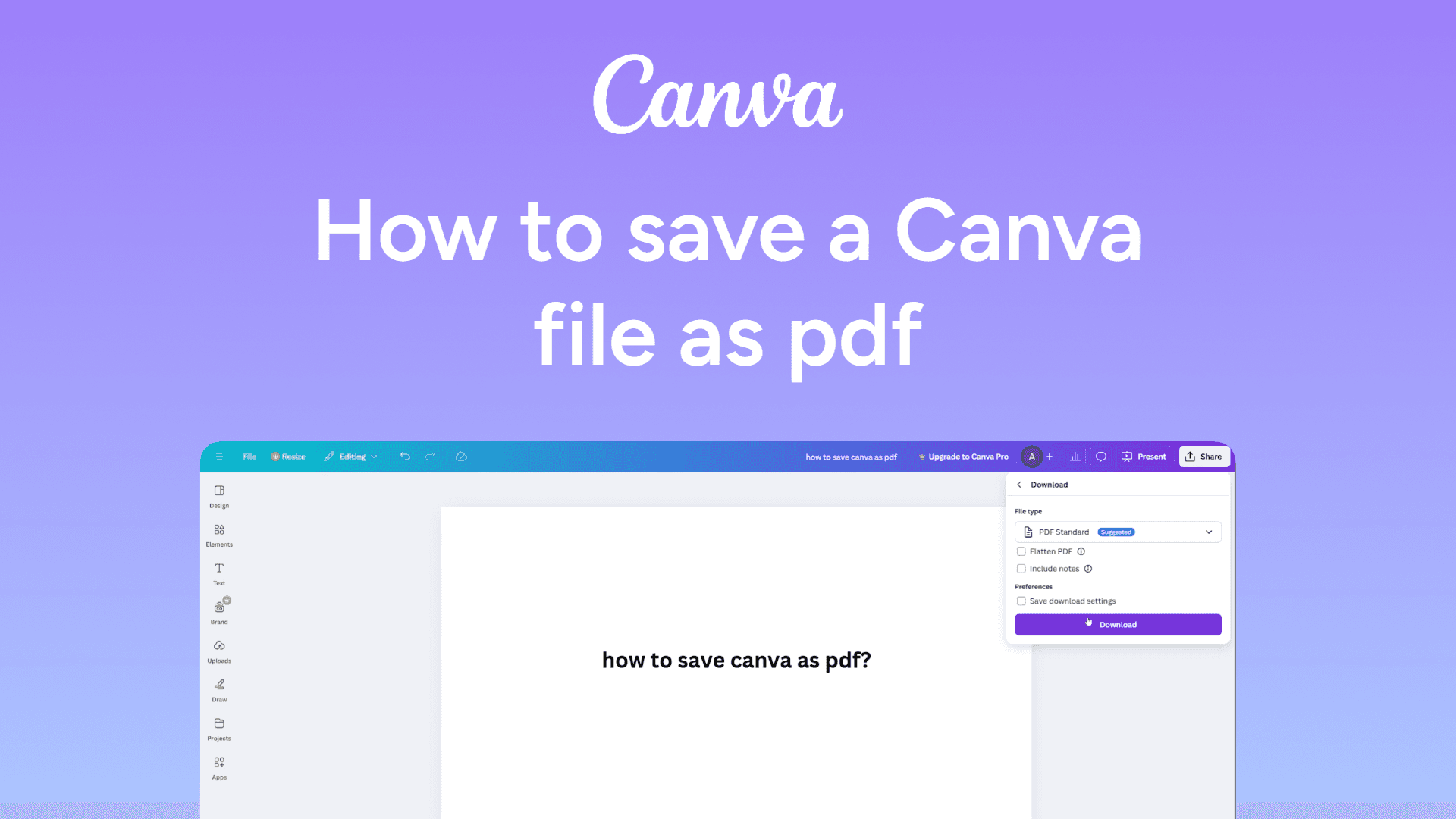
How to save a Canva file as pdf
Save your Canva design as a PDF with this quick guide. Export high-quality files in just a few clicks. Learn how now!
How to save Google Slides as a PDF
Easily save Google Slides as a PDF with this simple guide. Export high-quality presentations in just a few clicks. Learn how now!
How to rotate a slide in Google Slides
Easily rotate a slide in Google Slides with this simple guide. Adjust the orientation for the perfect layout. Learn how now!
How to rotate a page in Canva
Easily rotate a page in Canva with this quick guide. Adjust your layout for the perfect design. Learn how now!
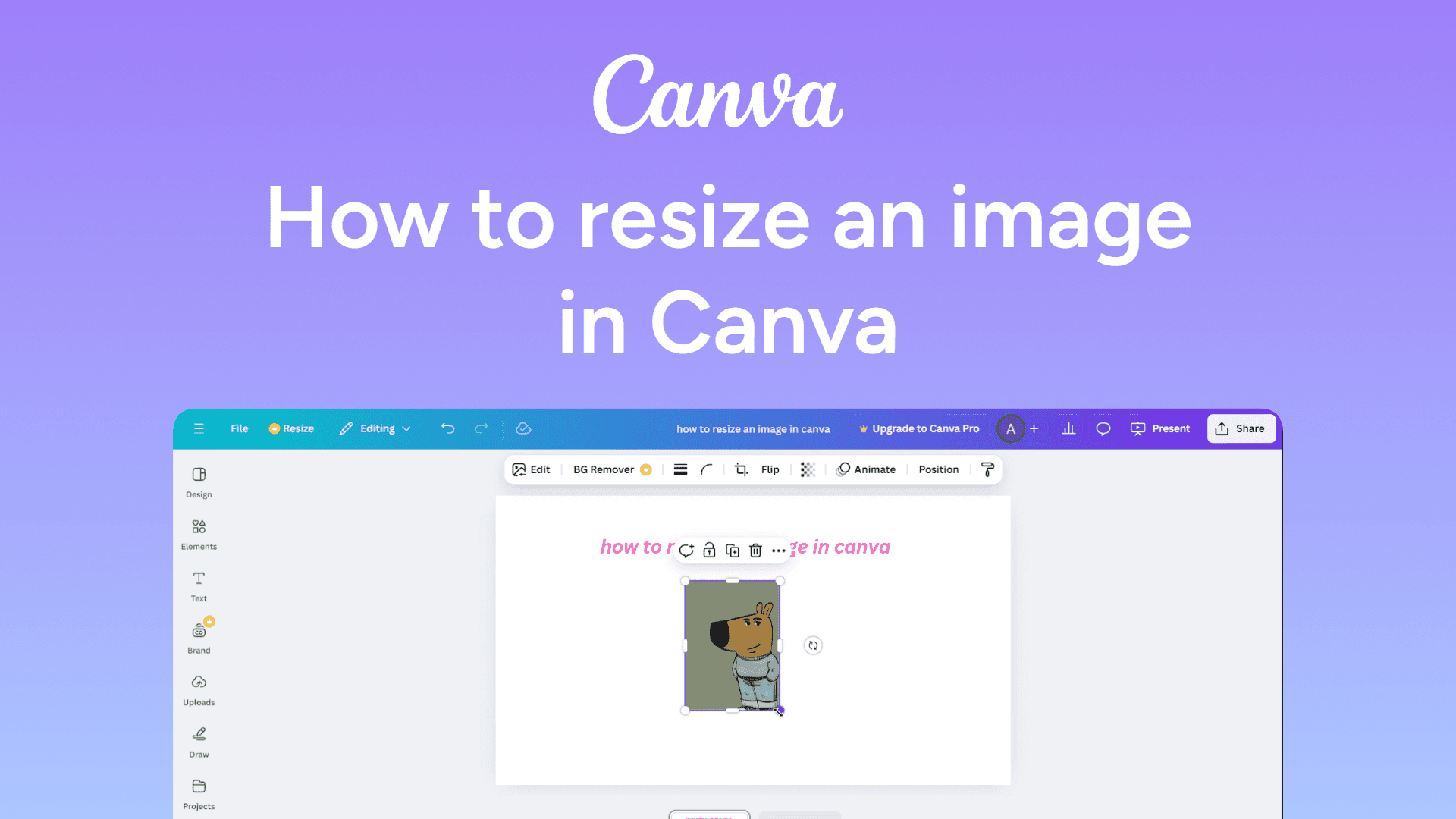
How to resize an image in Canva
Easily resize images in Canva with this quick guide. Adjust dimensions for perfect designs in just a few clicks. Learn how now!
How to rename yourself on Zoom
Easily rename yourself on Zoom with this simple guide. Update your display name for meetings in just a few clicks. Learn how now!
How to rename a Google Doc
Rename a Google Doc by clicking the title at the top-left, typing a new name, and pressing Enter to save it.
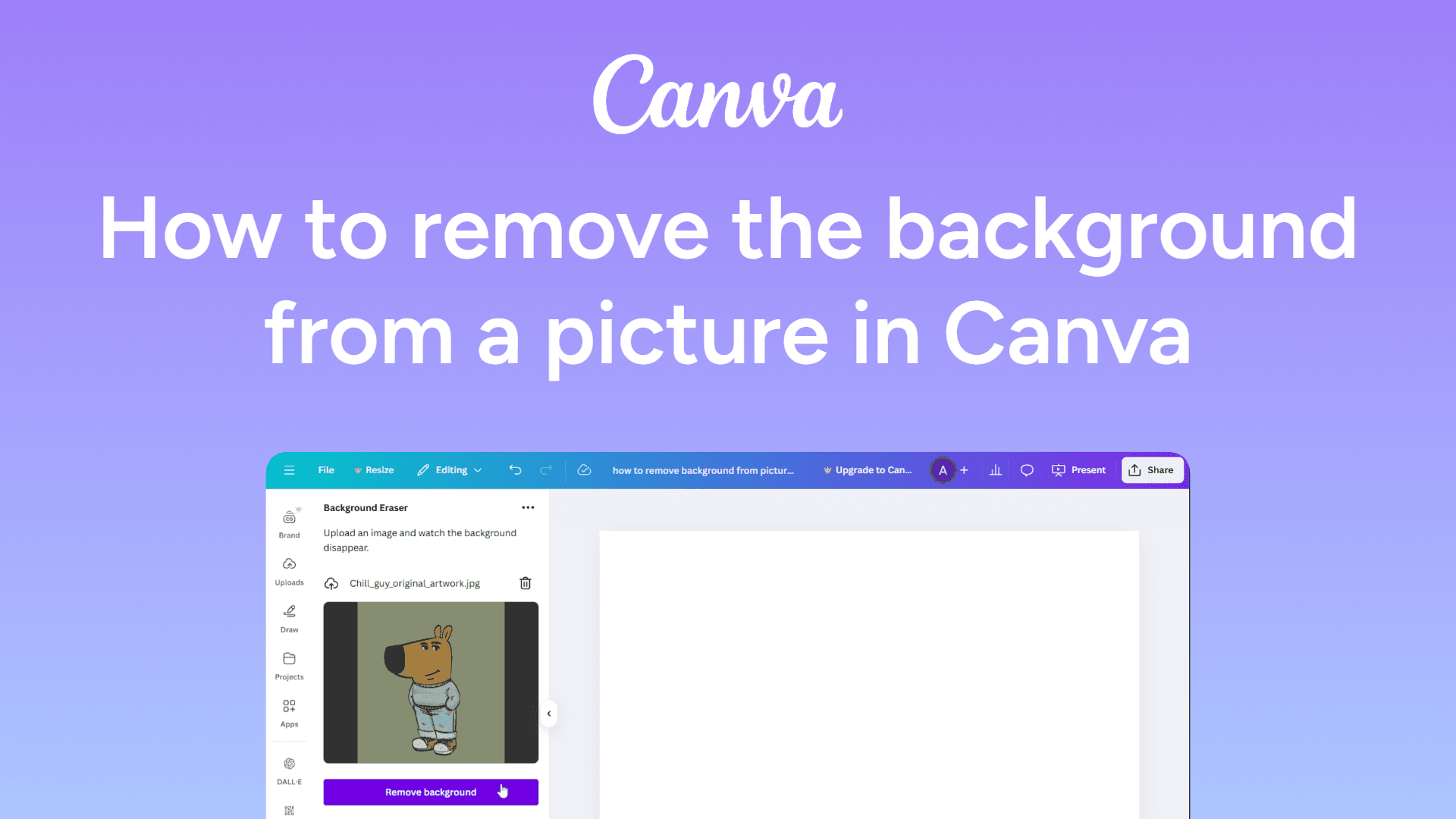
How to remove the background from a picture in Canva
Easily remove the background from a picture in Canva with this quick guide. Create clean, professional designs in seconds. Learn how now!