
Tutorials
Learn how to use any feature, on all your favorite products.
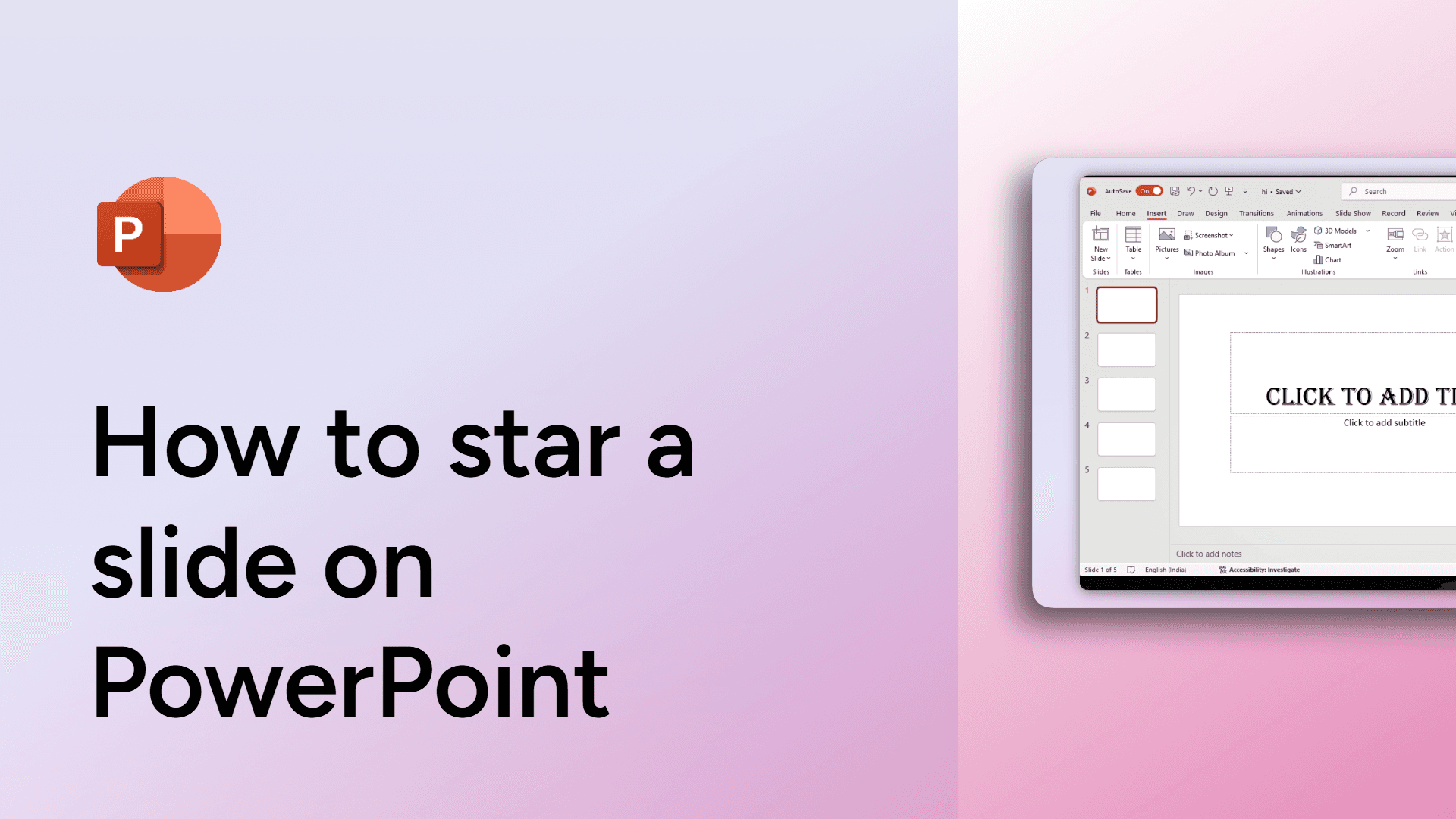
How to star a slide on PowerPoint
Learn how to star a slide in PowerPoint for quick access and organization.
How to share your screen in Zoom meetings
Easily share your screen in Zoom meetings with this simple guide. Present slides, documents, or videos seamlessly. Learn how now!
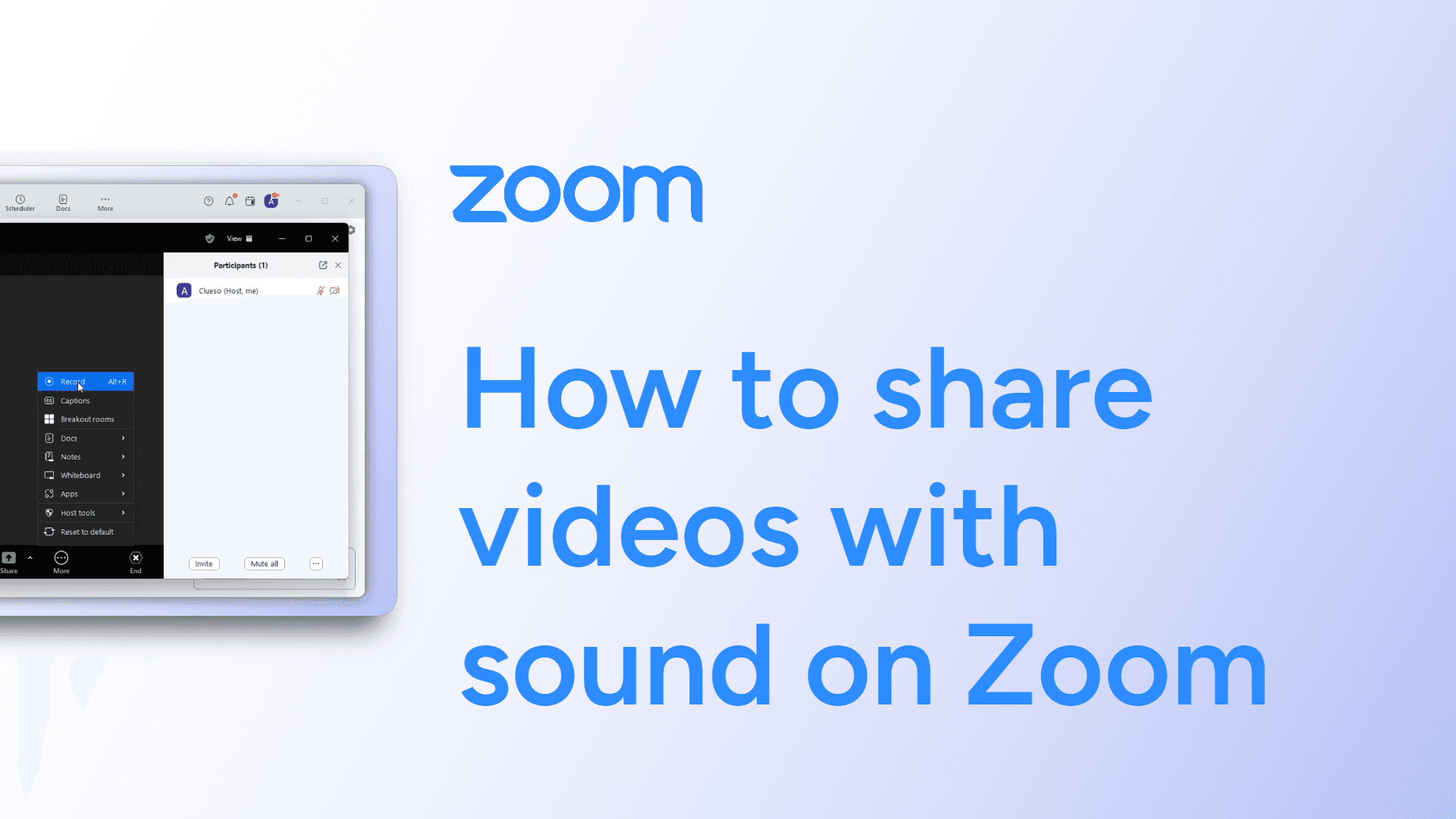
How to share videos with sound on Zoom
Easily share videos with sound on Zoom with this simple guide. Enable audio sharing for a seamless viewing experience. Learn how now!
How to share ownership access in Google Docs
Easily share ownership access in Google Docs with this simple guide. Transfer control to another user in just a few clicks. Learn how now!
How to share files on Google Slides
Easily share files on Google Slides with this simple guide. Collaborate in real time by adjusting sharing settings. Learn how now!
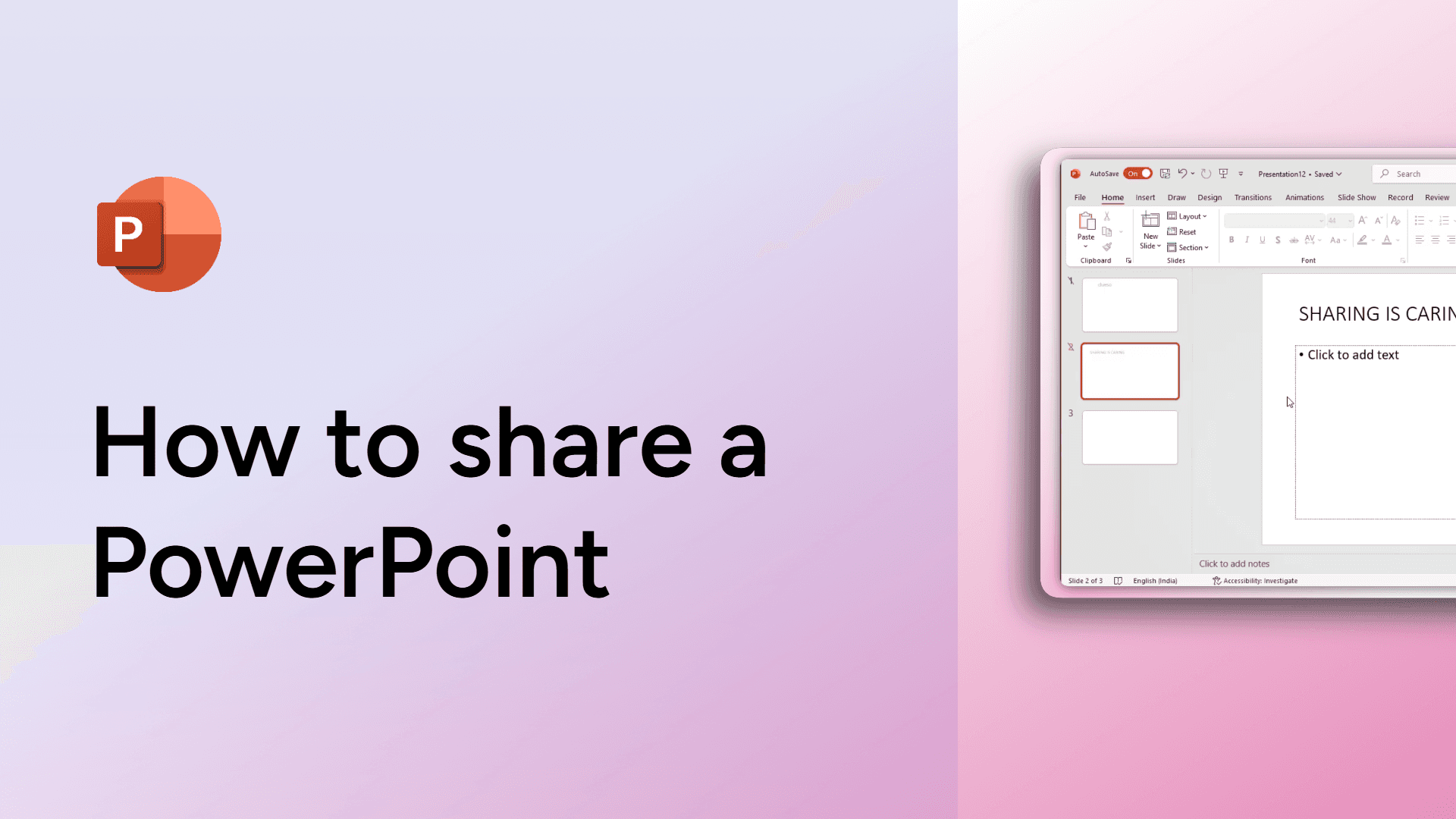
How to share a PowerPoint
Easily share your PowerPoint presentation with others using these simple steps
How to share a Google Doc via email
Easily share a Google Doc via email with this simple guide. Send a direct link or grant access in just a few clicks. Learn how now!

How to set a reminder on slack
Learn how to set a reminder on Slack to stay on top of your tasks and never miss important updates.

How to set a Google Doc to View-Only mode
Set a Google Doc to View-Only mode by clicking Share > Change access > Anyone with the link > Viewer. This restricts editing access.
How to send an image to the back in Google Slides
Easily send an image to the back in Google Slides with this simple guide. Layer your elements for perfect design placement. Learn how now!
How to send Zoom meeting invites
Easily send Zoom meeting invites with this simple guide. Share links quickly to connect with participants. Learn how now!

How to send GIFs on Slack
Learn how to send a GIF in Slack.