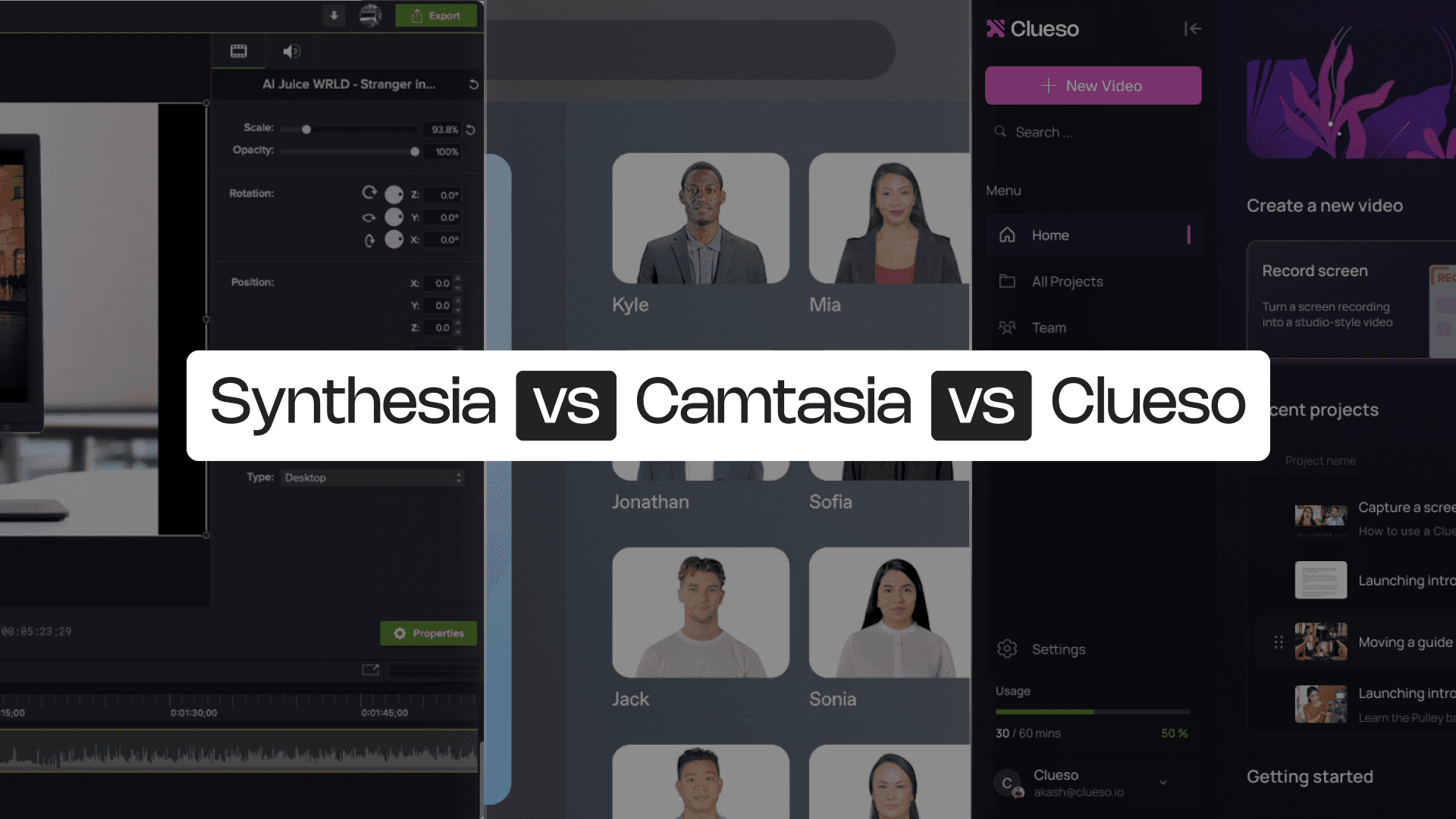
Synthesia vs Camtasia
Synthesia and Camtasia are both giants in the video creation space, but they serve fundamentally different creators. Synthesia’s strength lies in producing AI avatar–based videos with speed and ease. Camtasia’s legacy is in precision, offering complete manual control over editing and recording.
AI convenience vs creative control — but which approach truly delivers?

Synthesia vs Camtasia at a Glance
Content Creation Capabilities
Feature | Synthesia | Camtasia |
|---|---|---|
AI Avatars | ✓ | Pro-version only |
Face clones | ✓ | ❌ |
Voice clones | ✓ | ❌ |
Screen Recording | Basic | ✓ |
Video Script Generation | ❌ | via Audiate |
AI Voiceovers | ✓ | via Audiate |
Audio-video sync | Manual | Manual |
Multi-language Translation | Video only | Video only |
Professional Features
Feature | Synthesia | Camtasia |
|---|---|---|
Custom Branding | Limited | Manual |
Custom templates | ✓ | ✓ |
Enterprise Features
Feature | Synthesia | Camtasia |
|---|---|---|
Security Compliance | SOC2, ISO/IEC 42001:2023 | SOC2, ISO 27001 |
Shared Team Workspace | ✓ | ✓ |
Access Control by Roles | ✓ | ✓ |
The questions feature lists don’t cover
Honest answers to things that come up in day-to-day use.
Content Creation Capabilities
What kind of content is each platform actually built for?
Synthesia is built for speed and simplicity. It enables users to produce professional-looking videos without recording or editing manually. By combining AI-generated avatars, multilingual voiceovers, and face or voice cloning, Synthesia helps teams create clean, on-brand content quickly. Its script-based creation model makes it particularly well-suited for corporate explainers, onboarding modules, and training videos where clarity and consistency matter most.
Camtasia offers full creative control for hands-on creators. Its screen recording and timeline editing tools make it possible to craft detailed product walkthroughs, demonstrations, and educational content. With rich effects, annotations, and transitions, it’s ideal for creators who prefer to fine-tune every element of their video. The platform supports audio capture, narration, and scripting via Audiate, offering a professional editing environment for high-precision projects.
Professional Features
How do they handle branding and repeatable formats?
Synthesia supports custom templates and branded visuals, helping teams maintain a consistent look across videos. Its built-in design elements simplify the process of aligning videos with company branding, ensuring a uniform aesthetic across departments.
Camtasia provides deeper manual control over branding and design. Users can create and save custom templates, apply logos, colors, and transitions, and build reusable design frameworks for future projects. It’s a strong fit for teams that prioritize brand storytelling and visual precision in every frame.
Enterprise Features
Which platform is better suited for enterprise governance and collaboration?
Both tools deliver enterprise-grade reliability. Synthesia holds SOC2 and ISO/IEC 42001:2023 certifications, reflecting its focus on AI governance and security compliance. It also offers shared workspaces and role-based access control, supporting collaborative use across teams.
Camtasia matches that level of trust with SOC2 and ISO 27001 compliance, ensuring data and content integrity. It also supports team workspaces and user access roles, making it viable for organizations with multi-user workflows. Together, both platforms offer solid enterprise capabilities for teams that need to create, manage, and distribute professional content securely.
What to Consider When Choosing Between Synthesia vs Camtasia
Each tool excels in its niche — but both leave critical gaps for modern creators.
When choosing between Synthesia and Camtasia, the decision often comes down to your priorities — speed versus control, presentation versus demonstration, AI automation versus manual precision. Both are powerful in their domains, yet they leave gaps for teams that need to create dynamic, product-driven content efficiently.
Here are a few key considerations before deciding:
Synthesia’s strength is also its limitation: it’s entirely script-driven. Its focus on avatars means you can talk about your product, but not show it in action.
The trade-off with Camtasia is time and complexity. While it offers full creative freedom and precision, it requires significant editing effort and technical know-how.
Synthesia automates the talking head; Camtasia automates nothing. Neither uses AI to streamline the entire process from recording to editing to publishing.
Synthesia is fast for one-off videos but can become restrictive for ongoing documentation needs. Camtasia, though robust, demands heavy editing time — which limits how quickly teams can scale content production.
When your product changes, updating content often means starting over from scratch in both the tools. In Synthesia, changes require full re-rendering; in Camtasia, they often mean re-recording from scratch.
So while both tools are strong in isolation , teams that need to show real products, create documentation, update content easily, and scale video creation efficiently will find themselves stuck between two extremes.
Synthesia vs Camtasia vs Clueso: 5 Reasons Why Clueso Is a Better Alternative
1. Dual Output: Create Both a Video and an Article Automatically
Most tools stop at video, leaving you to repurpose content manually. Clueso takes a different approach. Every workflow you record instantly generates a video tutorial and a step-by-step documentation. This dual output saves teams countless hours in documentation and ensures accessibility for every learning style.
2. Process Capture and Step Detection: Record Once, Structure Automatically
Yes, Camtasia records your screen, but Clueso also understands what it captures. Its AI-driven process capture identifies every click, hover, and scroll, automatically dividing your workflow into labeled steps. Each step is detected, titled, and organized, creating a clean visual narrative without the need for manual timeline editing.
Clueso also brings AI-enhanced audio recording into the mix. As you record, it cleans background noise, levels volume, and ensures voice clarity automatically
Feature | Clueso | Synthesia | Camtasia |
|---|---|---|---|
Screen Recording | ✓ | Basic | ✓ |
Process Capture | Automatic | ❌ | ❌ |
Step Detection | Automatic | ❌ | ❌ |
Audio Recording | AI-enhanced | Basic | Basic |
3. AI-Enhanced Editing: From Raw Recording to Ready Video
With Clueso, editing becomes effortless. Its built-in AI handles zoom automation, spotlight, callouts, captions, and filler removal, intelligently detecting what matters in your workflow.
Camtasia gives you granular control but at the cost of hours of manual trimming and syncing. Synthesia automates avatars and narration, not editing. Clueso bridges both worlds, giving you high production value without post-production fatigue.
Feature | Clueso | Synthesia | Camtasia |
|---|---|---|---|
Zoom Effects | Automated | ✓ | ✓ |
Blurring & Annotations | ✓ | ✓ | ✓ |
Video Editing | Automated | AI-enhanced | Manual |
Screenshots | ✓ | ❌ | ❌ |
GIFs | ✓ | ❌ | ✓ |
Background Music | ✓ | ✓ | ✓ |
Callout effects | ✓ | ❌ | ✓ |
4. AI Intelligence Beyond Editing: Smarter Scripts, Voiceovers, and Translations
Clueso’s AI can generate and rewrite scripts, add AI voiceover, adjust voiceover pacing, and translate content into 40+ languages, including both text and video formats.
Synthesia supports video translation and AI voiceovers but lacks multi-format parity. Camtasia offers basic speech-to-text through Audiate but multilingual automation is limited.
With Clueso, global enablement teams can create multilingual tutorials and articles that stay consistent across regions, instantly.
Feature | Clueso | Synthesia | Camtasia |
|---|---|---|---|
AI Script Generation | ✓ | ❌ | Via Audiate |
AI Voiceovers | ✓ | ✓ | Via Audiate |
Multi-language Translation | ✓ (40+) | ✓ (32+) | Limited (7) |
Translation for Articles | ✓ | ❌ | ❌ |
5. Effortless Updates and Flexible Export Options
Clueso is designed for evolving products. Instead of re-recording or re-rendering, you can just record the updated steps and the text, or narration get updated instantly. Whether you’re fixing a UI change or localizing a feature guide, updates sync across all outputs automatically.
Export flexibility seals the deal. Videos, GIFs, HTML pages, Markdown docs, or Rich Text files — all generated from a single project. Both Synthesia and Camtasia restrict you to video-only formats, requiring extra tools for documentation or republishing.
Feature | Clueso | Synthesia | Camtasia |
|---|---|---|---|
Easy Content Updates | ✓ | ❌ Re-render Required | ❌ Re-record Required |
Export Formats | MP4 and GIF videos; HTML & rich text for articles | MP4 videos only | MP4 and GIF videos only |
Clueso delivers what today’s product and CX teams actually need — real product capture, instant editing, and dual-format publishing, all powered by AI. Where Synthesia automates presentation and Camtasia perfects precision, Clueso unites both to create a workflow that’s faster, smarter, and built for scale.

You’re in good company
From start-ups to enterprises, teams of all sizes trust Clueso.
Synthesia vs Camtasia: Which One Is for You
Both Synthesia and Camtasia have earned their place in the video creation space — but the world of content creation has moved on. Teams today need speed and authenticity, automation and accuracy. And that’s exactly what Clueso delivers.
Synthesia is great if you want to get a message out fast. It’s simple, clean, and avatar-driven. It is perfect for HR updates or corporate training. But it stops short when you need to show real screens or workflows. It speaks about your product, but it never truly shows it.
Camtasia, on the other hand, gives you total control. It’s for creators who enjoy the craft of editing — trimming, layering, and timing everything by hand. But that control comes at a cost: time, effort, and the constant need to redo work whenever your product changes.
Clueso is what happens when video creation catches up with how teams actually work. It records real product experiences automatically, edits them intelligently, and generates both a video and an article in minutes.Clueso is the first platform that makes showing your product as easy as talking about it.
Frequently Asked Questions
What’s the main difference between Synthesia and Camtasia?
Synthesia creates AI-generated, avatar-led videos from text scripts. It's fast and automated, but majorly presentation-based. Camtasia, in contrast, is a manual screen recording and editing tool. It offers full creative control but requires more time and technical skill.
Which tool is better for creating product tutorials — Synthesia or Camtasia?
For product tutorials, Camtasia is the better fit because it can record real screens and demonstrate workflows.Synthesia is best for scripted explainers or training videos.
How does Clueso differ from both Synthesia and Camtasia?
Clueso combines the automation of Synthesia with the authenticity of Camtasia. It automatically detects each step, writes scripts, adds AI narration and edits, and even generates a step-by-step article. Clueso gives teams ready-to-publish content in minutes.
Can I update or edit videos easily in Clueso?
Yes. Clueso lets you update steps, text, or narration instantly without re-recording or re-rendering your entire video. Edits sync automatically across the video and article versions, saving hours of rework.