Guidde vs Scribe: Browser-Based Videos or Screenshot SOPs

Both tools make process documentation faster, but they’re built differently.

Guidde is a video-led tool that captures browser workflows and turns them into tutorials and written documentation. Scribe, on the other hand, specializes in clean, text-plus-screenshot guides.

Backed by

Rated 4.9

on

G2.com

Backed by

Rated 4.9

on

G2.com

Backed by

Rated 4.9

on

G2.com

Clueso vs XYZ at a glance

Content Creation Capabilities

Feature

Guidde

Scribe

Screen Recording

Browser only

Step Capture

Video Creation

Auto Article Generation

Screenshots

AI & Automation

Feature

Guidde

Scribe

AI Avatars

Enterprise-only

NA

Video Script Generation

NA

AI Voiceovers

NA

Audio-video sync

Manual

NA

Multi-language Translation

Enterprise only

Professional Features

Feature

Guidde

Scribe

Custom Branding

Custom templates

Enterprise Features

Feature

Guidde

Scribe

Security Compliance

SOC2

SOC2, ISO 27001

Shared Team Workspace

Access Control by Roles

Guidde vs Scribe: Detailed Comparison

Two step-by-step documentation tools — one video-first, one doc-first.

  1. Content Creation Capabilities

Guidde is built as a video-first process documentation tool. It records workflows directly in the browser, automatically capturing each click as a step. From a single capture, Guidde generates a video tutorial and an article with step-by-step overlays and screenshots. This makes it especially useful for teams that want how-tos for SaaS products, customer onboarding, and internal process sharing.

Scribe is doc-first and system-agnostic. It captures step-by-step workflows across both browser and desktop, converting them into clean, text-and-screenshot-based guides. Each step is automatically documented with a screenshot and description, which can be edited, reordered, or grouped into larger processes. Scribe is particularly strong when teams want click-by-click written SOPs, manuals, or handover docs, rather than video.

B. AI & Automation

Guidde uses AI to enhance video-led documentation. It uses automation to create structured step flows from browser activity. The Magic Mic feature supports AI voiceovers based on your raw narration during the screen capture. It also includes multi-language translation, allowing teams to localize guides for different regions. However the language options are limited.

Scribe leans on automation for step capture and document creation. It automatically detects steps during a workflow, generates screenshots, and writes step-by-step instructions. While it doesn’t offer AI avatars, voiceovers, or audio-video sync, it streamlines the creation of written documentation and, at the enterprise level, supports multi-language documentation for global teams.

C. Professional Features

Guidde includes custom branding so teams can align tutorials with their visual identity — logos, colors, and themes can be applied for more polished, consistent content. This is particularly valuable when these content pieces are shared externally with customers or partners as product walkthrough videos.

Scribe also supports custom branding, allowing generated guides to reflect company visuals when embedded in wikis, help centers, or internal tools. But neither offers “custom templates.”

D. Enterprise Features

Both Guidde and Scribe are designed with teams in mind and support SOC2 compliance and shared workspaces.

Guidde offers role-based access controls and team workspaces that make it easy to manage the content production. It fits well in environments where browser-based processes need to be documented and shared at scale, particularly in customer-facing and internal enablement contexts.

Scribe adds ISO 27001 on top of SOC2 and similarly supports shared workspaces and access controls. Its strengths are in helping larger organizations standardize process documentation, with step-by-step guides that can be embedded in knowledge bases, internal tools, or shared in onboarding flows.

What to Consider When Choosing Between Guidde & Scribe

1. Clueso captures complete workflows

Guidde works only inside the browser. Scribe works across desktop and browser, but it only produces static documentation.

Clueso does both. It records any workflow across any application, captures the process, automatically detects each action you take, enhances audio with AI and produces a dynamic video as well as a static documentation.

Feature
Clueso
Guidde
Scribe
Screen Recording
Browser only
Process Capture
Step Detection
Audio Recording
AI-enhanced
AI-enhanced, Enterprise only feature

2. AI-enhanced editing with Clueso

Guidde produces videos and documentation, but editing options are minimal. Scribe doesn’t create video at all, but it provides decent options to edit the articles.

Clueso uses AI to transform raw workflow recordings into clean, professional videos and written documentation. It cleans up audio and removes filler words. It can even rewrite video scripts for better clarity and generate AI voiceovers in 200+ voices. It automatically adds zooms when you click something important, spotlights relevant UI elements, syncs audio with visuals and enables you to translate your content in 40+ languages.

Clueso also offers an article copilot to edit the step-by-step article with chat-based questions. You get polished content without video-editing skills or endless retakes.

Feature
Clueso
Guidde
Scribe
Video Editing
Automated
Limited
Automatic Script Generation
AI Voiceover
Limited
AI Voice & Audio Sync
Manual
Article Copilot
Zoom Effects
Automated
Blurring & Annotations
Background Music
Screenshots
GIFs

3. Clueso generates both a polished video and a structured step-by-step article

Guidde gives you a video with a written article. Scribe generates detailed written guides, but no video tutorial. It captures the “what,” but it can’t always show the “how,” especially for visual learners.

Clueso produces both outputs from the same recording: a polished, narrated video and a clean step-by-step article with screenshots, text, and headings The two formats stay perfectly aligned because they come from a single capture. This gives teams everything they need for help centers, onboarding, training, and internal documentation.

Output Type
Clueso
Guidde
Scribe
Video Tutorial
Step-by-Step Article
Video + Article Sync

4. Update anything without re-recording the workflow

With Guidde, any UI change requires re-running the entire browser process. With Scribe, a new step or changed interface means recapturing the process or manually editing screenshots and text. Both are tedious and error-prone.

Clueso eliminates the need for starting from scratch. You can update just the updated part, tweak narration, replace a screenshot, or rephrase text, and Clueso automatically syncs the changes across your video and article. This makes it ideal for SaaS products where UI changes often and documentation must keep up without rework.

Feature
Clueso
Guidde
Scribe
Update Without Re-recording
Auto Sync Across Assets

5. Multi-format exporting and publishing

Clueso exports videos (MP4), GIFs, HTML, Markdown, Rich Text, etc. Teams don’t have to manually convert files or reformat content. Clueso outputs documentation-ready materials that can be directly embedded to knowledge bases, help centers, etc.

Guidde is great for simple browser-based micro-tutorials and documents. Scribe is excellent for clean, text-first SOPs. But Clueso gives teams a single, automated system to capture real product workflows, enhance them with AI, and publish video and text documentation that’s always up to date.

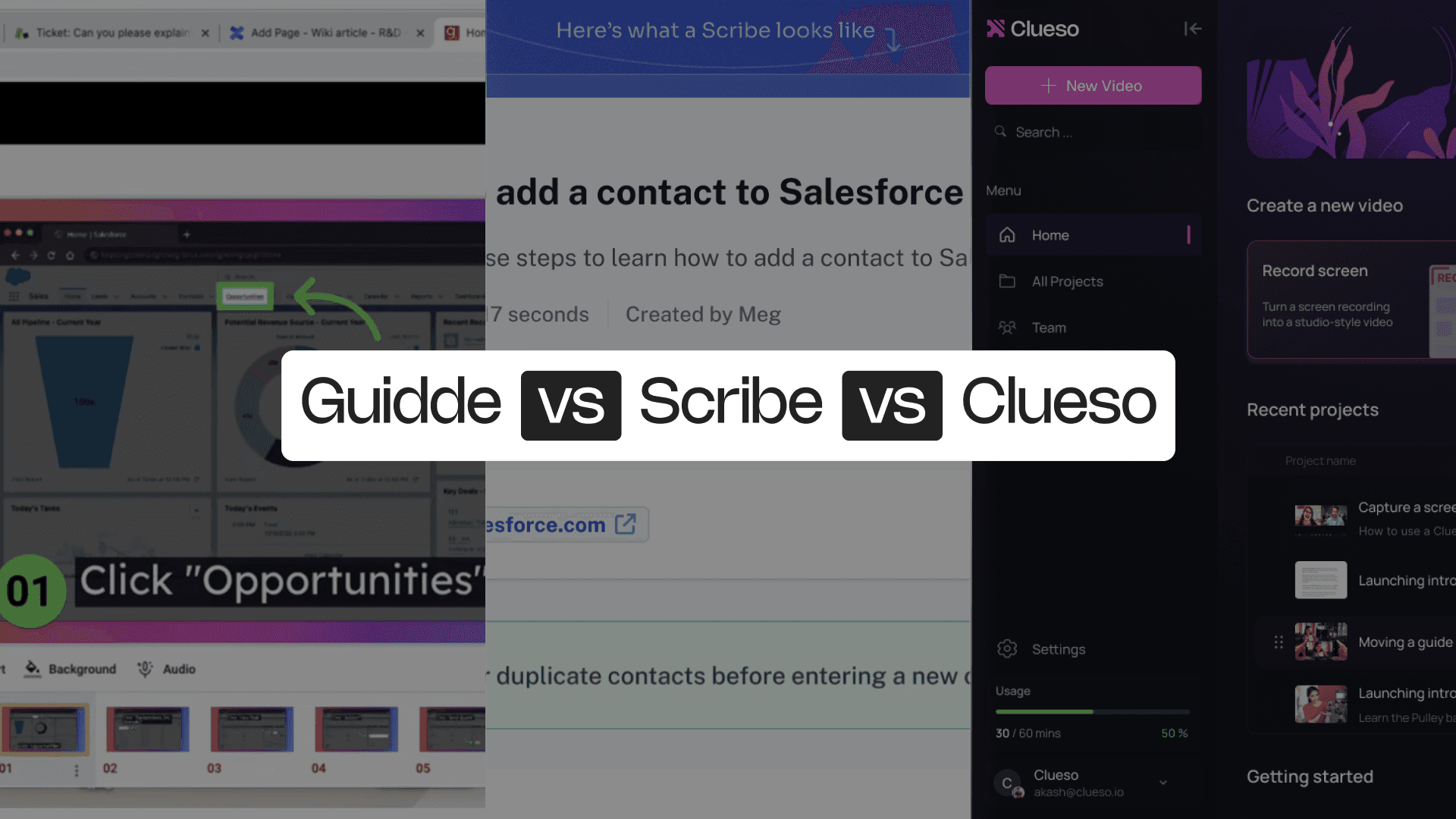
Guidde vs Scribe vs Clueso: 5 Reasons Why Clueso Is a Better Alternative

1. Clueso captures complete workflows

Guidde works only inside the browser. Scribe works across desktop and browser, but it only produces static documentation.

Clueso does both. It records any workflow across any application, captures the process, automatically detects each action you take, enhances audio with AI and produces a dynamic video as well as a static documentation.

Feature
Clueso
Guidde
Scribe
Screen Recording
Browser only
Process Capture
Step Detection
Audio Recording
AI-enhanced
AI-enhanced, Enterprise only feature

2. AI-enhanced editing with Clueso

Guidde produces videos and documentation, but editing options are minimal. Scribe doesn’t create video at all, but it provides decent options to edit the articles.

Clueso uses AI to transform raw workflow recordings into clean, professional videos and written documentation. It cleans up audio and removes filler words. It can even rewrite video scripts for better clarity and generate AI voiceovers in 200+ voices. It automatically adds zooms when you click something important, spotlights relevant UI elements, syncs audio with visuals and enables you to translate your content in 40+ languages.

Clueso also offers an article copilot to edit the step-by-step article with chat-based questions. You get polished content without video-editing skills or endless retakes.

Feature
Clueso
Guidde
Scribe
Video Editing
Automated
Limited
Automatic Script Generation
AI Voiceover
Limited
AI Voice & Audio Sync
Manual
Article Copilot
Zoom Effects
Automated
Blurring & Annotations
Background Music
Screenshots
GIFs

3. Clueso generates both a polished video and a structured step-by-step article

Guidde gives you a video with a written article. Scribe generates detailed written guides, but no video tutorial. It captures the “what,” but it can’t always show the “how,” especially for visual learners.

Clueso produces both outputs from the same recording: a polished, narrated video and a clean step-by-step article with screenshots, text, and headings The two formats stay perfectly aligned because they come from a single capture. This gives teams everything they need for help centers, onboarding, training, and internal documentation.

Output Type
Clueso
Guidde
Scribe
Video Tutorial
Step-by-Step Article
Video + Article Sync

4. Update anything without re-recording the workflow

With Guidde, any UI change requires re-running the entire browser process. With Scribe, a new step or changed interface means recapturing the process or manually editing screenshots and text. Both are tedious and error-prone.

Clueso eliminates the need for starting from scratch. You can update just the updated part, tweak narration, replace a screenshot, or rephrase text, and Clueso automatically syncs the changes across your video and article. This makes it ideal for SaaS products where UI changes often and documentation must keep up without rework.

Feature
Clueso
Guidde
Scribe
Update Without Re-recording
Auto Sync Across Assets

5. Multi-format exporting and publishing

Clueso exports videos (MP4), GIFs, HTML, Markdown, Rich Text, etc. Teams don’t have to manually convert files or reformat content. Clueso outputs documentation-ready materials that can be directly embedded to knowledge bases, help centers, etc.

Guidde is great for simple browser-based micro-tutorials and documents. Scribe is excellent for clean, text-first SOPs. But Clueso gives teams a single, automated system to capture real product workflows, enhance them with AI, and publish video and text documentation that’s always up to date.

You’re in good company

From start-ups to enterprises, teams of all sizes trust Clueso.

Guidde vs Scribe: Which One Is for You?

Guidde is best for teams that want browser-based tutorials with videos and article. It works well for short SaaS workflows, customer onboarding clips, and internal micro-guides that don’t require deep editing or multi-application coverage.

Scribe, on the other hand, is ideal for teams producing written SOPs and text-and-screenshot documentation across browser and desktop. It’s fast, clean, and reliable for process guides, IT handovers, compliance checklists, and internal knowledge sharing where static instructions are enough.

But when you need to demonstrate real workflows, document multi-step processes across multiple applications, or create content that stays up to date as your product evolves, these tools aren’t enough.

Clueso captures real screens across any app, understands every step, enhances the recording with AI, and outputs both a polished video and a structured step-by-step article from a single capture. And when something changes, updates are fast and easy. It’s the only platform that turns real product interactions into scalable, updatable documentation in minutes.

Experience it yourself

Experience it yourself

Frequently Asked Questions

What’s the main difference between Guidde and Scribe?

Guidde captures browser workflows, automatically creating videos and articles. Scribe captures any workflow across browser or desktop and generates text + screenshot SOPs.

What’s the main difference between Guidde and Scribe?

Guidde captures browser workflows, automatically creating videos and articles. Scribe captures any workflow across browser or desktop and generates text + screenshot SOPs.

What’s the main difference between Guidde and Scribe?

Guidde captures browser workflows, automatically creating videos and articles. Scribe captures any workflow across browser or desktop and generates text + screenshot SOPs.

Which tool is better for creating tutorials?

Guidde is better for simple, browser-based video explanations. Scribe is better for written, procedural documentation across multiple apps. For full product walkthroughs with both video and steps, Clueso is the stronger choice.

Which tool is better for creating tutorials?

Guidde is better for simple, browser-based video explanations. Scribe is better for written, procedural documentation across multiple apps. For full product walkthroughs with both video and steps, Clueso is the stronger choice.

Which tool is better for creating tutorials?

Guidde is better for simple, browser-based video explanations. Scribe is better for written, procedural documentation across multiple apps. For full product walkthroughs with both video and steps, Clueso is the stronger choice.

Can either Guidde or Scribe capture workflows outside the browser?

Scribe can capture workflows outside the browser. It captures desktop apps, tools, system settings, and more. Clueso also captures any workflow across any application.

Can either Guidde or Scribe capture workflows outside the browser?

Scribe can capture workflows outside the browser. It captures desktop apps, tools, system settings, and more. Clueso also captures any workflow across any application.

Can either Guidde or Scribe capture workflows outside the browser?

Scribe can capture workflows outside the browser. It captures desktop apps, tools, system settings, and more. Clueso also captures any workflow across any application.

How does Clueso differ from Guidde and Scribe?

Clueso records real workflows, detects each step automatically, enhances everything with AI. It produces both a polished video and a structured article from the same capture. It combines Guidde’s visual clarity with Scribe’s structure.

How does Clueso differ from Guidde and Scribe?

Clueso records real workflows, detects each step automatically, enhances everything with AI. It produces both a polished video and a structured article from the same capture. It combines Guidde’s visual clarity with Scribe’s structure.

How does Clueso differ from Guidde and Scribe?

Clueso records real workflows, detects each step automatically, enhances everything with AI. It produces both a polished video and a structured article from the same capture. It combines Guidde’s visual clarity with Scribe’s structure.