Guidde vs Loom: Step-Based Guidance or Quick Screen Recordings
Both tools simplify knowledge sharing, but they serve very different purposes.
Guidde is built for structured, browser-based tutorials. It captures every click as a step and turns them into quick instructional videos with written guides. Loom, by contrast, is perfect for fast, human-led recordings. You hit record, talk through your screen, and share a link within seconds.
Clueso vs XYZ at a glance
Content Creation Capabilities
Feature | Guidde | Loom |
|---|---|---|
Screen Recording | Browser only | ✓ |
Step Capture | ✓ | ❌ |
Video Editing | Limited | Limited |
Auto Article Generation | ✓ | ❌ |
Screenshots | ✓ | ❌ |
AI & Automation
Feature | Guidde | Loom |
|---|---|---|
AI Avatars | Enterprise-only | ❌ |
Video Script Generation | ❌ | ❌ |
AI Voiceovers | ✓ | ❌ |
Audio-video sync | Manual | ✓ |
Multi-language Translation | ✓ | ✓ |
Professional Features
Feature | Guidde | Loom |
|---|---|---|
Custom Branding | ✓ | Limited |
Custom templates | ❌ | ❌ |
Enterprise Features
Feature | Guidde | Loom |
|---|---|---|
Security Compliance | SOC2 | SOC2, ISO 27001 |
Shared Team Workspace | ✓ | Basic |
Access Control by Roles | ✓ | Limited |
Guidde vs Loom: Detailed Comparison
Two ways to record and share knowledge — built for different kinds of teams.
Content Creation Capabilities
Guidde is designed for process-focused documentation. It records directly in the browser and automatically captures each step as you click through a workflow. For every process, it generates a short how-to video and an accompanying article complete with step labels and screenshots. This makes it especially useful for support, onboarding, and ops teams.
Loom is built for quick, flexible screen recording across desktop and browser. You can record your entire screen, a specific window, or just a tab, with or without your camera bubble, and share the result instantly via link. It’s ideal for ad-hoc demos, stakeholder updates, and asynchronous communication.
B. AI & Automation
Guidde supports AI voiceovers on top of captured steps, automatically narrating workflows so users don’t have to record their own audio. It also supports multi-language translation, allowing teams to repurpose the same video in multiple languages for global audiences. Audio-video sync and fine-tuning are still handled manually, but the AI layer helps speed up narration and localization.
Loom AI helps generate transcripts, titles, and simple summaries, and it offers multi-language support for captions, making recordings more accessible. Loom’s automation is geared less towards structured tutorial building and more towards making shared videos easier to consume, revisit, and understand in a collaborative environment.
C. Professional Features
Guidde includes custom branding so that recorded guides can reflect company identity. Visual elements can be added to match brand guidelines. This is valuable when tutorials are shared externally with customers or partners. However, the tool does not offer any kind of templates.
Loom offers limited branding controls, focusing more on the viewing and sharing experience than on deep customization. Teams can apply basic branding, but Loom is primarily optimized for internal communication and quick-share content rather than fully branded, public-facing assets.
D. Enterprise Features
Both Guidde and Loom support enterprise needs with SOC2-level security and features for team collaboration.
Guidde provides shared team workspaces and role-based access controls, making it easier to manage who can create, edit, or share process documentation. Its structure suits teams that want centralized, repeatable guides for workflows across their browser tools.
Loom offers basic shared workspaces, making it easy for teams to store and organize recordings, comment, and react to videos. It also adds ISO 27001 on top of SOC2, which is great for organizations with strict compliance requirements. Although access controls are more lightweight in Loom.
What to Consider When Choosing Between Guidde & Loom
1. Clueso captures full workflows
Guidde only captures what happens in the browser. Loom captures quick videos but doesn’t understand steps or structure.
Clueso records any workflow across applications and automatically turns every action into a labeled step. It’s the only tool that covers real end-to-end processes instead of fragments. The also enhances the raw narration during screen recording with AI.
Feature | Clueso | Guidde | Loom |
|---|---|---|---|
Screen Recording | ✓ | Browser only | ✓ |
Process Capture | ✓ | ✓ | ❌ |
Automatic Step Detection | ✓ | Browser-only | ❌ |
Audio Recording | AI-enhanced | AI-enhanced, Enterprise only feature | Noise filter available |
2. AI-enhanced editing saves hours of manual cleanup
Guidde’s editing is basic and limited. Loom’s editing is minimal, mostly trimming and simple annotations.
Clueso uses AI to automate video editing. It ranges from rewriting scripts with AI, removing filler words, generating AI voiceovers to applying effects like zooms, callouts, spotlights, syncing audio and vidsuals, and translating content in 40+ languages. It helps you build polished videos and documentation without any prior experience in editing.
Feature | Clueso | Guidde | Loom |
|---|---|---|---|
Video Editing | Automated | Limited | Limited |
Automatic Script Generation | ✓ | ❌ | ❌ |
AI Voiceover | ✓ | Limited | ❌ |
AI Voice & Audio Sync | ✓ | Manual | ❌ |
Zoom Effects | Automated | ✓ | ❌ |
Blurring & Annotations | ✓ | ✓ | ✓ |
Background Music | ✓ | ✓ | ✓ |
Screenshots | ✓ | ✓ | ❌ |
GIFs | ✓ | ✓ | ✓ |
3. Dual Output: Video + Step-by-Step Article from one recording
Loom only produces a simple video. Guidde generates browser-based video and step by step guide.
Clueso generates a fully edited video and a step-by-step article from the same capture. Each step becomes a step in the video and in the doc, perfectly synced.
Output Type | Clueso | Guidde | Loom |
|---|---|---|---|
Video Output | ✓ | ✓ | ✓ |
Article Output | ✓ | ✓ | ❌ |
Auto-Synced Video + Article | ✓ | ❌ | ❌ |
4. Update content without re-recording
When your product changes, Guidde makes you redo the browser flow. Loom makes you re-record your screen.
Clueso lets you update individual steps, narration, screenshots, or text without starting over. Everything stays synced across video and article. It is a massive advantage for teams maintaining large tutorials or fast-evolving product flows.
Feature | Clueso | Guidde | Loom |
|---|---|---|---|
Update Without Re-recording | ✓ | ❌ | ❌ |
Step-Level Editing | ✓ | ❌ | ❌ |
Sync Across Formats | ✓ | ❌ | ❌ |
5. Flexible exporting + publishing
Guidde exports video + article but in limited formats. Loom exports only video.
Clueso exports MP4, GIF, HTML, Markdown, Rich Text, etc. and can embed articles directly into help centers or knowledge bases. It’s ideal for publishing — not just sharing across different platforms.
Guidde is great for browser-based tutorials. Loom is perfect for lightweight async communication. But only Clueso can automate editing and generate dual outputs, or help teams maintain content as products evolve.
It’s the only platform built for modern product, CX, enablement, and operations teams who need documentation that stays accurate, scalable, and easy to maintain.

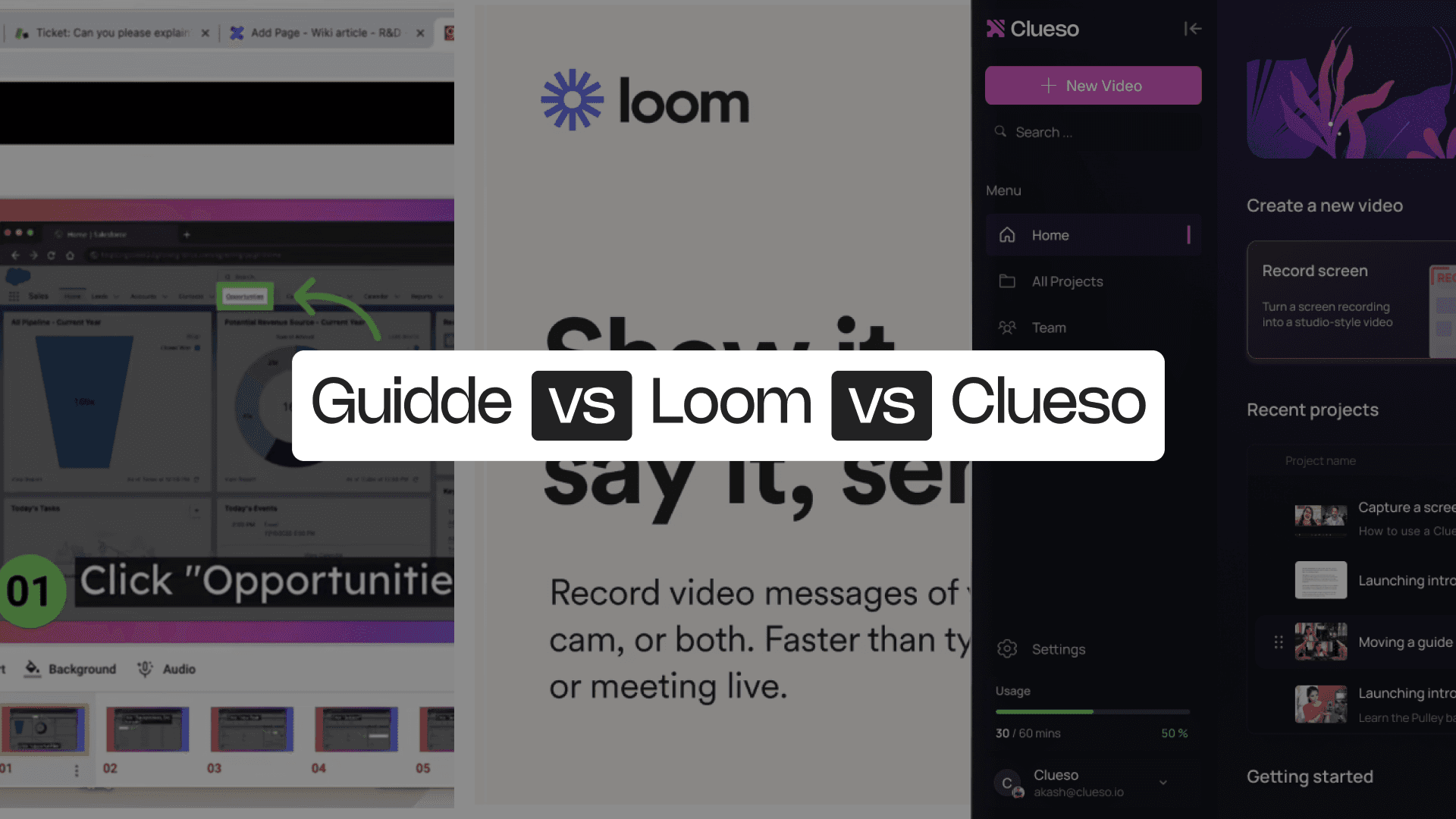
Guidde vs Loom vs Clueso: 5 Reasons Why Clueso Is a Better Alternative
1. Clueso captures full workflows
Guidde only captures what happens in the browser. Loom captures quick videos but doesn’t understand steps or structure.
Clueso records any workflow across applications and automatically turns every action into a labeled step. It’s the only tool that covers real end-to-end processes instead of fragments. The also enhances the raw narration during screen recording with AI.
Feature | Clueso | Guidde | Loom |
|---|---|---|---|
Screen Recording | ✓ | Browser only | ✓ |
Process Capture | ✓ | ✓ | ❌ |
Automatic Step Detection | ✓ | Browser-only | ❌ |
Audio Recording | AI-enhanced | AI-enhanced, Enterprise only feature | Noise filter available |
2. AI-enhanced editing saves hours of manual cleanup
Guidde’s editing is basic and limited. Loom’s editing is minimal, mostly trimming and simple annotations.
Clueso uses AI to automate video editing. It ranges from rewriting scripts with AI, removing filler words, generating AI voiceovers to applying effects like zooms, callouts, spotlights, syncing audio and vidsuals, and translating content in 40+ languages. It helps you build polished videos and documentation without any prior experience in editing.
Feature | Clueso | Guidde | Loom |
|---|---|---|---|
Video Editing | Automated | Limited | Limited |
Automatic Script Generation | ✓ | ❌ | ❌ |
AI Voiceover | ✓ | Limited | ❌ |
AI Voice & Audio Sync | ✓ | Manual | ❌ |
Zoom Effects | Automated | ✓ | ❌ |
Blurring & Annotations | ✓ | ✓ | ✓ |
Background Music | ✓ | ✓ | ✓ |
Screenshots | ✓ | ✓ | ❌ |
GIFs | ✓ | ✓ | ✓ |
3. Dual Output: Video + Step-by-Step Article from one recording
Loom only produces a simple video. Guidde generates browser-based video and step by step guide.
Clueso generates a fully edited video and a step-by-step article from the same capture. Each step becomes a step in the video and in the doc, perfectly synced.
Output Type | Clueso | Guidde | Loom |
|---|---|---|---|
Video Output | ✓ | ✓ | ✓ |
Article Output | ✓ | ✓ | ❌ |
Auto-Synced Video + Article | ✓ | ❌ | ❌ |
4. Update content without re-recording
When your product changes, Guidde makes you redo the browser flow. Loom makes you re-record your screen.
Clueso lets you update individual steps, narration, screenshots, or text without starting over. Everything stays synced across video and article. It is a massive advantage for teams maintaining large tutorials or fast-evolving product flows.
Feature | Clueso | Guidde | Loom |
|---|---|---|---|
Update Without Re-recording | ✓ | ❌ | ❌ |
Step-Level Editing | ✓ | ❌ | ❌ |
Sync Across Formats | ✓ | ❌ | ❌ |
5. Flexible exporting + publishing
Guidde exports video + article but in limited formats. Loom exports only video.
Clueso exports MP4, GIF, HTML, Markdown, Rich Text, etc. and can embed articles directly into help centers or knowledge bases. It’s ideal for publishing — not just sharing across different platforms.
Guidde is great for browser-based tutorials. Loom is perfect for lightweight async communication. But only Clueso can automate editing and generate dual outputs, or help teams maintain content as products evolve.
It’s the only platform built for modern product, CX, enablement, and operations teams who need documentation that stays accurate, scalable, and easy to maintain.
You’re in good company
From start-ups to enterprises, teams of all sizes trust Clueso.
Guidde vs Loom: Which One Is for You?
Guidde is ideal for teams that live inside web-based apps and want a structured way to create browser-only tutorials. Its automatic step capture, screenshots, and simple guides make it great for support, onboarding, and internal process documentation.
Loom, on the other hand, is all about speed and clarity. It’s perfect for quick screen recordings, spontaneous demos, and asynchronous updates. If the goal is to explain something fast and share instantly, Loom is one of the easiest tools you can use.
But both tools come with limits. Guidde is confined to the browser. Loom is limited to video-only explainers. Neither provides a scalable way to update or maintain content as your product evolves.
Clueso captures any workflow across any application, automatically detects every step, enhances the recording with AI, and produces both a polished video and a step-by-step article in minutes. And when something changes, you simply update the step. It brings together the speed of Loom, the structure of Guidde, and the automation neither tool offers.
Clueso is structured, fast, and built for real product workflows — the only platform that helps teams create content that scales with their product.