Camtasia vs Guidde: Power Editing or AI Step Capture

Both tools make it easier to explain how something works, but they solve very different problems.

Camtasia is built for creators who want full control — high-quality screen recordings, layered editing, and pixel-perfect tutorials. Guidde, on the other hand, focuses on speed and automation. It captures your browser steps instantly and turns them into quick how-to videos and matching articles.

Backed by

Rated 4.9

on

G2.com

Backed by

Rated 4.9

on

G2.com

Backed by

Rated 4.9

on

G2.com

Clueso vs XYZ at a glance

Content Creation Capabilities

Feature
Camtasia
Guidde
AI Avatars
Pro-version only
Enterprise-only
Screen Recording
Browser only
Video editing
Advanced
Limited
Video Script Generation
via Audiate
AI Voiceovers
via Audiate
Auto Article Generation
Step Capture
Screenshots
GIFs
Multi-format Export
Video only
Video and article
Multi-language Translation
Video only
Video only

Professional Features

Feature
Camtasia
Guidde
Custom Branding
Manual
Custom templates

Enterprise Features

Feature
Camtasia
Guidde
Security Compliance
SOC2, ISO 27001
SOC2
Shared Team Workspace
Access Control by Roles

Camtasia vs Guidde: Detailed Comparison

Two very different approaches to creating visual documentation — one manual, one automated.

  1. Content Creation Capabilities

Camtasia is built for creators who want full control over the production process. It allows high-quality screen recording, advanced timeline editing, rich audio control, and layered effects. With Audiate, users can generate scripts, clean up audio, and create basic AI voiceovers. For teams producing polished tutorials, technical walkthroughs, or long-form training videos, Camtasia offers the level of precision needed to craft content frame by frame.

Guidde, by contrast, excels at producing simple, structured, instructional content fast. It captures steps directly inside the browser. Every click becomes a step, screenshots are created automatically, and an article version is generated alongside the video. AI voiceovers help teams produce documentation quickly — making it especially useful for support, onboarding, and internal process sharing.

B. Professional Features

Camtasia gives creators complete freedom to build their own visual style. Users can apply custom branding manually and build reusable templates for consistency across projects. This level of control is perfect for teams producing polished, professional training videos or branded content that needs to align closely with company guidelines.

Guidde, on the other hand, offers built-in branded styles. While it doesn't support complex custom templates, its branding tools help teams produce professional-looking content quickly, especially when multiple creators need to maintain the same visual identity.

C. Enterprise Features

Both Camtasia and Guidde support enterprise needs with features like SOC2 compliance, team workspaces, and role-based access controls. Camtasia provides robust administrative oversight through permissions, shared libraries, and centralized asset management. It is useful for large teams managing complex projects.

Guidde brings a more lightweight collaboration model optimized for fast-moving teams that create and share documentation frequently. It offers centralized team spaces, shared access to processes, and structured content folders — ideal for customer support, onboarding teams, or product operations.

Both platforms are enterprise-ready, but their strengths reflect their different audiences. Camtasia is for production-focused content teams, Guidde is for operational teams who prioritize quick creation and easy sharing.

What to Consider When Choosing Between Camtasia & Guidde

1. End-to-End Process Capture

Camtasia records your screen, but it doesn’t understand what it captures. Guidde understands steps, but only inside the browser. Clueso captures full workflows across any app, detecting every click and action, and turning them into structured steps automatically.

Feature
Clueso
Camtasia
Guidde
Screen Recording
Browser only
Step Detection
Automatic
Browser-only
Process Capture
Automatic
Browser-only

2. AI-Enhanced Editing That Removes All the Manual Work

With Camtasia, editing is a hands-on process - trimming clips, managing the timeline, adding callouts, syncing audio. Guidde automates step visuals, but its editing options are limited.

Clueso uses AI to automate video editing. It can rewrite scripts based on your raw narrations, generate AI voiceovers, and even translate your content in 40+ languages. It even applies effects like zooms, spotlights, captions, callouts automatically. You get polished videos without ever touching a timeline.

Feature

Clueso

Camtasia

Guidde

Video Editing

Automated

Manual

Limited

Automatic Script Generation

via Audiate

AI Voiceover

via Audiate

Limited

AI Voice & Audio Sync

Manual

Manual

Zoom Effects

Automated

Blurring & Annotations

Callout effects

Background Music

Screenshots

GIFs

3. Dual Output: Video + Step-by-Step Article in One Recording

Camtasia produces video only. Guidde generates video and docs, but formatting is limited.

Clueso generates a polished video and a fully structured documentation at the same time — both synced perfectly. Every step you record becomes a line in your guide and a moment in your video.

Feature

Clueso

Camtasia

Guidde

Video Output

Article Output

Auto-Synced Video + Article

4. Updates That Don’t Require Re-Recording

This is where Clueso outclasses both tools entirely. Camtasia requires re-recording when a UI changes. Guidde requires re-running the steps.

Clueso lets you edit or update any step, rewrite narration, or adjust text — and everything updates automatically across both your video and article. No re-recording needed.

Feature

Clueso

Camtasia

Guidde

Update Without Re-recording

Auto Sync Across Assets

Ideal for Rapid Product Changes

5. Multi-Format Export + Enterprise-Ready Publishing

Camtasia exports video only. Guidde exports video + article, but in limited formats. Clueso gives teams everything they need: MP4, GIF, HTML, Markdown, Rich Text, help-center embeds, view analytics, and link sharing — all from a single workflow.

Camtasia gives you manual creative control. Guidde gives you quick browser-based step capture. Clueso gives you both — with AI automation that removes all the manual work.

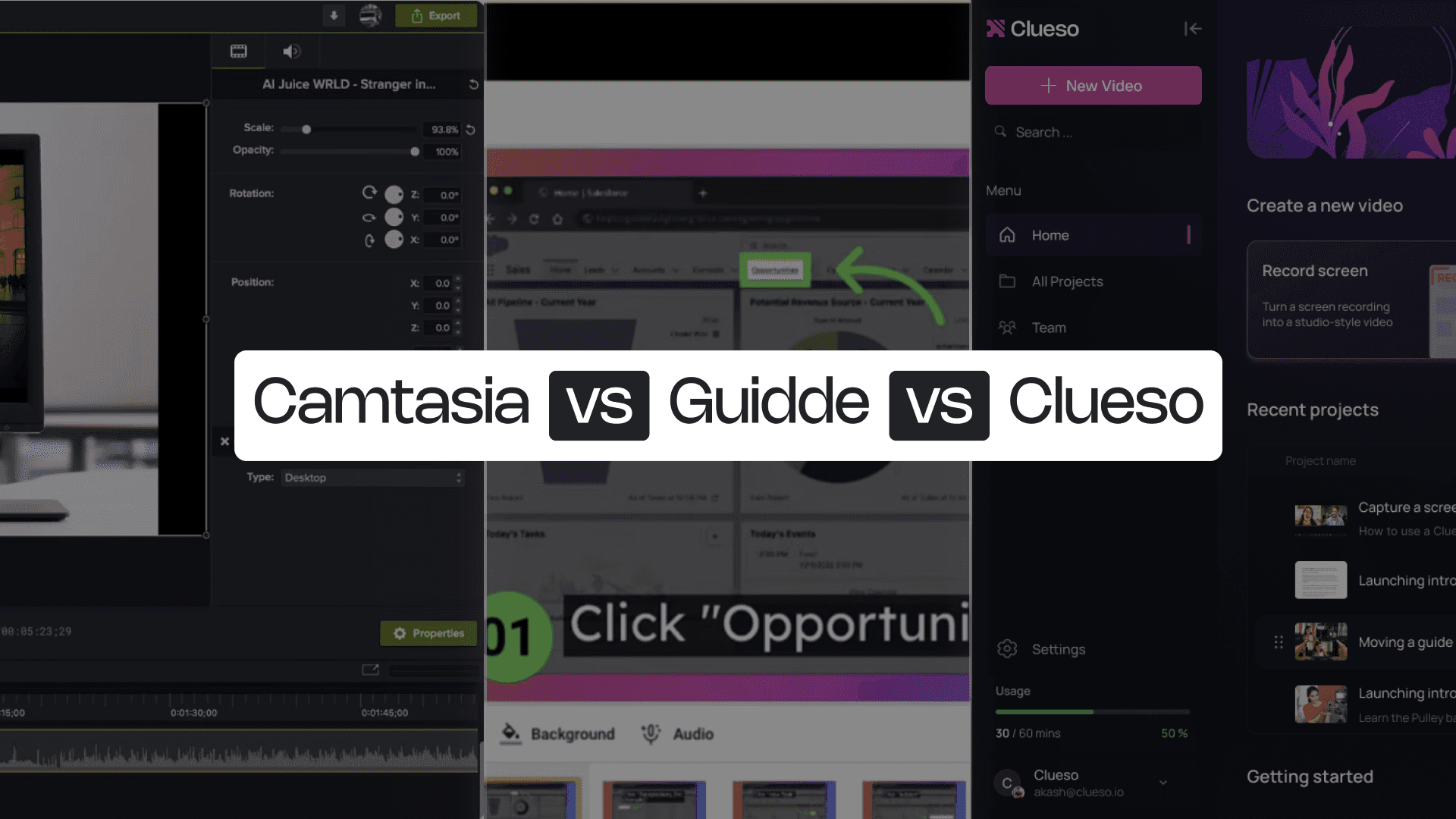
Camtasia vs Guidde vs Clueso: 5 Reasons Why Clueso Is a Better Alternative

1. End-to-End Process Capture

Camtasia records your screen, but it doesn’t understand what it captures. Guidde understands steps, but only inside the browser. Clueso captures full workflows across any app, detecting every click and action, and turning them into structured steps automatically.

Feature
Clueso
Camtasia
Guidde
Screen Recording
Browser only
Step Detection
Automatic
Browser-only
Process Capture
Automatic
Browser-only

2. AI-Enhanced Editing That Removes All the Manual Work

With Camtasia, editing is a hands-on process - trimming clips, managing the timeline, adding callouts, syncing audio. Guidde automates step visuals, but its editing options are limited.

Clueso uses AI to automate video editing. It can rewrite scripts based on your raw narrations, generate AI voiceovers, and even translate your content in 40+ languages. It even applies effects like zooms, spotlights, captions, callouts automatically. You get polished videos without ever touching a timeline.

Feature

Clueso

Camtasia

Guidde

Video Editing

Automated

Manual

Limited

Automatic Script Generation

via Audiate

AI Voiceover

via Audiate

Limited

AI Voice & Audio Sync

Manual

Manual

Zoom Effects

Automated

Blurring & Annotations

Callout effects

Background Music

Screenshots

GIFs

3. Dual Output: Video + Step-by-Step Article in One Recording

Camtasia produces video only. Guidde generates video and docs, but formatting is limited.

Clueso generates a polished video and a fully structured documentation at the same time — both synced perfectly. Every step you record becomes a line in your guide and a moment in your video.

Feature

Clueso

Camtasia

Guidde

Video Output

Article Output

Auto-Synced Video + Article

4. Updates That Don’t Require Re-Recording

This is where Clueso outclasses both tools entirely. Camtasia requires re-recording when a UI changes. Guidde requires re-running the steps.

Clueso lets you edit or update any step, rewrite narration, or adjust text — and everything updates automatically across both your video and article. No re-recording needed.

Feature

Clueso

Camtasia

Guidde

Update Without Re-recording

Auto Sync Across Assets

Ideal for Rapid Product Changes

5. Multi-Format Export + Enterprise-Ready Publishing

Camtasia exports video only. Guidde exports video + article, but in limited formats. Clueso gives teams everything they need: MP4, GIF, HTML, Markdown, Rich Text, help-center embeds, view analytics, and link sharing — all from a single workflow.

Camtasia gives you manual creative control. Guidde gives you quick browser-based step capture. Clueso gives you both — with AI automation that removes all the manual work.

You’re in good company

From start-ups to enterprises, teams of all sizes trust Clueso.

Camtasia vs Guidde: Which One Is for You?

Camtasia is ideal for teams that want full editing control and polished, studio-style videos. It’s great for long-form training, in-depth tutorials, and videos that benefit from detailed timeline editing. If precision matters more than speed, Camtasia fits that workflow well.

Guidde, on the other hand, is perfect for teams who need browser-based documentation. It captures steps automatically, generates AI voiceovers, and produces simple how-to videos with matching articles. It’s built for internal enablement, support, and quick operational onboarding where speed matters more than customization.

But today’s teams often need more than just editing control or browser capture. They need to create content that spans multiple tools, works across platforms, updates easily, and scales without re-recording or rebuilding. That’s where both Camtasia and Guidde hit limits.

Clueso bridges that gap. It captures real cross-app processes, detecting every step, enhancing recordings with AI, and generating both a video and an article instantly. And when your product changes, you simply update a step instead of starting from scratch. It’s the one platform that turns your product workflows into polished, always-up-to-date documentation with the least effort possible.

Experience it yourself

Experience it yourself

Frequently Asked Questions

What’s the main difference between Camtasia and Guidde?

Camtasia is a full-featured video editing suite for high-quality tutorials and training videos, offering detailed timeline editing and professional effects. Guidde is a browser-based step-capture tool that automatically turns clicks into simple how-to videos and articles.

What’s the main difference between Camtasia and Guidde?

Camtasia is a full-featured video editing suite for high-quality tutorials and training videos, offering detailed timeline editing and professional effects. Guidde is a browser-based step-capture tool that automatically turns clicks into simple how-to videos and articles.

What’s the main difference between Camtasia and Guidde?

Camtasia is a full-featured video editing suite for high-quality tutorials and training videos, offering detailed timeline editing and professional effects. Guidde is a browser-based step-capture tool that automatically turns clicks into simple how-to videos and articles.

Which tool is better for creating product walkthroughs?

Camtasia is better for polished, long-form tutorials that require advanced editing. Guidde works best for simple, browser-only workflows with automatic step capture. But if your walkthrough spans multiple apps or needs both video and documentation, Clueso provides a more complete solution.

Which tool is better for creating product walkthroughs?

Camtasia is better for polished, long-form tutorials that require advanced editing. Guidde works best for simple, browser-only workflows with automatic step capture. But if your walkthrough spans multiple apps or needs both video and documentation, Clueso provides a more complete solution.

Which tool is better for creating product walkthroughs?

Camtasia is better for polished, long-form tutorials that require advanced editing. Guidde works best for simple, browser-only workflows with automatic step capture. But if your walkthrough spans multiple apps or needs both video and documentation, Clueso provides a more complete solution.

How does Clueso differ from Camtasia and Guidde?

Clueso blends Camtasia’s production quality with Guidde’s automation. It captures real workflows, detects every step, enhances recordings with AI, and generates both a video and a step-by-step article automatically.

How does Clueso differ from Camtasia and Guidde?

Clueso blends Camtasia’s production quality with Guidde’s automation. It captures real workflows, detects every step, enhances recordings with AI, and generates both a video and a step-by-step article automatically.

How does Clueso differ from Camtasia and Guidde?

Clueso blends Camtasia’s production quality with Guidde’s automation. It captures real workflows, detects every step, enhances recordings with AI, and generates both a video and a step-by-step article automatically.

Can I update content easily in Clueso?

Yes. Clueso lets you update individual steps, text, or narration without re-recording your entire workflow. All changes sync instantly across both the video and the article, making it ideal for fast-moving products and teams that need to keep documentation fresh.

Can I update content easily in Clueso?

Yes. Clueso lets you update individual steps, text, or narration without re-recording your entire workflow. All changes sync instantly across both the video and the article, making it ideal for fast-moving products and teams that need to keep documentation fresh.

Can I update content easily in Clueso?

Yes. Clueso lets you update individual steps, text, or narration without re-recording your entire workflow. All changes sync instantly across both the video and the article, making it ideal for fast-moving products and teams that need to keep documentation fresh.