Best AI Infographics Tool for Data Visualization
Create impactful visual content using our AI Infographics Tool and design professional infographics in minutes.
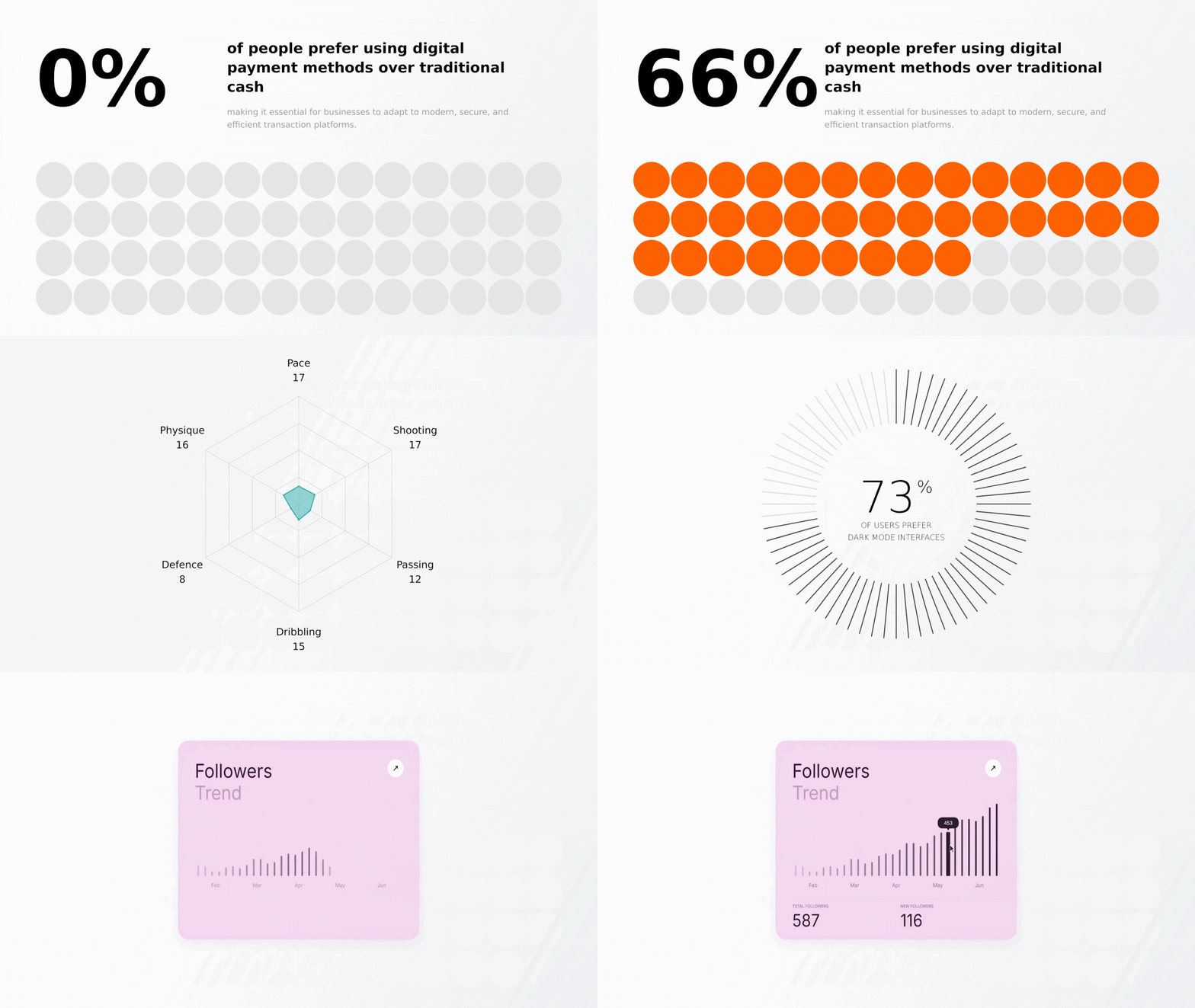







Create an Infographic with AI
Design professional infographics in minutes
02
Generate your infographic
Let AI transform your content into a structured visual layout.
03
Refine and download
Make quick edits if needed and download your final infographic.
Frequently Asked Questions
What kind of data can I input to generate an infographic?
You can input raw data, bullet points, statistics, or descriptive text. The AI interprets the information and transforms it into a structured, visual infographic layout.
Does the AI automatically choose layouts and visual elements?
Yes — Clueso's AI automatically selects the most appropriate layout, icons, and visual hierarchy based on your content. You can review and adjust any element after generation.
Can I edit fonts, colors, icons, and charts after generation?
Absolutely. The editor lets you change fonts, colors, swap icons, adjust chart types, and rearrange sections to match your brand or presentation needs.
Are the infographics optimized for social media and presentations?
Yes, infographics are available in standard dimensions optimized for platforms like LinkedIn, Instagram, and Twitter, as well as presentation formats like 16:9 slides.
Can I download the infographic in multiple file formats?
Infographics can be downloaded as MP4 or GIF, giving you flexibility to use them across digital formats.
