
Zenflow | Promo Video
A 54-second product promo that opens on bold typography and archival computing imagery, introduces the zenflow brand, then walks through the app itself via nested subtasks, a kanban board and floating annotated screens.
A prompt to start from
Paste it into Clueso or any MCP client to recreate this video. The link to it comes with the copy.
Create a 54-second SaaS promo video on a near-black background. Open with oversized white sans-serif statements composited around grainy archival photos of early computers, then cut to scrolling syntax-highlighted code. Reveal the brand logo centred on black: an orange petal mark beside a lowercase wordmark. Move into clean product footage with dark UI: a nested subtask checklist ticking itself off, a kanban board with cards dragged between To do, In Progress, In Review and Done, and multiple screens floating in 3D perspective with small orange cursors calling out features. Use smooth camera pushes and hard cuts. Palette: black, white, orange accent.
How it’s put together
One frame per shot, with what is said over it.
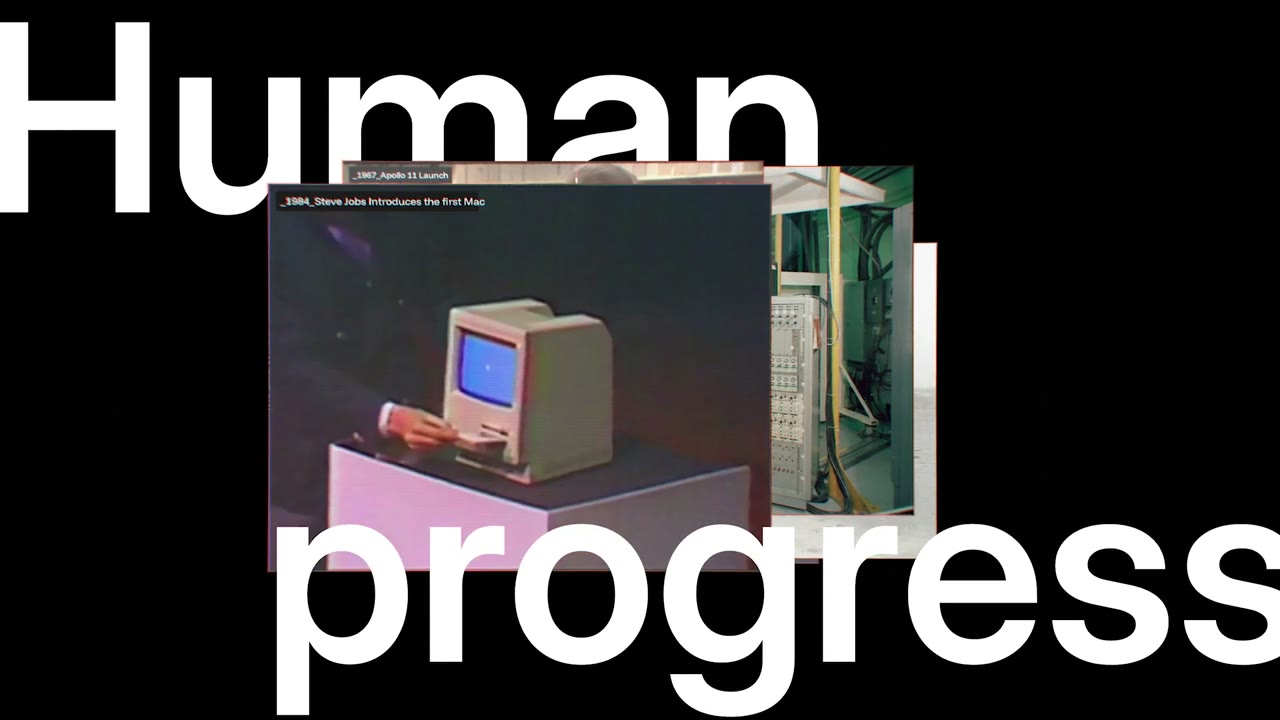 0:04
0:04Oversized white sans-serif type reading 'Human progress' sits on black with an archival photo of a vintage desktop computer layered between the two words.
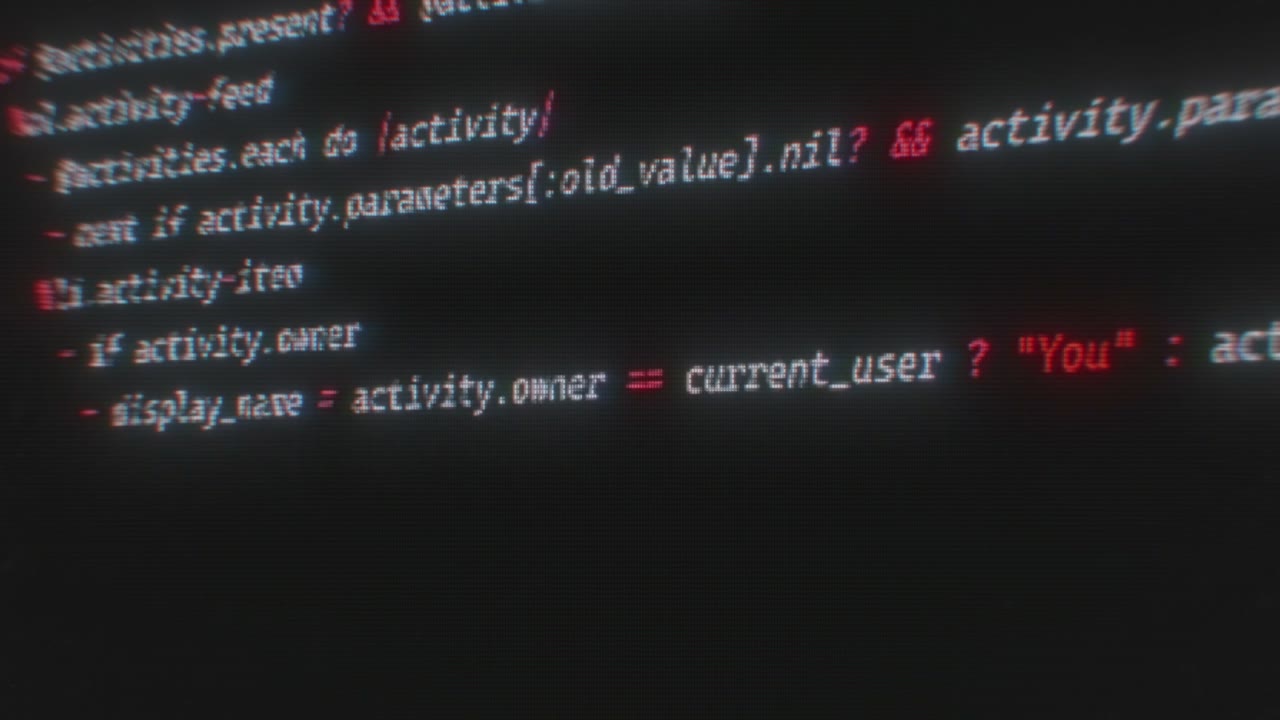 0:13
0:13Syntax-highlighted code scrolls upward on a near-black background in red, green and white monospace.
 0:22
0:22The zenflow logo appears centred on black: an orange petal mark beside a lowercase wordmark.
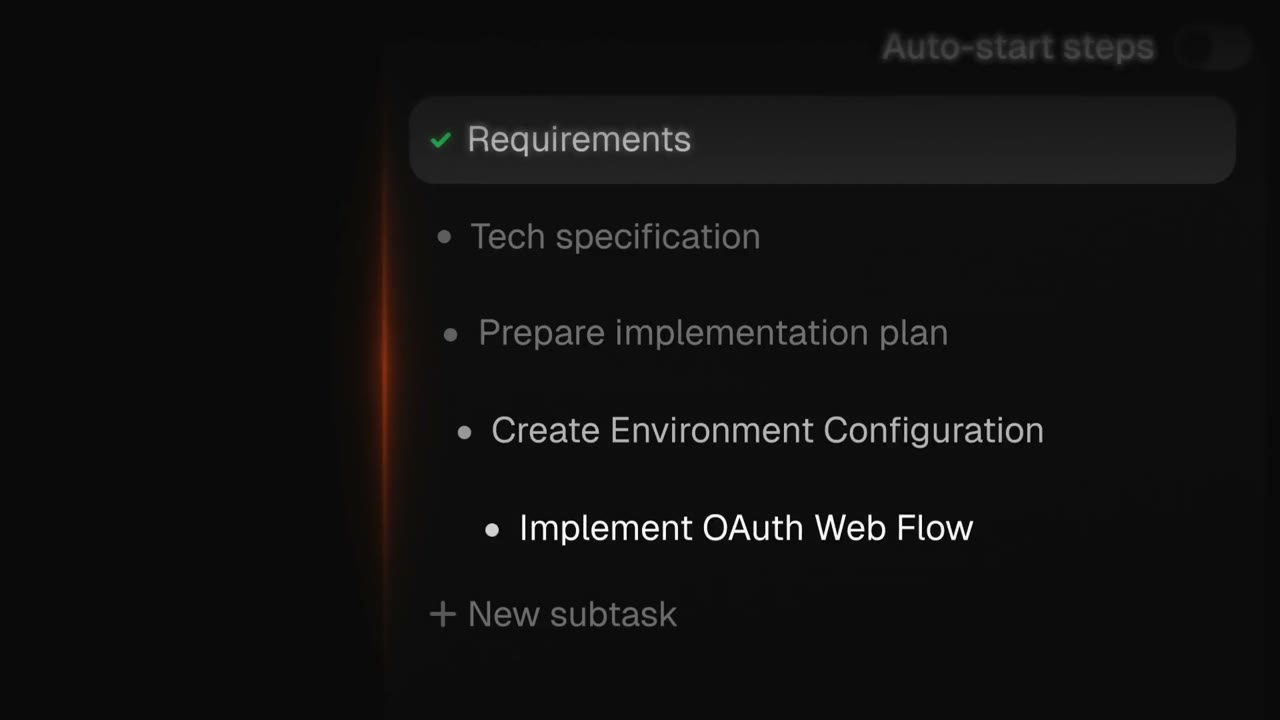 0:31
0:31A dark task panel lists nested subtasks including 'Requirements', 'Tech specification' and 'Implement OAuth Web Flow', with an 'Auto-start steps' toggle above.
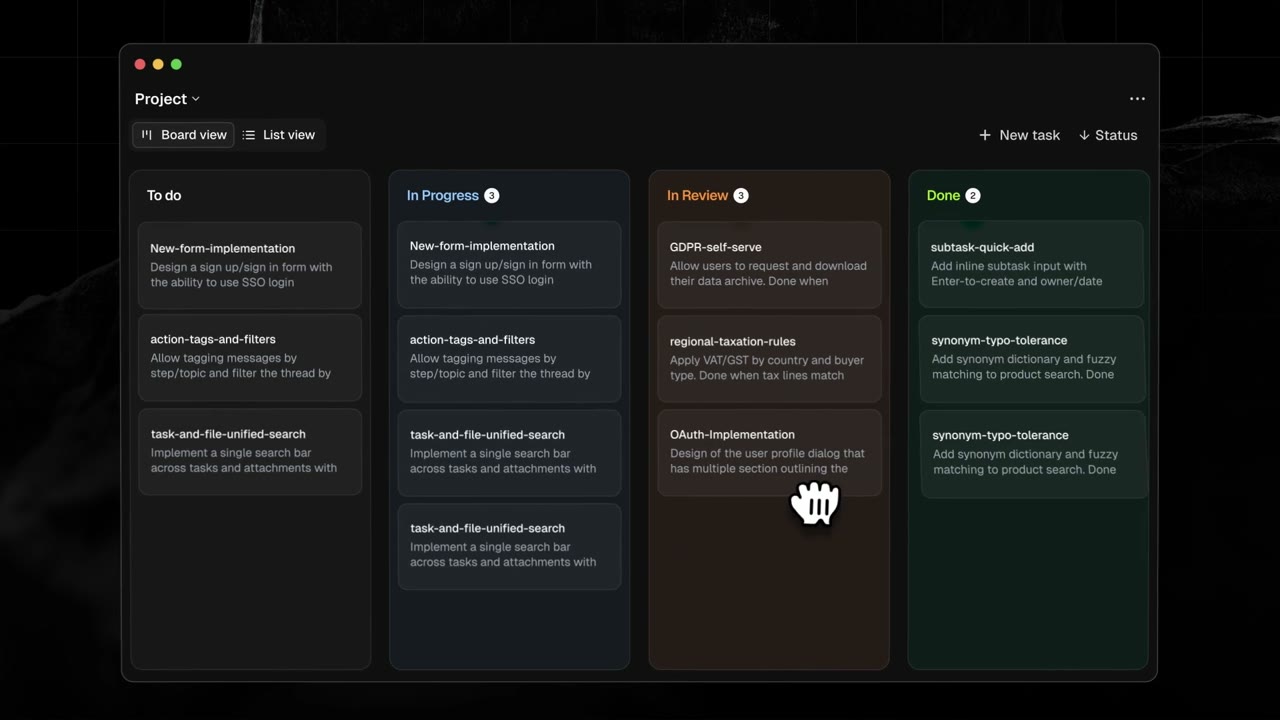 0:40
0:40A kanban board titled 'Project' shows To do, In Progress, In Review and Done columns filled with task cards while a cursor drags one across.
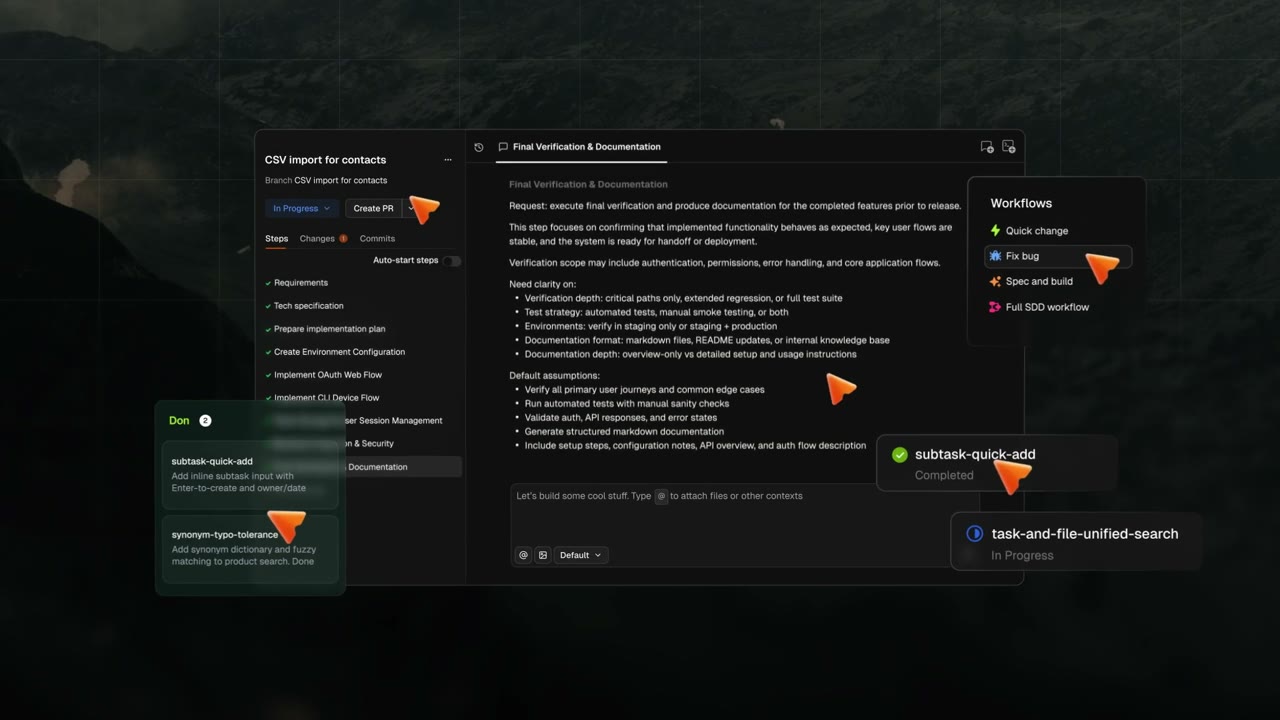 0:49
0:49Several product screens float in 3D perspective over a dark landscape photograph, annotated with small orange cursors and a workflow sidebar.
Make one like this
Take the prompt into Clueso and change whatever you need.