
Introducing Stitch Beta by Google
A dark, aurora-lit product intro that opens on the Stitch Beta wordmark, walks through a chat prompt turning into design directions, page mockups and app screens, and closes back on the logo.
A prompt to start from
Paste it into Clueso or any MCP client to recreate this video. The link to it comes with the copy.
Create a short, atmospheric product intro video for "Stitch Beta," a design tool by Google. Open with the wordmark "Stitch" in clean white sans-serif type beside a pill-shaped "BETA" badge, set against a dark background with slow-moving, glowing purple and blue aurora-like gradients. Transition to a darker scene with shifting teal and green organic light forms. End with a close-up of the product's chat interface showing a prompt about designing a landing page. Keep the mood cinematic, dark, and minimal, around 15–20 seconds, with no text overlays beyond the logo and UI.
How it’s put together
One frame per shot, with what is said over it.
 0:03
0:03The word "Stitch" sits beside a pill-shaped BETA badge over glowing purple light.
 0:12
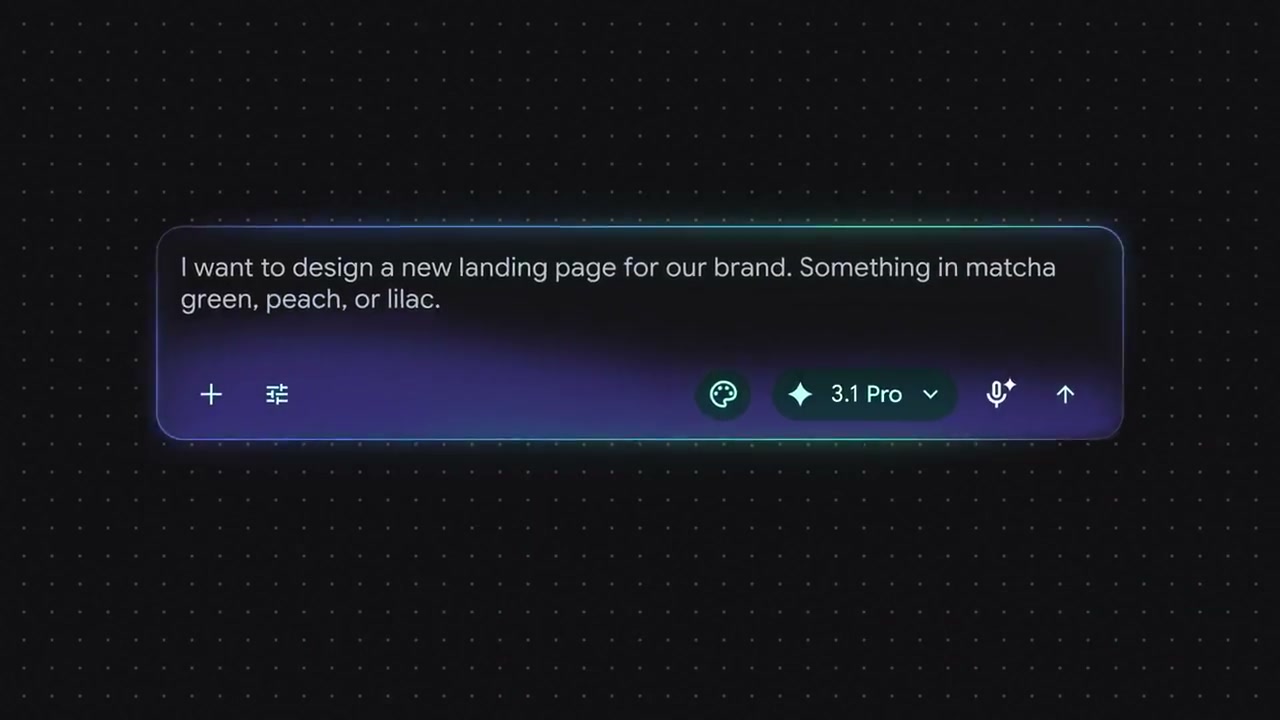
0:12A dark chat input holds a typed request to design a new landing page in matcha green, peach or lilac.
 0:17
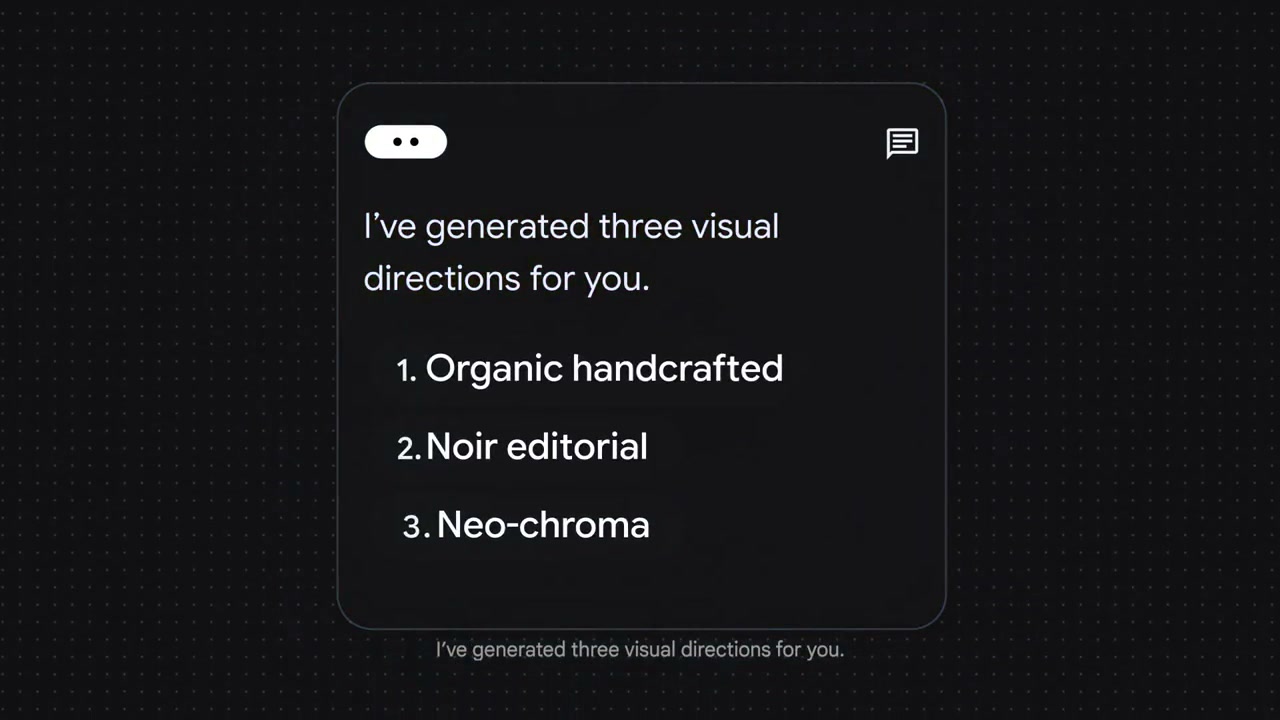
0:17A reply card lists three visual directions: organic handcrafted, noir editorial and neo-chroma.
 0:22
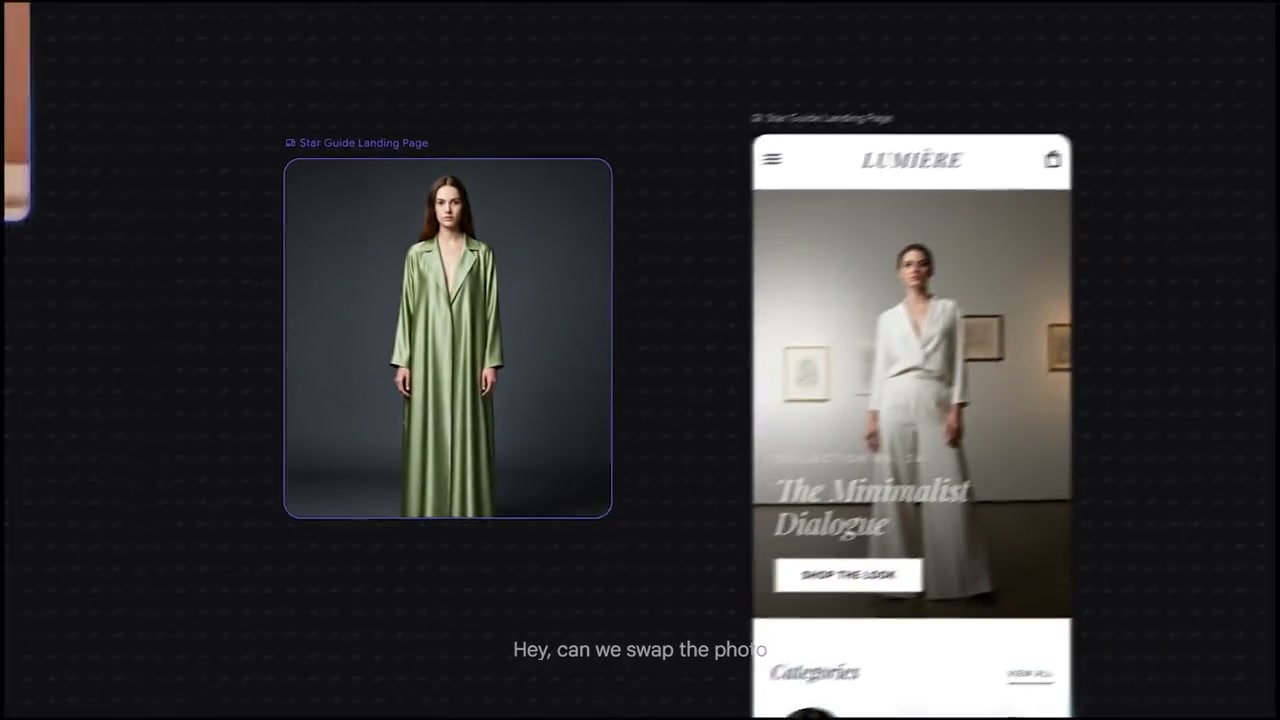
0:22A generated fashion landing page appears next to its source photo on a dark canvas.
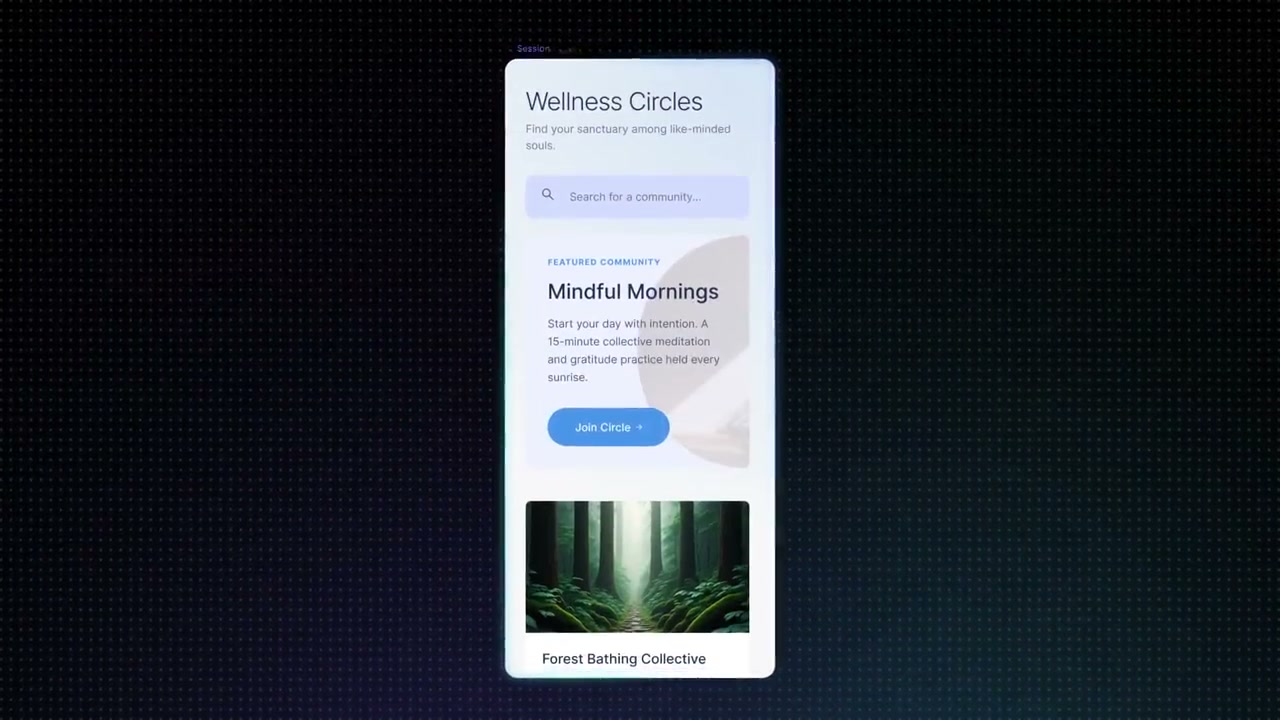 0:37
0:37A phone mockup shows a wellness app screen with a header image and a call to action button.
 0:57
0:57The Stitch wordmark and BETA badge return over a blue and green gradient.
Make one like this
Take the prompt into Clueso and change whatever you need.