
SALOMON XA PRO 3D
A 24-second product film that circles a single black trail running shoe through a lit studio void, moving from wide isolation into macro passes over the lace cage, logo tag and outsole, closing on the brand wordmark on black.
A prompt to start from
Paste it into Clueso or any MCP client to recreate this video. The link to it comes with the copy.
Create a 24-second cinematic 3D product film of a black trail running shoe suspended in an empty studio void. Start wide with the shoe tiny in a soft grey gradient, then cut progressively closer: a floating profile with a hard white rim light raking the sole, a macro on the padded collar and logo tag, a low angle across the lace cage, and an end-on view of the outsole tread. Animate with slow weightless rotations, orbiting camera moves and shifting key lights rather than cuts on action. Keep the palette black, silver-grey and white with one magenta accent. Close on the brand wordmark in white italic sans-serif on black.
How it’s put together
One frame per shot, with what is said over it.
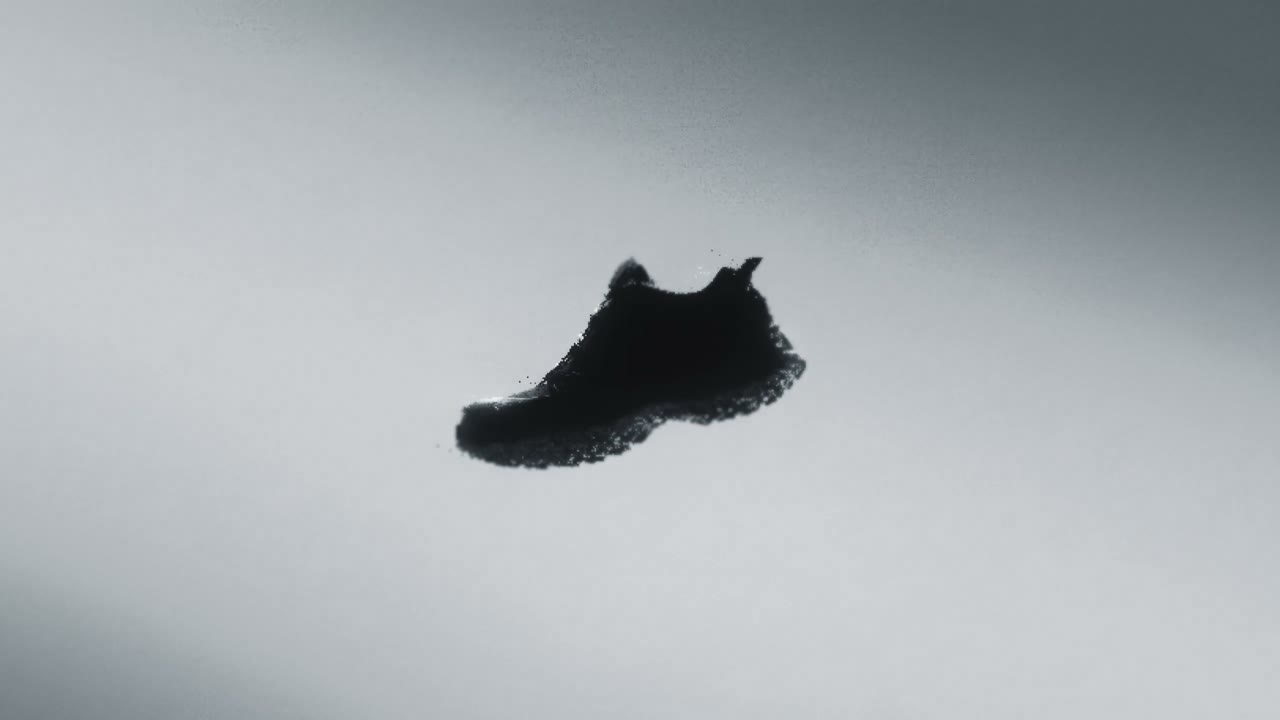 0:02
0:02A single black trail shoe hangs small and isolated in a bright grey studio void.
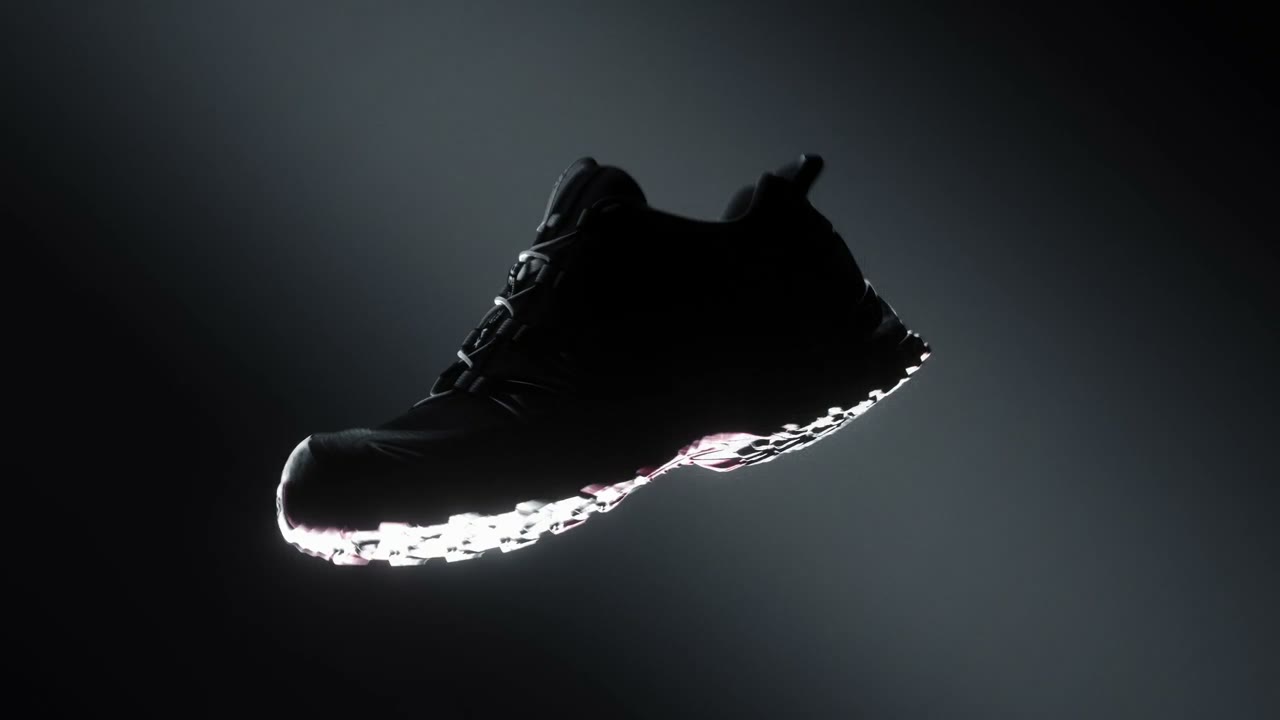 0:06
0:06The shoe floats in profile against near-black, its sole edge catching a hard white rim light with a sliver of pink under the midsole.
 0:10
0:10An extreme close-up shows the shoe's padded collar and a white "S" logo tag stitched onto black webbing.
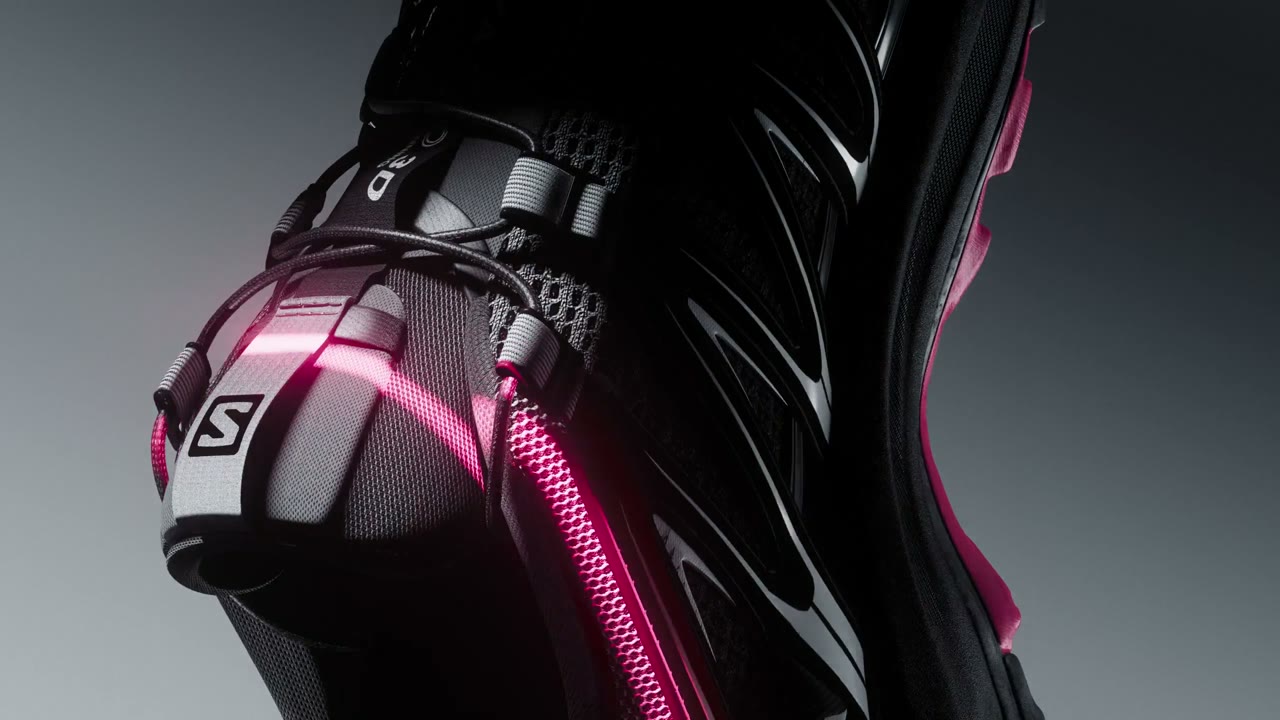 0:14
0:14A low macro angle reveals the glossy black upper with a magenta lace cage and the white S logo catching the light.
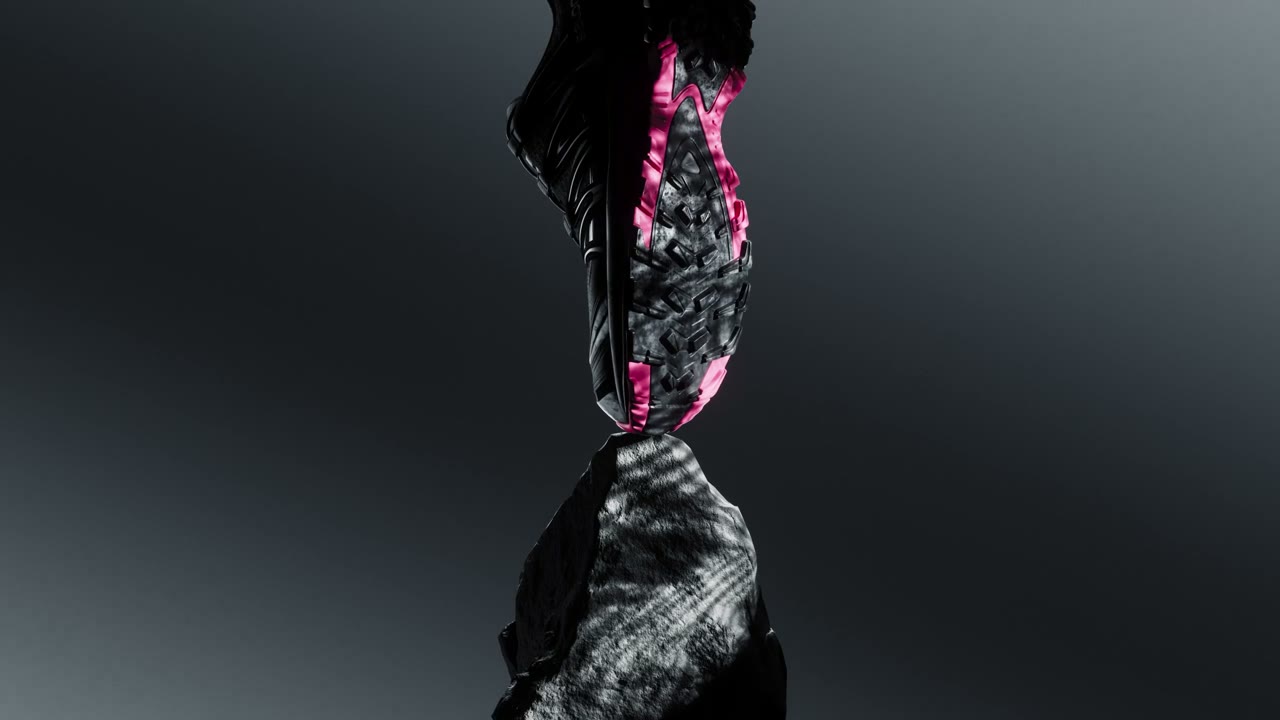 0:18
0:18The shoe is seen end-on and vertical, twisted in the air, its pink trim and mottled grey outsole against a grey gradient.
 0:22
0:22The white italic SALOMON wordmark sits alone on a black frame.
Make one like this
Take the prompt into Clueso and change whatever you need.