
Perplexity: This is Personal Computer
A narration-free 60-second concept film that opens on a desktop monitor reading "This is Personal Computer," walks through a green desktop OS handling notes, calendar, voice input and approval prompts, and closes on the Perplexity wordmark.
By Perplexity
A prompt to start from
Paste it into Clueso or any MCP client to recreate this video. The link to it comes with the copy.
Create a sleek, cinematic 3D product concept video about "Personal Computer," approximately 30–60 seconds long, with no narration or dialogue. Open with a top-down overhead shot of a minimal desktop setup featuring a dark olive-green monitor, Magic Mouse, iPhone, coffee cup, and notebook on a warm terracotta surface. Cut to a straight-on studio shot with the tagline "This is Personal Computer" displayed in clean serif type on the monitor screen. Transition through close-up shots of macOS-style app icons and a floating dock, then show productivity app UI screens including Notes and Calendar against a lush green dune wallpaper. Use muted, earthy tones throughout, soft diffused lighting, and smooth camera movements.
How it’s put together
One frame per shot, with what is said over it.
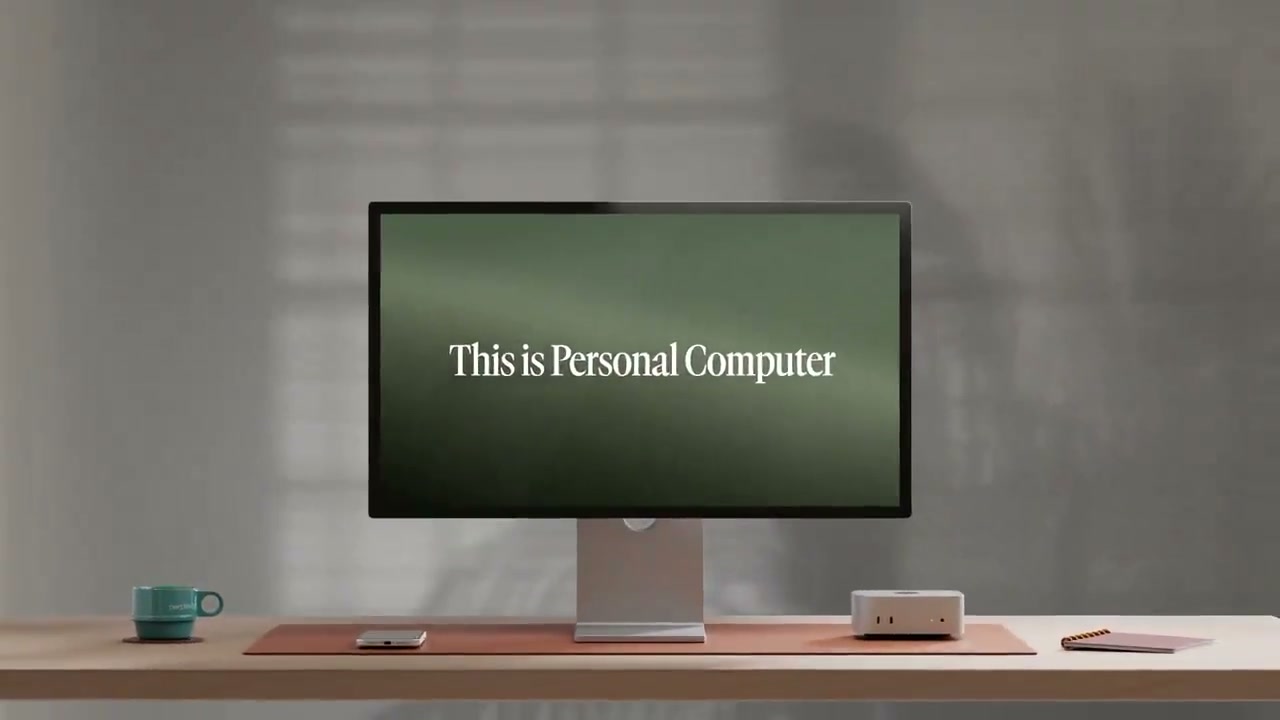 0:03
0:03A monitor on a warm desk displays the line "This is Personal Computer" in serif type.
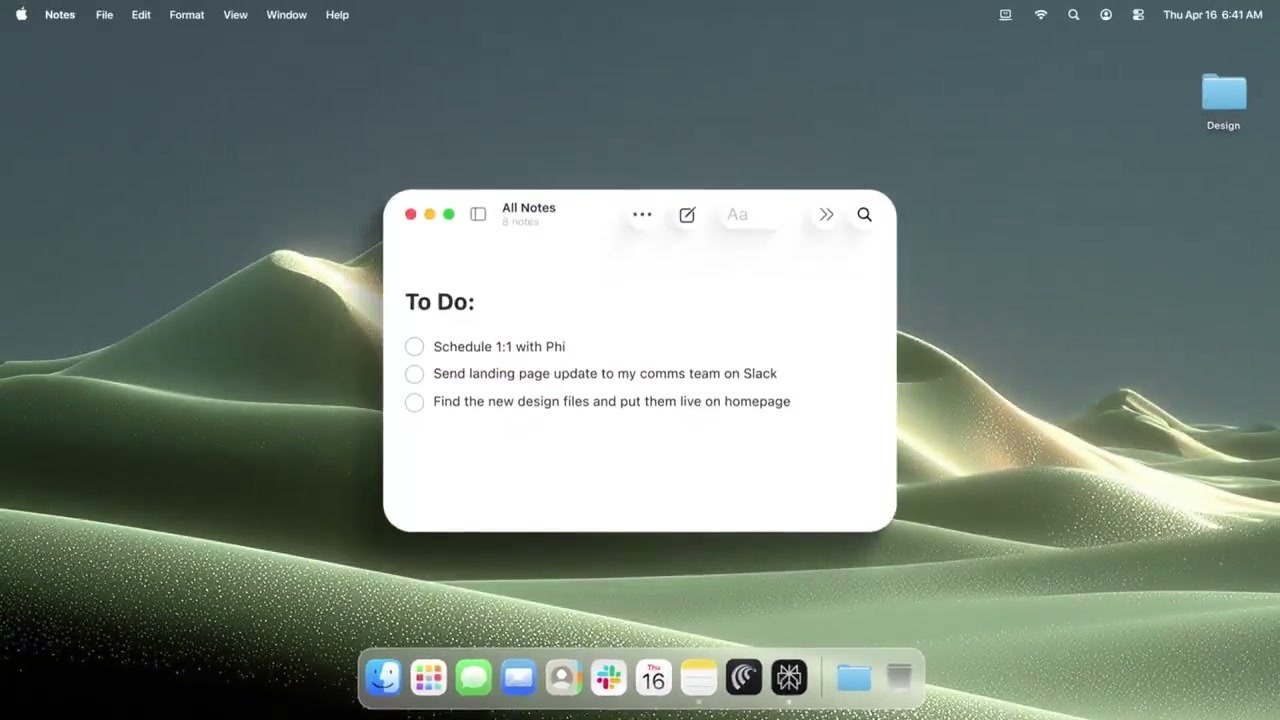 0:08
0:08A Notes window with a to-do list floats over a green dune wallpaper.
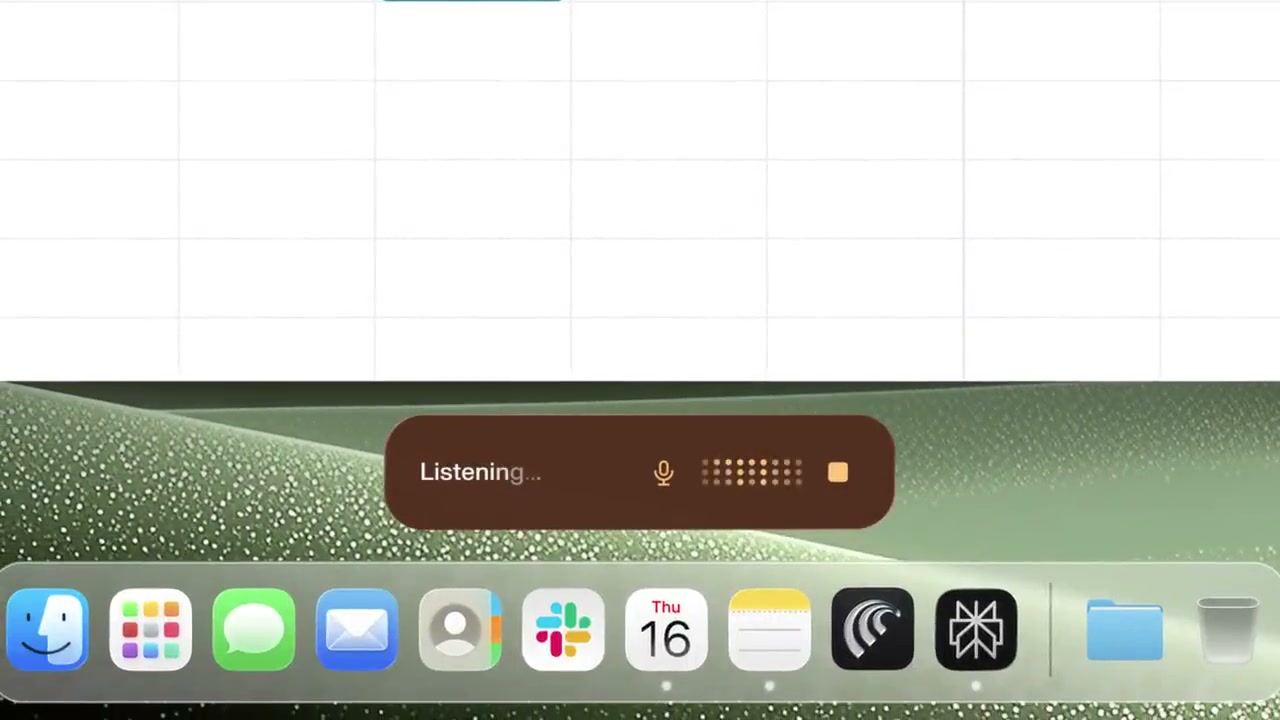 0:18
0:18A small "Listening" pill with a mic icon hovers above the dock.
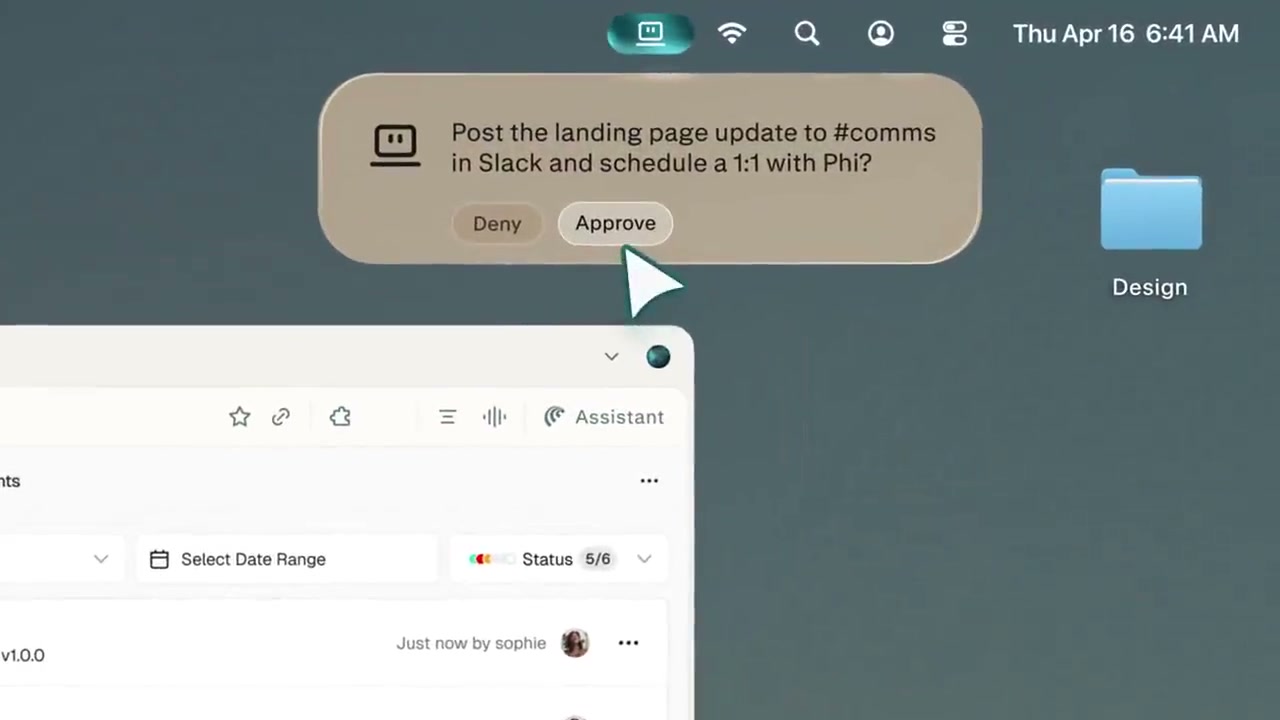 0:28
0:28A card asks to post an update and schedule a meeting, with Deny and Approve buttons.
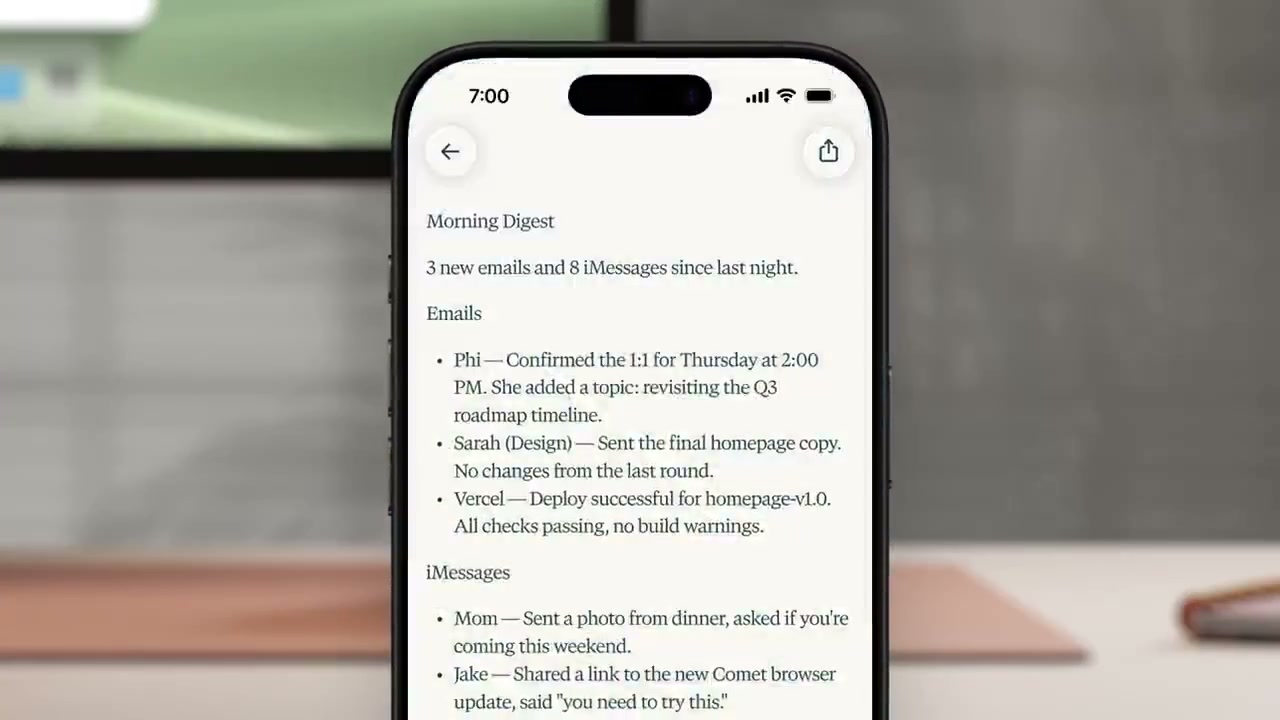 0:48
0:48A phone screen shows a morning digest summarising emails and messages.
 0:52
0:52The Perplexity logo and wordmark sit centered on an off-white screen.
Make one like this
Take the prompt into Clueso and change whatever you need.