
Workspace agents in ChatGPT
A silent, minimal feature video that introduces workspace agents in ChatGPT, shows a set of named agent cards, and follows one agent being built and then answering a teammate in a chat thread.
By OpenAI
A prompt to start from
Paste it into Clueso or any MCP client to recreate this video. The link to it comes with the copy.
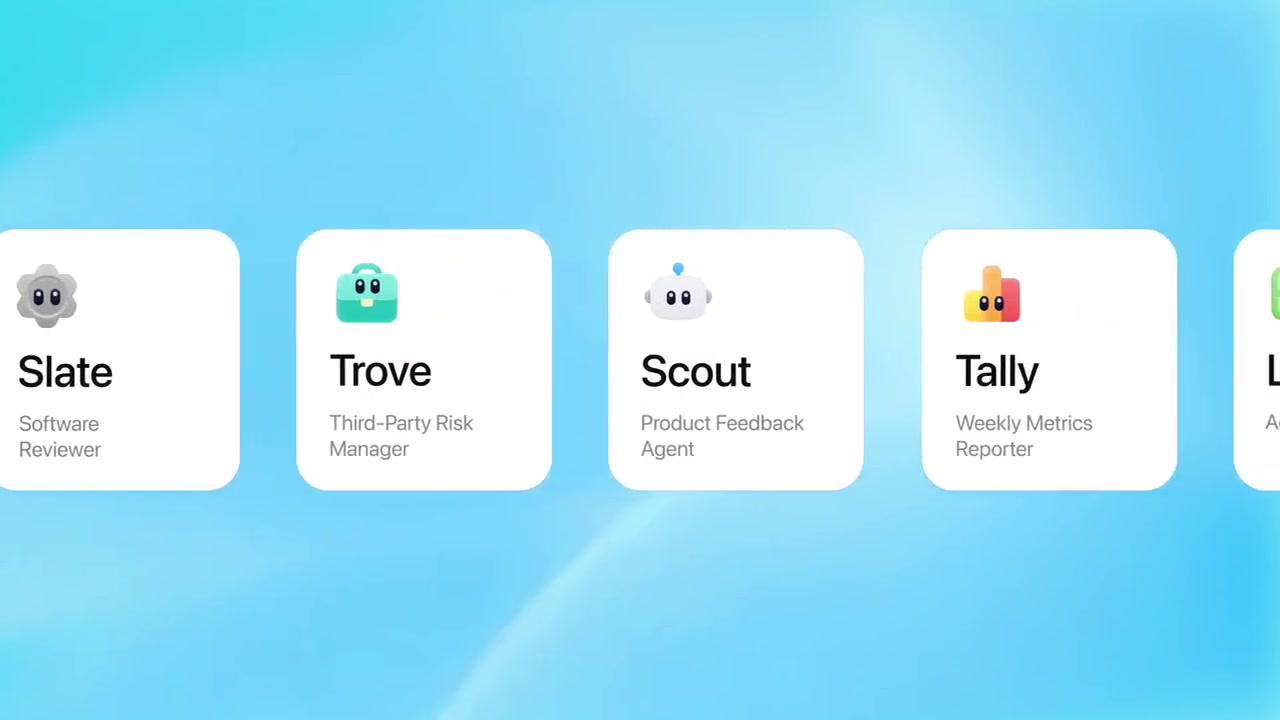
Create a short silent product feature video introducing Workspace Agents in ChatGPT. Open with bold black sans-serif text on a white background reading "Workspace agents in ChatGPT," then split the screen to reveal a soft blue-gradient UI panel on the right showcasing named agent cards (Slate, Trove, Scout, Tally) with icons and role labels. Transition to a left-aligned text panel reading "Easy for anyone to build" alongside a ChatGPT sidebar UI showing a "Workspace agents" menu item highlighted, and a "Build a new agent" prompt screen. Keep the layout clean, minimal, and modern with no voiceover throughout.
How it’s put together
One frame per shot, with what is said over it.
 0:03
0:03Bold black text on white reads "Workspace agents in ChatGPT".
 0:07
0:07A row of agent cards named Slate, Trove, Scout and Tally sits on a blue gradient panel.
 0:12
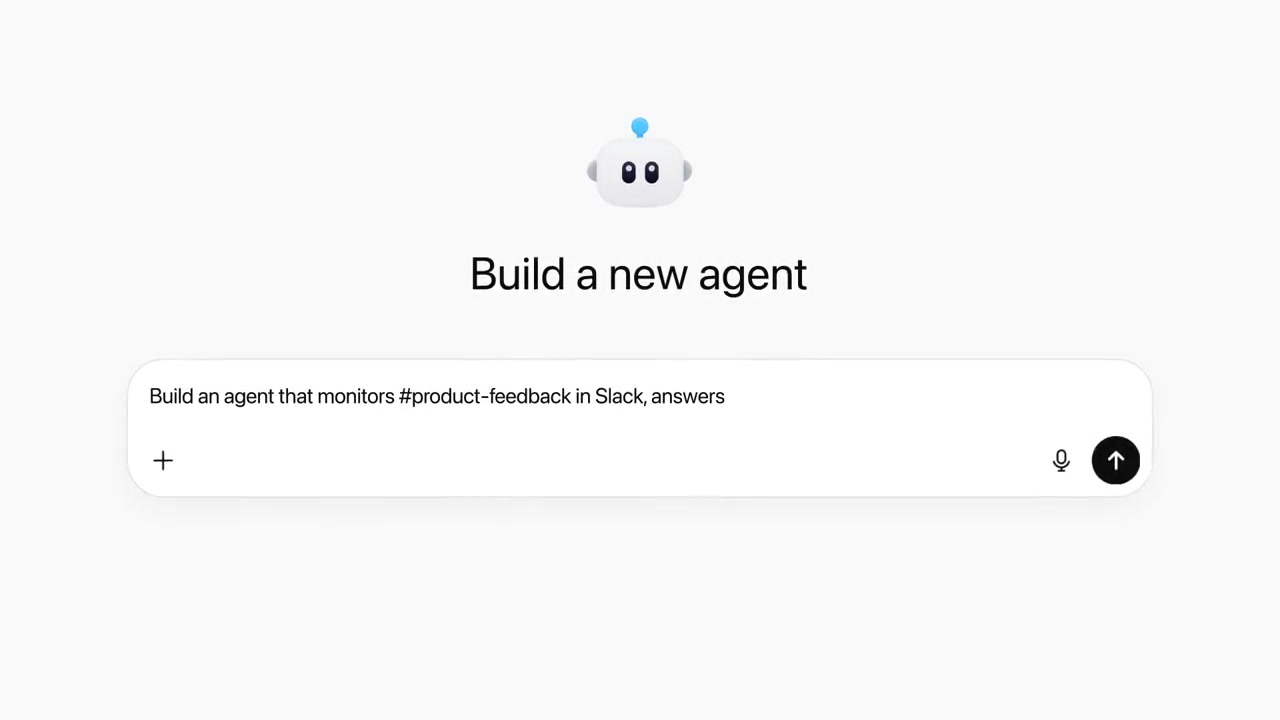
0:12A "Build a new agent" screen holds a typed instruction about monitoring a feedback channel.
 0:17
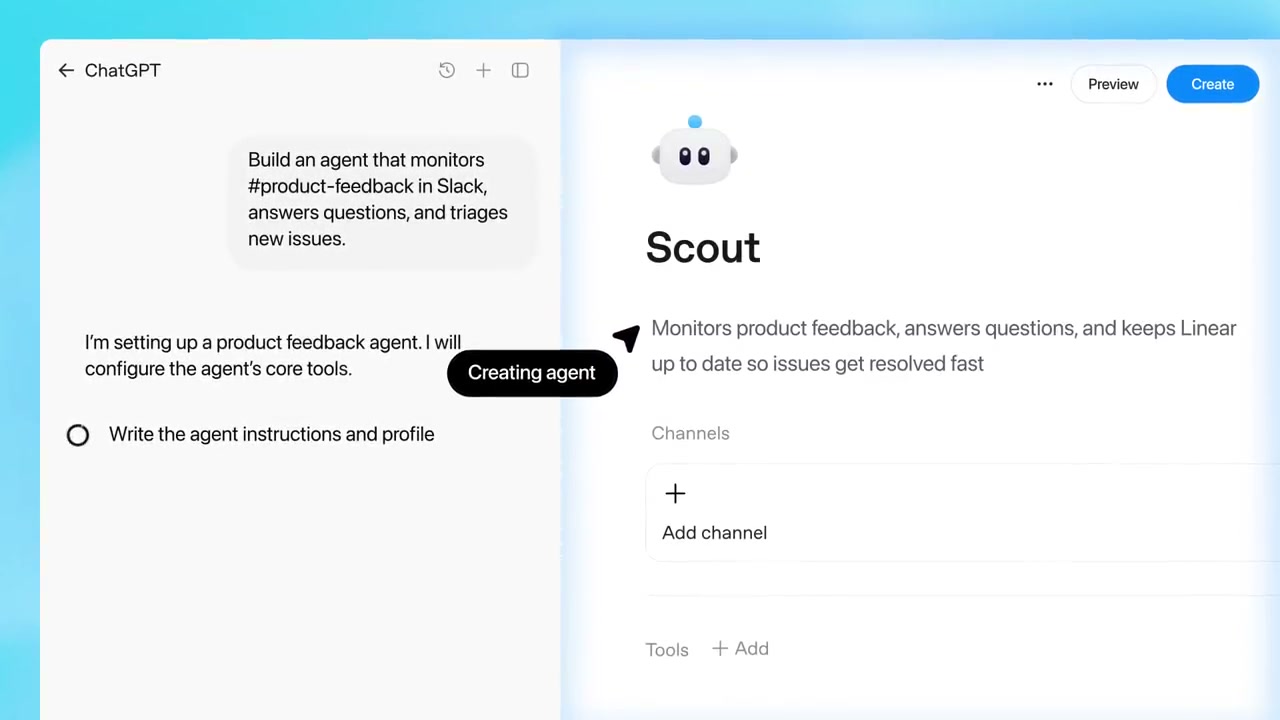
0:17An agent setup page for Scout shows its description, channels and tools next to a chat panel.
 0:32
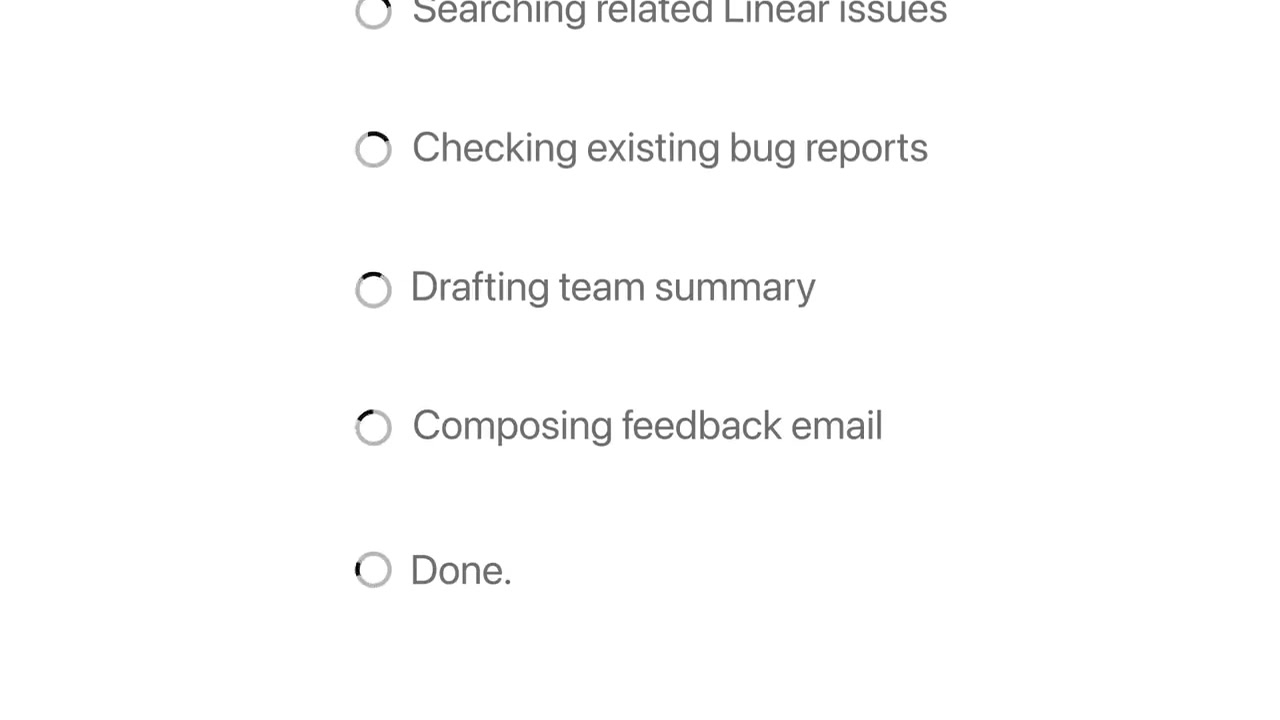
0:32A checklist ticks through searching issues, checking bug reports, drafting a summary and done.
 0:42
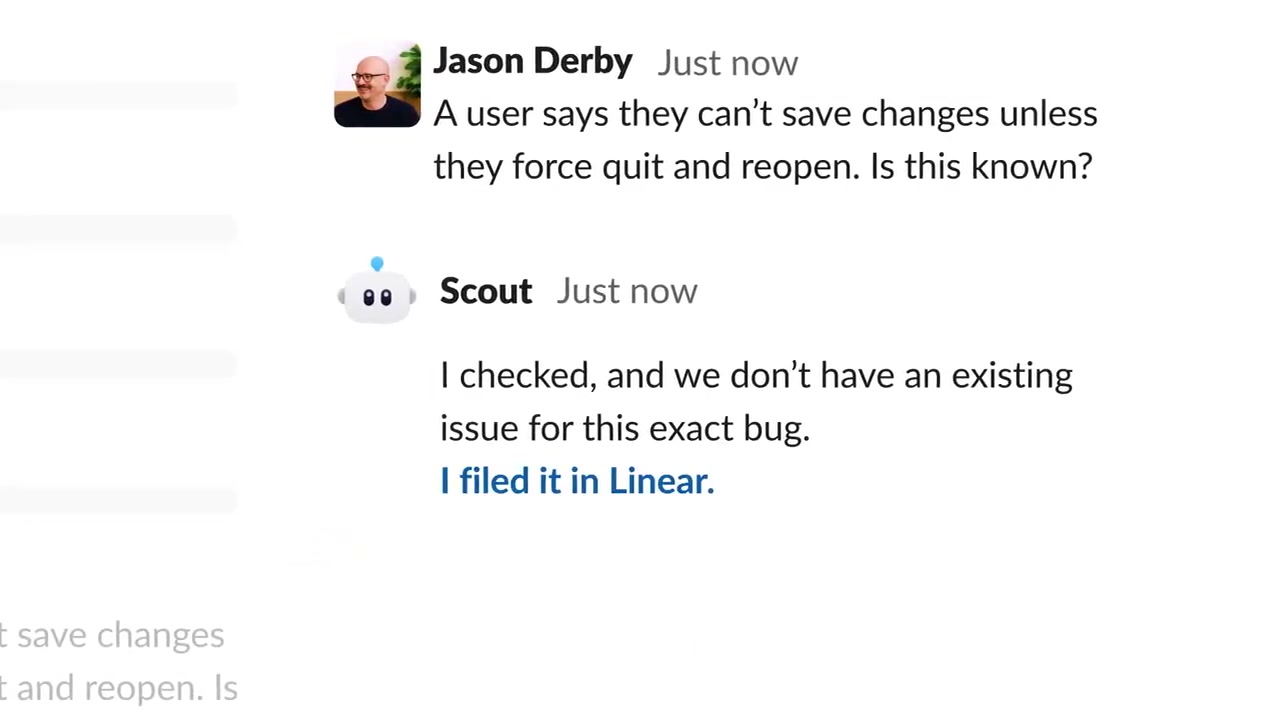
0:42In a message thread the agent replies to a teammate's bug question and links the issue it filed.
Make one like this
Take the prompt into Clueso and change whatever you need.