
Introducing ChatGPT Work
A silent 60-second launch film on white that opens on the OpenAI mark, runs through voice input, a desktop research workspace, generated deck visuals and a phone chat, and ends on "Put ChatGPT to work" type.
By OpenAI
A prompt to start from
Paste it into Clueso or any MCP client to recreate this video. The link to it comes with the copy.
Create a clean, minimal product launch video on a white background introducing ChatGPT Work features. Open with the ChatGPT logo fading in, followed by bold sans-serif text animating in letter by letter reading "Introducing ChatGPT Work." Show UI screens including a voice message composer with an audio waveform visualiser, project labels, and permissions controls. Display the tagline "Built to take on your most ambitious" in large black left-aligned type. Keep the entire video under 30 seconds, no voiceover, no music — pure on-screen UI reveals with smooth fade and type-on text transitions.
How it’s put together
One frame per shot, with what is said over it.
 0:03
0:03The OpenAI knot mark sits alone in a rounded tile on a white field.
 0:07
0:07Bold black type reads "Built to take on your most ambitious" across two centred lines.
 0:12
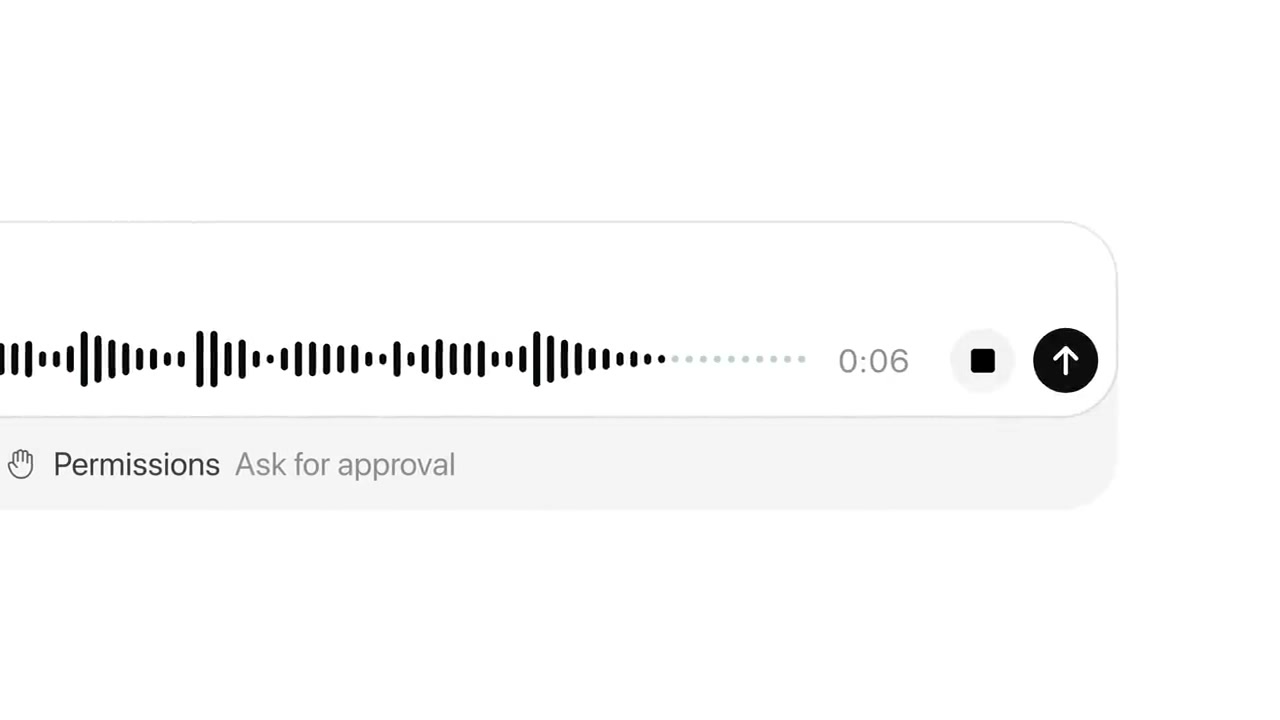
0:12A voice composer shows an audio waveform, a 0:06 timer and a Permissions row set to Ask for approval.
 0:22
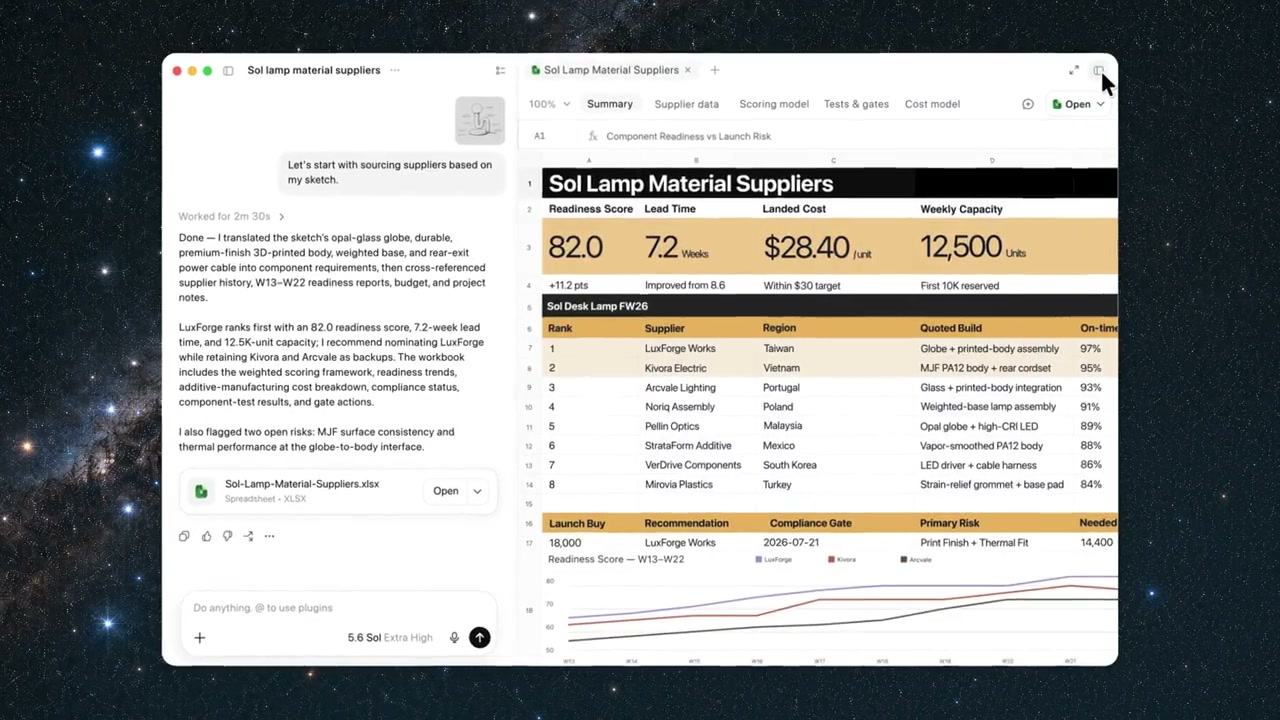
0:22A laptop window over a starfield holds a document beside a supplier cost table.
 0:37
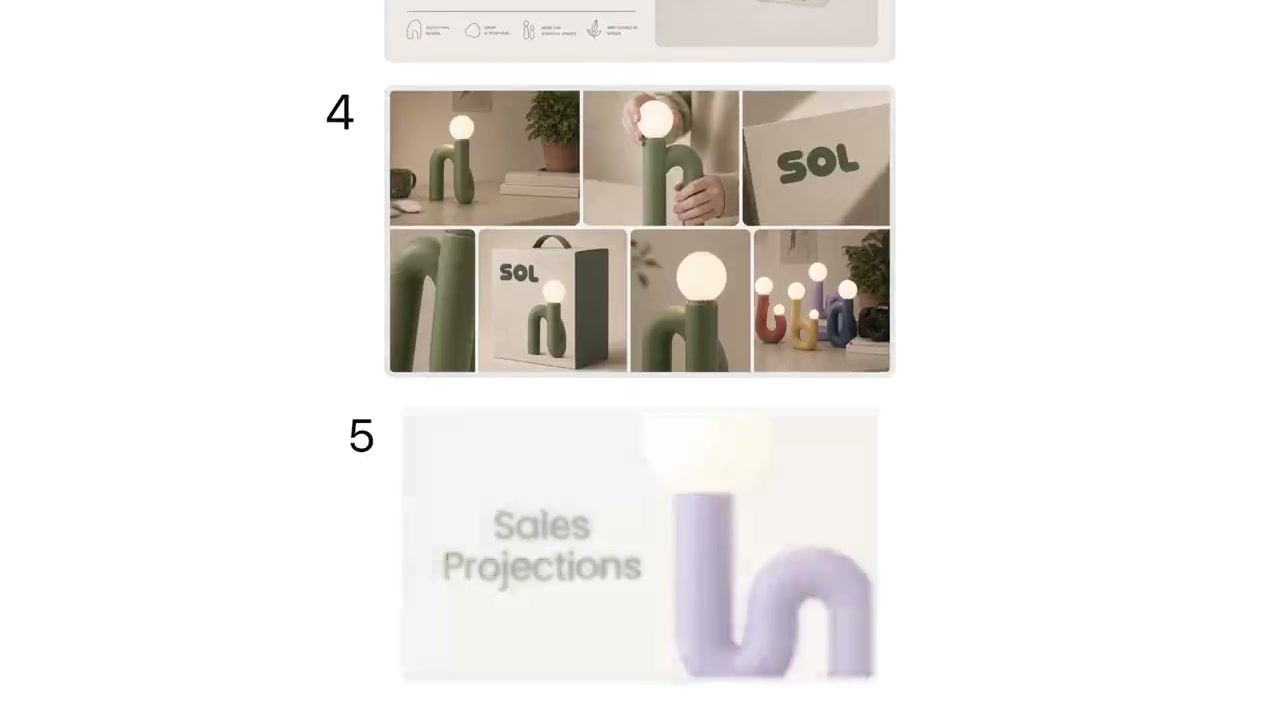
0:37A grid of product lifestyle photos sits above a purple Sales Projections slide.
 0:47
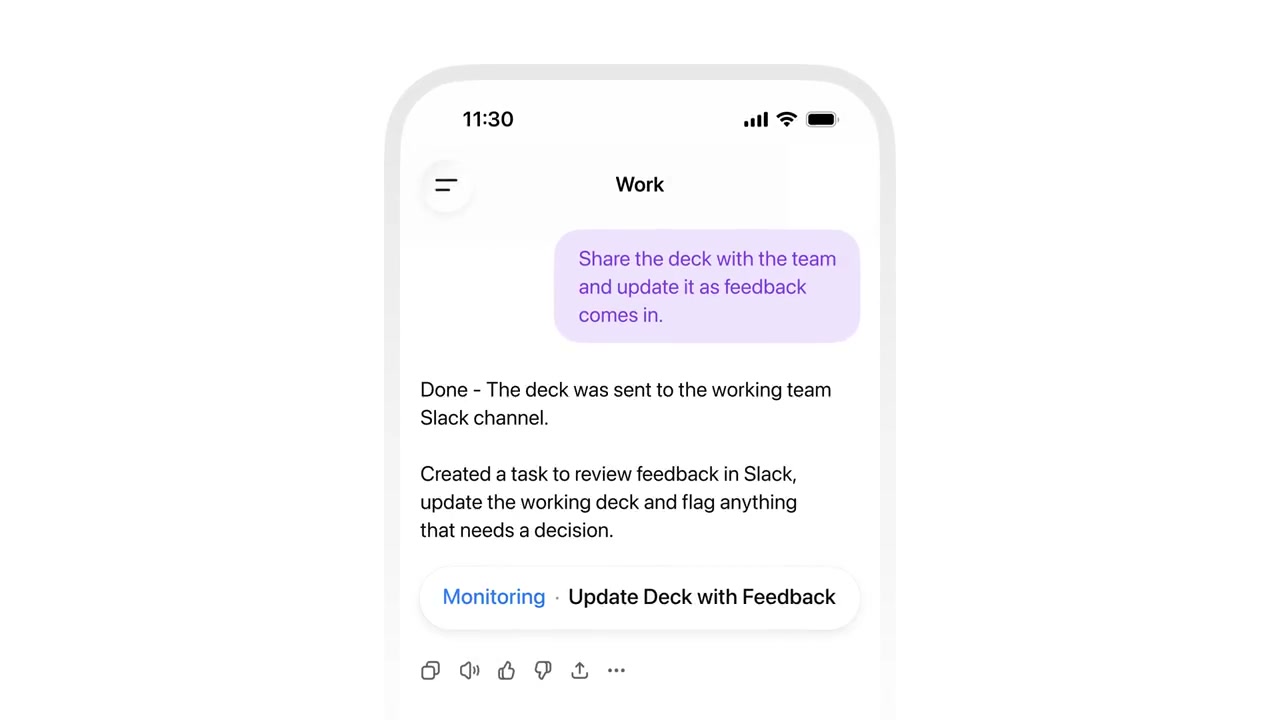
0:47A phone shows a Work chat confirming a deck was shared to a Slack channel, with a monitoring task below.
Make one like this
Take the prompt into Clueso and change whatever you need.