
Muse, your personal AI agent
A one-minute silent typographic teaser that introduces an AI assistant and cuts between bold headline cards and mocked-up chat, planner and task screens showing it at work.
By Muse
A prompt to start from
Paste it into Clueso or any MCP client to recreate this video. The link to it comes with the copy.
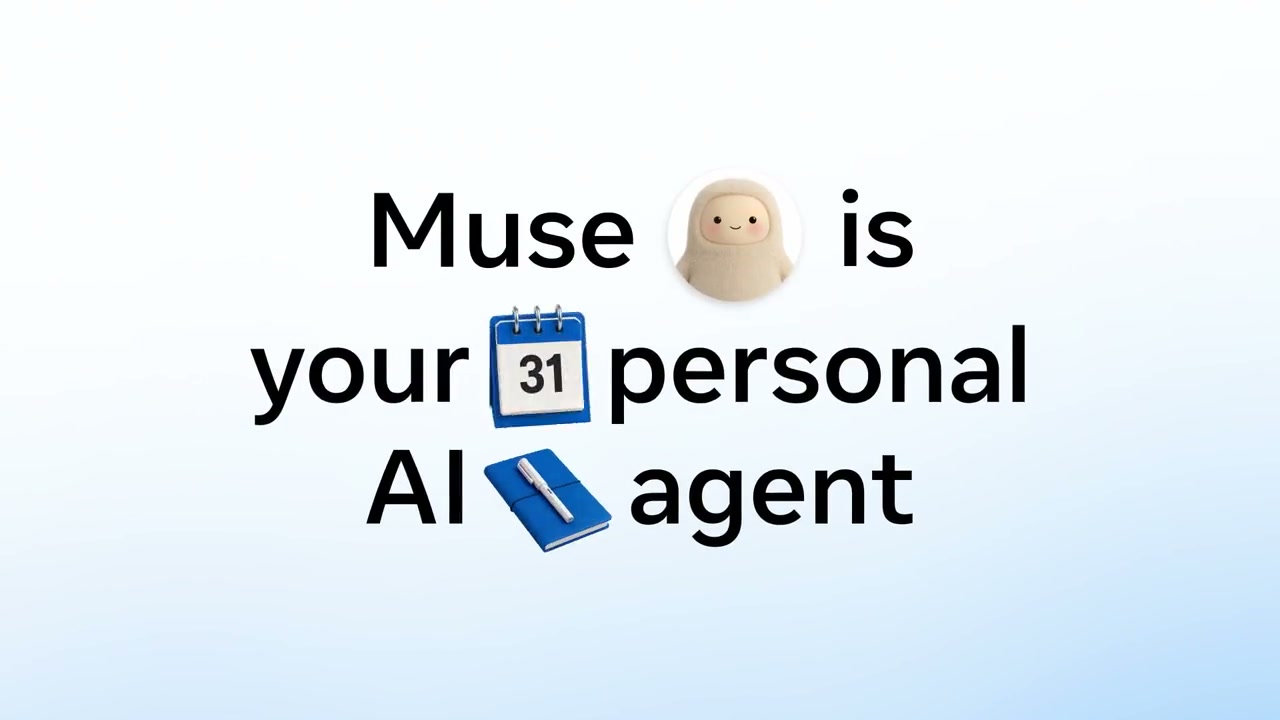
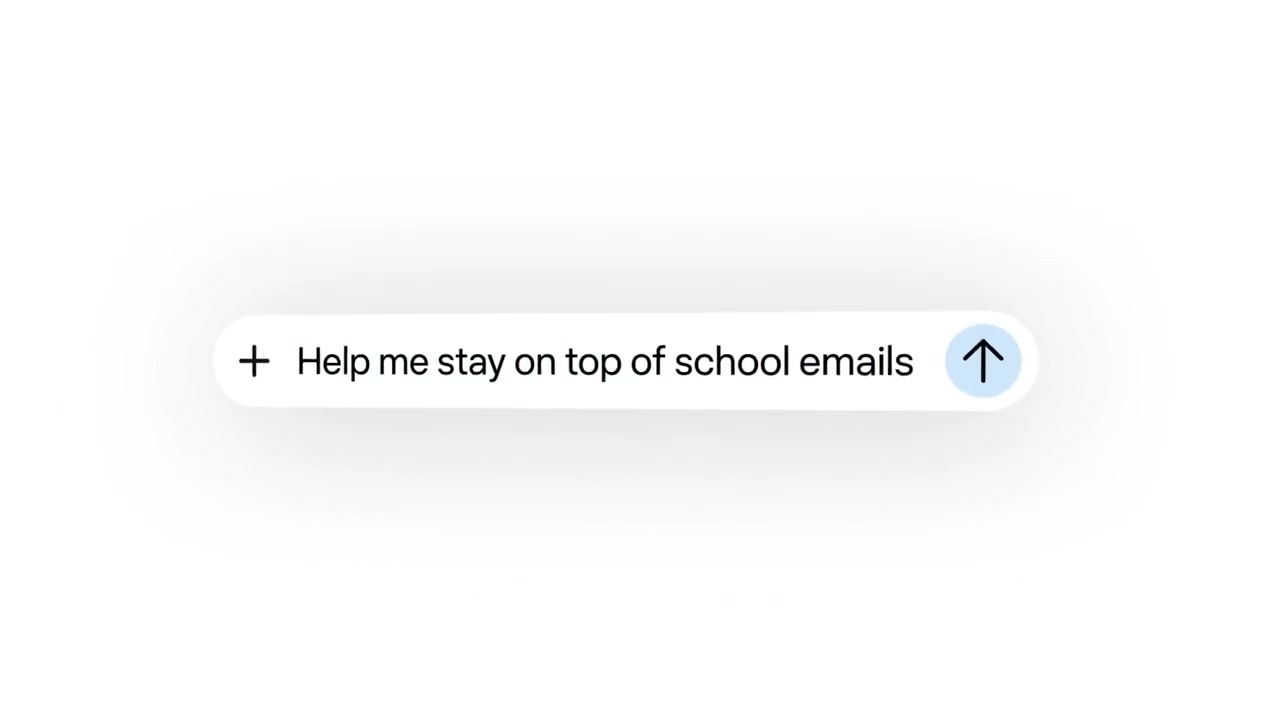
Create a short, silent launch video with a clean white-to-soft-blue gradient background throughout. Open with the word "Introducing" in light grey, understated typography centred on screen, then transition to bold black text reading "Muse 🧸 is your personal AI agent" in large, confident lettering. Hold on that headline for several beats. Close by revealing a minimal rounded input field in the bottom-right corner with a "+" icon and placeholder text beginning "Help me stay on top of sch…", suggesting the product in action. Keep the entire piece typographic, wordmark-free, and calm.
How it’s put together
One frame per shot, with what is said over it.
 0:03
0:03The word Introducing sits alone in light grey on a pale background.
 0:07
0:07Bold black text reads Muse is your personal AI agent with small emoji between the words.
 0:12
0:12A rounded input field reads Help me stay on top of school emails.
 0:27
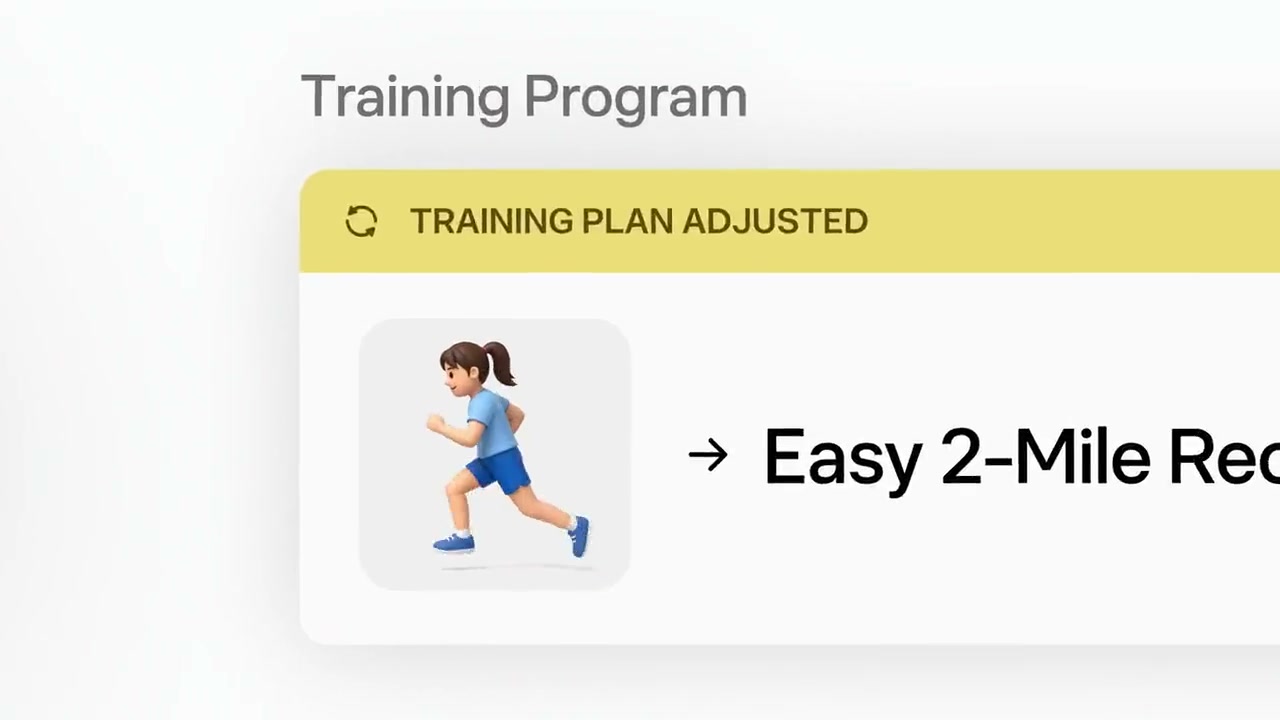
0:27A Training Program card shows a training plan adjusted banner above an easy two mile run.
 0:52
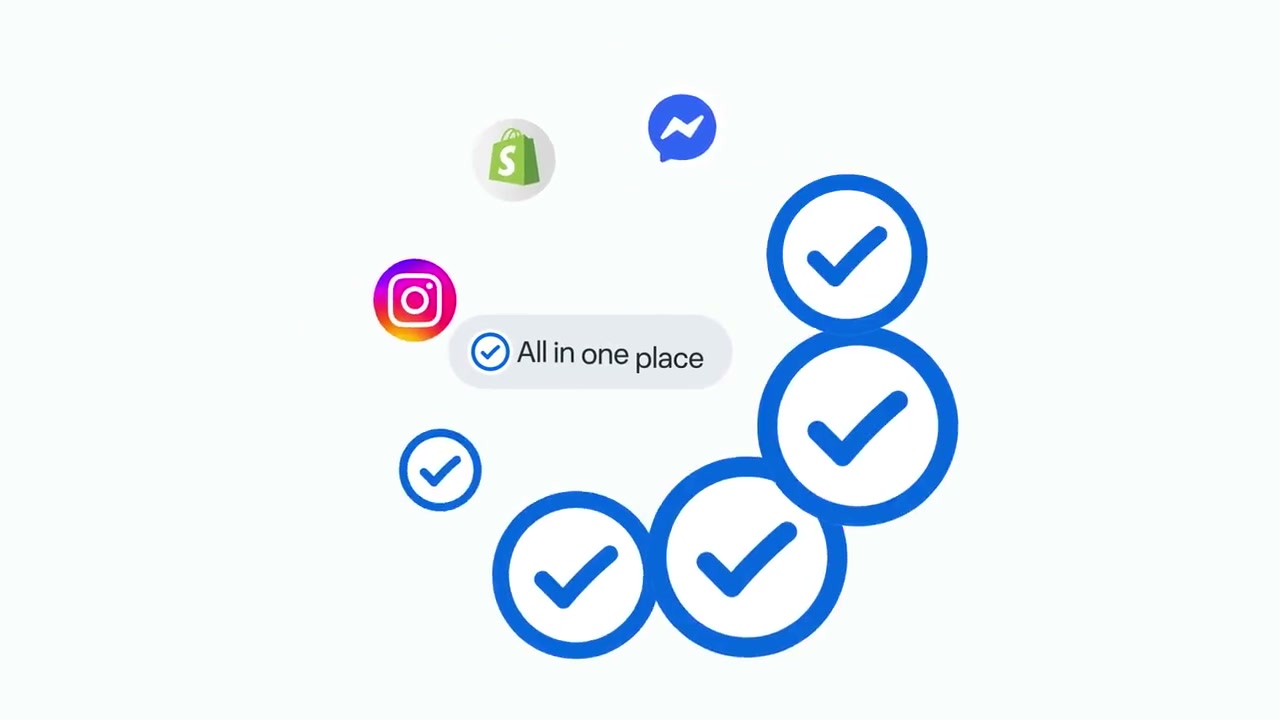
0:52Blue tick circles cluster around app icons under a label reading all in one place.
 0:57
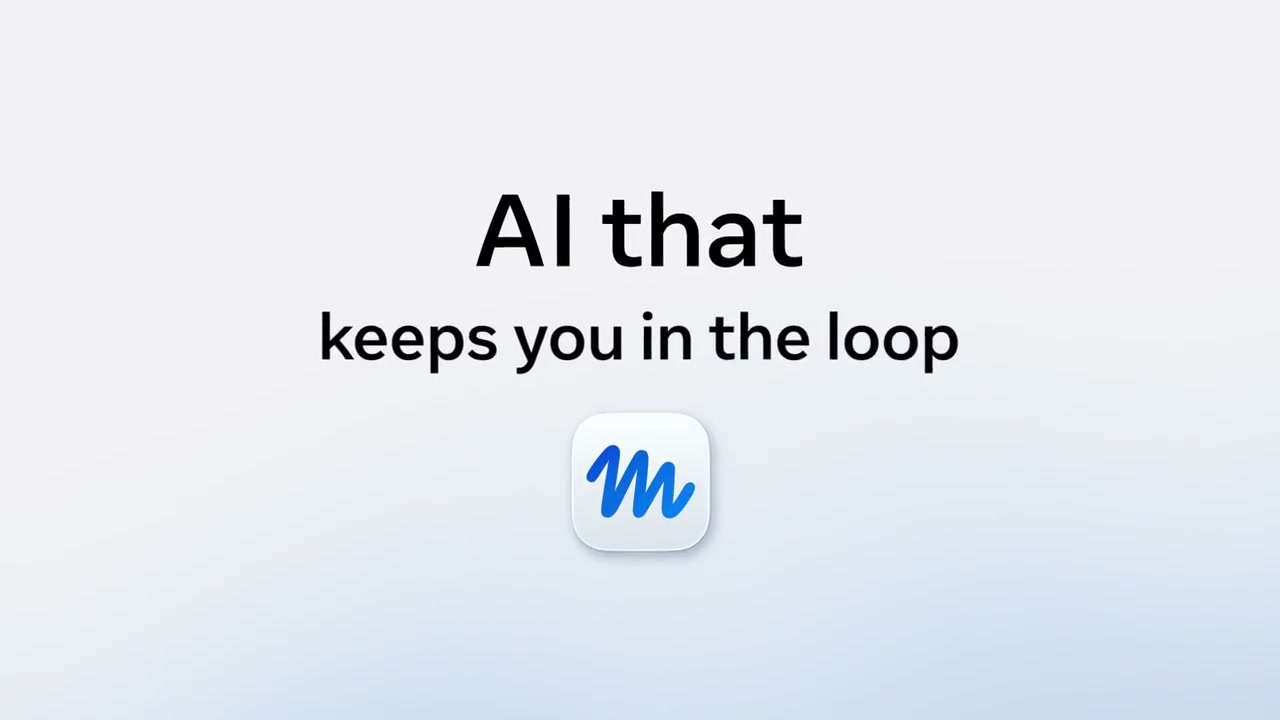
0:57A closing card reads AI that keeps you in the loop above a blue app mark.
Make one like this
Take the prompt into Clueso and change whatever you need.