
Logitech ~ Logi Dock
A 30-second product film that opens in a chaotic mass of tangled cables, introduces a desktop dock that absorbs them, and closes with the device sitting on a clean, uncluttered desk.
By ManvsMachine
A prompt to start from
Paste it into Clueso or any MCP client to recreate this video. The link to it comes with the copy.
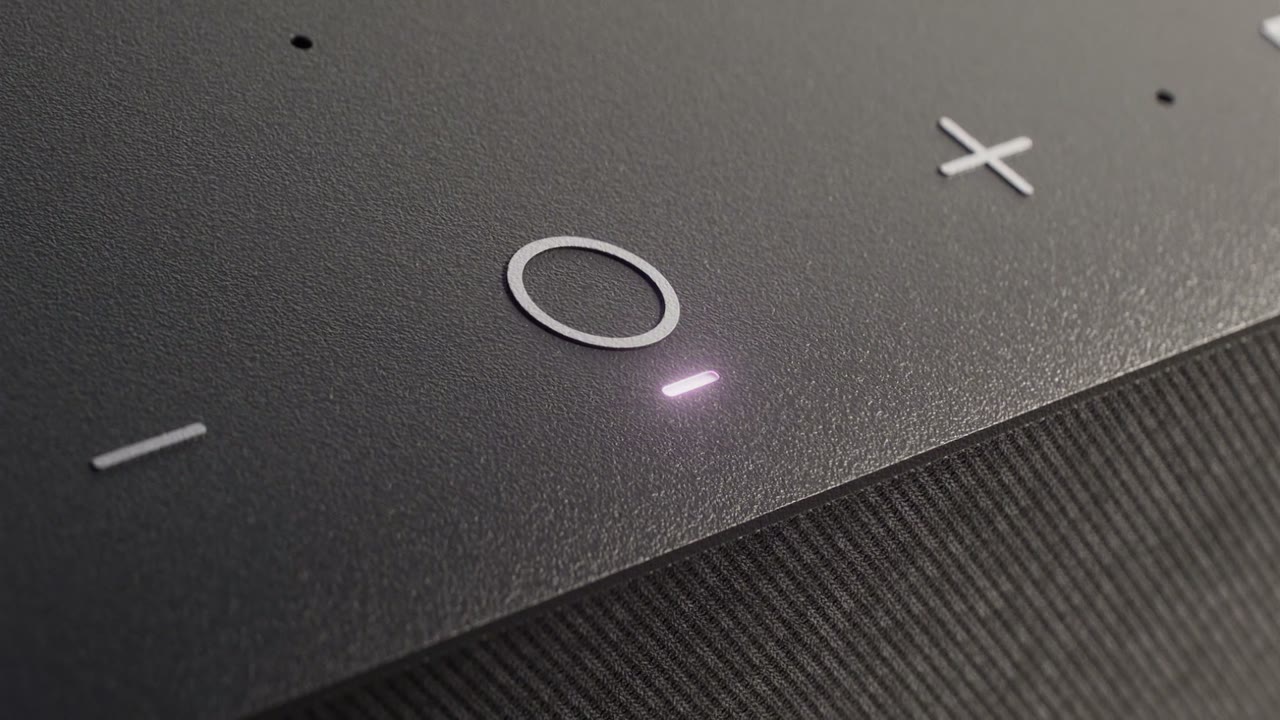
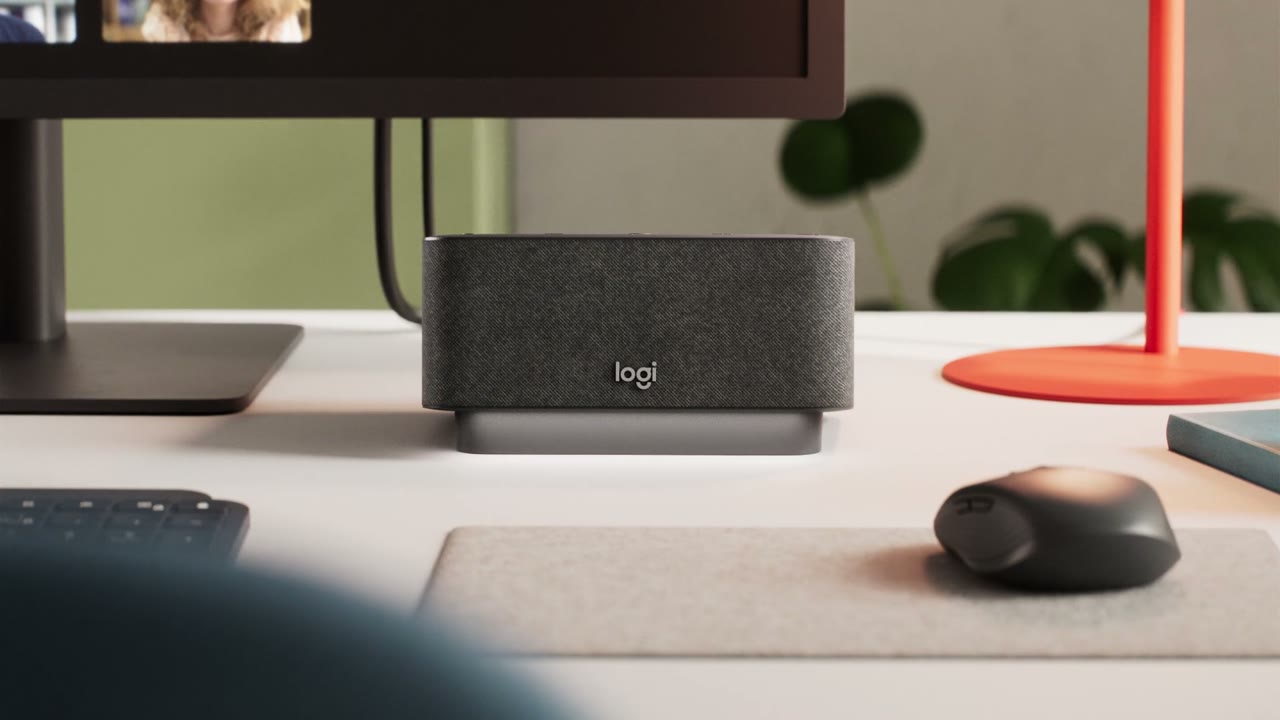
Create a 30-second photoreal 3D product film for a desktop docking device. Open inside an overwhelming tangle of computer cables in blue, white, and yellow, shot macro with shallow depth of field, then reveal the dock resting calmly at the centre of the mess. Cut to clean studio scenes on cream and off-white surfaces with soft shadows, sliding the camera slowly across the product: touch-control glyphs, a glowing pink indicator, fabric speaker mesh. Transition by pushing through cable loops and matching cuts on shape. Finish on a styled desk with monitor, mouse, plant, and red lamp accent. Palette: charcoal, cream, cable blue, and coral red.
How it’s put together
One frame per shot, with what is said over it.
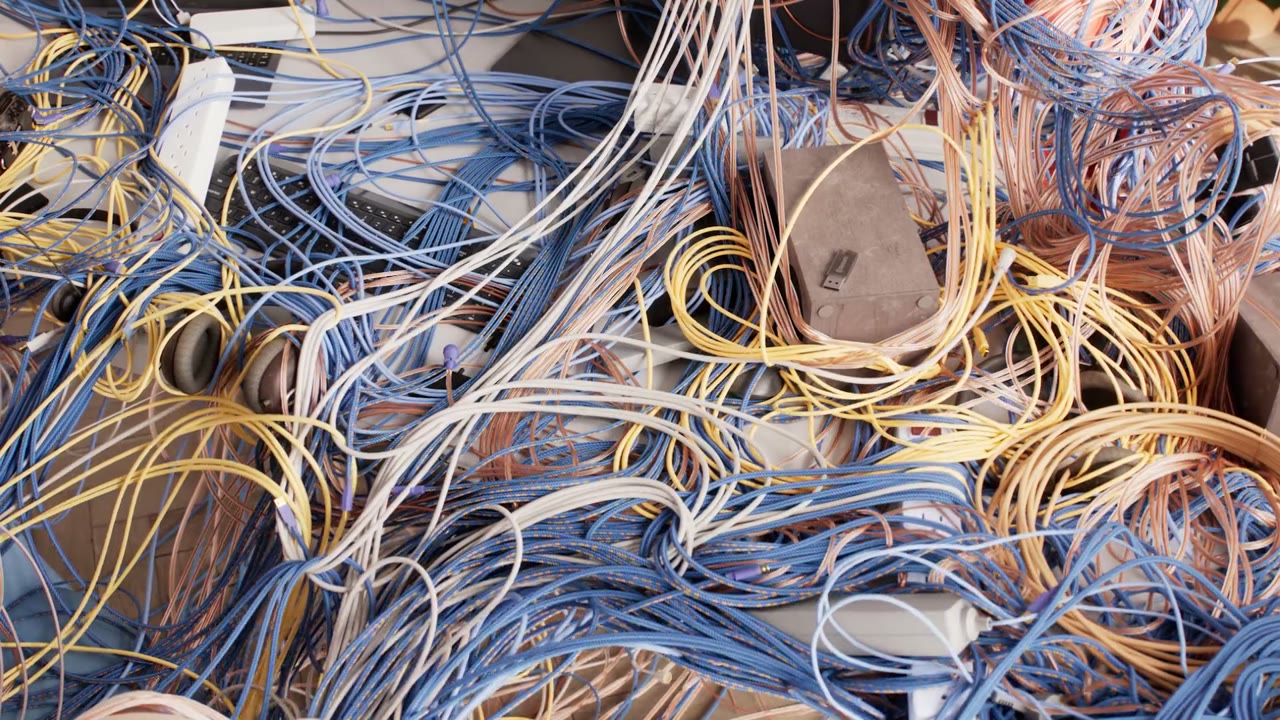 0:02
0:02A dense tangle of blue, white, and yellow cables fills the frame edge to edge like a knotted sea.
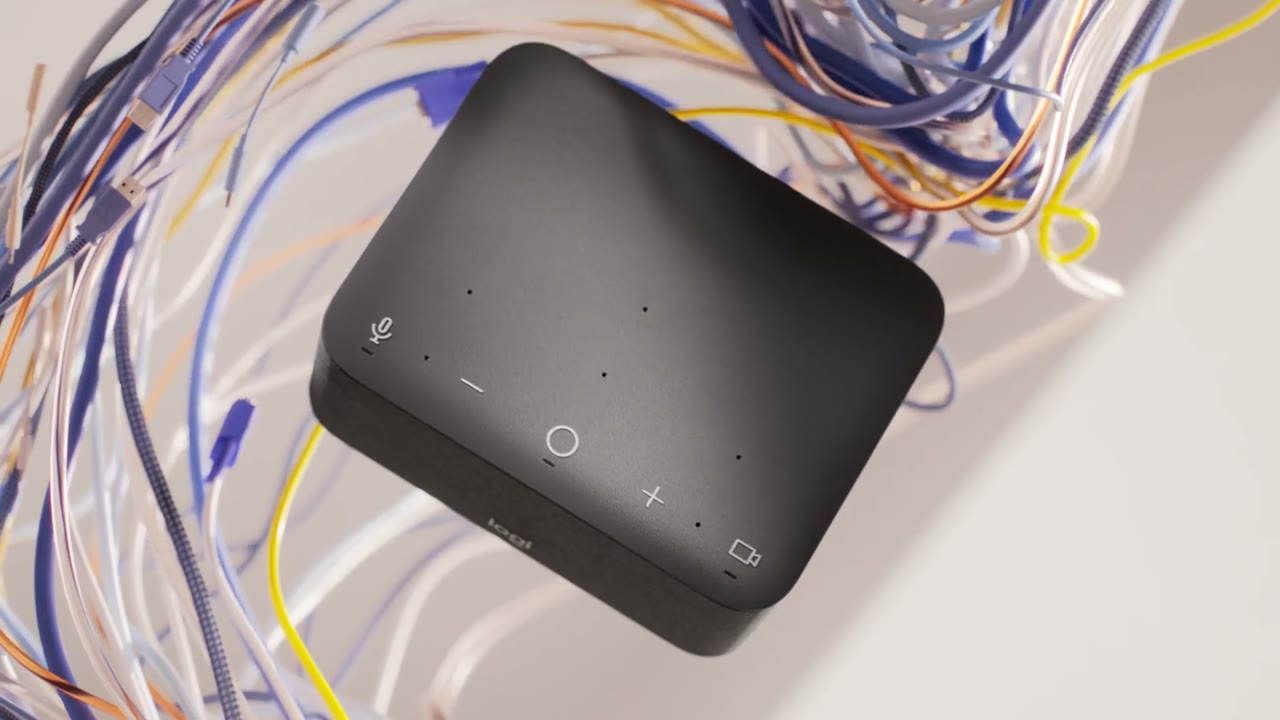 0:07
0:07A black dock with touch controls on its top face sits on a pale surface while loose cables curl behind and around it.
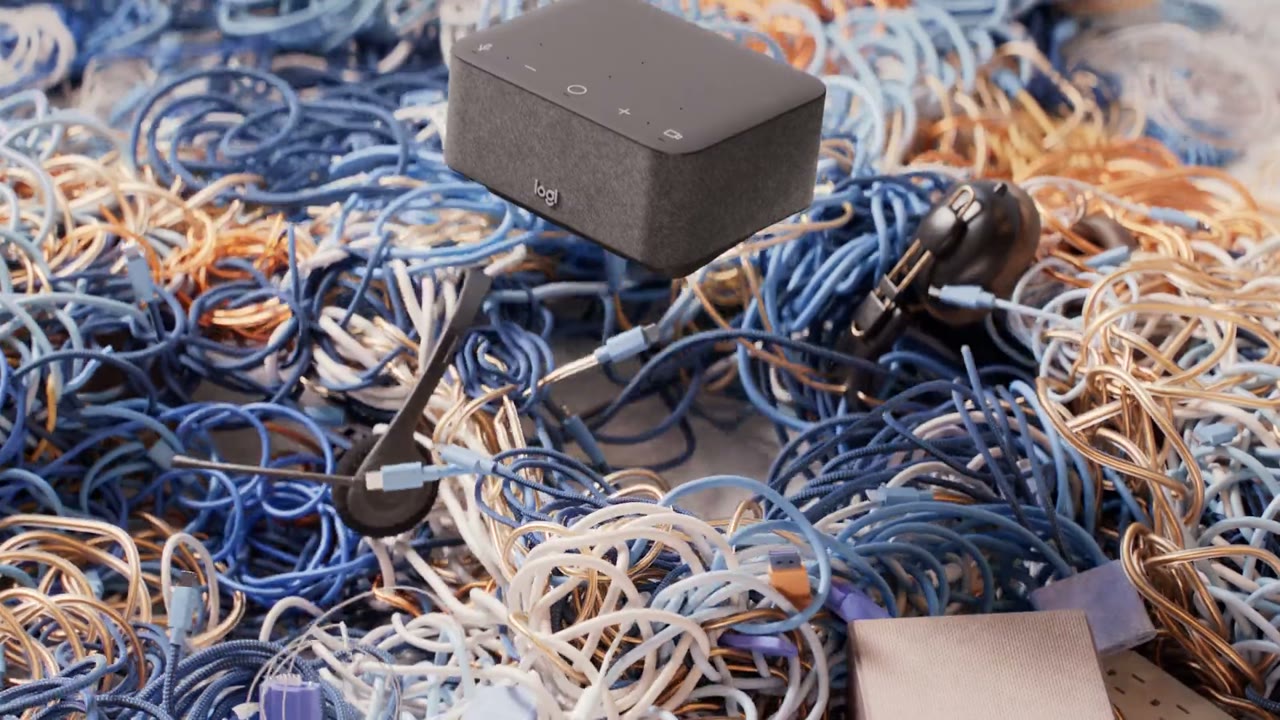 0:12
0:12A grey fabric-topped dock rests on a thick bed of tangled cables with a pair of earphones lying beside it.
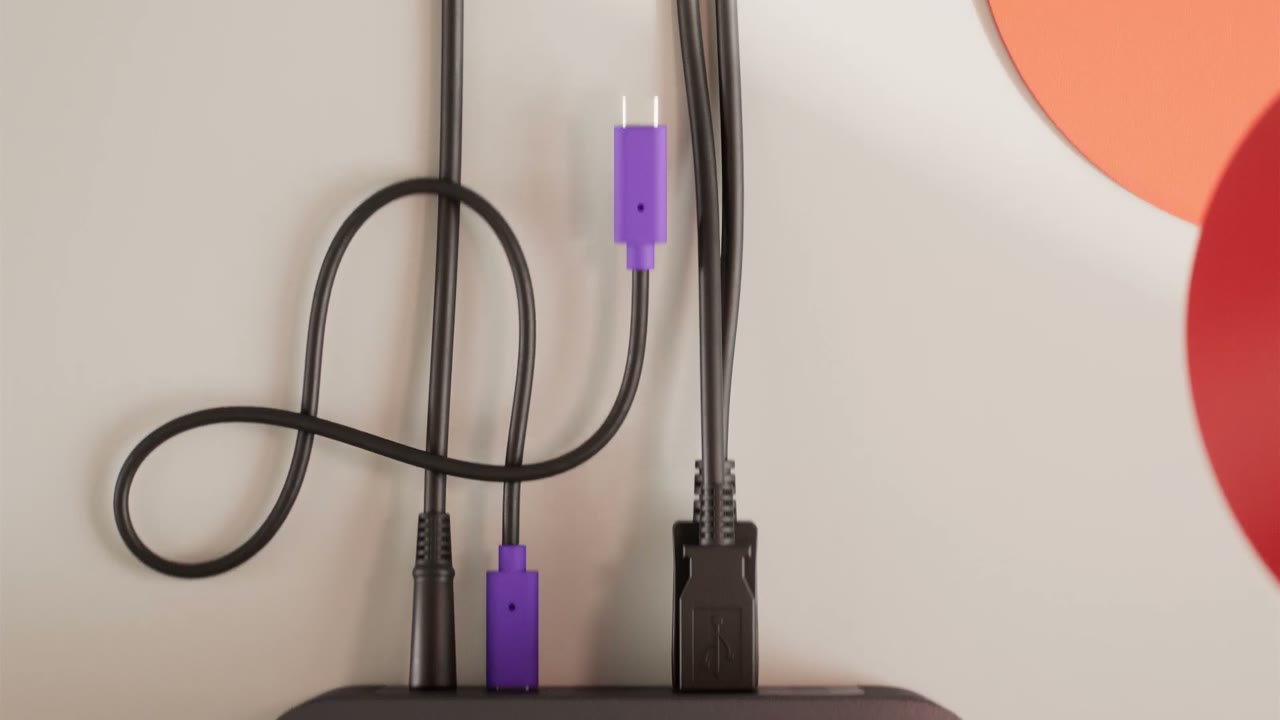 0:18
0:18Black cables loop from the top of a desk into purple-tipped connectors against a cream wall marked with a red circle.
 0:23
0:23An extreme macro of the dock's surface shows a circular button, an X icon, a dash, a glowing pink indicator light, and fine speaker mesh.
 0:28
0:28The dock sits on a tidy desk beside a monitor, mouse, and red lamp, its Logi logo facing camera.
Make one like this
Take the prompt into Clueso and change whatever you need.