
Meet Kimi K3
A silent 57-second showreel that starts with a pencil sketch and a chat prompt, then cuts through 3D game scenes, product renders and research pages built in the app before landing on a wall of outputs.
A prompt to start from
Paste it into Clueso or any MCP client to recreate this video. The link to it comes with the copy.
Create a short screen-capture demo video showing the Kimi AI chat interface in action, with no voiceover or music. Display a white chat input box containing a detailed prompt that reads "Create new character from my draft as the hero prototype. Turn my restored forest into a playable fantasy world around them. Build on the existing Three.js port and TypeScript refactor…" against a muted sage-green background featuring a faint pencil sketch of a horse and rider. Show the Agent mode selector and K3 model tag clearly in the input bar. Keep the footage static or gently looped, clean, and minimalist, lasting around 15–20 seconds.
How it’s put together
One frame per shot, with what is said over it.
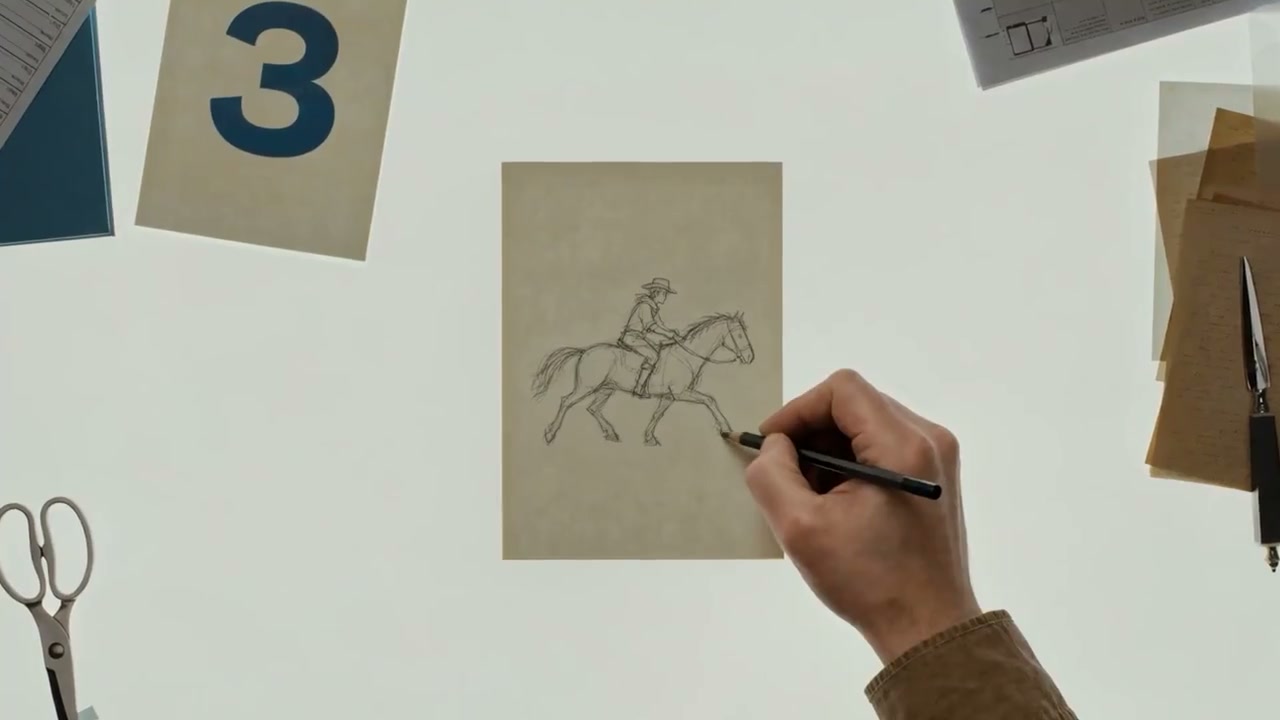 0:02
0:02A hand pencils a horse and rider onto paper on a sage-green desk.
 0:07
0:07A white chat input box shows a K3 model selector and a black send arrow.
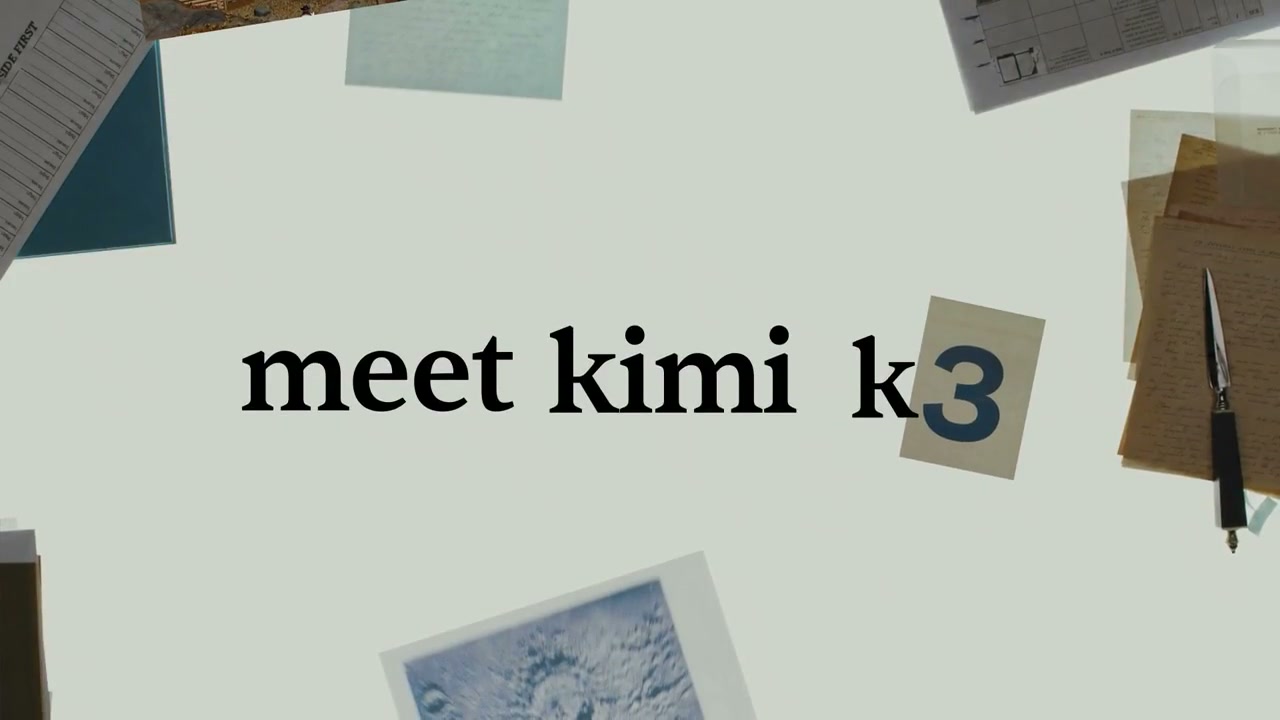 0:17
0:17Cut-out lettering spelling "meet kimi k3" sits pinned to the desk surface.
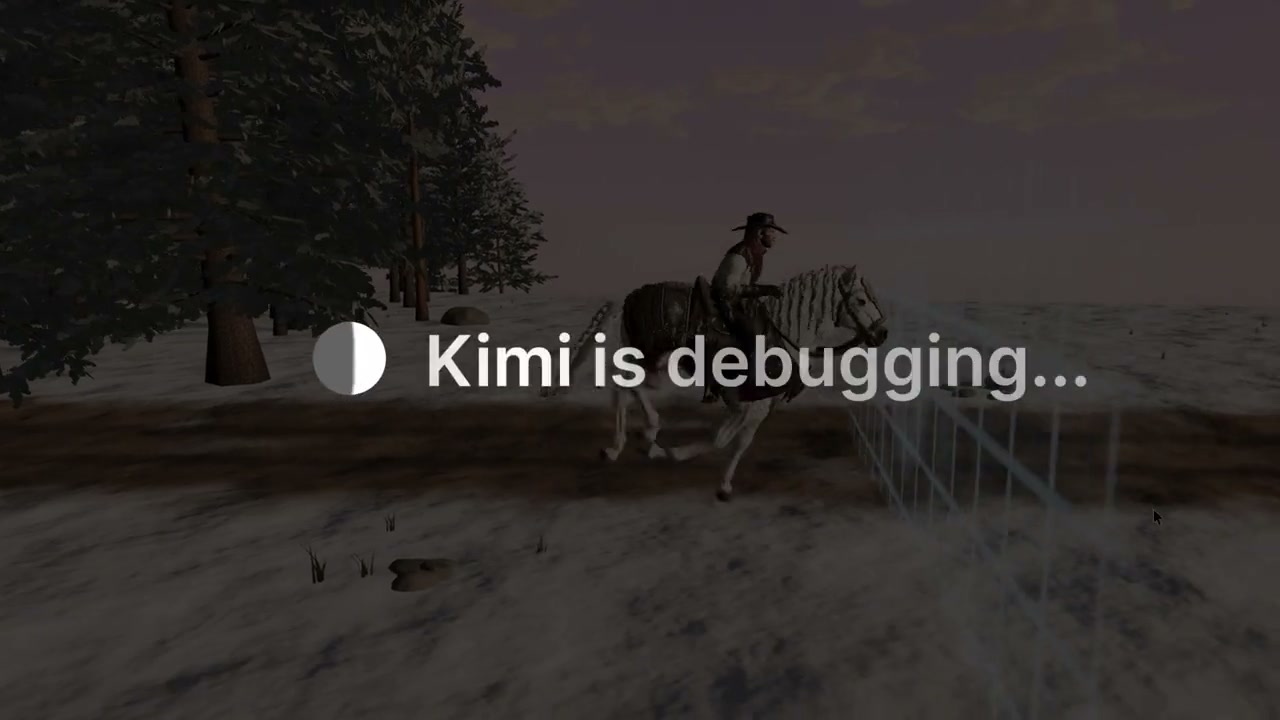 0:21
0:21A 3D forest scene with a horse and rider carries a "Kimi is debugging..." status label.
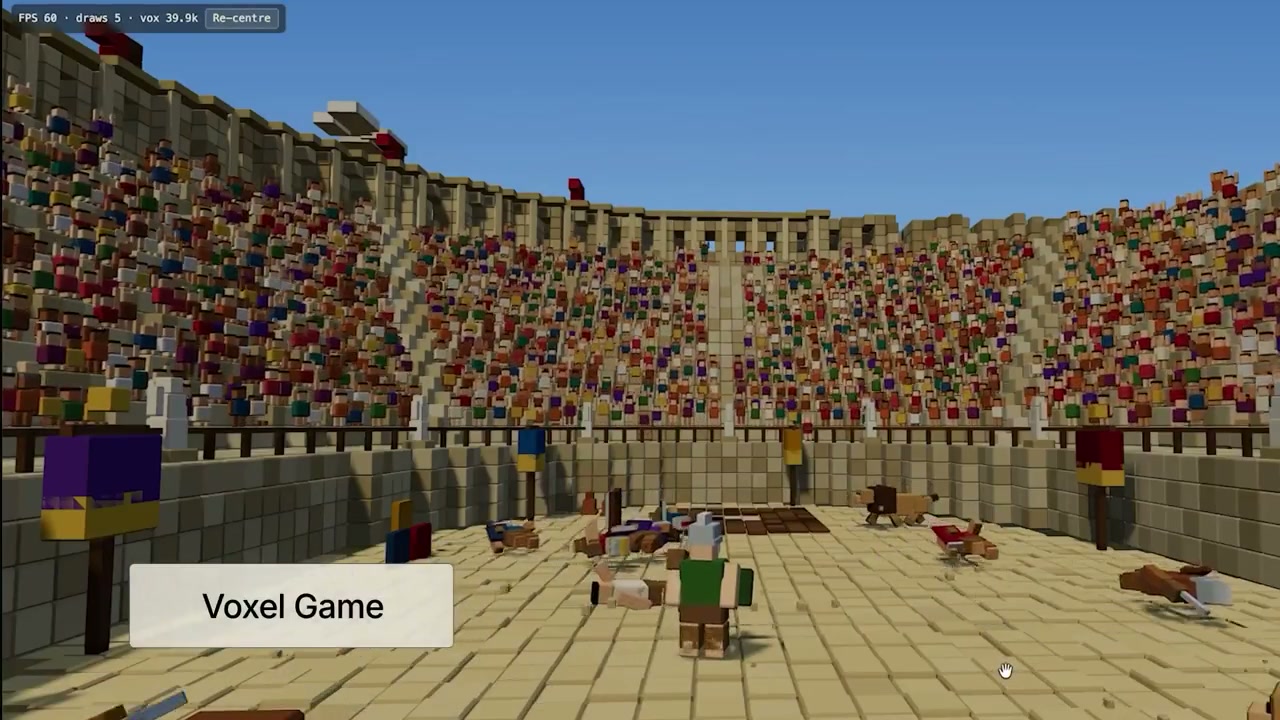 0:35
0:35A voxel gladiator arena packed with blocky spectators fills the frame.
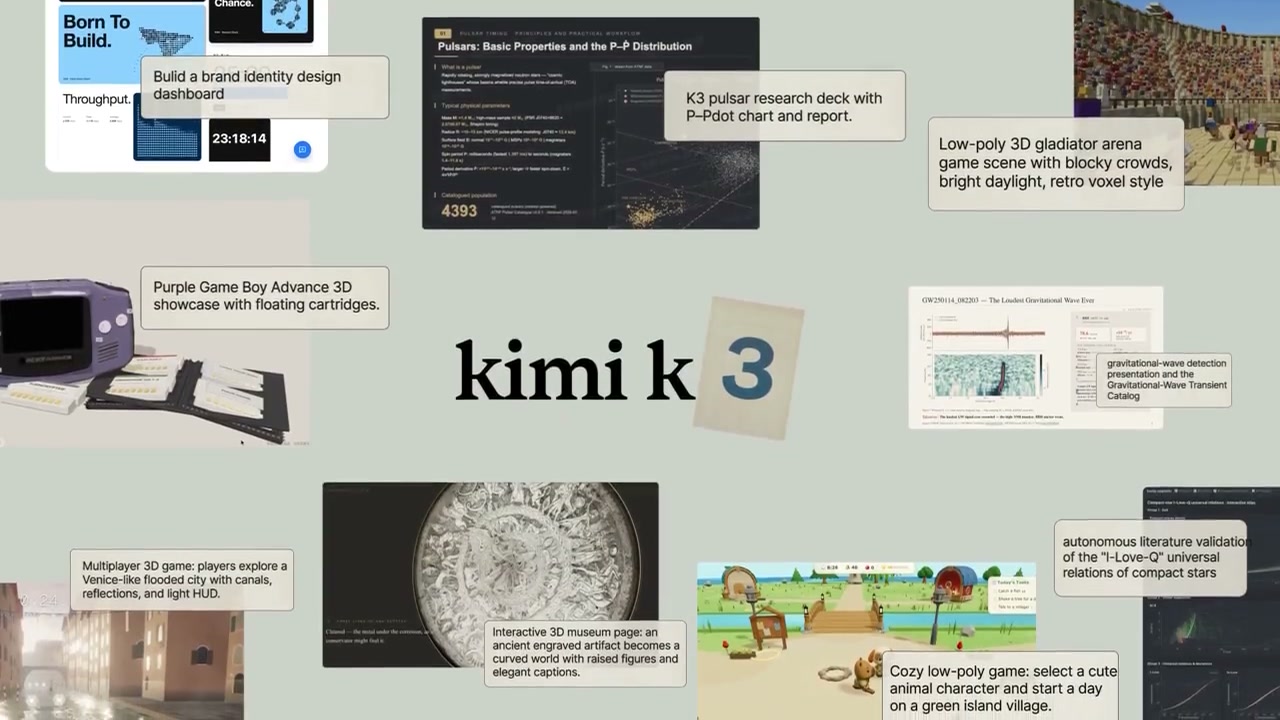 0:50
0:50Dozens of generated pages, renders and dashboards are laid out as a collage around "kimi k3".
Make one like this
Take the prompt into Clueso and change whatever you need.