
Island x AI: Seamless Integration
A 30-second product brand film that types a question about making AI safe for work, walks through desktop and browser UI moments where prompts, model toggles and sensitive files are handled, then dissolves into a blurred landscape closing on the line "AI that works. For work."
By MO MO
A prompt to start from
Paste it into Clueso or any MCP client to recreate this video. The link to it comes with the copy.
Create a 30-second product brand film that opens on a dark green screen with a white rounded prompt bar typing a question about safe AI at work. Cut to bright, minimal desktop and browser mockups: folder icons, a macOS-style dock, floating prompt bars, pill toggles for Pro, Research and Labs, and a pink input field where a document is dragged onto a word. Keep type clean sans-serif in white and dark grey. Animate with typed cursors, soft card pop-ins and cursor-led drags, then rack-blur into a green valley landscape for the closing lines. Palette: deep green, off-white, soft pink, mint accents.
How it’s put together
One frame per shot, with what is said over it.
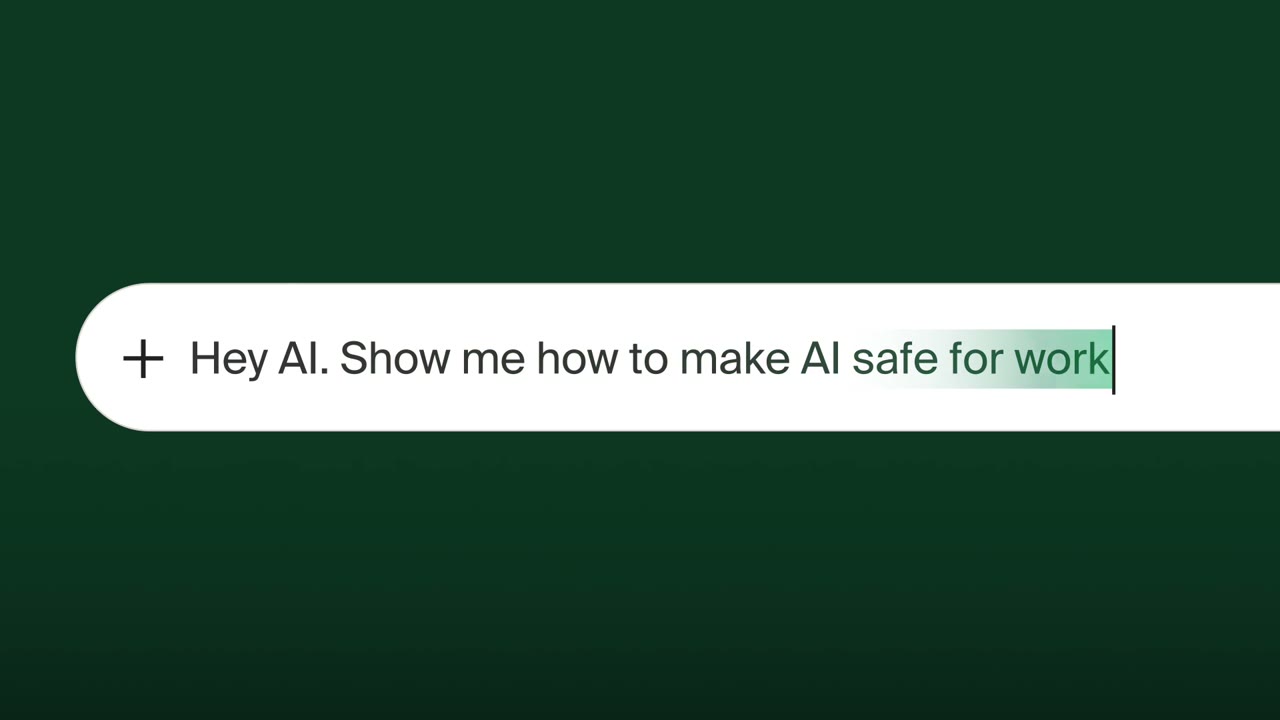 0:02
0:02A white rounded search bar on a dark green background holds the typed line "Hey AI. Show me how to make AI safe for work" with a blinking cursor.
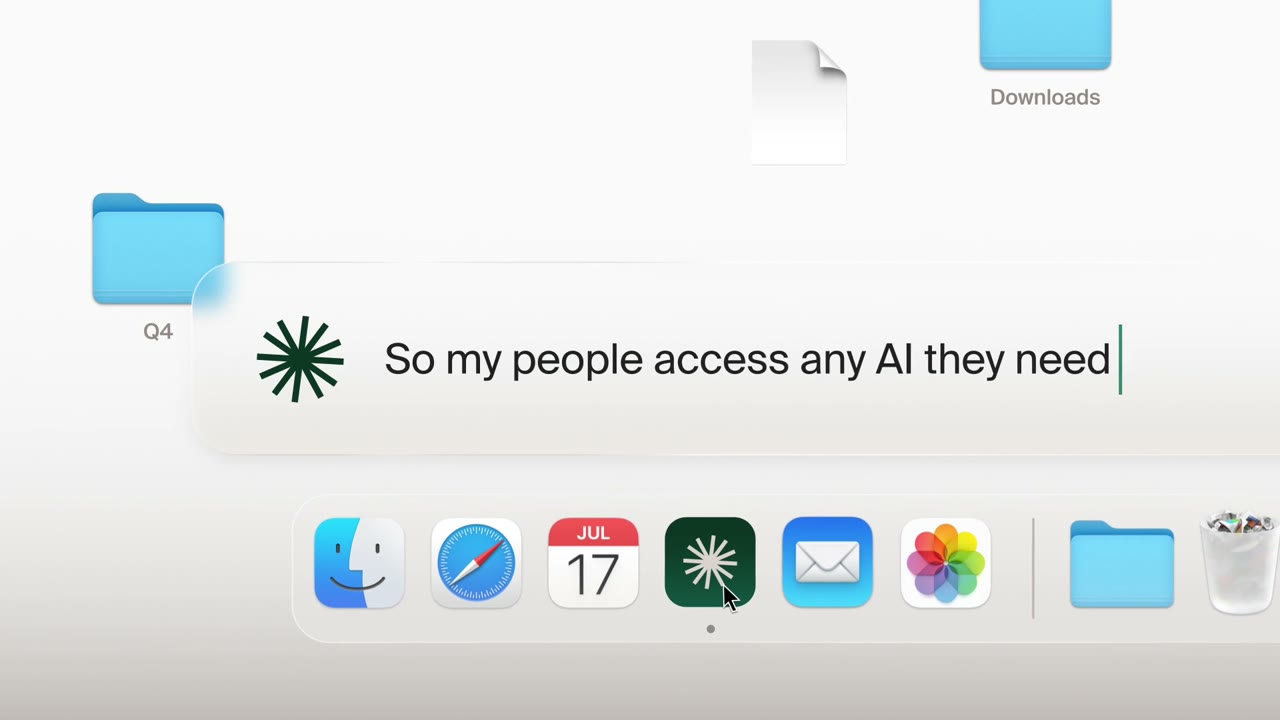 0:07
0:07A light desktop with folder icons and a macOS-style dock sits behind a floating prompt bar reading "So my people access any AI they need" beside a green asterisk mark.
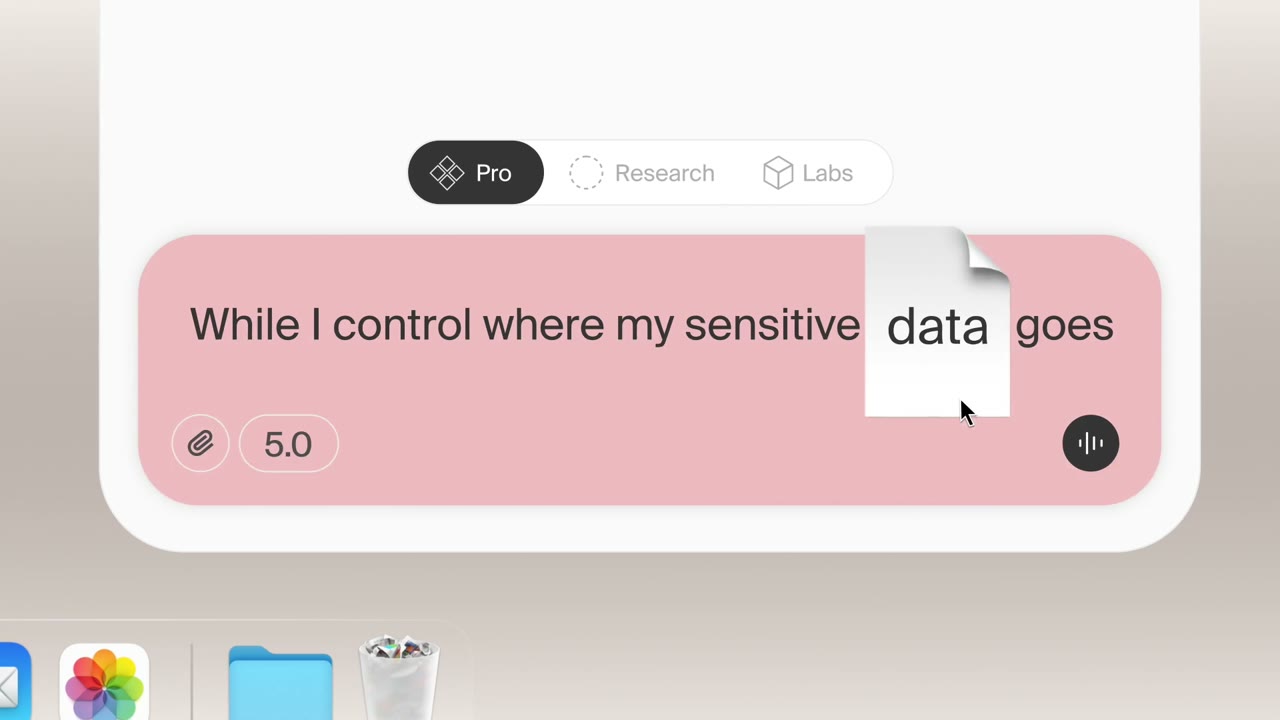 0:12
0:12A pale interface card shows Pro, Research and Labs toggles above a pink input field reading "While I control where my sensitive data goes", with a white document icon dragged over the word "data".
 0:18
0:18A small white card labelled "Thinking..." with a green progress bar and a Details link glows against an almost blank off-white screen.
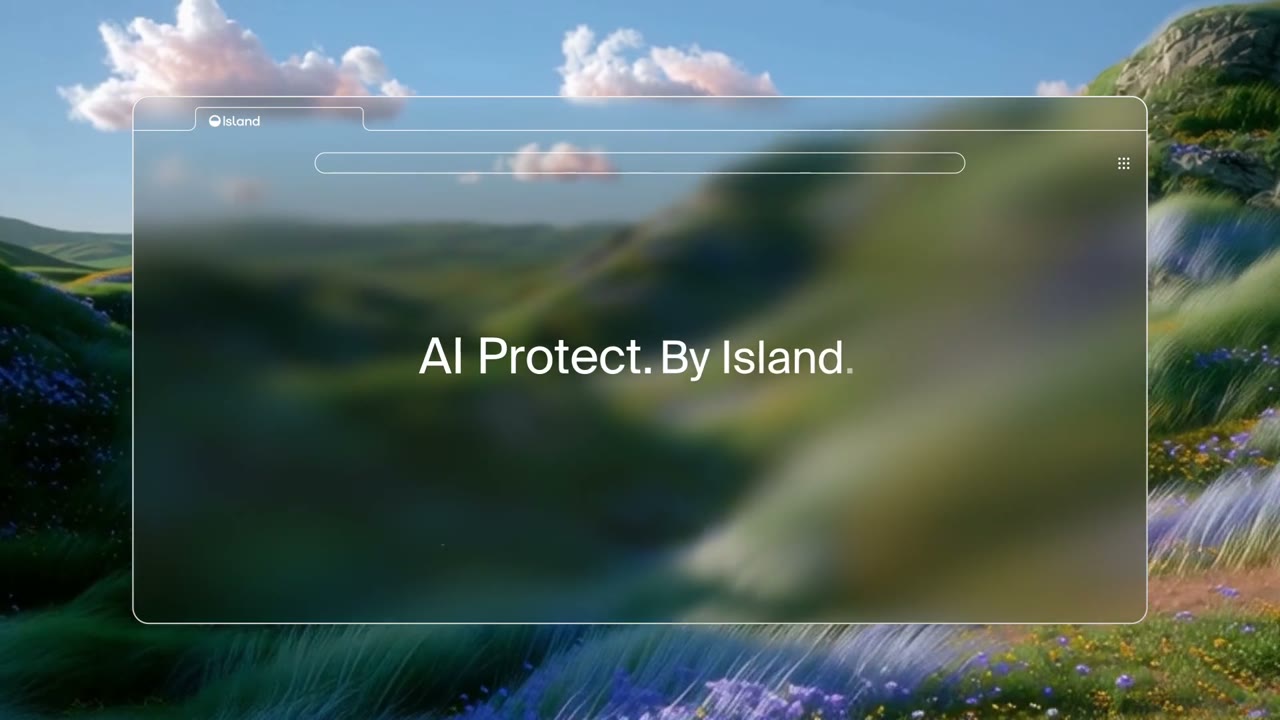 0:23
0:23A browser window with a slim address bar frames a blurred green valley landscape, with the line "AI Protect. By Island." set in white across the middle.
 0:28
0:28A heavily blurred green and yellow landscape fills the frame behind the white line "AI that works. For work." with "For work" in italics.
Make one like this
Take the prompt into Clueso and change whatever you need.