
Share your Bots as a template
A silent 16-second product walkthrough that moves from a bot's settings panel to the "Share as template" click, then shows the shared bot's preview card and the finished bot answering in a chat app.
By Grok
A prompt to start from
Paste it into Clueso or any MCP client to recreate this video. The link to it comes with the copy.
Create a short, silent product feature walkthrough showing how to share a bot as a template inside a chat or AI platform interface. Open on a soft blue-gradient background with a white settings panel centred on screen, featuring a blue blob mascot icon and form fields labelled Name ("Sales Outbound"), Title ("Operator"), and Description. Pan or cut across three repeating versions of this panel to emphasise the feature, then cut to a light grey section displaying the bold text "Share your Bots as a template" alongside a preview card showing the bot's public-facing profile with a description and an "Open" call-to-action button.
How it’s put together
One frame per shot, with what is said over it.
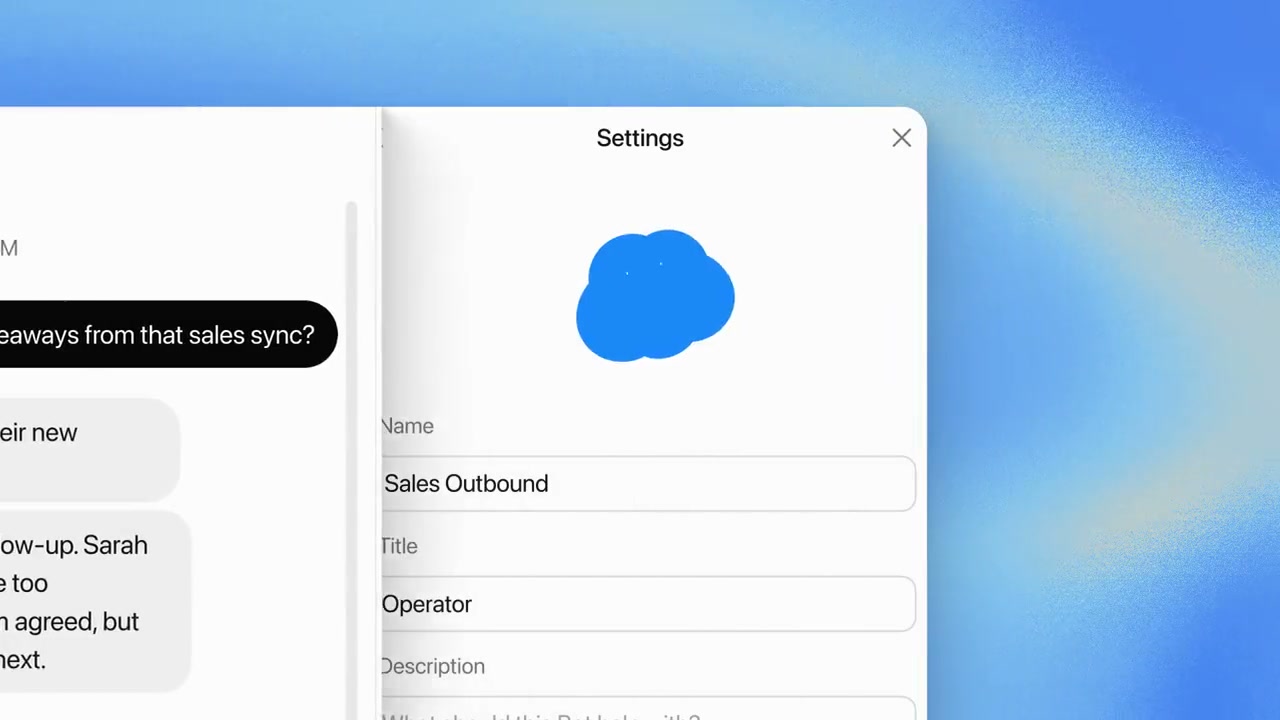 0:01
0:01A white Settings panel on a blue gradient shows a blob avatar with Name and Title fields filled in as Sales Outbound and Operator.
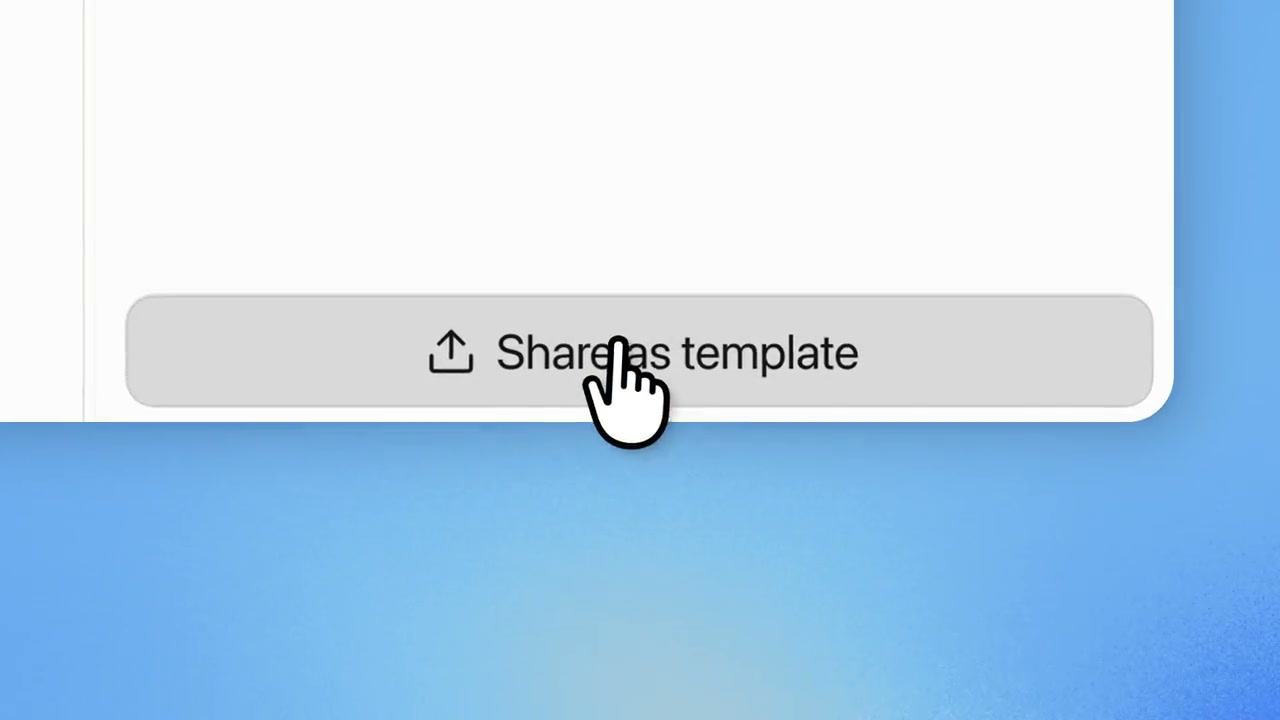 0:03
0:03A cursor hovers a grey "Share as template" button at the bottom of the panel.
 0:05
0:05A light grey section carries the line "Share your Bots as a template" in black type.
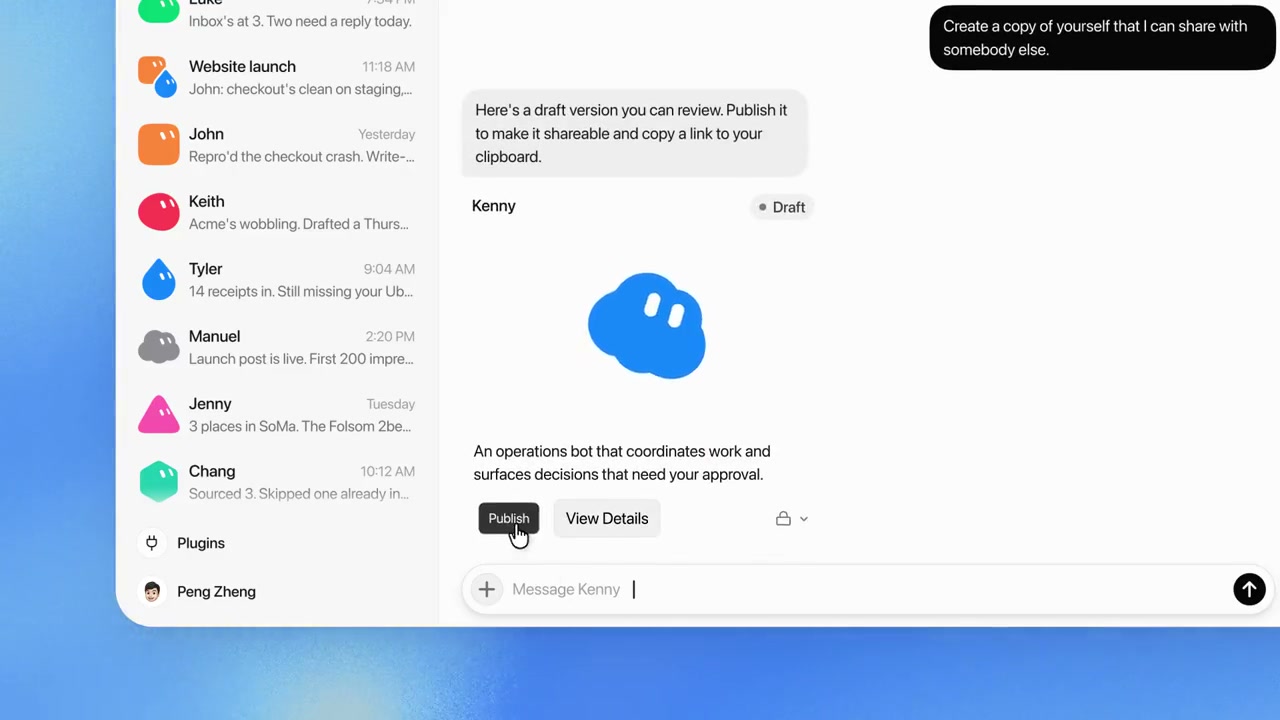 0:08
0:08A chat thread shows a draft reply with Publish and View Details buttons beneath it.
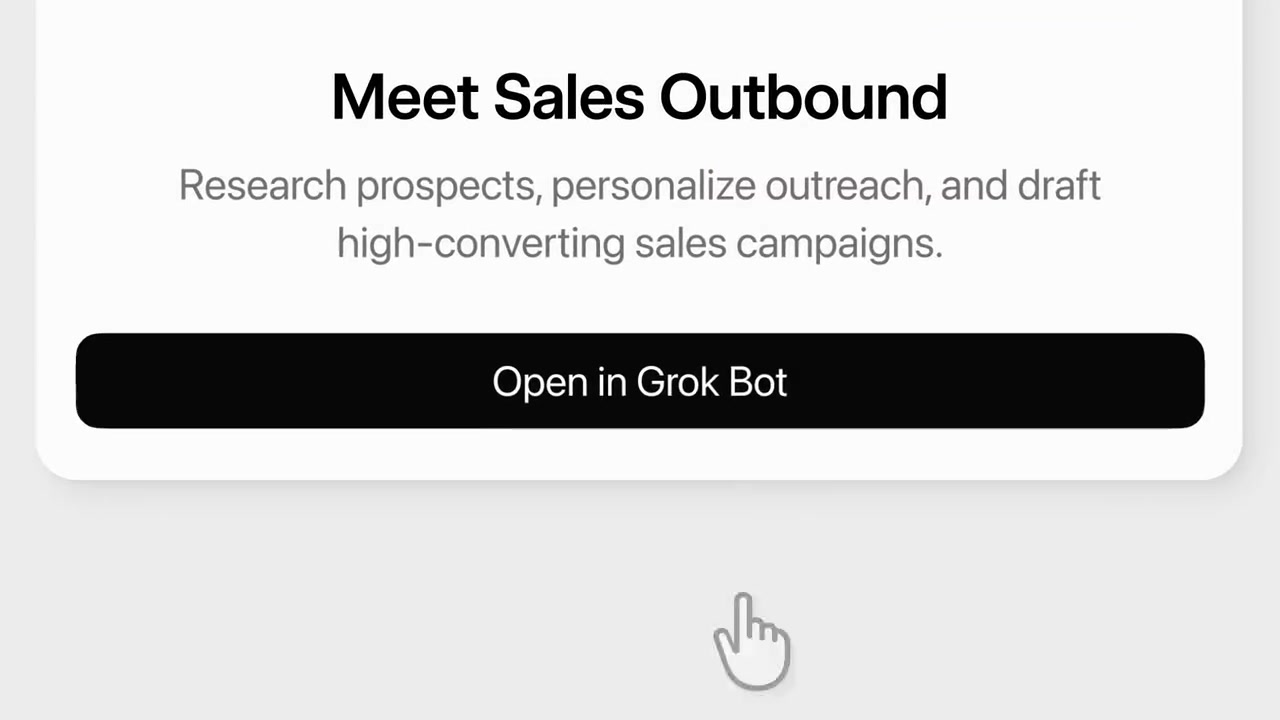 0:10
0:10A preview card reads "Meet Sales Outbound" above a description and a black "Open in Grok Bot" button.
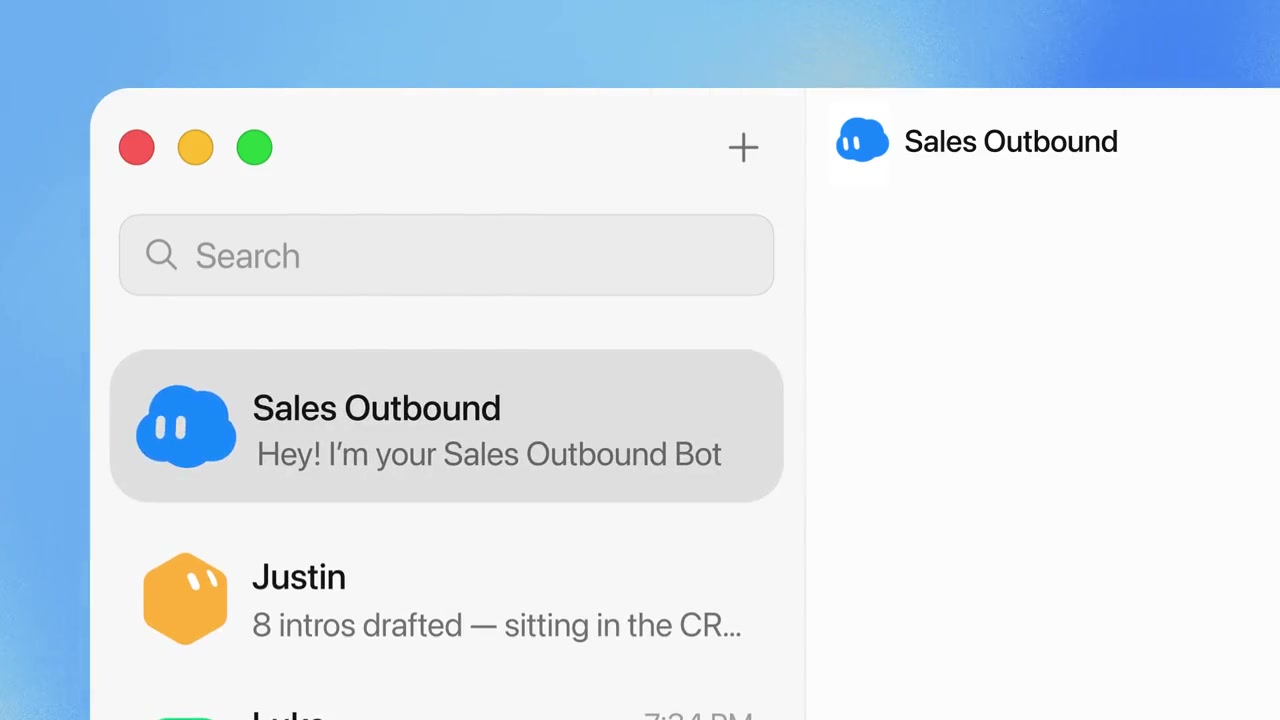 0:13
0:13A desktop chat window lists Sales Outbound in the sidebar with its opening message in the thread.
Make one like this
Take the prompt into Clueso and change whatever you need.