
Grok Bot, now in early beta
A one-minute cinematic teaser that cuts between people working in warm studio offices and close-ups of their screens, with subtitle text and chat panels showing bots handling work.
By Grok
A prompt to start from
Paste it into Clueso or any MCP client to recreate this video. The link to it comes with the copy.
Create a short, cinematic product teaser showing a small team working in a warmly lit, home-office-style studio filled with bookshelves, plants, and soft lamp glow. Open on a man at a desktop computer, then cut to a woman in a red top typing on a laptop on a couch, then to her standing and gesturing near a large monitor beside a colleague. Use shallow depth of field, moody cool-toned colour grading, and gentle bokeh in the foreground. Overlay white sans-serif subtitle text reading "We recently hired a new teammate" transitioning to "We recently hired 983," centred left on screen. No voiceover or music. End quietly on the team at work.
How it’s put together
One frame per shot, with what is said over it.
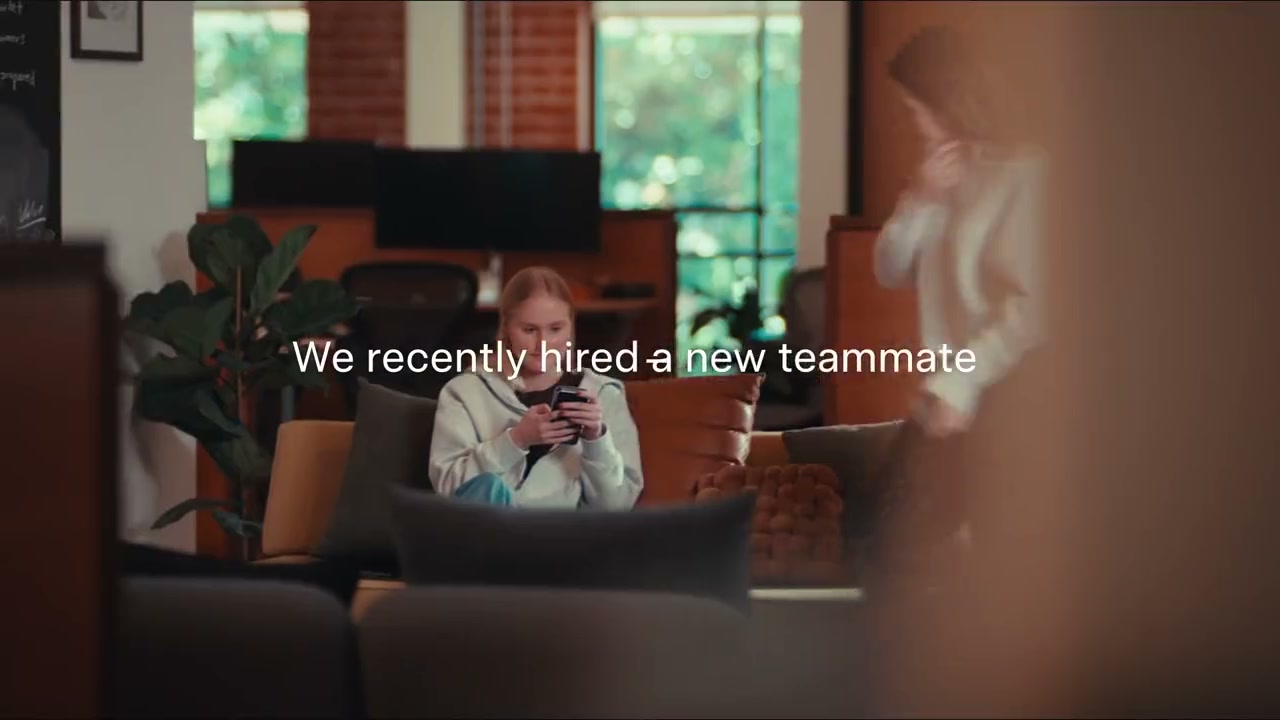 0:03
0:03A woman sits on a couch in a warm office as white subtitle text reads "We recently hired a new teammate".
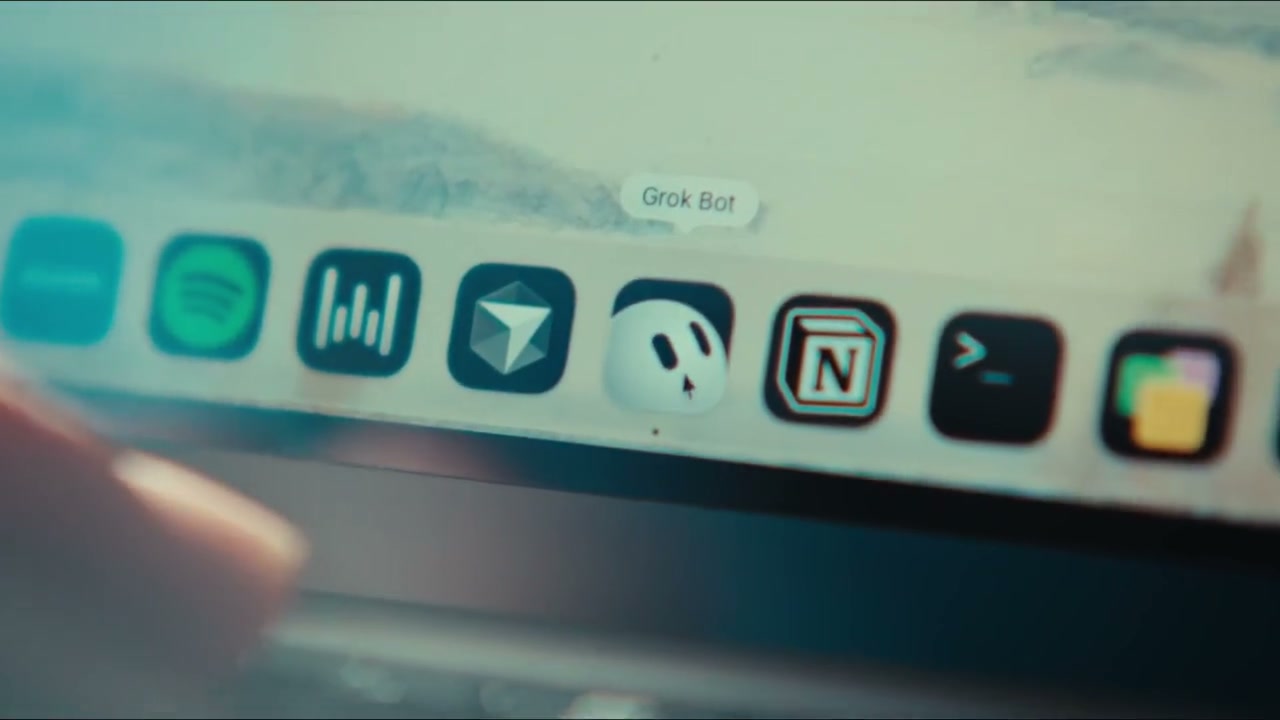 0:07
0:07A close-up of a laptop dock where a hovered icon shows the label "Grok Bot".
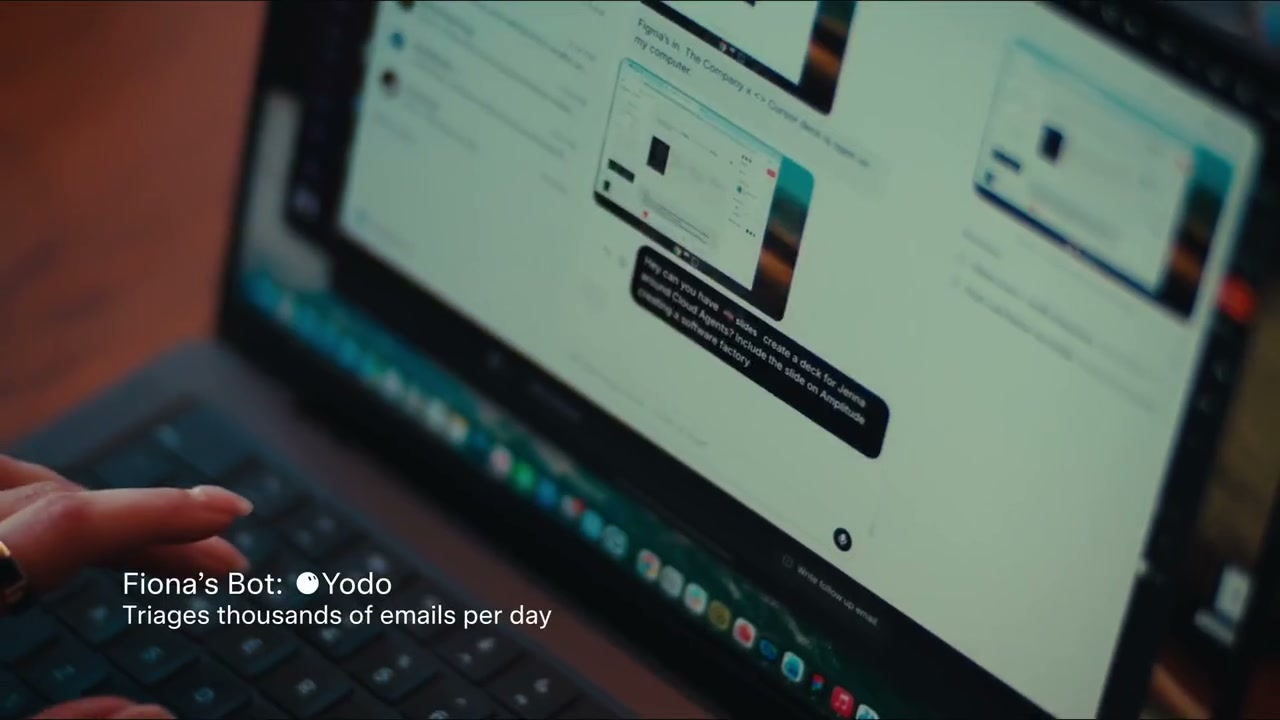 0:12
0:12A hand rests on a laptop showing a chat interface, with a caption naming a bot and mentioning emails per day.
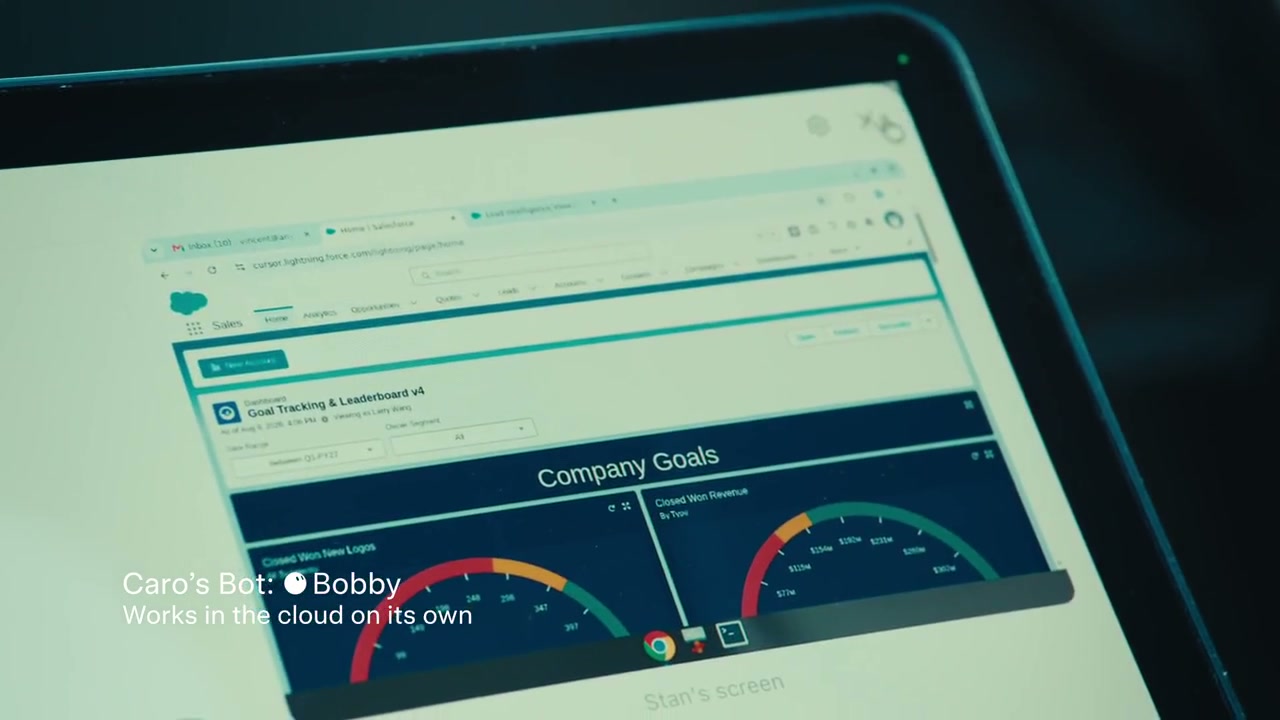 0:22
0:22A tablet screen displays a Company Goals dashboard with coloured gauge charts.
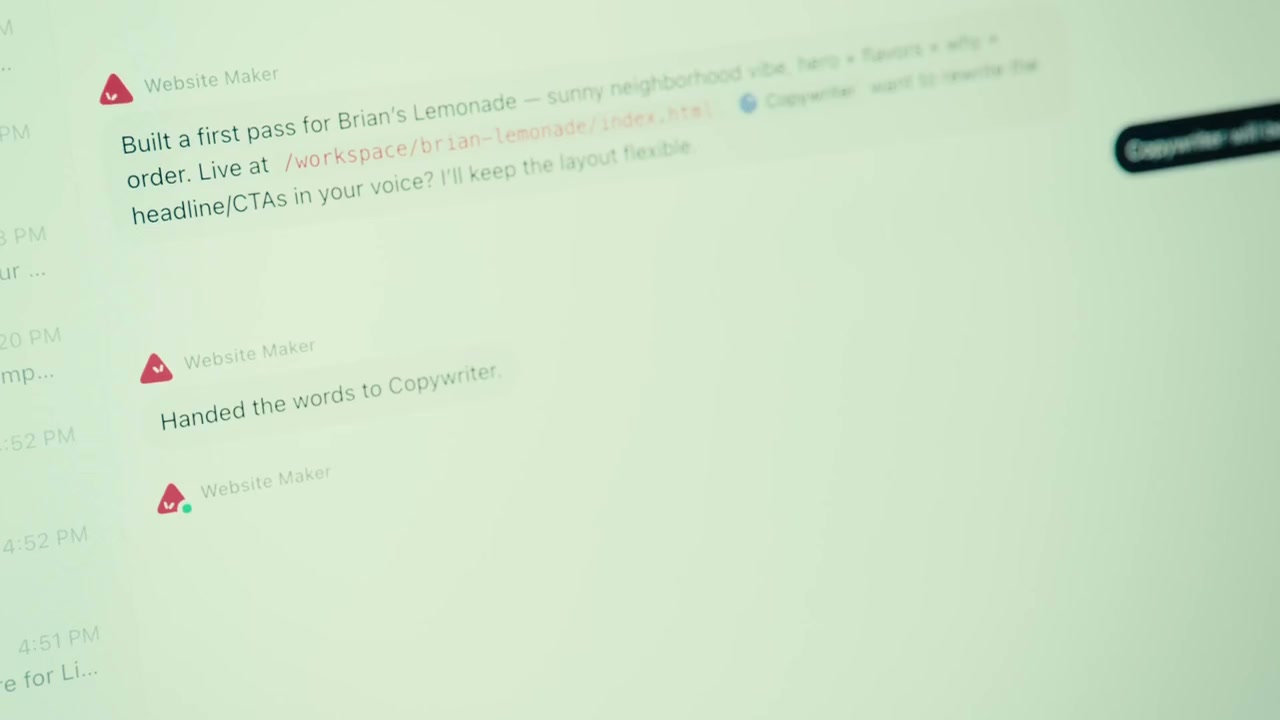 0:42
0:42A light interface lists short status messages about building a first pass and handing off the words.
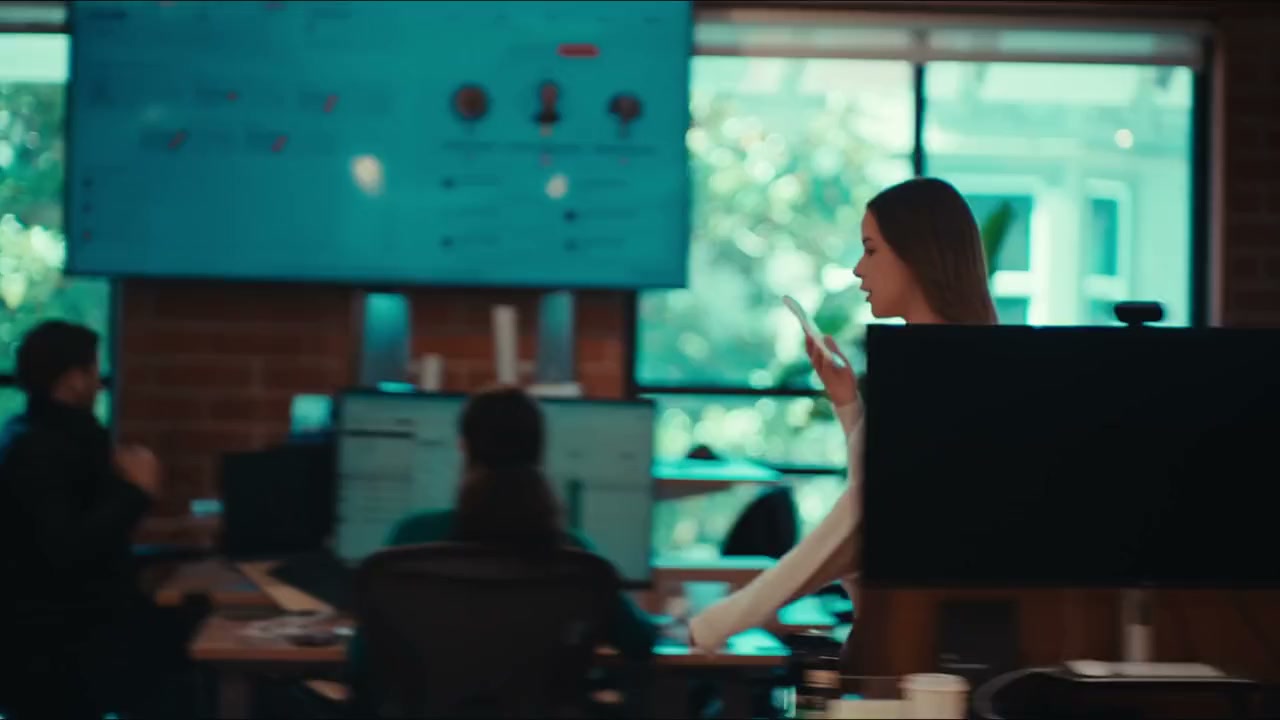 0:52
0:52A wide shot of a dim open-plan office where a woman gestures at a large wall display.
Make one like this
Take the prompt into Clueso and change whatever you need.