
Grok Bot is now available on Android
A ten-second silent announcement that moves from Android lock screen mockups carrying Grok Bot notifications to a plain title card and a closing logo lockup.
By Grok
A prompt to start from
Paste it into Clueso or any MCP client to recreate this video. The link to it comes with the copy.
Create a short silent product announcement video showcasing Grok Bot's availability on Android. Open on a white background with the Grok Bot logo and wordmark in the lower left. Animate three Android lock screen mockups side by side, all displaying a green gradient wallpaper and a 9:30 timestamp, with notification cards from Grok Bot and a contact named Benji Taylor visible. Transition the rightmost mockup into a full Android phone frame showing the complete lock screen with a date, personalised greeting, and the same notifications. Keep the colour palette minimal — vivid green, white, and black — with clean sans-serif typography throughout. Total runtime approximately 10–15 seconds.
How it’s put together
One frame per shot, with what is said over it.
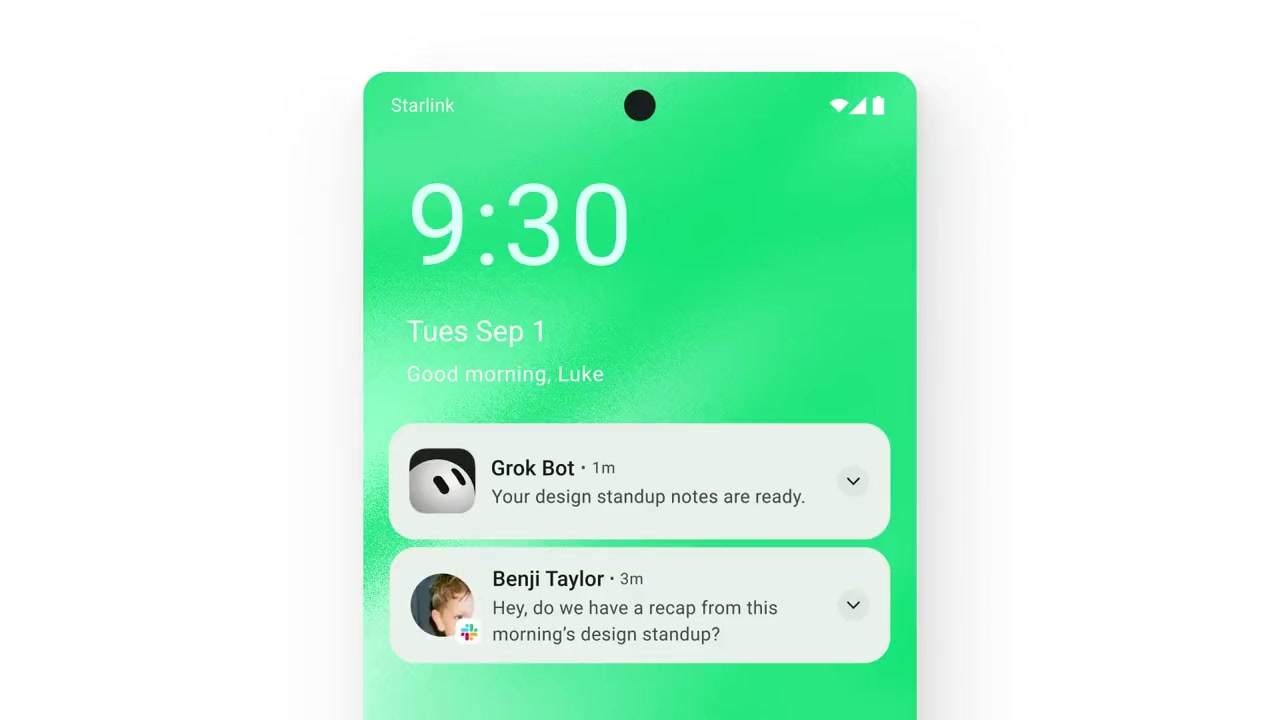 0:00
0:00A tall Android lock screen mockup with a 9:30 clock sits on a white background.
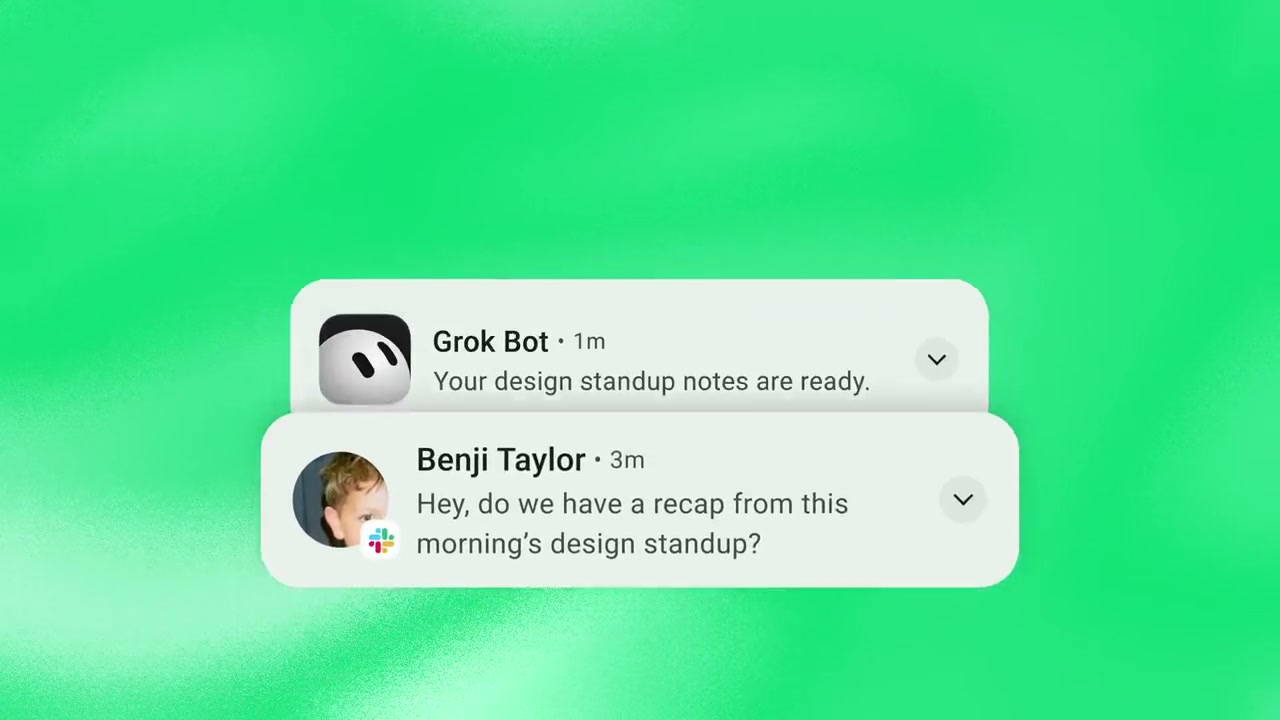 0:01
0:01A close-up on the green wallpaper shows notification cards from Grok Bot and Benji Taylor.
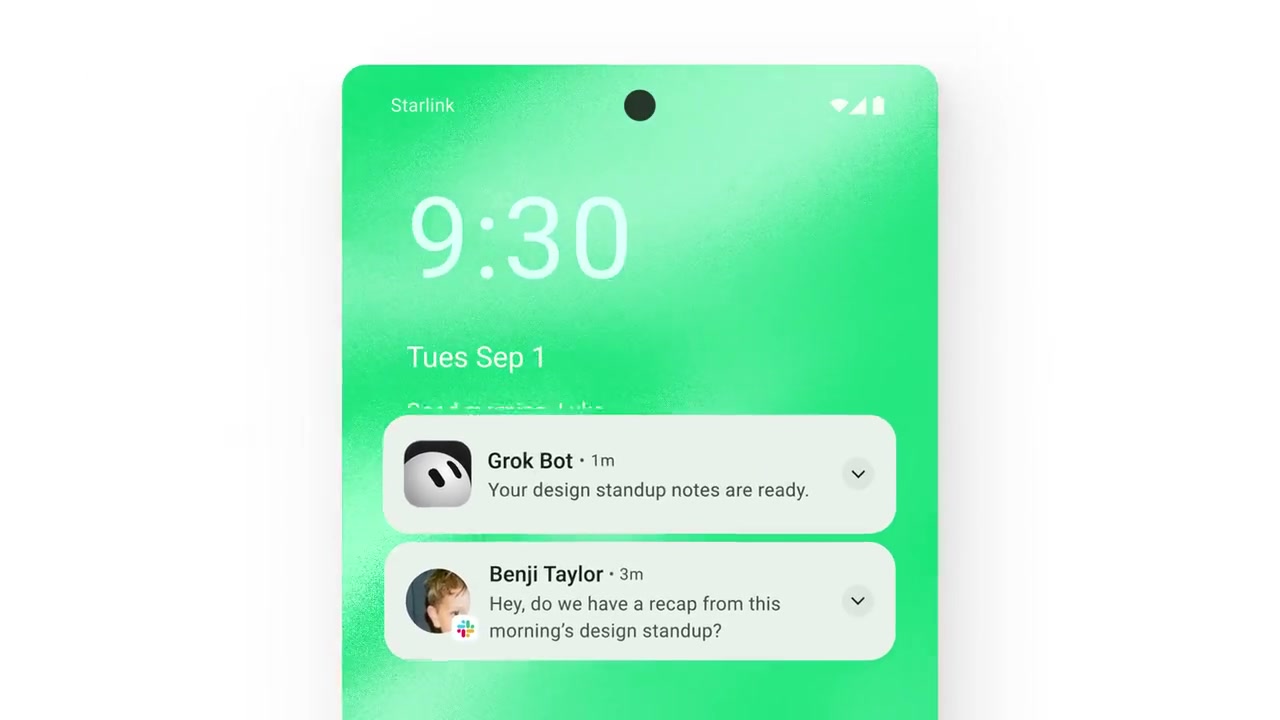 0:03
0:03The lock screen slides across the frame with the same two notifications visible.
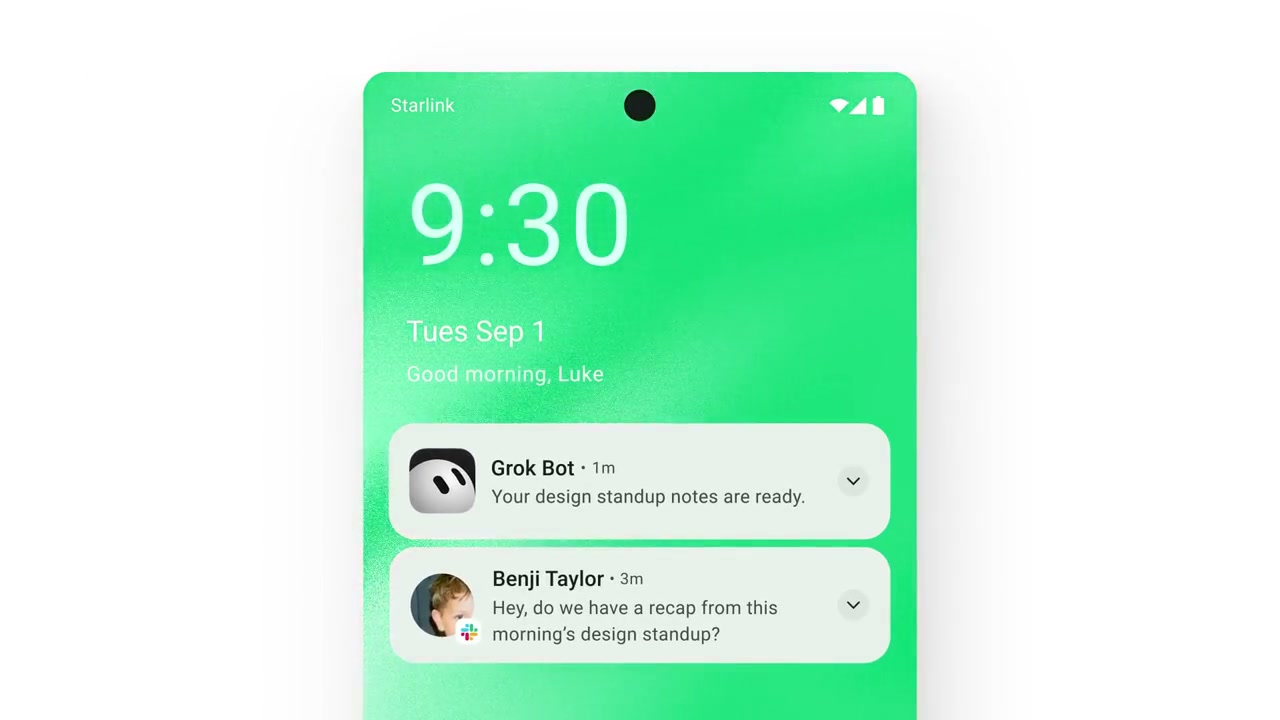 0:05
0:05The phone settles into frame showing the date and a greeting under the clock.
 0:07
0:07Black text reads Grok Bot is now available on Android next to a green Android robot.
 0:10
0:10The Grok Bot mark and wordmark sit alone on white.
Make one like this
Take the prompt into Clueso and change whatever you need.