
Google - Password Manager
A 118-second 3D explainer that walks through password sign-in using abstract CG props, stylised devices and simplified interface panels, moving from scattered coloured spheres and dot-filled password fields to a red maze around a user avatar, and closing on a phone displaying a shield and padlock inside a blue ring.
By Oddfellows
A prompt to start from
Paste it into Clueso or any MCP client to recreate this video. The link to it comes with the copy.
Create a roughly two-minute 3D explainer about password security, set in a bright white studio world with soft shadows and shallow depth of field. Build simplified device stand-ins and interface panels: rounded input fields filled with coloured dots, an eye reveal icon, a SIGN IN button with a circular arrow, a laptop showing a blue user avatar. Intercut abstract metaphors: coloured spheres threaded on thin wires, looping ribbons, red block walls forming a maze around the avatar. Use clean sans-serif labels and a logomark. Animate with smooth easing, parts assembling into place, soft cross dissolves. Palette: white, blue, red, yellow, green. Close on a phone showing a padlock shield inside a blue ring.
How it’s put together
One frame per shot, with what is said over it.
 0:09
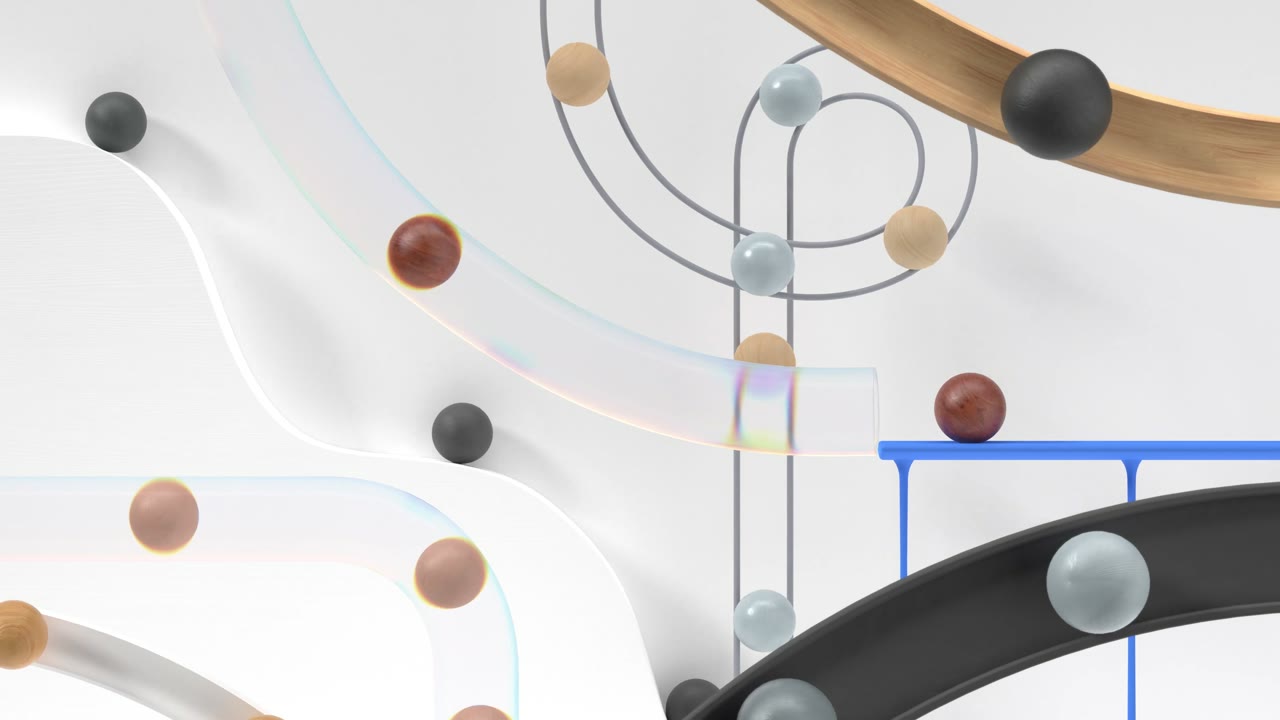
0:09A bright white abstract 3D scene strings coloured spheres along thin curving wires beside looping gold and black ribbons and a small blue table form.
 0:29
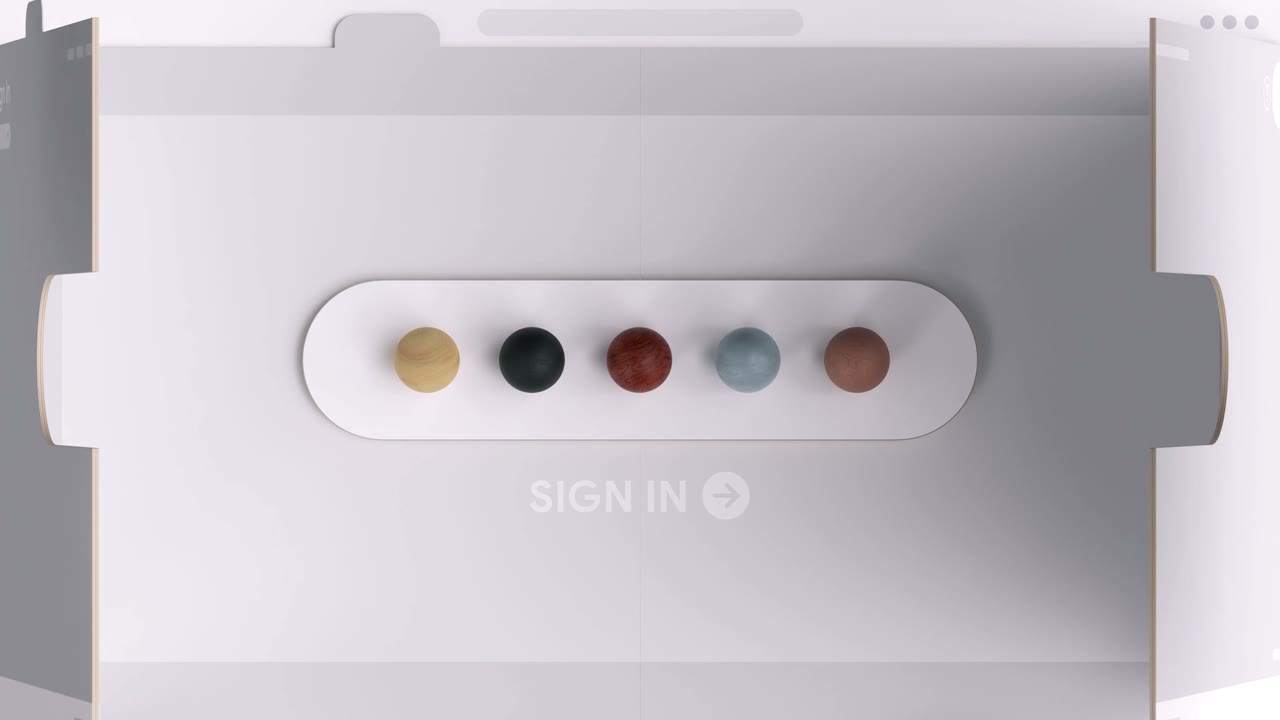
0:29A stylised white device shows a pill-shaped field holding five coloured dots above a SIGN IN label with a circular arrow button.
 0:49
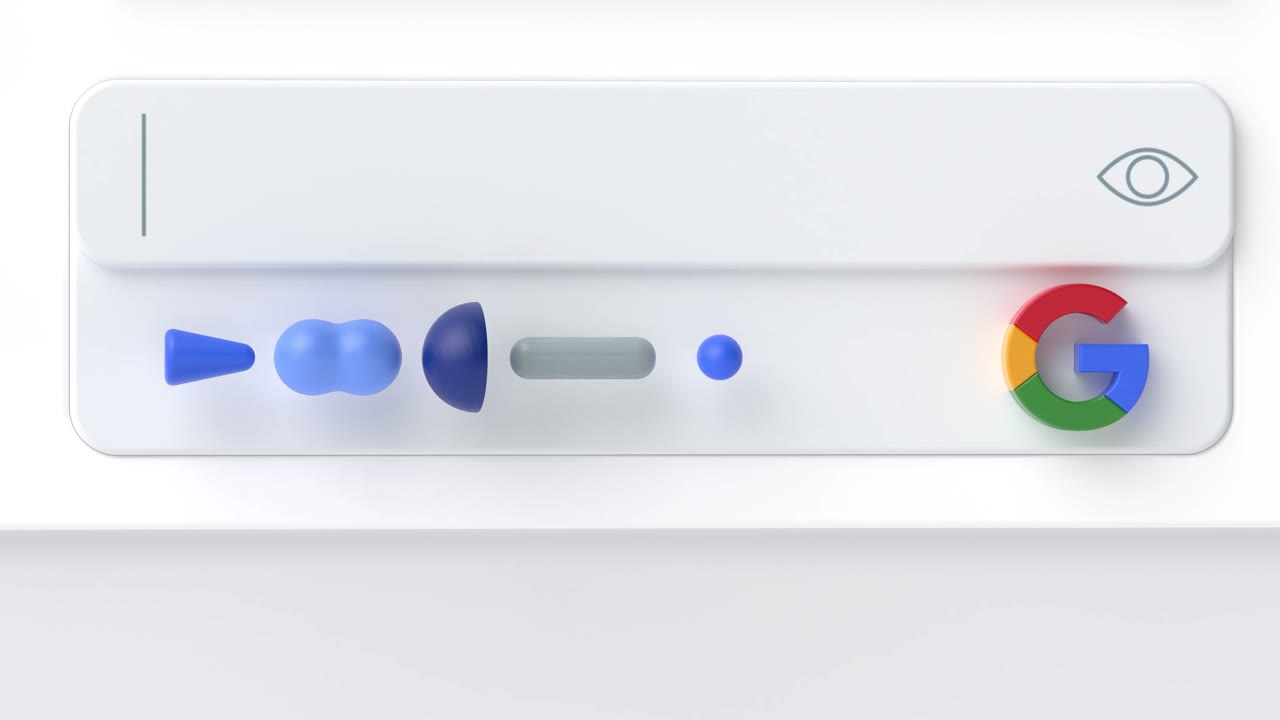
0:49A clean white input field with a blinking cursor and an eye reveal icon sits above a row of abstract blue shapes standing in for a masked password, with the Google G logo at the right.
 1:09
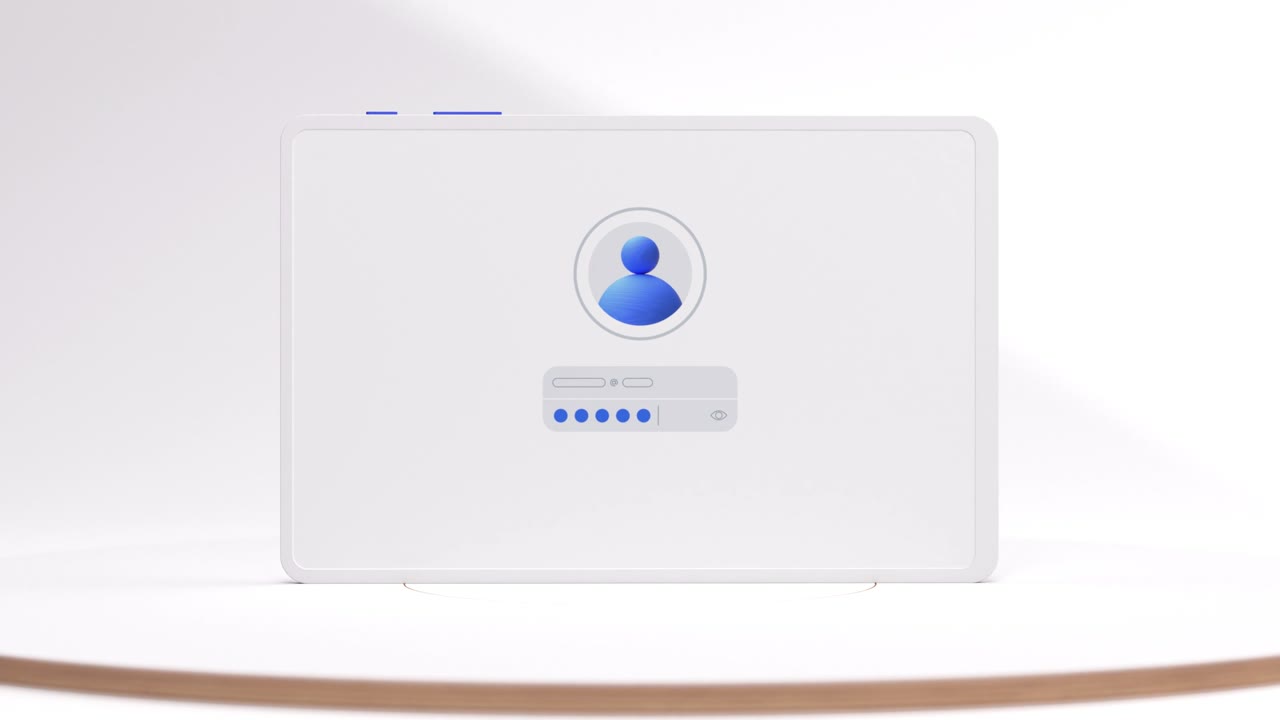
1:09A white laptop on a soft white stage displays a blue user avatar above a password field filled with six dots.
 1:29
1:29Red 3D block walls arranged like a maze surround a circular blue user avatar on a pale pink background.
 1:49
1:49A white phone showing a blue shield with a padlock stands inside a large blue ring.
Make one like this
Take the prompt into Clueso and change whatever you need.