
Figma Motion is here
A silent 12-second feature announcement that opens on an animating flower illustration, cuts into the design tool with its timeline open, and closes on the Figma Motion title card and close-ups of the animation controls.
By Figma
A prompt to start from
Paste it into Clueso or any MCP client to recreate this video. The link to it comes with the copy.
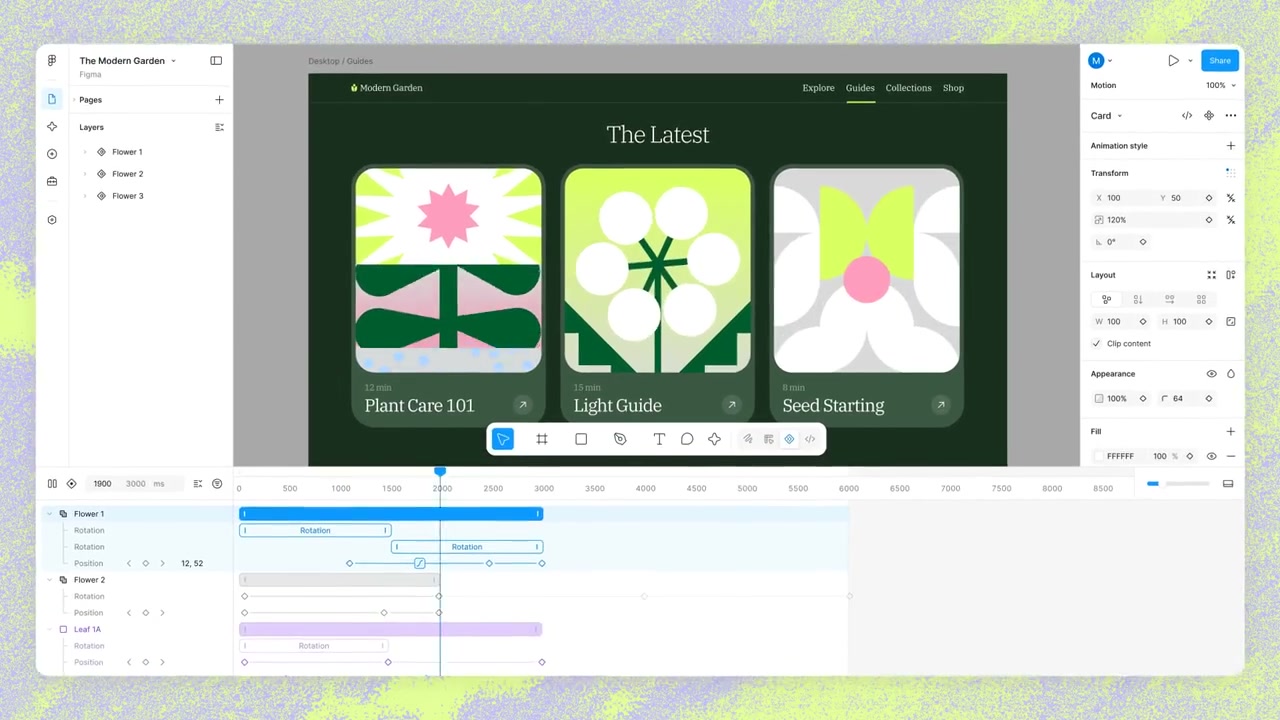
Create a short, looping screen-capture demo video showing the Figma interface with a motion/animation timeline visible at the bottom of the screen. Display a garden-themed website mockup titled "The Latest" featuring illustrated botanical card components labelled "Plant Care 101," "Light Guide," and "Seed Starting" in a dark green, lime green, and pink colour palette. Show the animation timeline panel with purple and blue keyframe bars. Repeat the composition three times side by side on a light green textured background, ending with a cut to black. Keep the video silent with no voiceover or music.
How it’s put together
One frame per shot, with what is said over it.
 0:03
0:03White petals and a dark green stem assemble into a flower on a bright green field.
 0:04
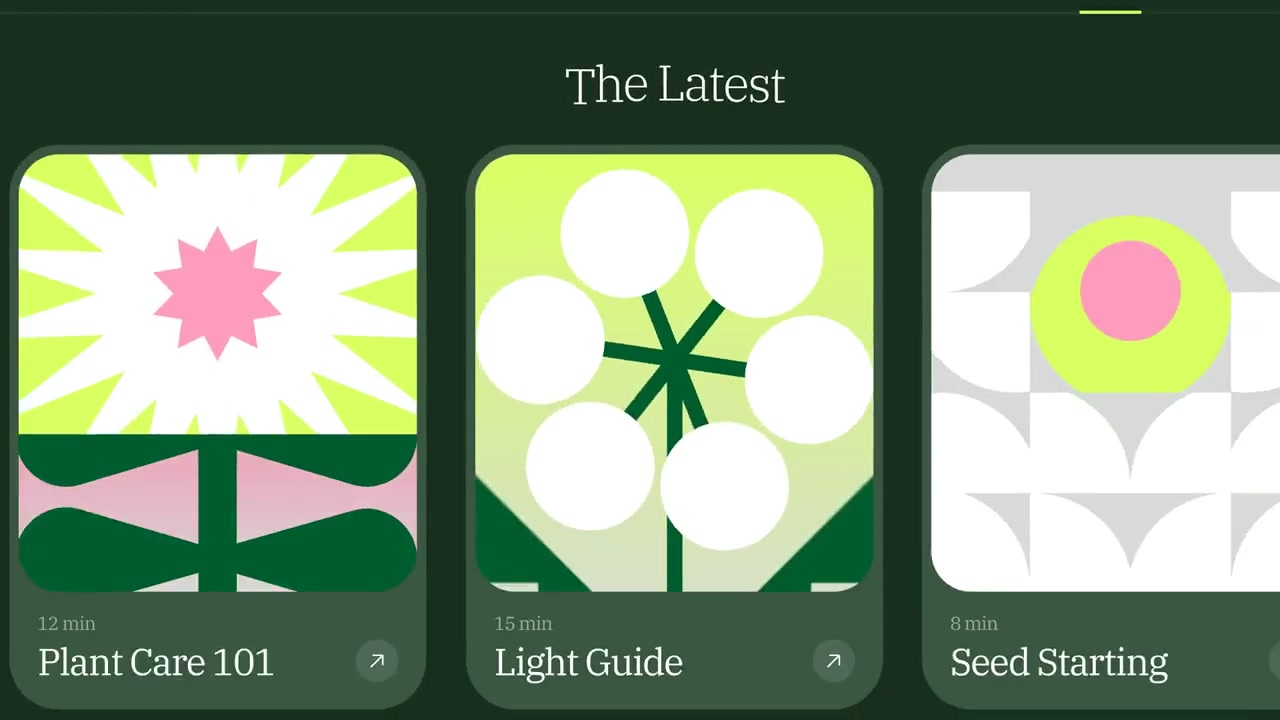
0:04A page titled "The Latest" shows three botanical cards labelled Plant Care 101, Light Guide and Seed Starting.
 0:06
0:06The same page sits inside the design editor with a keyframe timeline open along the bottom.
 0:09
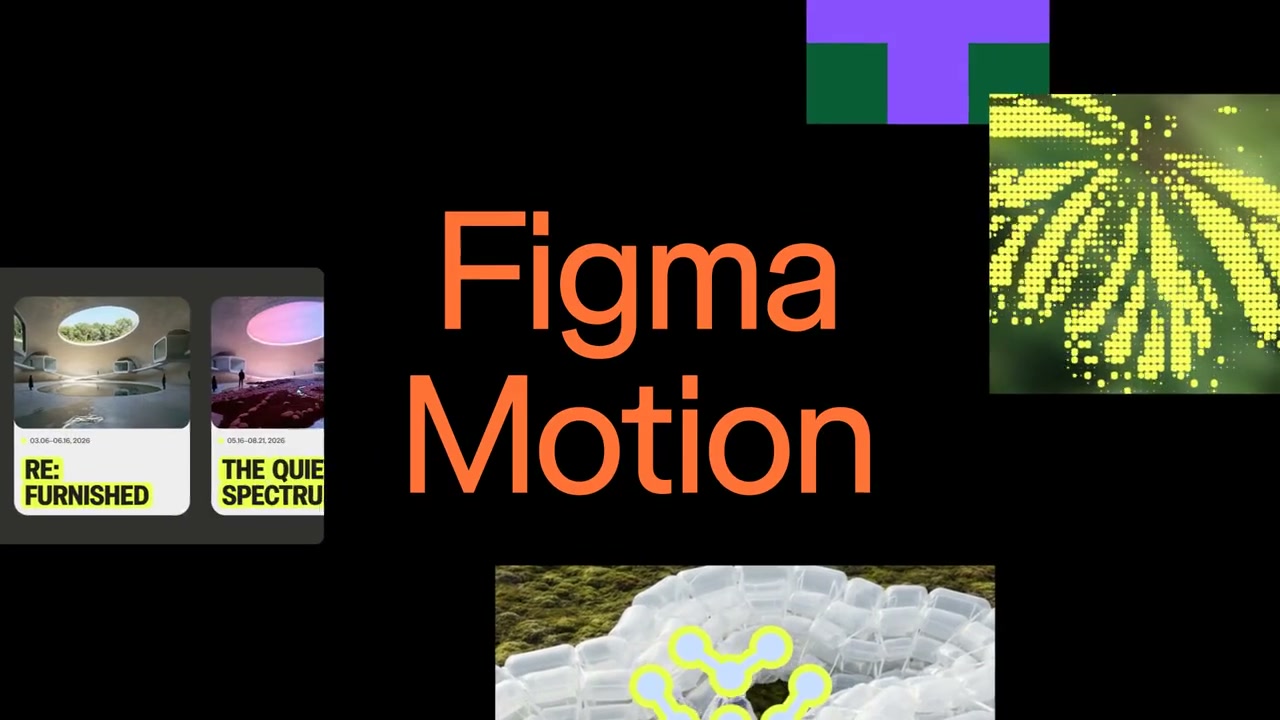
0:09The words "Figma Motion" sit in orange type on black, ringed by small image thumbnails.
 0:11
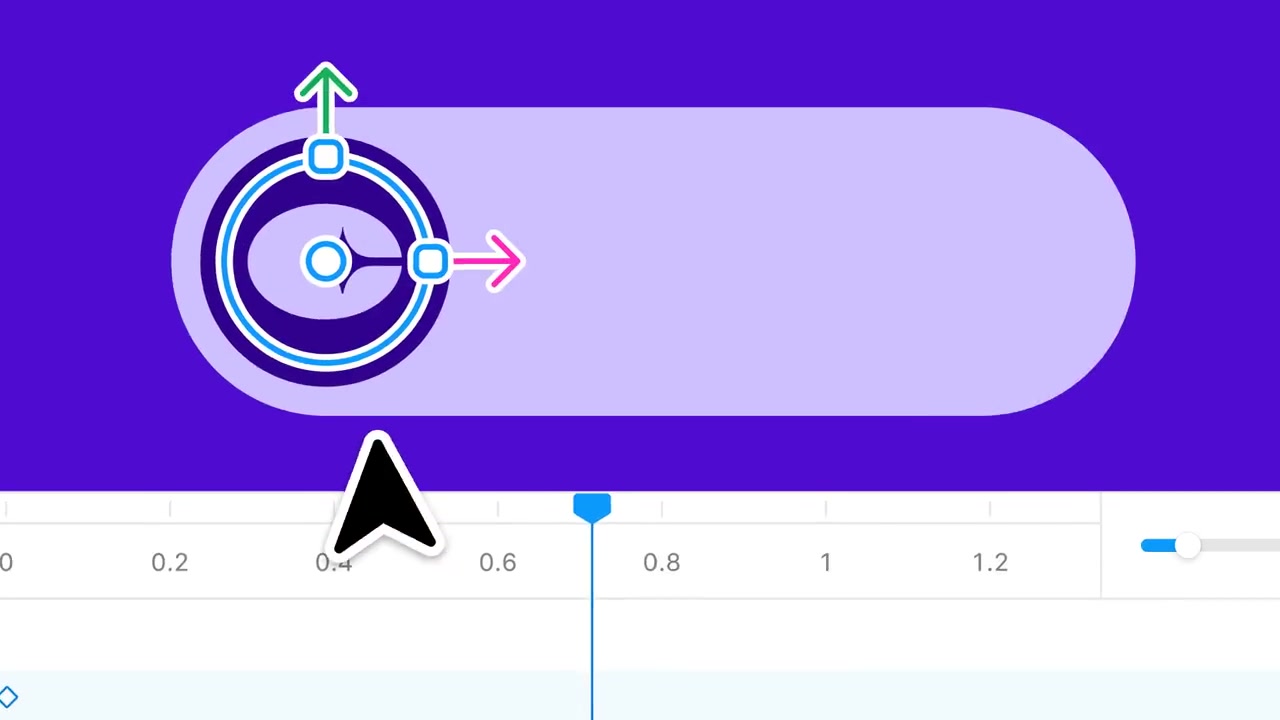
0:11A cursor drags a selection handle on a purple shape against a deep purple background.
 0:12
0:12A rounded purple shape sits above a numbered timeline ruler with a playhead on it.
Make one like this
Take the prompt into Clueso and change whatever you need.