
Arc Studio, natural language to onchain apps
A silent 24-second demo on a teal and sand gradient in which three smart contract prompts type themselves into a chat style card before the piece closes on the line "Natural language prompts to onchain apps with Arc Studio." and the Arc logo.
By Arc
A prompt to start from
Paste it into Clueso or any MCP client to recreate this video. The link to it comes with the copy.
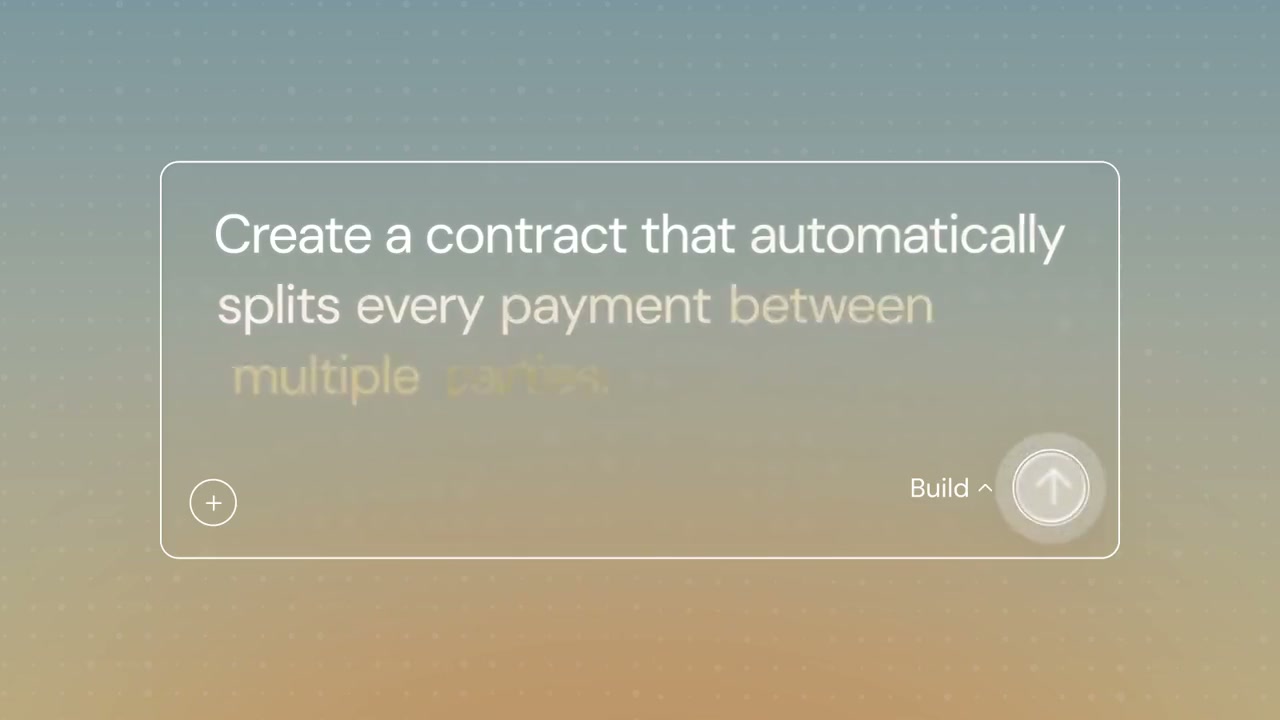
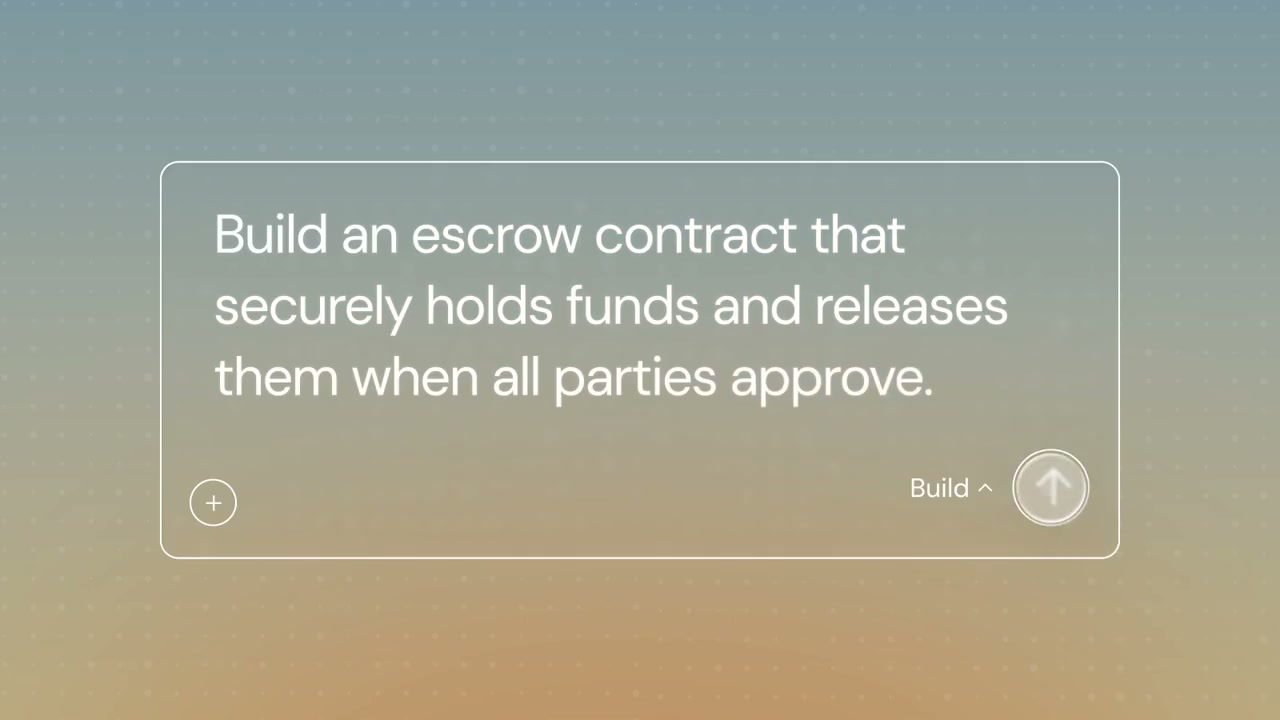
Create a short silent product demo video showcasing an AI-powered smart contract builder interface. Set against a warm gradient background blending muted teal and sandy orange tones, display a minimal rounded-rectangle chat-style input card centered on screen. Animate two example prompts typing out sequentially in white text, with key phrases highlighted in amber-orange as they appear — first "Create a contract that automatically splits every payment between multiple…" then "Build an escrow contract that securely holds funds and releases them when…" — simulating a typewriter effect. Include subtle UI controls labeled "Build" in the lower corners. Keep the aesthetic clean, modern, and wordless.
How it’s put together
One frame per shot, with what is said over it.
 0:05
0:05A rounded prompt card holds a typed request for a contract that splits every payment, with a Build control in the corner.
 0:09
0:09The card now reads "Build an escrow contract that securely holds funds and releases them when all parties approve."
 0:13
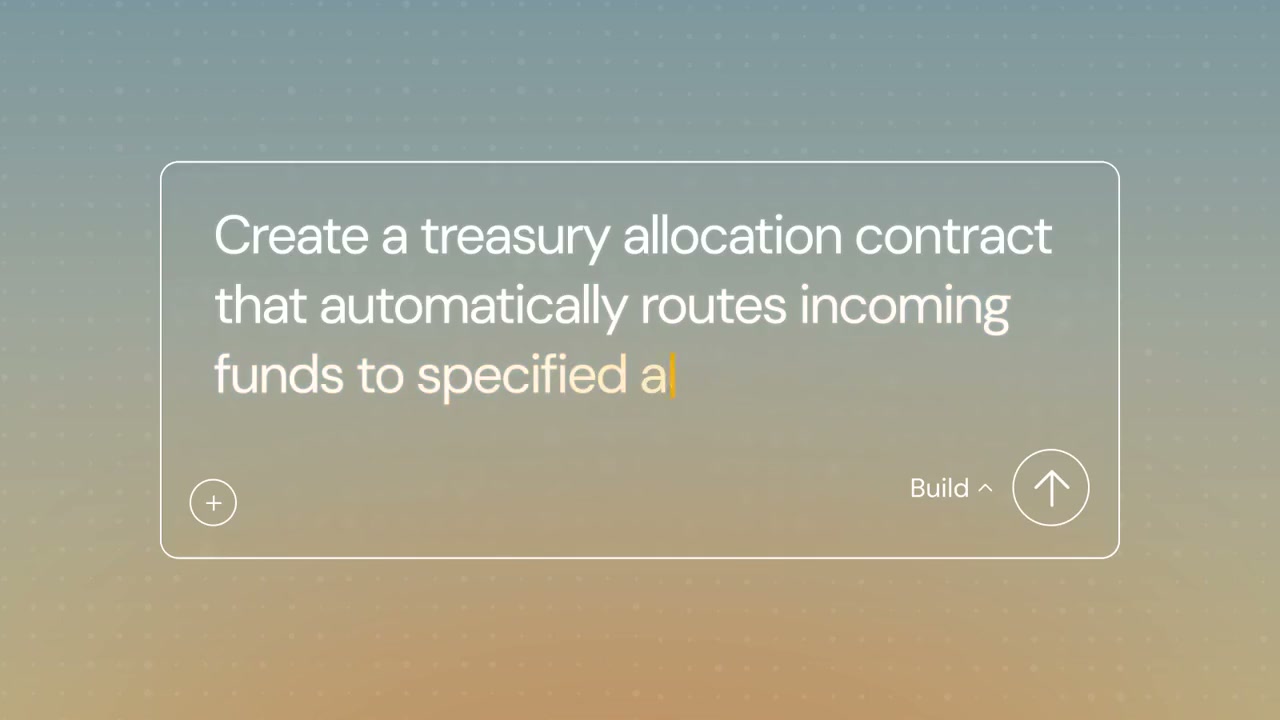
0:13A third prompt types out about a treasury allocation contract that routes incoming funds.
 0:15
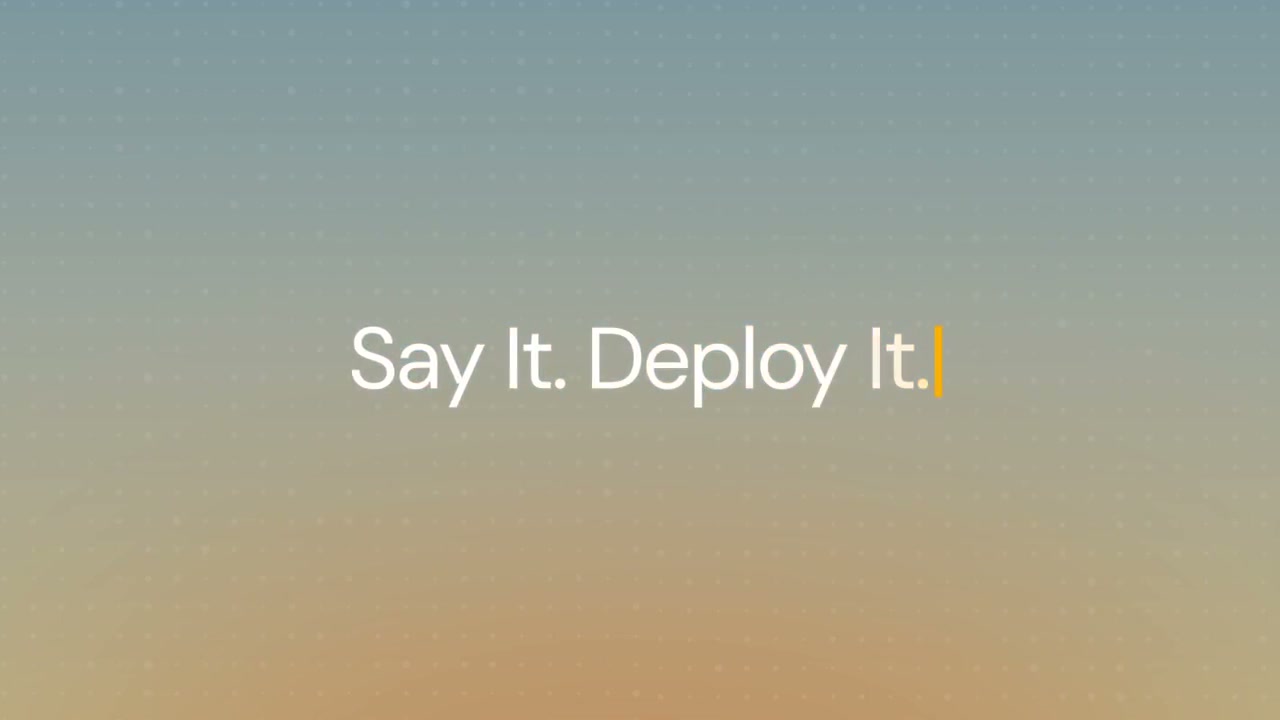
0:15The card is gone and the words "Say It. Deploy It." sit centred on the gradient.
 0:19
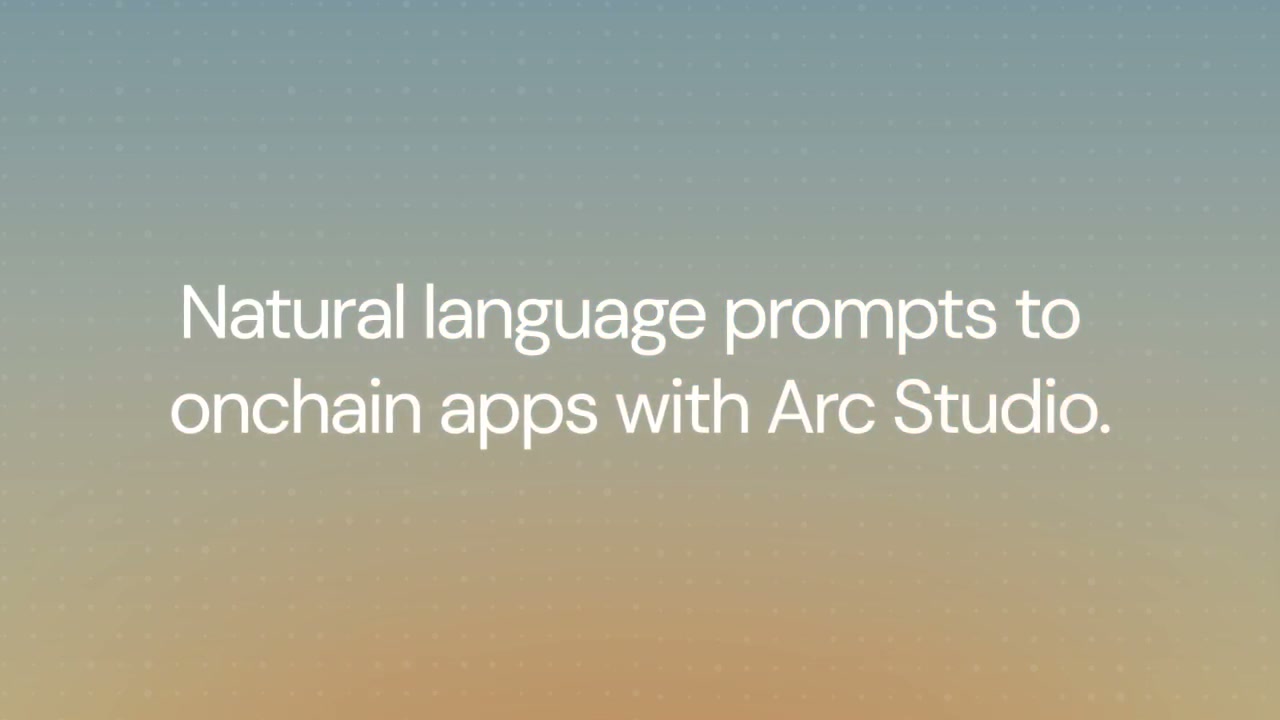
0:19White type reads "Natural language prompts to onchain apps with Arc Studio."
 0:23
0:23The Arc logo and wordmark appear above the address studio.arc.io.
Make one like this
Take the prompt into Clueso and change whatever you need.