Translation Glossary

Your terms, translated exactly as intended

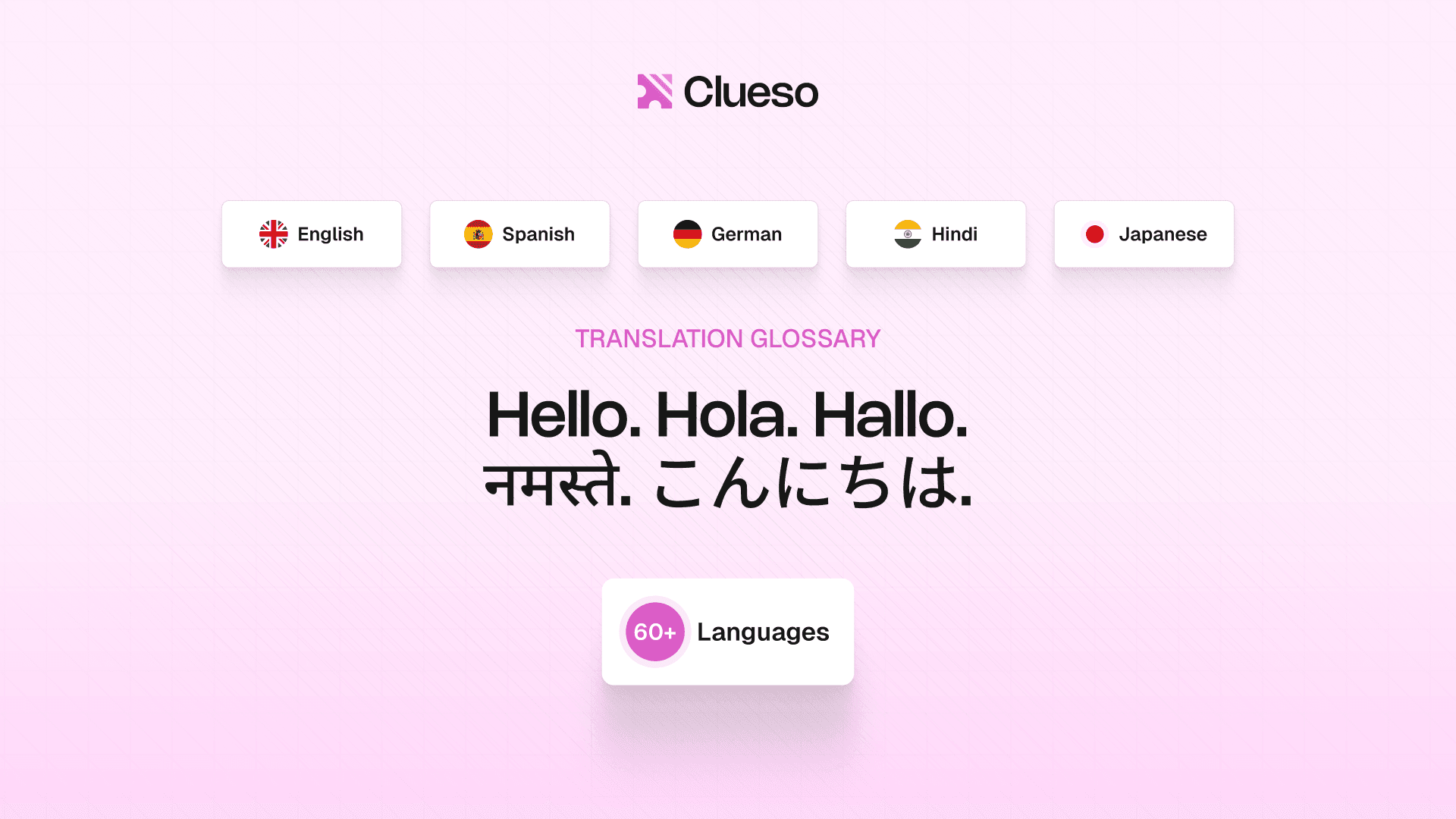
Define how brand names, product terms, and technical jargon should be translated. Clueso follows your glossary in every translation, automatically.

Backed by

Rated 4.9

on

G2.com

Consistent translations across every language

Define it once, use it everywhere

Your glossary applies to every translation automatically. No manual steps, no reminders.

Protect brand names

Mark terms as untranslatable. Clueso leaves them unchanged in every language.

Shared across your team

Everyone translates with the same terms. Content sounds consistent no matter who creates it.

Catch inconsistencies early

Clueso flags translations that diverge from your glossary so you can fix them before publishing.

Full control over how your content gets translated

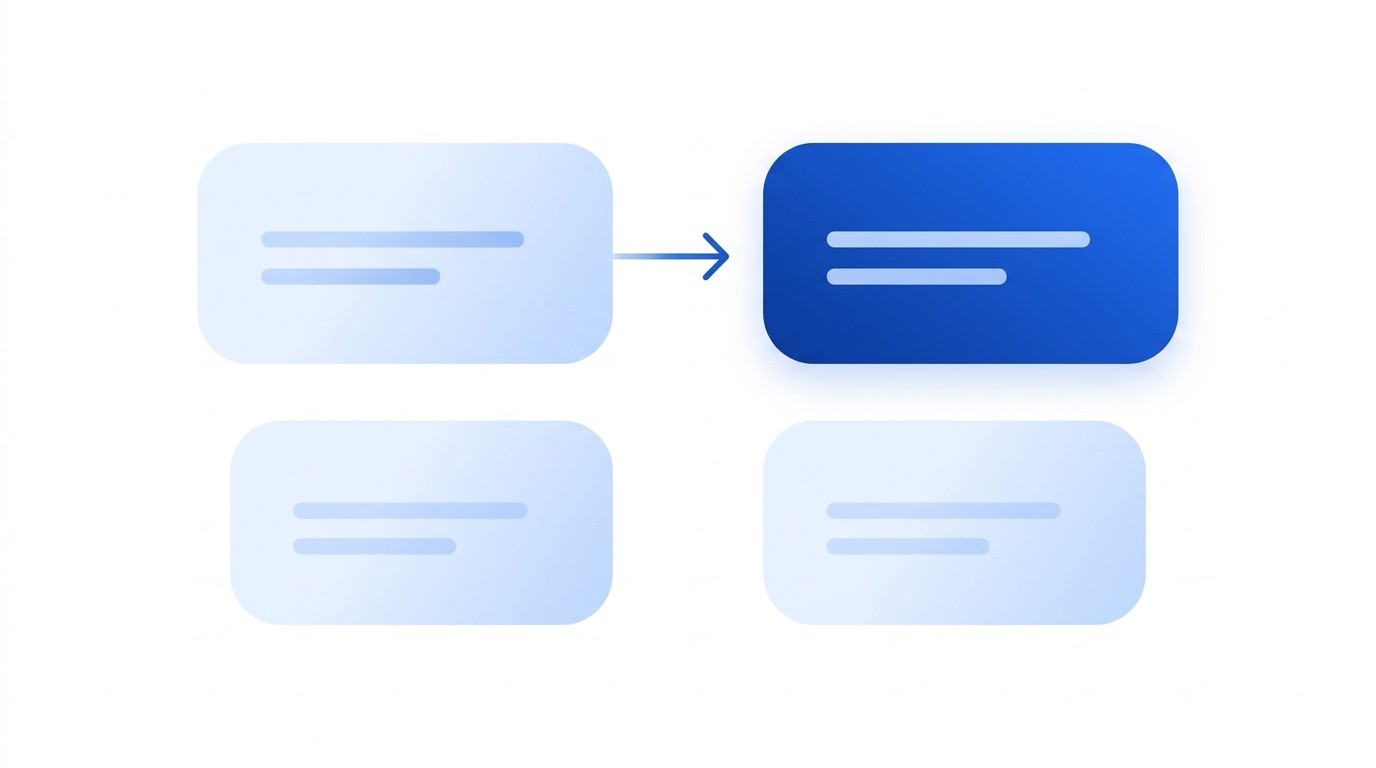
Map any term to its exact translation

Create source-to-target term pairs so Clueso always uses the translation you have approved, not one it guesses.
Map any term to its exact translation

Create source-to-target term pairs so Clueso always uses the translation you have approved, not one it guesses.

Map any term to its exact translation

Create source-to-target term pairs so Clueso always uses the translation you have approved, not one it guesses.

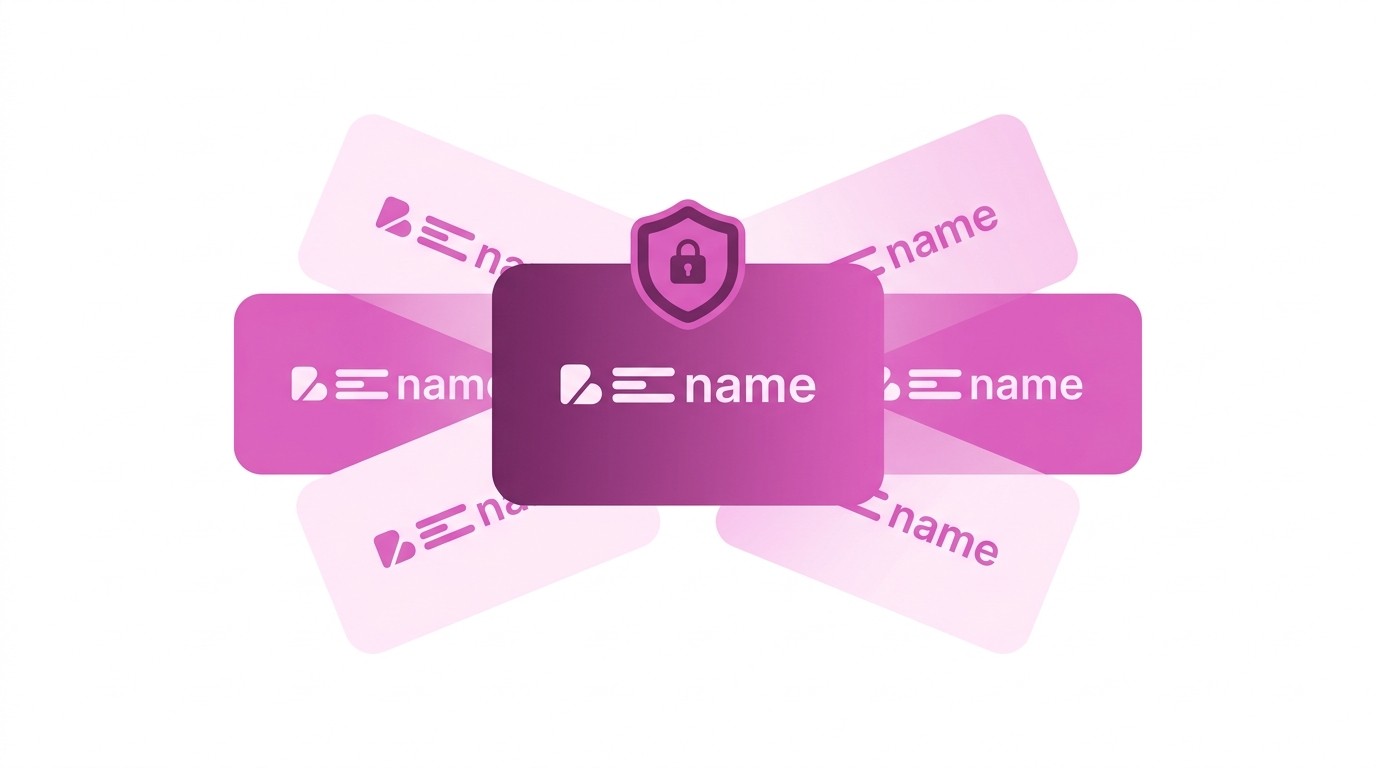
Brand names stay exactly as written

Mark any term as untranslatable and Clueso leaves it unchanged across all languages.
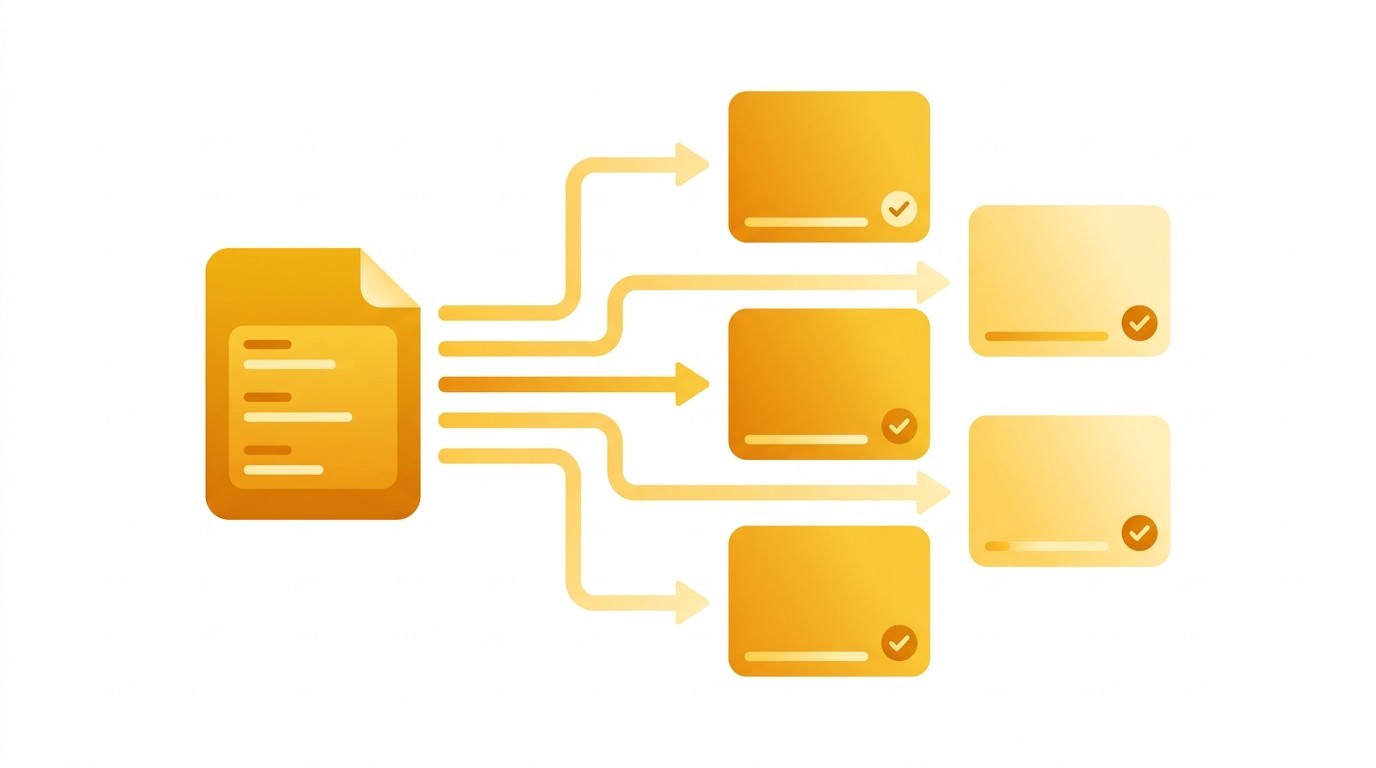
Brand names stay exactly as written

Mark any term as untranslatable and Clueso leaves it unchanged across all languages.

Brand names stay exactly as written

Mark any term as untranslatable and Clueso leaves it unchanged across all languages.

Automatically applied to every translation

Once your glossary is set, Clueso uses it every time you translate — no manual steps, no reminders needed.
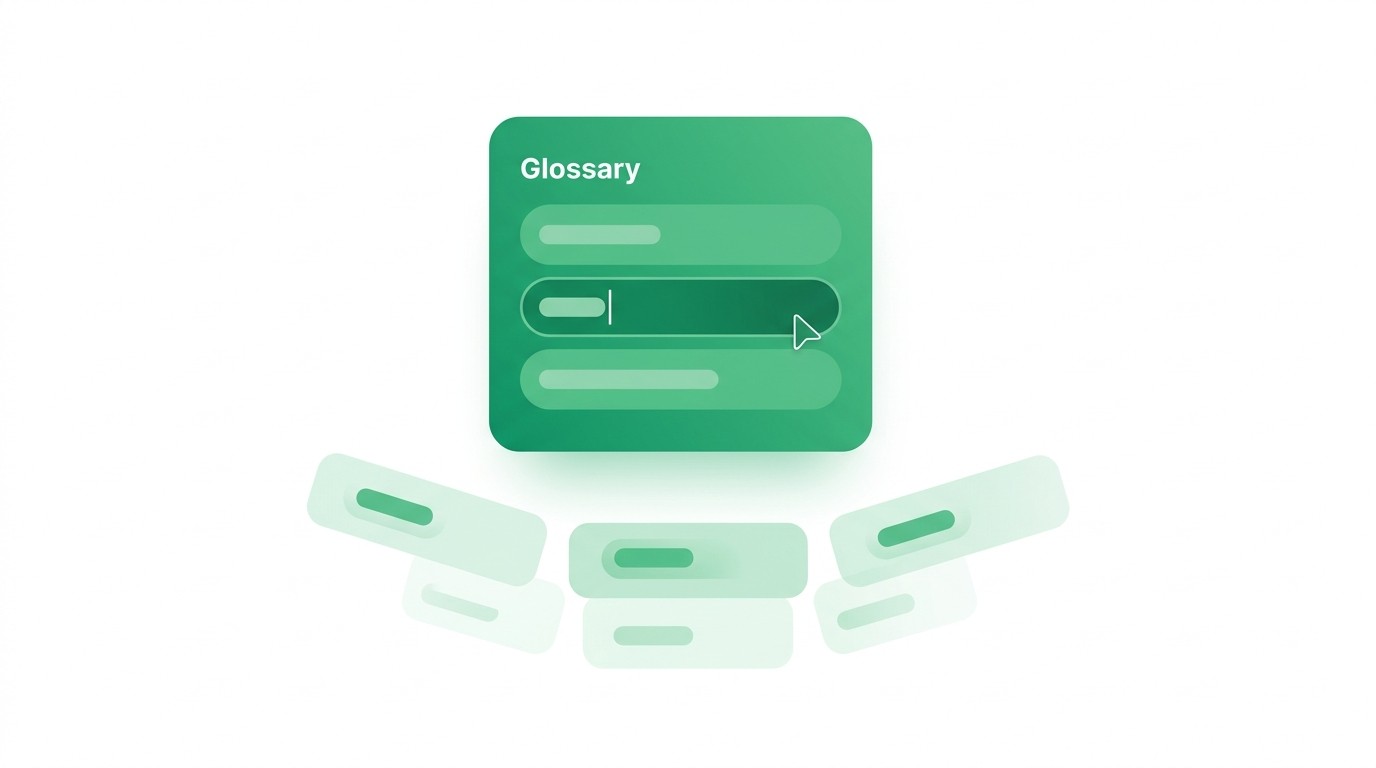
Automatically applied to every translation

Once your glossary is set, Clueso uses it every time you translate — no manual steps, no reminders needed.

Automatically applied to every translation

Once your glossary is set, Clueso uses it every time you translate — no manual steps, no reminders needed.

Update a term and it changes everywhere

Edit any term in your glossary and all future translations use the updated version. No re-work needed.

Update a term and it changes everywhere

Edit any term in your glossary and all future translations use the updated version. No re-work needed.

Update a term and it changes everywhere

Edit any term in your glossary and all future translations use the updated version. No re-work needed.

One glossary shared across your team

Everyone in your workspace translates with the same terms, so your content sounds consistent no matter who creates it.

One glossary shared across your team

Everyone in your workspace translates with the same terms, so your content sounds consistent no matter who creates it.

One glossary shared across your team

Everyone in your workspace translates with the same terms, so your content sounds consistent no matter who creates it.

Flag terms that do not match your glossary

Clueso highlights translations that diverge from your glossary so you can review and correct them before sharing.

Flag terms that do not match your glossary

Clueso highlights translations that diverge from your glossary so you can review and correct them before sharing.

Flag terms that do not match your glossary

Clueso highlights translations that diverge from your glossary so you can review and correct them before sharing.

TRANSLATION GLOSSARY

Stop guessing how your terms get translated

Define your terminology once and Clueso follows it across every language.

TRANSLATION GLOSSARY

Stop guessing how your terms get translated

Define your terminology once and Clueso follows it across every language.

TRANSLATION GLOSSARY

Stop guessing how your terms get translated

Define your terminology once and Clueso follows it across every language.

Frequently
Asked
Questions

What is a translation glossary?

A glossary is a list of terms with their approved translations. When Clueso translates your video, it follows your glossary instead of guessing how to translate specific words.

Can I prevent brand names from being translated?

Yes. Mark any term as untranslatable and Clueso keeps it exactly as written in every language.

Does the glossary apply automatically to new translations?

Yes. Once your glossary is set, every new translation uses it. No manual steps needed.

What happens when I update a term in the glossary?

All future translations use the updated term. Previously translated videos are not changed retroactively, but you can retranslate them to pick up the update.

Can my whole team use the same glossary?

Yes. The glossary is shared across your workspace. Everyone who translates uses the same approved terms.

Frequently Asked Questions

What is a translation glossary?

A glossary is a list of terms with their approved translations. When Clueso translates your video, it follows your glossary instead of guessing how to translate specific words.

Can I prevent brand names from being translated?

Yes. Mark any term as untranslatable and Clueso keeps it exactly as written in every language.

Does the glossary apply automatically to new translations?

Yes. Once your glossary is set, every new translation uses it. No manual steps needed.

What happens when I update a term in the glossary?

All future translations use the updated term. Previously translated videos are not changed retroactively, but you can retranslate them to pick up the update.

Can my whole team use the same glossary?

Yes. The glossary is shared across your workspace. Everyone who translates uses the same approved terms.

Frequently Asked Questions

What is a translation glossary?

A glossary is a list of terms with their approved translations. When Clueso translates your video, it follows your glossary instead of guessing how to translate specific words.

Can I prevent brand names from being translated?

Yes. Mark any term as untranslatable and Clueso keeps it exactly as written in every language.

Does the glossary apply automatically to new translations?

Yes. Once your glossary is set, every new translation uses it. No manual steps needed.

What happens when I update a term in the glossary?

All future translations use the updated term. Previously translated videos are not changed retroactively, but you can retranslate them to pick up the update.

Can my whole team use the same glossary?

Yes. The glossary is shared across your workspace. Everyone who translates uses the same approved terms.