Comments and Reviews
Collect feedback directly on your videos, no back and forth
Comment on any moment in your video, mark specific areas, reply in threads, and track feedback. No meetings, no email chains.


Backed by
Rated 4.9
on
G2.com
Feedback that moves your video forward
Timestamped feedback, every time
Comments are anchored to a specific second in the video. Reviewers click the timestamp to jump right there.
No more vague feedback
Draw rectangles on the video frame to show exactly which button, text, or UI element your comment refers to.
Track every piece of feedback
Mark comments as resolved with one click. Filter to see only pending items so nothing falls through the cracks.
Replace meetings with async reviews
Your team reviews on their own schedule. Comments stay on the video until the work is done.
Everything you need to review videos as a team

Timestamped comments
Click any moment in your video and pin a comment there. Reviewers click the timestamp to jump to that exact second.
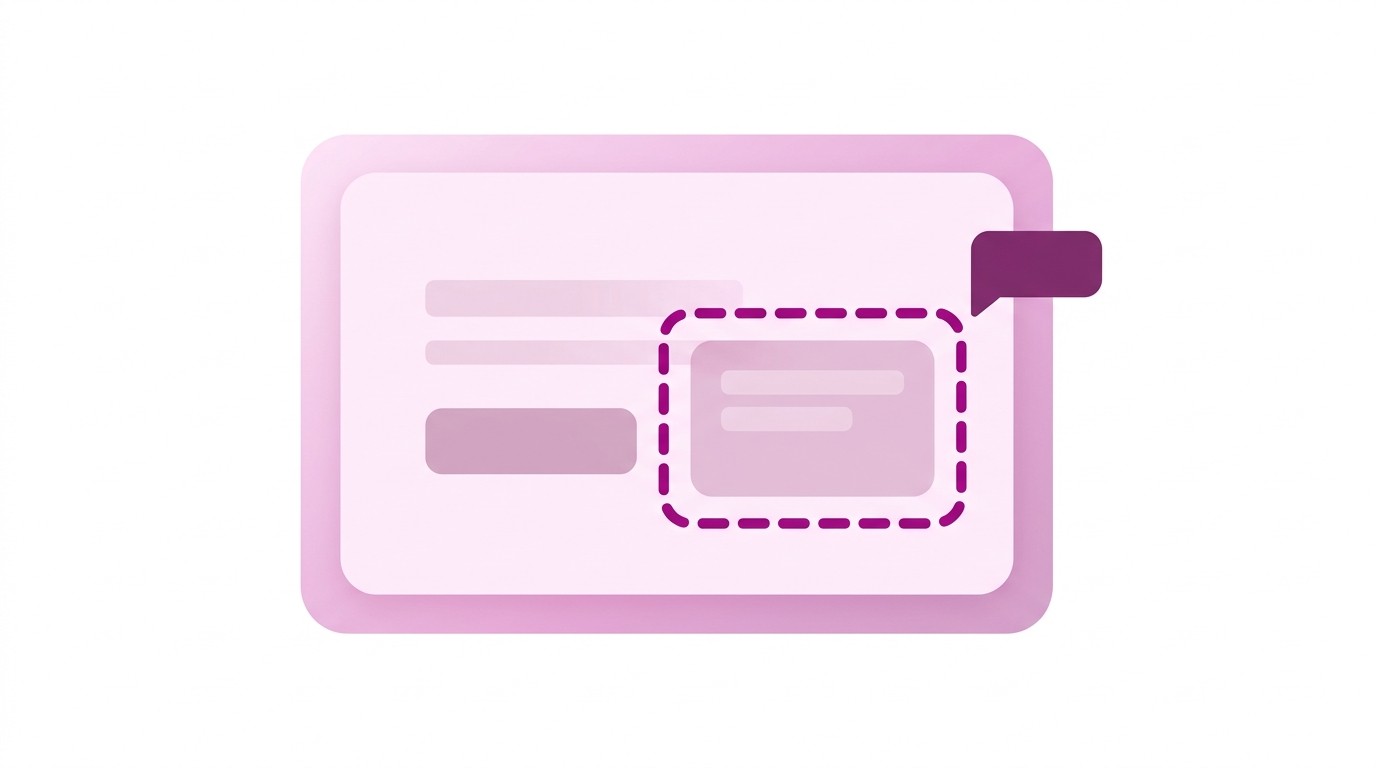
Timestamped comments
Click any moment in your video and pin a comment there. Reviewers click the timestamp to jump to that exact second.

Timestamped comments
Click any moment in your video and pin a comment there. Reviewers click the timestamp to jump to that exact second.

Mark areas on screen for visual feedback
Draw a rectangle over the video to highlight the exact UI element, text, or design detail your comment is about.

Mark areas on screen for visual feedback
Draw a rectangle over the video to highlight the exact UI element, text, or design detail your comment is about.

Mark areas on screen for visual feedback
Draw a rectangle over the video to highlight the exact UI element, text, or design detail your comment is about.

Threaded replies for focused discussions
Reply to any comment to discuss details without cluttering the main feedback list. Collapse threads when you're done.
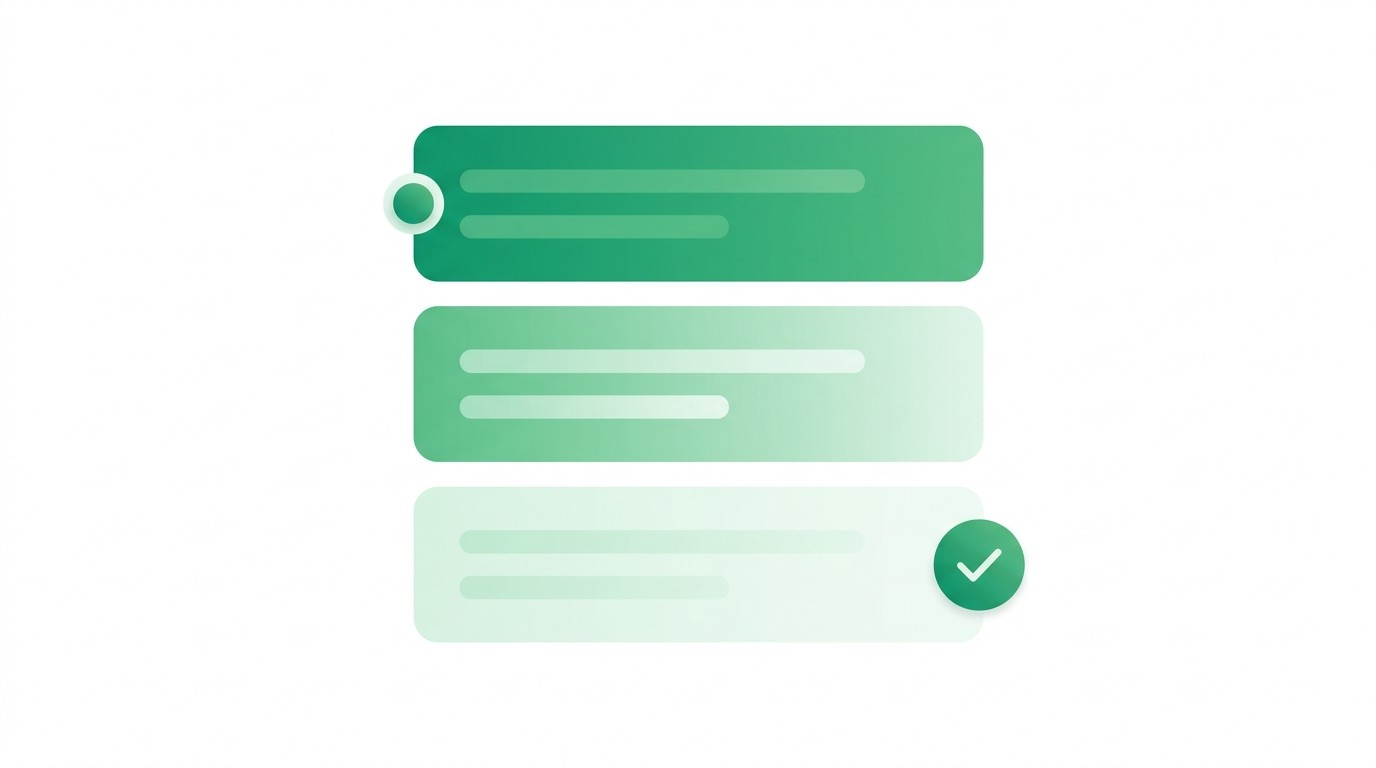
Threaded replies for focused discussions
Reply to any comment to discuss details without cluttering the main feedback list. Collapse threads when you're done.

Threaded replies for focused discussions
Reply to any comment to discuss details without cluttering the main feedback list. Collapse threads when you're done.

Resolution tracking across the team
Mark feedback as resolved with one click. Filter to show only pending comments so you always know what's left.

Resolution tracking across the team
Mark feedback as resolved with one click. Filter to show only pending comments so you always know what's left.

Resolution tracking across the team
Mark feedback as resolved with one click. Filter to show only pending comments so you always know what's left.

Search and filter your feedback
Find any comment instantly with full-text search. Filter by status and sort by timeline position or date.

Search and filter your feedback
Find any comment instantly with full-text search. Filter by status and sort by timeline position or date.

Search and filter your feedback
Find any comment instantly with full-text search. Filter by status and sort by timeline position or date.

Comments survive timeline edits
Reorder, trim, or delete clips and your comments stay accurate. Clueso recalculates positions automatically.

Comments survive timeline edits
Reorder, trim, or delete clips and your comments stay accurate. Clueso recalculates positions automatically.

Comments survive timeline edits
Reorder, trim, or delete clips and your comments stay accurate. Clueso recalculates positions automatically.
See it for yourself
Start getting faster feedback on your videos
Your team leaves feedback directly on the video. You see exactly what to fix.
See it for yourself
Start getting faster feedback on your videos
Your team leaves feedback directly on the video. You see exactly what to fix.
See it for yourself
Start getting faster feedback on your videos
Your team leaves feedback directly on the video. You see exactly what to fix.
Frequently
Asked
Questions
Can I leave comments at a specific timestamp in a video?
Yes. Click any point on the video timeline to pin a comment there. Anyone viewing the comment can click the timestamp to jump directly to that moment.
How is Clueso's video review different from sending feedback over Slack or email?
Comments are pinned to specific moments and screen areas in the video, not floating in a chat thread. You can track resolution status and filter pending items instead of searching through messages.
Do comments stay accurate if I edit the video after feedback is given?
Yes. When you reorder, trim, or delete clips, Clueso recalculates comment positions automatically and flags any that may need review.
Can multiple team members review a video at the same time?
Yes. Everyone comments independently on their own schedule. Threaded replies keep each discussion focused, and resolution tracking shows the team what's been addressed.
Is there a way to mark feedback as done?
One click marks a comment as resolved. Filter the comment list to show only pending items so you always know what's left to address.
© 2025 Desklamp, Inc. All rights reserved
2810 N Church St, Wilmington, DE 19802, USA
Frequently Asked Questions
Can I leave comments at a specific timestamp in a video?
Yes. Click any point on the video timeline to pin a comment there. Anyone viewing the comment can click the timestamp to jump directly to that moment.
How is Clueso's video review different from sending feedback over Slack or email?
Comments are pinned to specific moments and screen areas in the video, not floating in a chat thread. You can track resolution status and filter pending items instead of searching through messages.
Do comments stay accurate if I edit the video after feedback is given?
Yes. When you reorder, trim, or delete clips, Clueso recalculates comment positions automatically and flags any that may need review.
Can multiple team members review a video at the same time?
Yes. Everyone comments independently on their own schedule. Threaded replies keep each discussion focused, and resolution tracking shows the team what's been addressed.
Is there a way to mark feedback as done?
One click marks a comment as resolved. Filter the comment list to show only pending items so you always know what's left to address.
© 2025 Desklamp, Inc. All rights reserved
2810 N Church St, Wilmington, DE 19802, USA
Frequently Asked Questions
Can I leave comments at a specific timestamp in a video?
Yes. Click any point on the video timeline to pin a comment there. Anyone viewing the comment can click the timestamp to jump directly to that moment.
How is Clueso's video review different from sending feedback over Slack or email?
Comments are pinned to specific moments and screen areas in the video, not floating in a chat thread. You can track resolution status and filter pending items instead of searching through messages.
Do comments stay accurate if I edit the video after feedback is given?
Yes. When you reorder, trim, or delete clips, Clueso recalculates comment positions automatically and flags any that may need review.
Can multiple team members review a video at the same time?
Yes. Everyone comments independently on their own schedule. Threaded replies keep each discussion focused, and resolution tracking shows the team what's been addressed.
Is there a way to mark feedback as done?
One click marks a comment as resolved. Filter the comment list to show only pending items so you always know what's left to address.
© 2025 Desklamp, Inc. All rights reserved
2810 N Church St, Wilmington, DE 19802, USA