Video Hosting

Embed your videos anywhere, fully on-brand

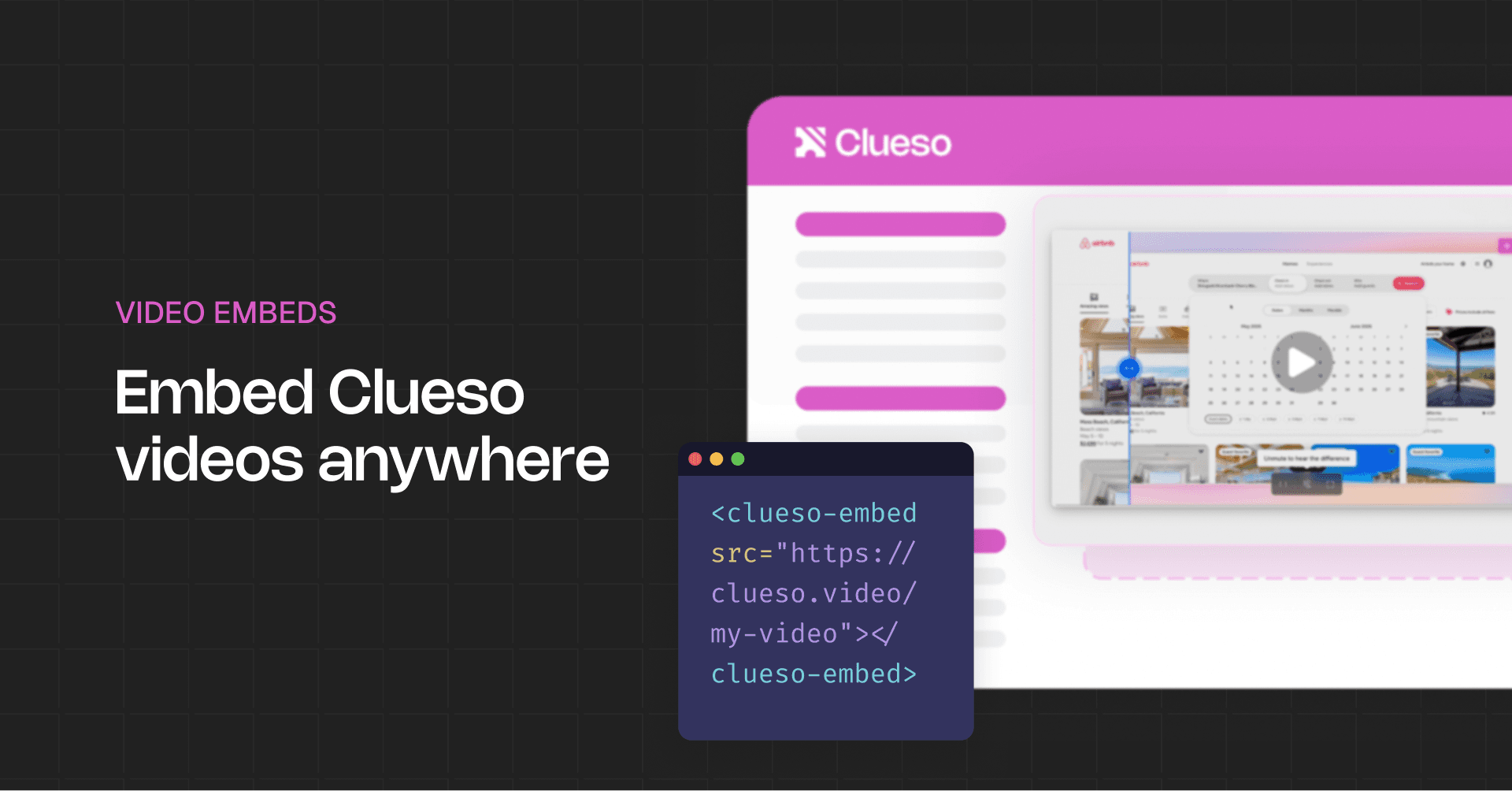
Generate an embed code for any video and drop it into your product, help center, or website with full control over how it looks and who can watch.

Backed by

Rated 4.9

on

G2.com

Your player, fully in your control

Match your brand exactly

Set the player style, background color, icon colors, and seekbar to fit your product. Every detail is configurable.

Control every player element

Show or hide the seekbar, timestamps, volume, playback speed, picture-in-picture, and fullscreen button individually.

Publish your video updates with just a click

The iframe code never changes. Update your video and it reflects everywhere it is embedded, automatically.

Track plays and engagement

See how many viewers played your embedded video, how long they watched, and how they engaged.

Everything you can customise

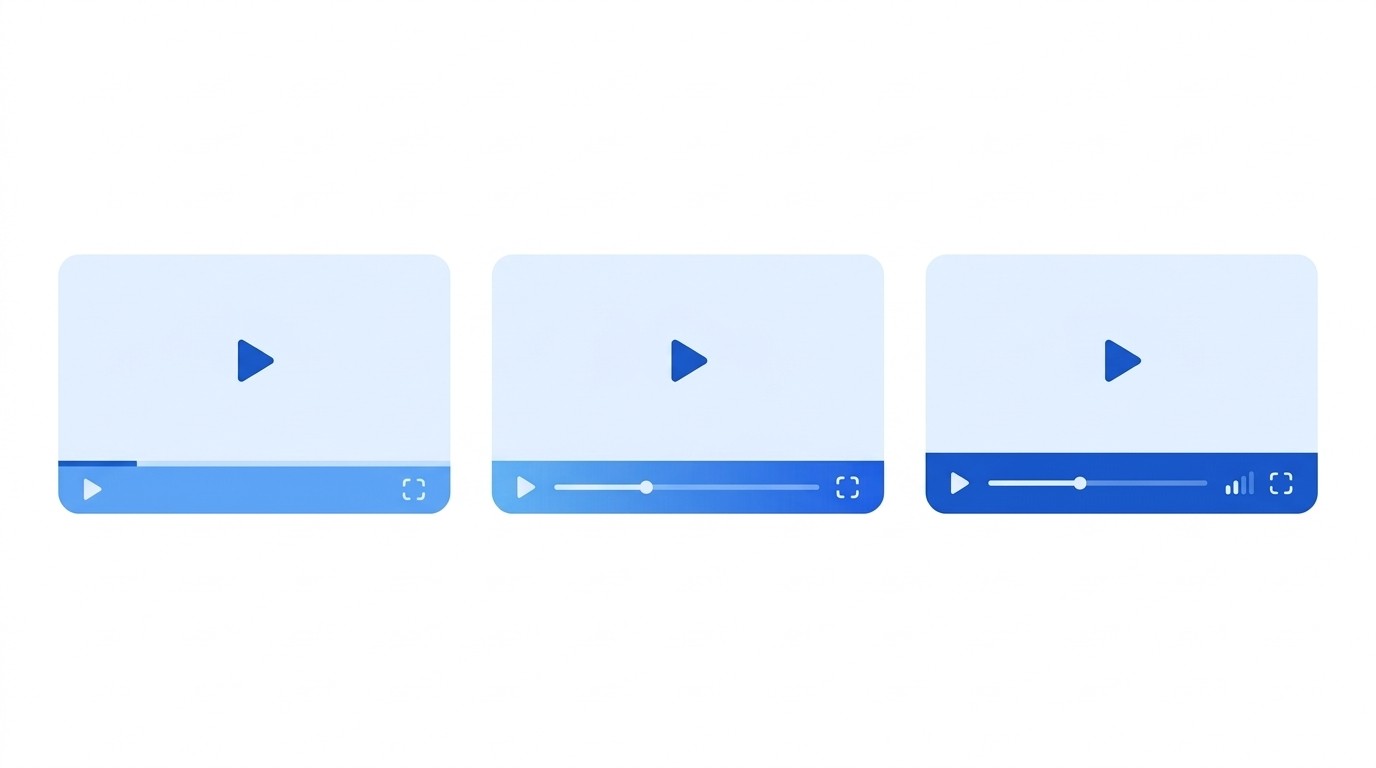
Player style options

Choose from multiple player designs to match your website or product UI.
Player style options

Choose from multiple player designs to match your website or product UI.

Player style options

Choose from multiple player designs to match your website or product UI.

Custom brand colors

Set the play/pause icon color, control icons color, and seekbar fill to match your organisation's palette.

Custom brand colors

Set the play/pause icon color, control icons color, and seekbar fill to match your organisation's palette.

Custom brand colors

Set the play/pause icon color, control icons color, and seekbar fill to match your organisation's palette.

Toggle any control

Turn off individual player controls, the seekbar, volume, speed, or fullscreen, so viewers only see what you want.
Toggle any control

Turn off individual player controls, the seekbar, volume, speed, or fullscreen, so viewers only see what you want.

Toggle any control

Turn off individual player controls, the seekbar, volume, speed, or fullscreen, so viewers only see what you want.

Stable embed code

Edit and republish your video and the iframe code never changes. Viewers always load the latest version.
Stable embed code

Edit and republish your video and the iframe code never changes. Viewers always load the latest version.

Stable embed code

Edit and republish your video and the iframe code never changes. Viewers always load the latest version.

View embed analytics

Track plays, view duration, and engagement for every embedded video directly in your analytics dashboard.

View embed analytics

Track plays, view duration, and engagement for every embedded video directly in your analytics dashboard.

View embed analytics

Track plays, view duration, and engagement for every embedded video directly in your analytics dashboard.

VIDEO EMBED

Put your videos where your users already are

Embed branded, access-controlled videos in any platform with one code snippet.

VIDEO EMBED

Put your videos where your users already are

Embed branded, access-controlled videos in any platform with one code snippet.

VIDEO EMBED

Put your videos where your users already are

Embed branded, access-controlled videos in any platform with one code snippet.

Frequently
Asked
Questions

How do I customise my Clueso video player?

Go to Settings and open the Video Embeds section. From there you can choose a player style, set background and icon colors, and toggle individual controls on or off. Changes apply to all videos you embed.

Can I remove the Clueso logo from my embedded player?

Yes. You can turn off the Clueso watermark from the player customisation settings. This is available on plans that include white-label embed customisation.

Which player controls can I hide from viewers?

You can individually toggle off the seekbar, timestamp, volume control, playback speed selector, picture-in-picture button, and fullscreen button.

Can I change the colors of the player icons and seekbar?

Yes. You can set a custom color for the play/pause icon, the controls icons and text, and the seekbar fill. Color customisation is available on higher-tier plans.

Does my embed code change when I update the video?

No. The iframe code stays the same across updates. When you publish a new version of your video, every embed automatically serves the updated version without any changes to the code.

How does Clueso's video embed compare to Wistia or Loom?

Wistia focuses on marketing video hosting. Loom is built for async messages. Clueso is built for product teams that need polished how-to and training content, with a fully customisable branded player and built-in analytics, all in the same tool you use to record and edit.

Frequently Asked Questions

How do I customise my Clueso video player?

Go to Settings and open the Video Embeds section. From there you can choose a player style, set background and icon colors, and toggle individual controls on or off. Changes apply to all videos you embed.

Can I remove the Clueso logo from my embedded player?

Yes. You can turn off the Clueso watermark from the player customisation settings. This is available on plans that include white-label embed customisation.

Which player controls can I hide from viewers?

You can individually toggle off the seekbar, timestamp, volume control, playback speed selector, picture-in-picture button, and fullscreen button.

Can I change the colors of the player icons and seekbar?

Yes. You can set a custom color for the play/pause icon, the controls icons and text, and the seekbar fill. Color customisation is available on higher-tier plans.

Does my embed code change when I update the video?

No. The iframe code stays the same across updates. When you publish a new version of your video, every embed automatically serves the updated version without any changes to the code.

How does Clueso's video embed compare to Wistia or Loom?

Wistia focuses on marketing video hosting. Loom is built for async messages. Clueso is built for product teams that need polished how-to and training content, with a fully customisable branded player and built-in analytics, all in the same tool you use to record and edit.

Frequently Asked Questions

How do I customise my Clueso video player?

Go to Settings and open the Video Embeds section. From there you can choose a player style, set background and icon colors, and toggle individual controls on or off. Changes apply to all videos you embed.

Can I remove the Clueso logo from my embedded player?

Yes. You can turn off the Clueso watermark from the player customisation settings. This is available on plans that include white-label embed customisation.

Which player controls can I hide from viewers?

You can individually toggle off the seekbar, timestamp, volume control, playback speed selector, picture-in-picture button, and fullscreen button.

Can I change the colors of the player icons and seekbar?

Yes. You can set a custom color for the play/pause icon, the controls icons and text, and the seekbar fill. Color customisation is available on higher-tier plans.

Does my embed code change when I update the video?

No. The iframe code stays the same across updates. When you publish a new version of your video, every embed automatically serves the updated version without any changes to the code.

How does Clueso's video embed compare to Wistia or Loom?

Wistia focuses on marketing video hosting. Loom is built for async messages. Clueso is built for product teams that need polished how-to and training content, with a fully customisable branded player and built-in analytics, all in the same tool you use to record and edit.