AI Image Generation
Generate on-brand images with AI in seconds
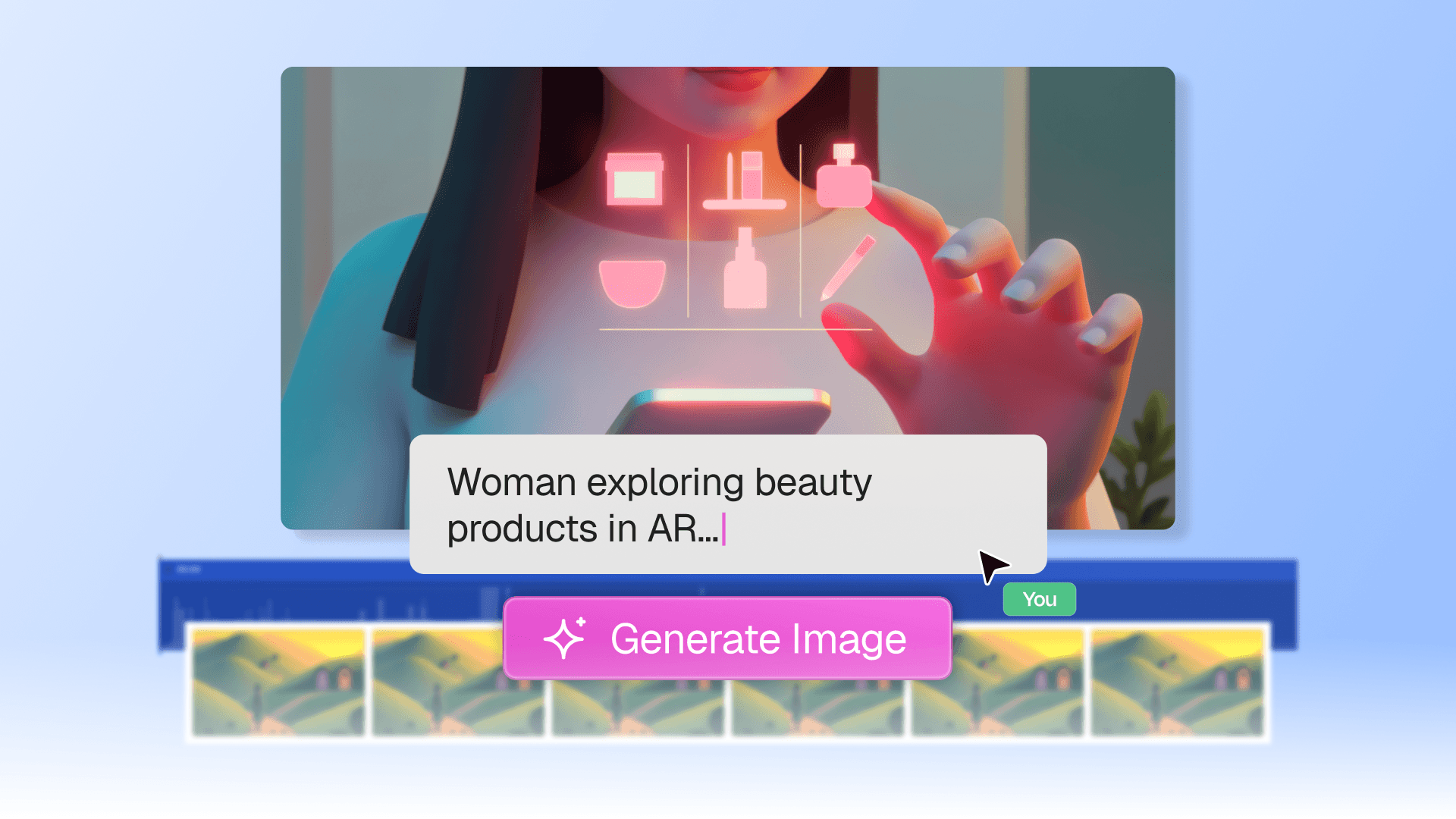
Generate images from a text prompt and drop them directly into your videos, no design tools or stock photo subscriptions needed.

Backed by
Rated 4.9
on
G2.com
Images that match your vision, not a stock library
Generate from a text prompt
Type what you need and Clueso creates it. No design tools, no stock photo subscriptions.
Stay on-brand automatically
Save brand style packs and apply them to every generation. Consistent visuals across your entire library.
Edit without leaving the editor
Select any image on your canvas, describe the change, and Clueso updates it in place.
Version history and undo
Every edit creates a version. Browse your history and restore any previous version instantly.
Everything you need to create stunning images

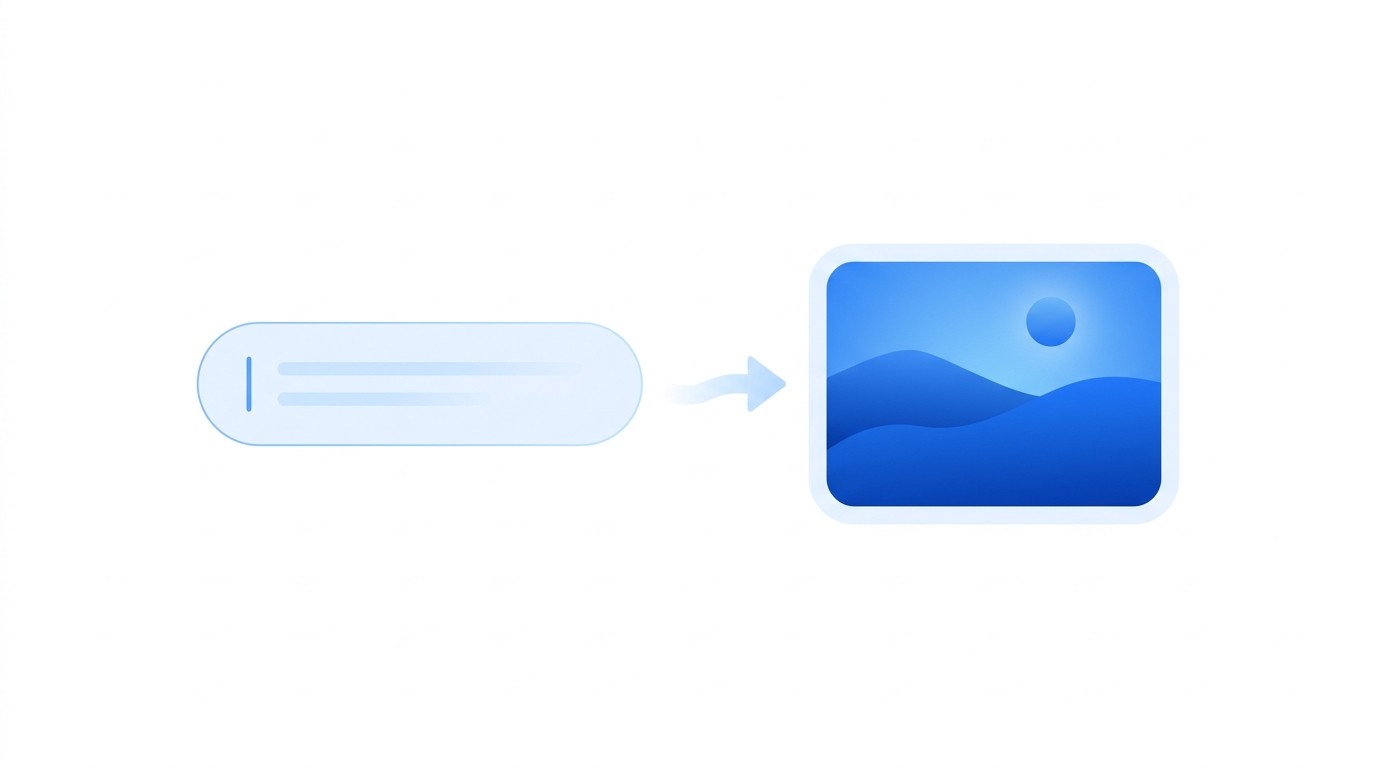
Text to image, instantly
Type what you need and Clueso generates an image and places it directly on your video canvas.
Text to image, instantly
Type what you need and Clueso generates an image and places it directly on your video canvas.

Text to image, instantly
Type what you need and Clueso generates an image and places it directly on your video canvas.

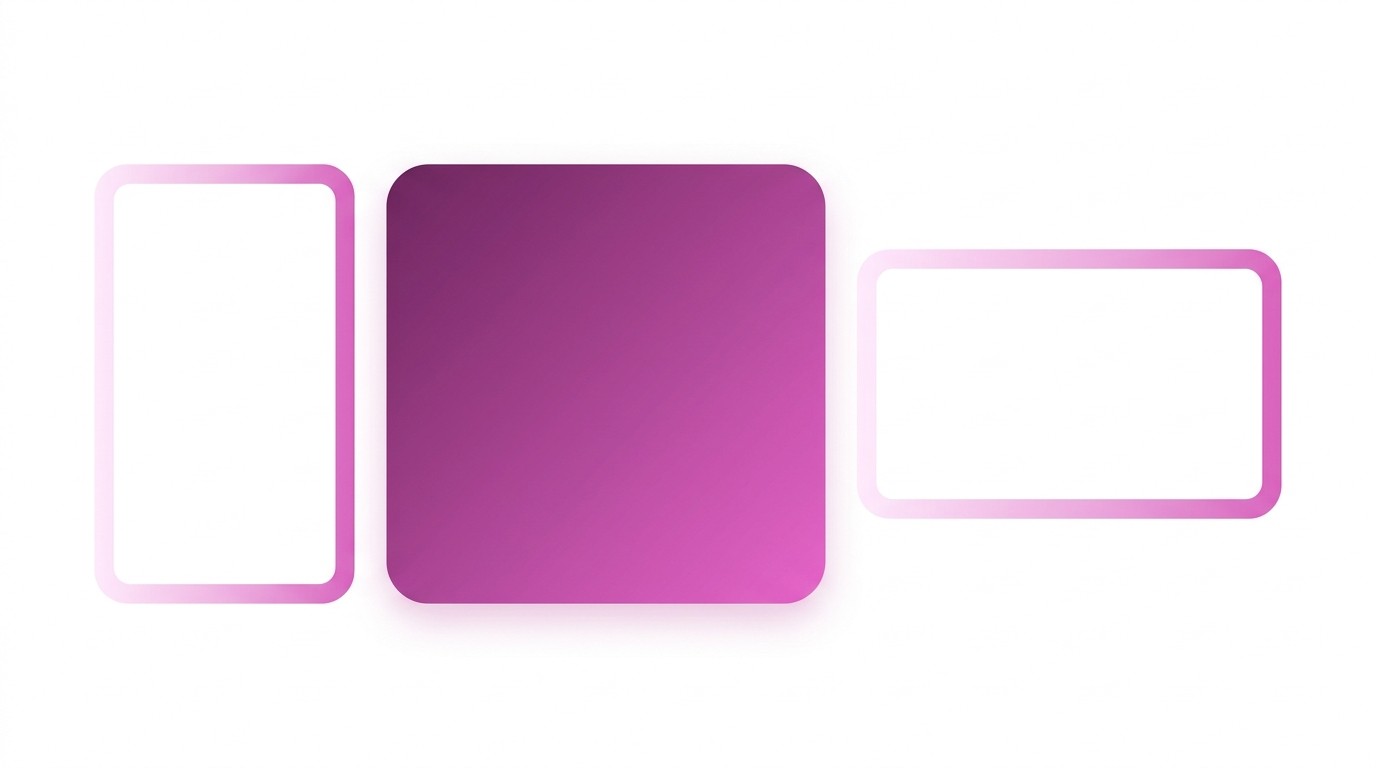
Choose aspect ratio before generating
Pick from common ratios like 1:1, 16:9, or 9:16 so your image fits the video frame from the start.

Choose aspect ratio before generating
Pick from common ratios like 1:1, 16:9, or 9:16 so your image fits the video frame from the start.

Choose aspect ratio before generating
Pick from common ratios like 1:1, 16:9, or 9:16 so your image fits the video frame from the start.

Refine any existing image with AI
Select any image on your canvas and describe the change. Clueso updates the image without you leaving the editor.

Refine any existing image with AI
Select any image on your canvas and describe the change. Clueso updates the image without you leaving the editor.

Refine any existing image with AI
Select any image on your canvas and describe the change. Clueso updates the image without you leaving the editor.

Version history for every image
Every edit creates a new version. Browse your history and restore any version instantly.
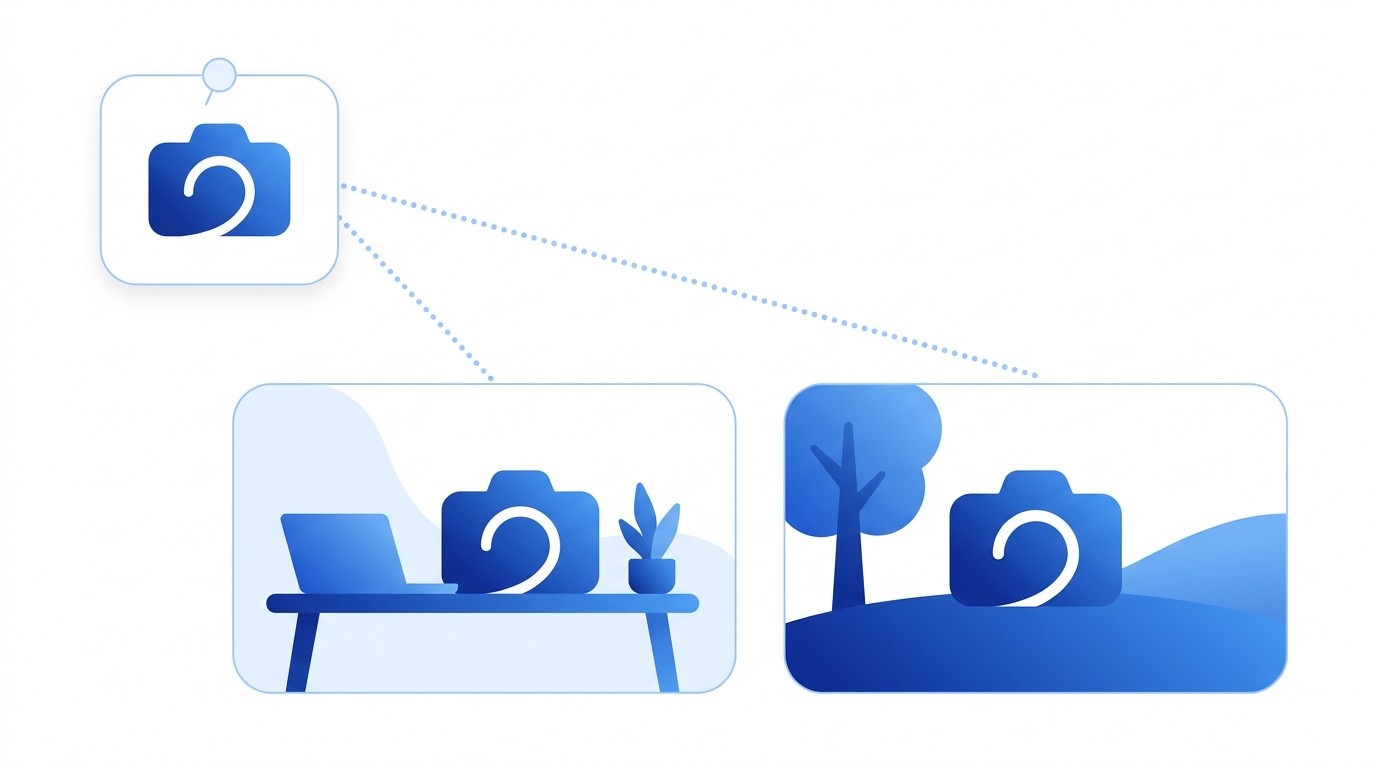
Version history for every image
Every edit creates a new version. Browse your history and restore any version instantly.

Version history for every image
Every edit creates a new version. Browse your history and restore any version instantly.

Use a subject reference for consistency
Upload a reference image and Clueso matches the reference across every generated image.
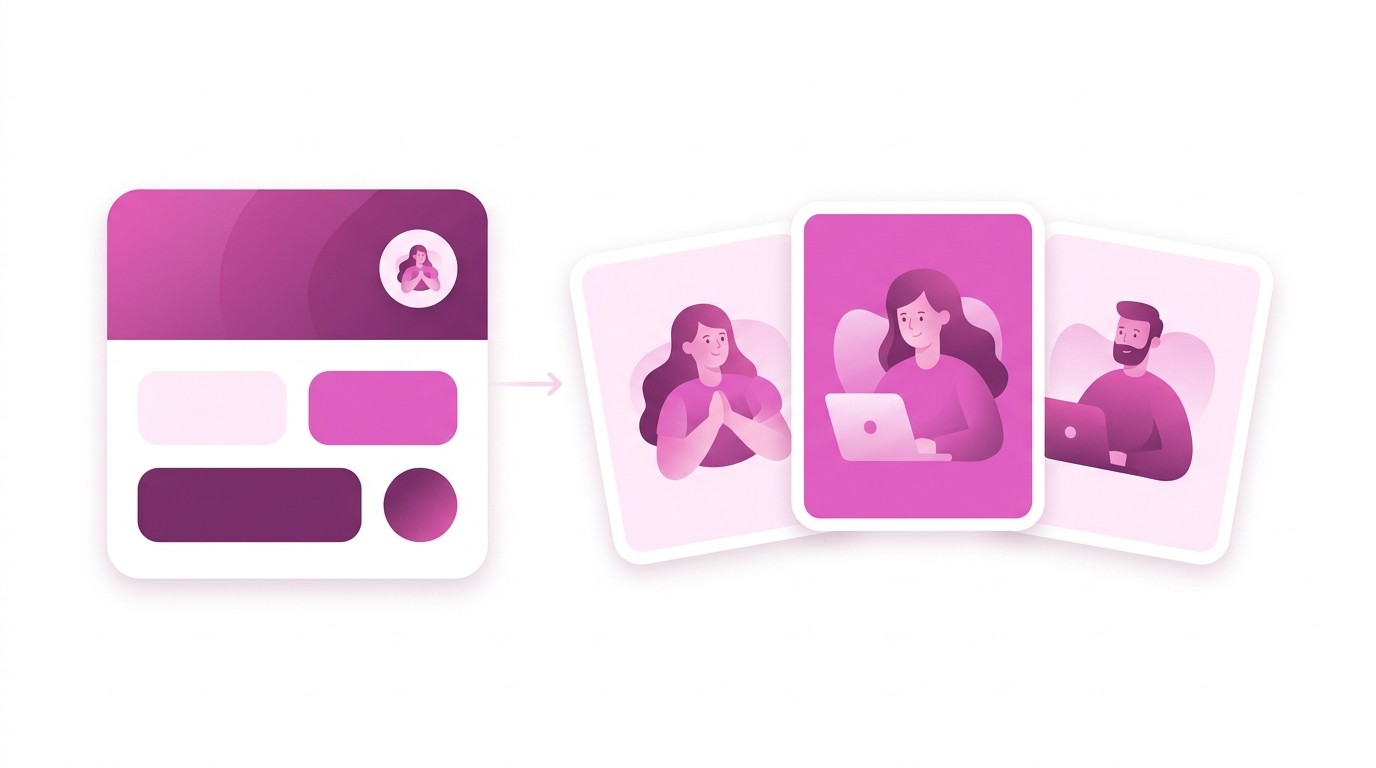
Use a subject reference for consistency
Upload a reference image and Clueso matches the reference across every generated image.

Use a subject reference for consistency
Upload a reference image and Clueso matches the reference across every generated image.

One brand style for all images
Save brand packs as style references and apply them to any generation to keep visuals on-brand.

One brand style for all images
Save brand packs as style references and apply them to any generation to keep visuals on-brand.

One brand style for all images
Save brand packs as style references and apply them to any generation to keep visuals on-brand.
Try it out today
Create the exact visuals your videos need
Generate, edit, and reuse images without leaving the video editor.
Try it out today
Create the exact visuals your videos need
Generate, edit, and reuse images without leaving the video editor.
Try it out today
Create the exact visuals your videos need
Generate, edit, and reuse images without leaving the video editor.
Frequently
Asked
Questions
What kinds of images can Clueso generate?
Clueso generates images from text prompts — product mockups, illustrations, backgrounds, icons, or any visual you describe. Images are placed directly on your video canvas.
Can I edit an image after it's generated?
Yes. Select any image on your canvas, describe the change you want, and Clueso updates it. Every edit creates a version you can revert to.
How do I keep images consistent across a video?
Upload a reference image or save a brand style pack. Clueso matches your reference in every generation so characters, products, and colors stay consistent.
Do I need a separate design tool or subscription?
No. Image generation, editing, and library management are all built into the Clueso editor. No Photoshop, no stock photo service needed.
Are generated images saved for reuse?
Yes. Every image is saved to your generation library, organized by project, style, and type. Search and reuse any image without regenerating.
© 2025 Desklamp, Inc. All rights reserved
2810 N Church St, Wilmington, DE 19802, USA
Frequently Asked Questions
What kinds of images can Clueso generate?
Clueso generates images from text prompts — product mockups, illustrations, backgrounds, icons, or any visual you describe. Images are placed directly on your video canvas.
Can I edit an image after it's generated?
Yes. Select any image on your canvas, describe the change you want, and Clueso updates it. Every edit creates a version you can revert to.
How do I keep images consistent across a video?
Upload a reference image or save a brand style pack. Clueso matches your reference in every generation so characters, products, and colors stay consistent.
Do I need a separate design tool or subscription?
No. Image generation, editing, and library management are all built into the Clueso editor. No Photoshop, no stock photo service needed.
Are generated images saved for reuse?
Yes. Every image is saved to your generation library, organized by project, style, and type. Search and reuse any image without regenerating.
© 2025 Desklamp, Inc. All rights reserved
2810 N Church St, Wilmington, DE 19802, USA
Frequently Asked Questions
What kinds of images can Clueso generate?
Clueso generates images from text prompts — product mockups, illustrations, backgrounds, icons, or any visual you describe. Images are placed directly on your video canvas.
Can I edit an image after it's generated?
Yes. Select any image on your canvas, describe the change you want, and Clueso updates it. Every edit creates a version you can revert to.
How do I keep images consistent across a video?
Upload a reference image or save a brand style pack. Clueso matches your reference in every generation so characters, products, and colors stay consistent.
Do I need a separate design tool or subscription?
No. Image generation, editing, and library management are all built into the Clueso editor. No Photoshop, no stock photo service needed.
Are generated images saved for reuse?
Yes. Every image is saved to your generation library, organized by project, style, and type. Search and reuse any image without regenerating.
© 2025 Desklamp, Inc. All rights reserved
2810 N Church St, Wilmington, DE 19802, USA