
Chapter 11
Using Sound Effects (sparingly)
Goal: Support interaction and feedback with gentle, brand-aligned audio cues.
Sound design is often the invisible layer of polish that separates amateur tutorials from confident, professional ones. It can sharpen clarity and keep energy up. But in screen recording videos, less is always more.
11.1 When to Use SFX
What you're creating: Minimal, purposeful audio cues for state changes and non-obvious interactions — not for every click or scroll.
✅ Use SFX for
State changes like opening or closing a panel / success/failure cues (e.g., export complete, settings error) / moments of interaction that aren't visually obvious❌ Avoid
Highlighting every mouse click or scroll / repetitive SFX that become noise over time / arcade-style beeps, chimes, or stingers unless it fits your product aesthetic11.2 Background Music
What you're creating: A neutral, low-tempo instrumental track that fills silence and adds warmth — never competing with the voiceover.
✅ When to use it
To fill silence during longer visual actions / to add warmth or pacing to lower-energy voiceovers / to smooth transitions or chapter breaks❌ When to skip it
During dense tutorials or highly detailed product walkthroughs / if you already have system sounds or interface audio / when silence is part of the pacing (before a reveal, after a step)Track selection
Choose neutral, low-tempo tracks — instrumental only, no vocals or lyrics — simple, ambient textures — avoid dramatic crescendos, heavy percussion, or cinematic tensionLooping
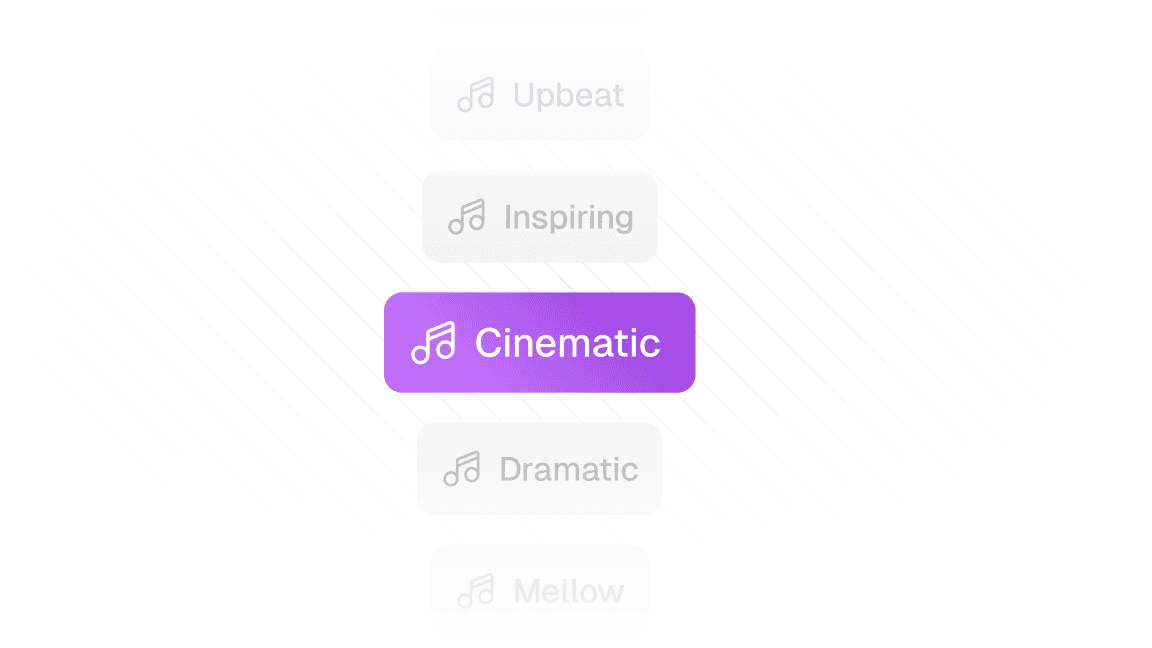
Use music that loops cleanly or fades naturally — avoid tracks that reset with a jarring intro every 30 seconds — for short videos, edit music to match the arc (intro, build, soft outro)Clueso makes it easy to add the right soundtrack with a curated music library. You can also upload your own track to match your brand's tone.
11.3 Embracing Silence
What you're creating: Deliberate, intentional pauses that read as calm and confident — not gaps to fill.
