Chapter 10
Making Videos Accessible
A tasteful screen recording video isn't just about how it looks or sounds. It's also about who it reaches. Accessibility ensures your video can be understood by everyone, regardless of ability, device, or language. And with global audiences and rising standards, it's not optional.
Goal: Ensure every viewer — across languages, abilities, and devices — can follow and benefit from the tutorial.
10.1 Adding Captions
What you're creating: Downloadable SRT captions — manually corrected for key terms, product names, and shortcuts — treated as part of the learning experience.
Always provide a downloadable SRT file instead of relying solely on auto-captions
Fix errors manually, especially with key terms, product names, and shortcut keys
Treat captions as part of the learning experience, not just compliance
10.2 Caption Style & Placement
What you're creating: Legible, consistently styled captions — high contrast, sentence case, placed in the lower third or center middle.
Position
Safe space in the lower third or center middle of the frameLines
1–2 at a timeFont
Clean, legible, consistent placement throughoutStyle
High contrast and bold for readability — same positioning on every frameClueso provides dynamic, auto-timed captions styled for readability — customize position and choose from animation options to stay perfectly on-brand and accessible.
10.3 Contrast & Visual Cues
What you're creating: High-contrast labels and redundant visual cues that work for viewers with color blindness or low vision.
Use high-contrast labels and callouts
Avoid red/green-only indicators — use icons, outlines, or text labels to reinforce meaning
Don't rush demo-critical steps — insert a freeze frame for 0.5–1.0 seconds when showing key values, form inputs, or export settings
10.4 Pacing & Comprehension
What you're creating: An accessible pace that shows both mouse and keyboard paths — supporting viewers who rely on keyboard navigation.
When demonstrating a UI action, also show the keyboard shortcut if one exists
Where possible, include both mouse and keyboard paths — especially for accessibility-focused users
10.5 Localization with AI
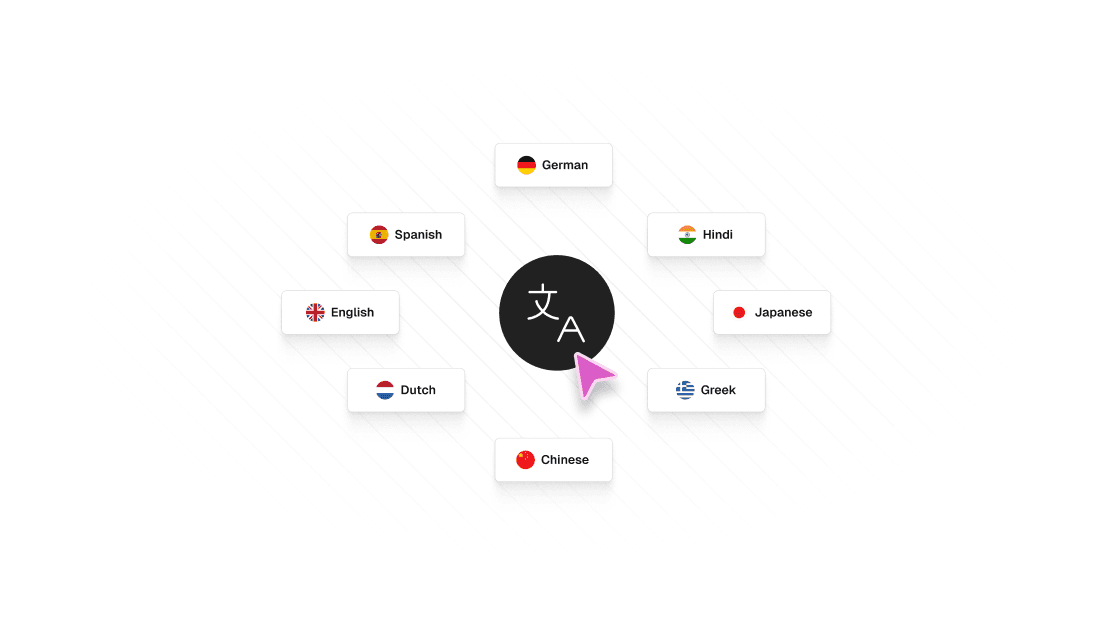
What you're creating: Scalable accessibility for global audiences — AI-translated captions with a human review pass, and region-specific voiceovers for top geographies.
Captions-first
Auto-translate captions using AI tools, then run a human review pass to correct idioms and tone, cultural phrasing, and technical terminology (e.g., keyboard shortcuts or UI terms)Region-specific voiceovers
For your top geographies, consider AI-generated voiceovers in local accents or languages — always QC with a native speaker before publishingWith Clueso, add closed captions in 20+ languages, use 1-click translation to translate entire videos in seconds, and use the translation glossary to control how certain terms are translated.