Clueso vs Guidde
A lot easier to guide your customers with Clueso
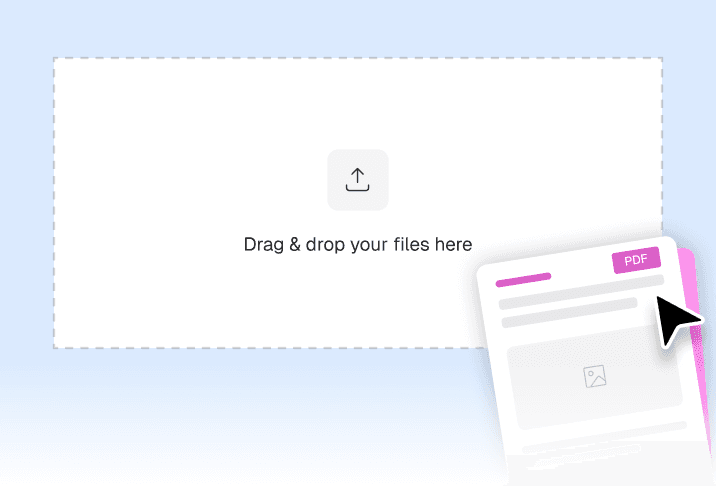
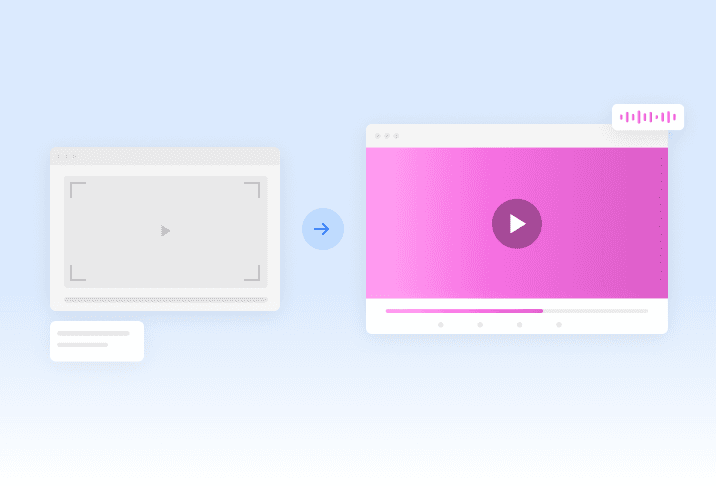
Clueso creates polished videos and documentation from rough recordings, PPTs, documents, or just simple prompts. Every video ships with a full step-by-step guide. You can edit either one by chatting with AI or manually via a powerful editing interface.

Trusted by 1000+ global enterprises


Why teams choose Clueso
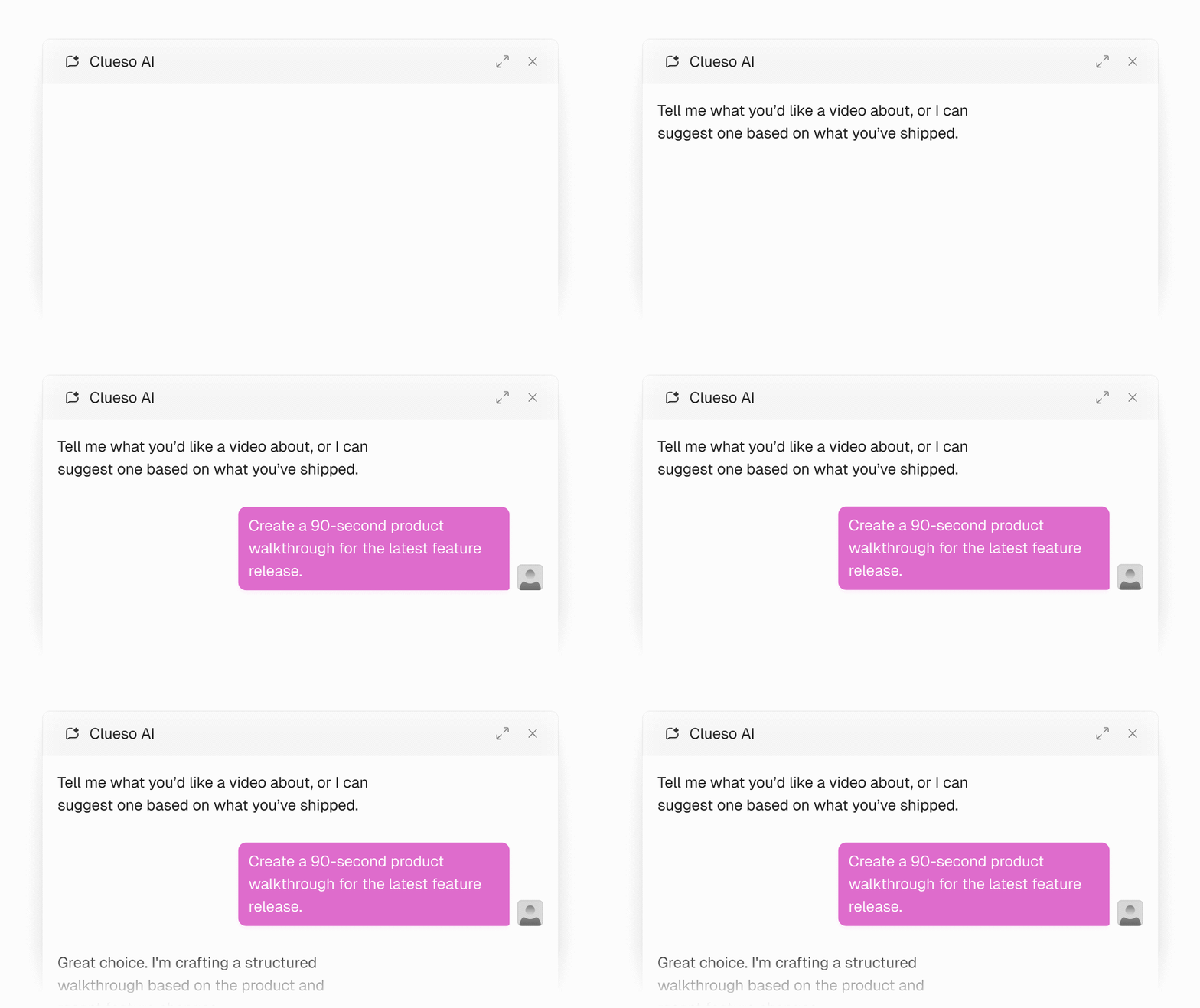
Chat-based creation & editing
Create and edit your videos & docs with simple prompts. You can also manually go to the editor and tweak your output. Chat with the Clueso Agent or the Clueso MCP that connects to any AI tool you already use.
Videos beyond how-to walkthroughs
Hand Clueso a doc, PPT, URL, or just a prompt and it builds the video from there. Launch videos, product demos, academy lessons, marketing explainers, not just the internal how-to.
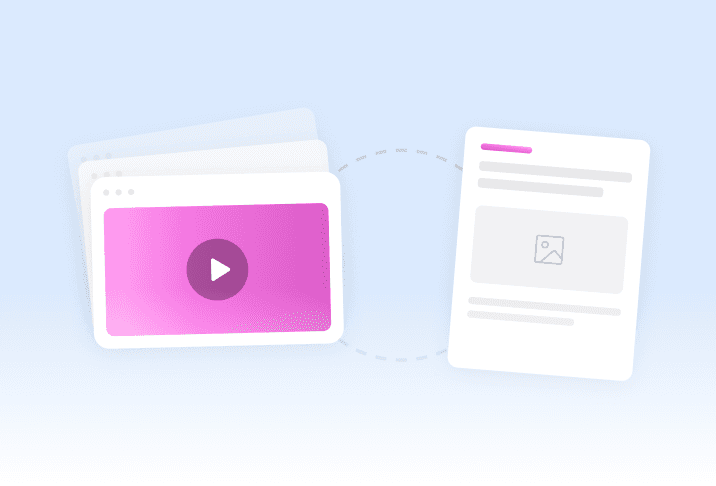
Full documentation with every video
Every recording also gives you a complete step-by-step guide with screenshots & GIFs, not a basic step summary. Sensitive data gets redacted or swapped for demo data automatically.
You’re in good company
From start-ups to enterprises, teams of all sizes trust Clueso.


Clueso has been a game-changer for supporting our front-line and office workers. Its intuitive interface and powerful AI let us quickly deliver clear, targeted content, dramatically boosting our productivity. Plus, Clueso's customer support is among the best of any vendor we use. A truly fantastic partner!


Daniel Wood, Director of Learning and Development


Clueso has empowered our Product team to produce high-quality videos & training content 20x faster


Sean O’Donnell, Director of Product Management

With Clueso, we created and launched 8 training courses for Duda’s new editor in just one quarter—something we never thought was possible given the resources we had. The ability to make dynamic updates to videos has truly been a game-changer for my team!


Cyrus Dorosti , VP of Customer Success


We're now producing 30+ professional-grade product videos every month. What used to take hours can now be done in just 15 minutes with Clueso.


Krish Ramineni, Co-founder & CEO

Clueso transforms raw technical walkthrough videos into polished, sales-ready enablement content without anyone re-recording. We've built over 150 videos, and our sales teams consistently rate them 4.5 stars or above. I'd recommend Clueso to any enablement or revenue team looking for a video editing tool that combines professional output with genuinely powerful AI features, at scale.


Aaron Doran, Lead, Revenue Enablement Performance


We got Clueso to help us create product training videos for customers, and quickly realized we could use it to scale employee training on internal workflows too. What began with a few licenses has expanded across teams. Everyone loves Clueso!


Hillary Deal, Director of Product Training and Enablement


I redid all of our courses for one product, about eight courses that would have taken, no joke, three or four months previously. We did that in probably a month and a half.

Zachary Romash, Senior Manager, Customer Education


Clueso has been a game-changer for supporting our front-line and office workers. Its intuitive interface and powerful AI let us quickly deliver clear, targeted content, dramatically boosting our productivity. Plus, Clueso's customer support is among the best of any vendor we use. A truly fantastic partner!

Daniel Wood, Director of Learning and Development


Clueso has empowered our Product team to produce high-quality videos & training content 20x faster

Sean O’Donnell, Director of Product Management

With Clueso, we created and launched 8 training courses for Duda’s new editor in just one quarter—something we never thought was possible given the resources we had. The ability to make dynamic updates to videos has truly been a game-changer for my team!

Cyrus Dorosti , VP of Customer Success


We're now producing 30+ professional-grade product videos every month. What used to take hours can now be done in just 15 minutes with Clueso.

Krish Ramineni, Co-founder & CEO

Clueso transforms raw technical walkthrough videos into polished, sales-ready enablement content without anyone re-recording. We've built over 150 videos, and our sales teams consistently rate them 4.5 stars or above. I'd recommend Clueso to any enablement or revenue team looking for a video editing tool that combines professional output with genuinely powerful AI features, at scale.

Aaron Doran, Lead, Revenue Enablement Performance


We got Clueso to help us create product training videos for customers, and quickly realized we could use it to scale employee training on internal workflows too. What began with a few licenses has expanded across teams. Everyone loves Clueso!

Hillary Deal, Director of Product Training and Enablement


I redid all of our courses for one product, about eight courses that would have taken, no joke, three or four months previously. We did that in probably a month and a half.

Zachary Romash, Senior Manager, Customer Education
At a glance


Pricing


Frequently
Asked
Questions
How is Clueso different from Guidde?
Guidde records your screen and narrates it. Clueso builds custom motion graphics and designed visuals around that footage, adds zooms, highlights, and callouts on the real UI, and gives you a full editor plus a chat you can direct. It also starts from a document, a PPT, or a prompt rather than needing a live browser capture every time.
How much control do I have over the finished video?
Full control. Everything stays editable in a timeline editor covering design, motion, and timing, and you can also just ask for changes in chat. End-to-end templates apply the same treatment across a whole library, so quality holds up when more than one person is creating.
Can I make videos other than how-to walkthroughs?
Yes. Launch videos, product demos, academy lessons, onboarding, and marketing explainers all come out of the same tool. Guidde is built around the internal walkthrough and is priced and shaped for that.
What kind of documentation do I get?
A full step-by-step guide with screenshots and GIFs, not a numbered step summary. Sensitive data can be redacted automatically or by hand, and Clueso can replace it with realistic demo data rather than blurring it. You can rewrite, restructure, or extend the guide by chatting with the agent.
Is the output really that different?
Play one of each side by side with the sound off. Guidde gives you the screen you captured. Clueso gives you something that looks designed, because it generates animated scenes and motion around the footage rather than only playing it back. That gap is the whole reason one is fine for a teammate and the other is fine for a customer.
Can Clueso handle other languages?
Yes, and it translates the documentation alongside the video. You can set a translation glossary and custom rules so product names and technical terms stay correct, which matters more than raw language count.
Is Guidde cheaper?
Per seat, yes. Guidde is priced like an internal documentation tool because that is what it is. If the output is going in front of customers, the comparison is against what you would otherwise spend on production, not against another doc tool.
Can we use both?
Some teams do, with Guidde for the internal wiki and Clueso for anything a customer sees. If you are consolidating, the question is which side of that line most of your content sits on.
We already have hundreds of Guidde walkthroughs. Is switching disruptive?
No migration needed. Start with the customer-facing walkthroughs that have gone stale, rebuild those first, and leave the internal library where it sits.

Start making beautiful videos
Transform rough screen recordings
into stunning videos & documentation.
© 2026 Desklamp, Inc. All rights reserved
2810 N Church St, Wilmington, DE 19802, USA
Frequently Asked Questions
How is Clueso different from Guidde?
Guidde records your screen and narrates it. Clueso builds custom motion graphics and designed visuals around that footage, adds zooms, highlights, and callouts on the real UI, and gives you a full editor plus a chat you can direct. It also starts from a document, a PPT, or a prompt rather than needing a live browser capture every time.
How much control do I have over the finished video?
Full control. Everything stays editable in a timeline editor covering design, motion, and timing, and you can also just ask for changes in chat. End-to-end templates apply the same treatment across a whole library, so quality holds up when more than one person is creating.
Can I make videos other than how-to walkthroughs?
Yes. Launch videos, product demos, academy lessons, onboarding, and marketing explainers all come out of the same tool. Guidde is built around the internal walkthrough and is priced and shaped for that.
What kind of documentation do I get?
A full step-by-step guide with screenshots and GIFs, not a numbered step summary. Sensitive data can be redacted automatically or by hand, and Clueso can replace it with realistic demo data rather than blurring it. You can rewrite, restructure, or extend the guide by chatting with the agent.
Is the output really that different?
Play one of each side by side with the sound off. Guidde gives you the screen you captured. Clueso gives you something that looks designed, because it generates animated scenes and motion around the footage rather than only playing it back. That gap is the whole reason one is fine for a teammate and the other is fine for a customer.
Can Clueso handle other languages?
Yes, and it translates the documentation alongside the video. You can set a translation glossary and custom rules so product names and technical terms stay correct, which matters more than raw language count.
Is Guidde cheaper?
Per seat, yes. Guidde is priced like an internal documentation tool because that is what it is. If the output is going in front of customers, the comparison is against what you would otherwise spend on production, not against another doc tool.
Can we use both?
Some teams do, with Guidde for the internal wiki and Clueso for anything a customer sees. If you are consolidating, the question is which side of that line most of your content sits on.
We already have hundreds of Guidde walkthroughs. Is switching disruptive?
No migration needed. Start with the customer-facing walkthroughs that have gone stale, rebuild those first, and leave the internal library where it sits.

Start making beautiful videos
Transform rough screen recordings
into stunning videos & documentation.
© 2026 Desklamp, Inc. All rights reserved
2810 N Church St, Wilmington, DE 19802, USA
Frequently Asked Questions
How is Clueso different from Guidde?
Guidde records your screen and narrates it. Clueso builds custom motion graphics and designed visuals around that footage, adds zooms, highlights, and callouts on the real UI, and gives you a full editor plus a chat you can direct. It also starts from a document, a PPT, or a prompt rather than needing a live browser capture every time.
How much control do I have over the finished video?
Full control. Everything stays editable in a timeline editor covering design, motion, and timing, and you can also just ask for changes in chat. End-to-end templates apply the same treatment across a whole library, so quality holds up when more than one person is creating.
Can I make videos other than how-to walkthroughs?
Yes. Launch videos, product demos, academy lessons, onboarding, and marketing explainers all come out of the same tool. Guidde is built around the internal walkthrough and is priced and shaped for that.
What kind of documentation do I get?
A full step-by-step guide with screenshots and GIFs, not a numbered step summary. Sensitive data can be redacted automatically or by hand, and Clueso can replace it with realistic demo data rather than blurring it. You can rewrite, restructure, or extend the guide by chatting with the agent.
Is the output really that different?
Play one of each side by side with the sound off. Guidde gives you the screen you captured. Clueso gives you something that looks designed, because it generates animated scenes and motion around the footage rather than only playing it back. That gap is the whole reason one is fine for a teammate and the other is fine for a customer.
Can Clueso handle other languages?
Yes, and it translates the documentation alongside the video. You can set a translation glossary and custom rules so product names and technical terms stay correct, which matters more than raw language count.
Is Guidde cheaper?
Per seat, yes. Guidde is priced like an internal documentation tool because that is what it is. If the output is going in front of customers, the comparison is against what you would otherwise spend on production, not against another doc tool.
Can we use both?
Some teams do, with Guidde for the internal wiki and Clueso for anything a customer sees. If you are consolidating, the question is which side of that line most of your content sits on.
We already have hundreds of Guidde walkthroughs. Is switching disruptive?
No migration needed. Start with the customer-facing walkthroughs that have gone stale, rebuild those first, and leave the internal library where it sits.

Start making beautiful videos
Transform rough screen recordings
into stunning videos & documentation.
© 2026 Desklamp, Inc. All rights reserved
2810 N Church St, Wilmington, DE 19802, USA